



Exciting New Features of Live2D's VTuber Apps: A Complete Update Overview
An Overview of the Latest Updates to Live2D's VTuber Tools
Live2D, known for its innovative technology that animates 2D illustrations in three dimensions, has announced a significant update for its popular VTuber applications, nizima LIVE and nizima LIVE TRACKER. The updates, version 2.5 and 1.5 respectively, introduce a range of powerful features designed to enhance creativity and ease of use for both beginners and experienced creators.
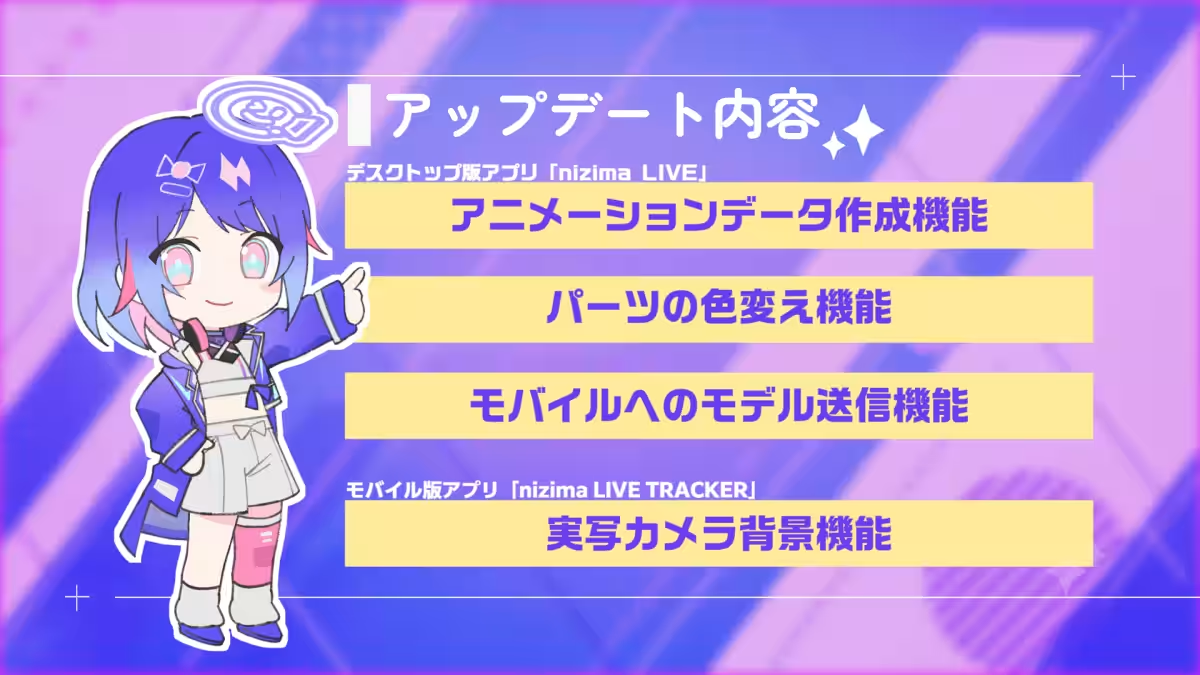
New Features in nizima LIVE 2.5
- ---
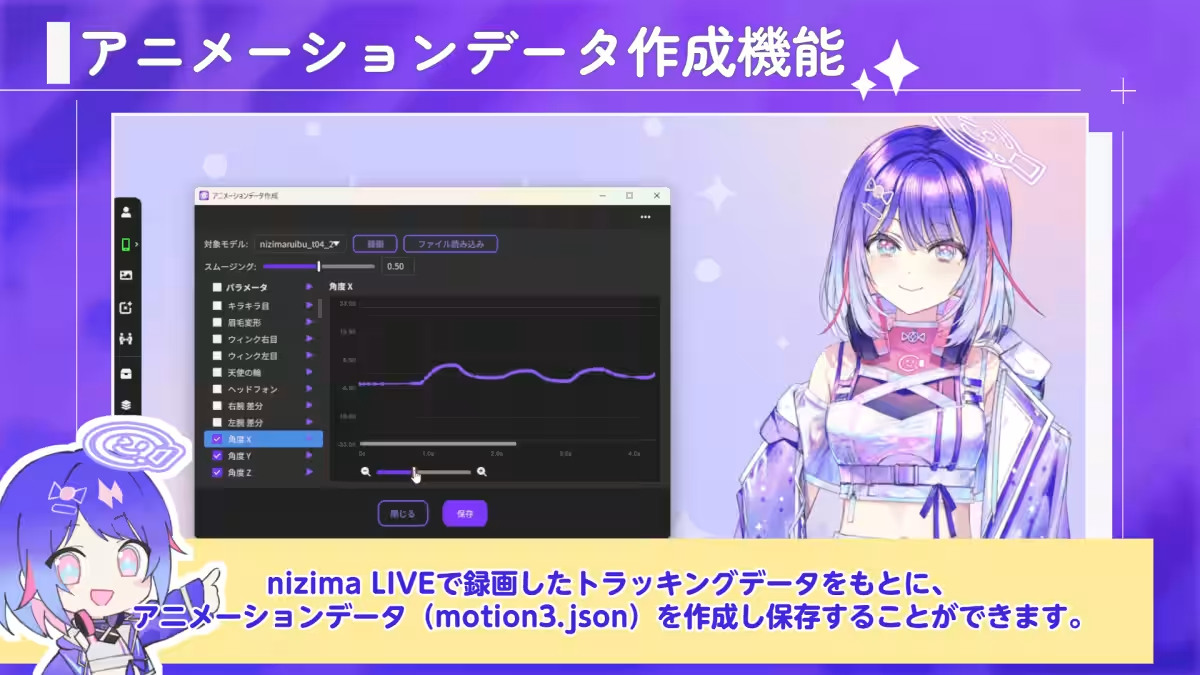
Animation Data Creation Feature
One of the standout additions is the Animation Data Creation feature. This function allows users to create and save animation data (in motion3.json format) based on tracked data recorded in nizima LIVE. This simplifies the process of producing videos showcasing model creation and Live2D animations. Users can adjust smoothing values for point interpolation and select specific Live2D parameters to play or export as needed. Additionally, users can now load live-action footage of human faces to create corresponding animation data. This feature can be found under the Main Window > Settings & Others > Animation Data Creation section.
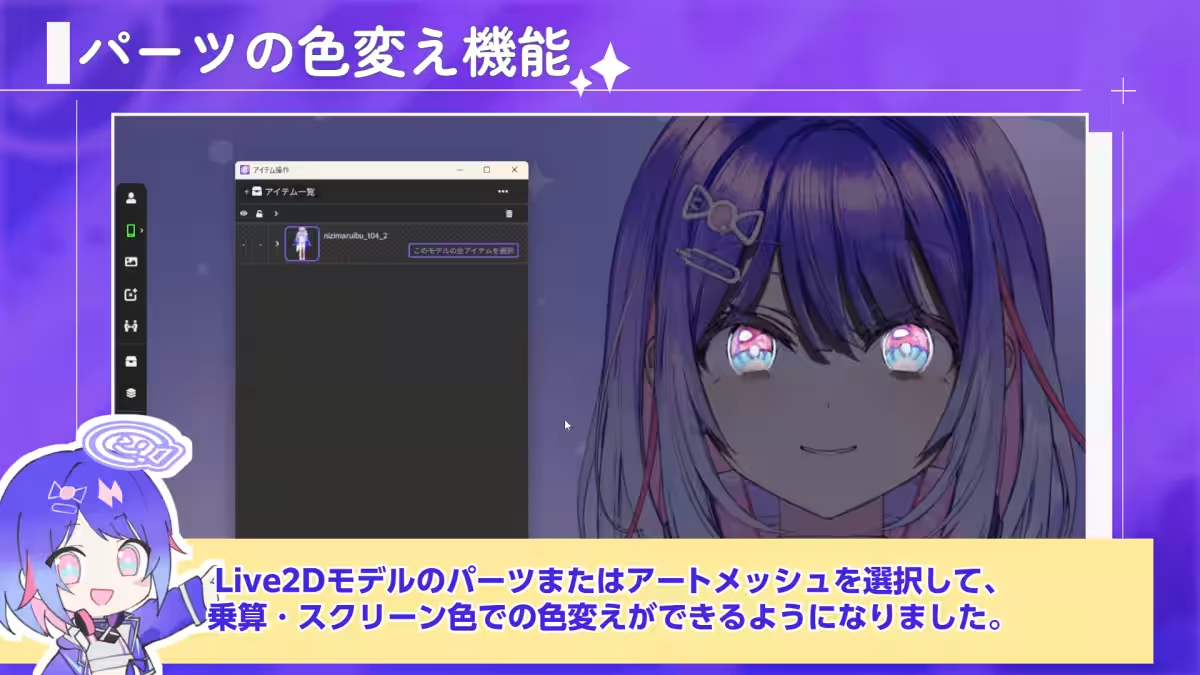
Color Change Functionality
The update also introduces a color change function, allowing creators to select specific parts or art meshes of their Live2D models and apply color variations using multiply or screen modes. This capability enables dynamic expressions, such as changing the color of clothing or hair while keeping certain features, like eyes, highlighted. Furthermore, users can restrict item attachment to selected parts, providing more control over how accessories, like glasses, are integrated into the model. Access this feature through the Main Window > Item Operations > Open the model you wish to edit > Art Mesh Edit > Change Multiply/Screen Color icon and the lock icon for item attachment options. Remember to obtain permission from the model's creator when using these features.
Model Sending to Mobile
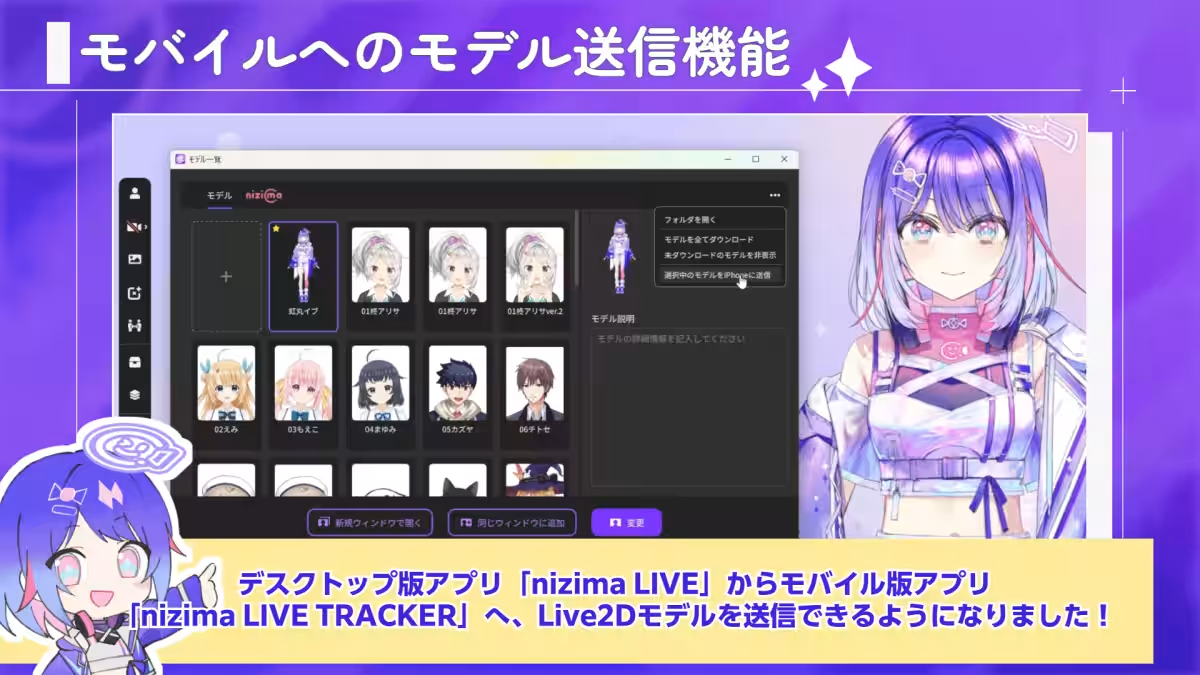
Another notable addition is the ability to send Live2D models seamlessly from the desktop version to the mobile application, nizima LIVE TRACKER. This streamlines the process, eliminating the need for manual file transfers and allowing for greater convenience when bringing models to mobile devices. You can use this feature by connecting the desktop and mobile versions and navigating to Model List > Select the model > Click the button to send to iPhone.
Updates to nizima LIVE TRACKER 1.5
- ---
Live Action Camera Background Feature
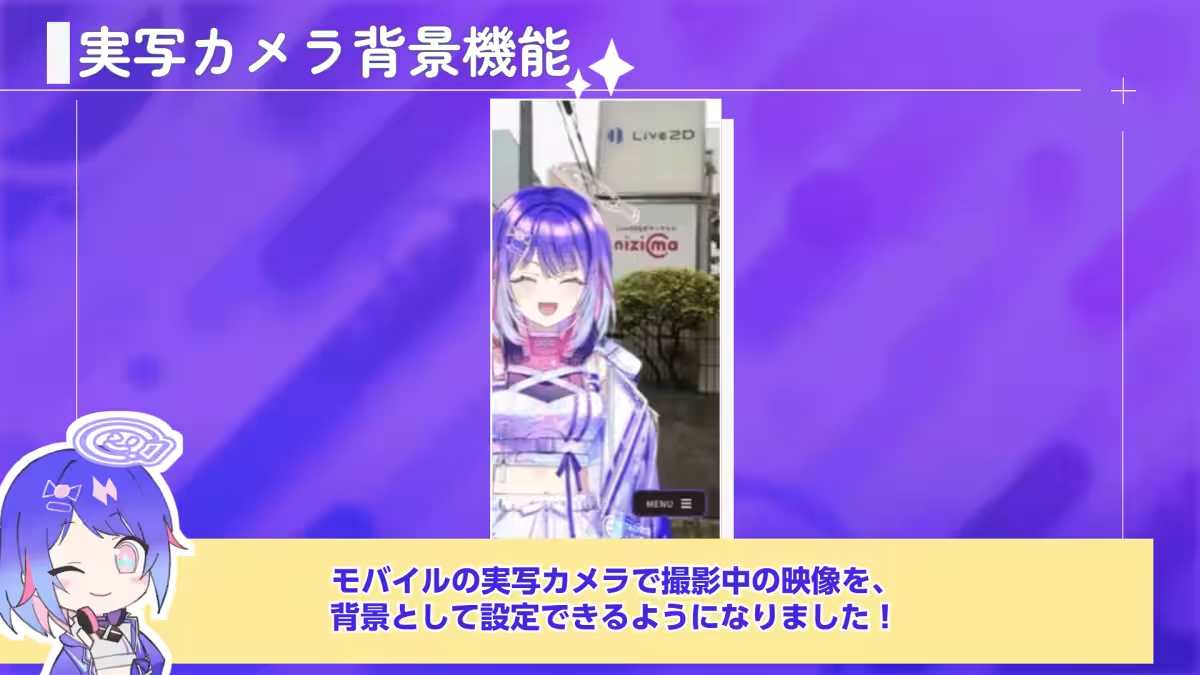
For mobile users, the newly added live-action camera background feature is a game-changer. This allows users to set their mobile device’s live camera feed as the background for recordings, making it an excellent tool for creating Vlogs and engaging social media content. To ensure accurate usage, a caution window will appear before enabling the live-action background.
Additional Updates
Alongside these major features, both applications received several minor updates, including:
- - Improved readability of status bars even when models are hidden
- - Double-tap UI hiding functionality, now concealing status bars as well
- - Enhanced crash report submission capability
- - Various minor bug fixes
Conclusion
With these updates, nizima LIVE continues to empower users, making it accessible for newcomers interested in becoming VTubers. The combination of user-friendly interface, high-quality tracking, and collaborative features provides an enhanced experience.
To explore these new features and download updates, visit the following links:
For more information on Live2D and its expanding ecosystem, you can visit their official website or check out their social media pages.


Topics Entertainment & Media)
【About Using Articles】
You can freely use the title and article content by linking to the page where the article is posted.
※ Images cannot be used.
【About Links】
Links are free to use.