



Exciting New Features Unveiled in nizima LIVE: Scene and Auto Blink Functions
Introduction to New Features in nizima LIVE
On June 9, 2025, Live2D Inc., renowned for its pioneering development of expression technology that integrates 2D illustrations with three-dimensional animation, launched an exciting update for its official VTuber app, nizima LIVE, marking the release of version 2.3. With an aim to enrich user engagement and enhance the experience for both beginners and seasoned VTubers, this update introduces several innovative features that will transform the way content creators operate.
New Functionality: Scene Function
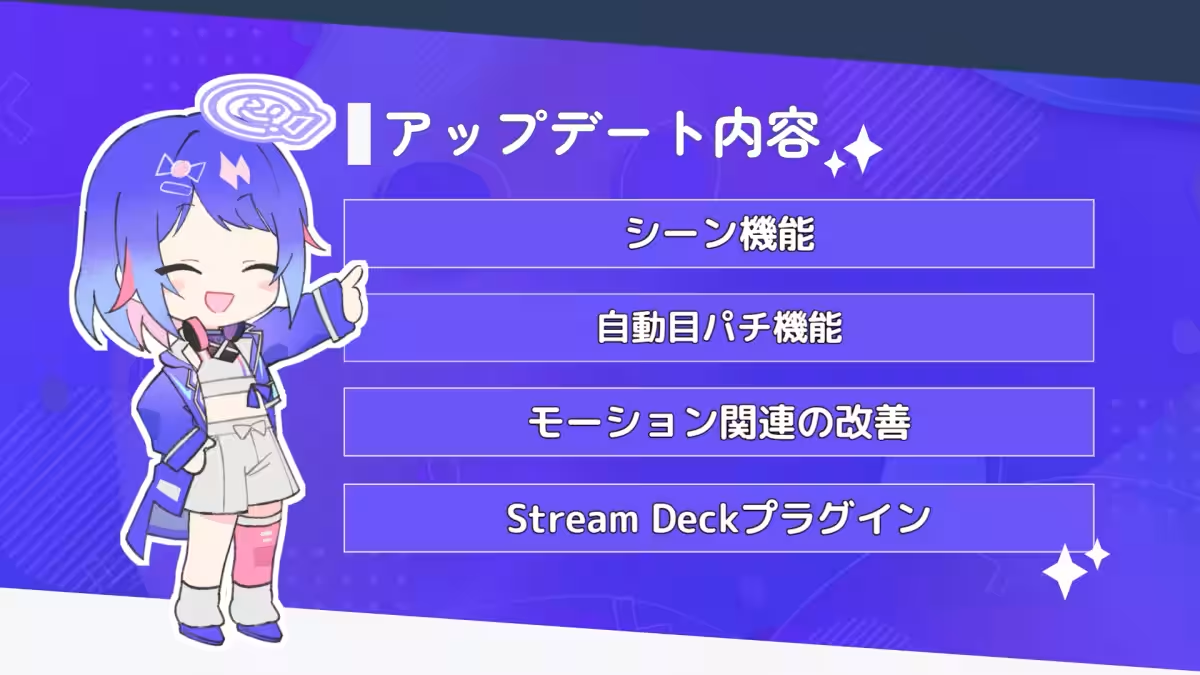
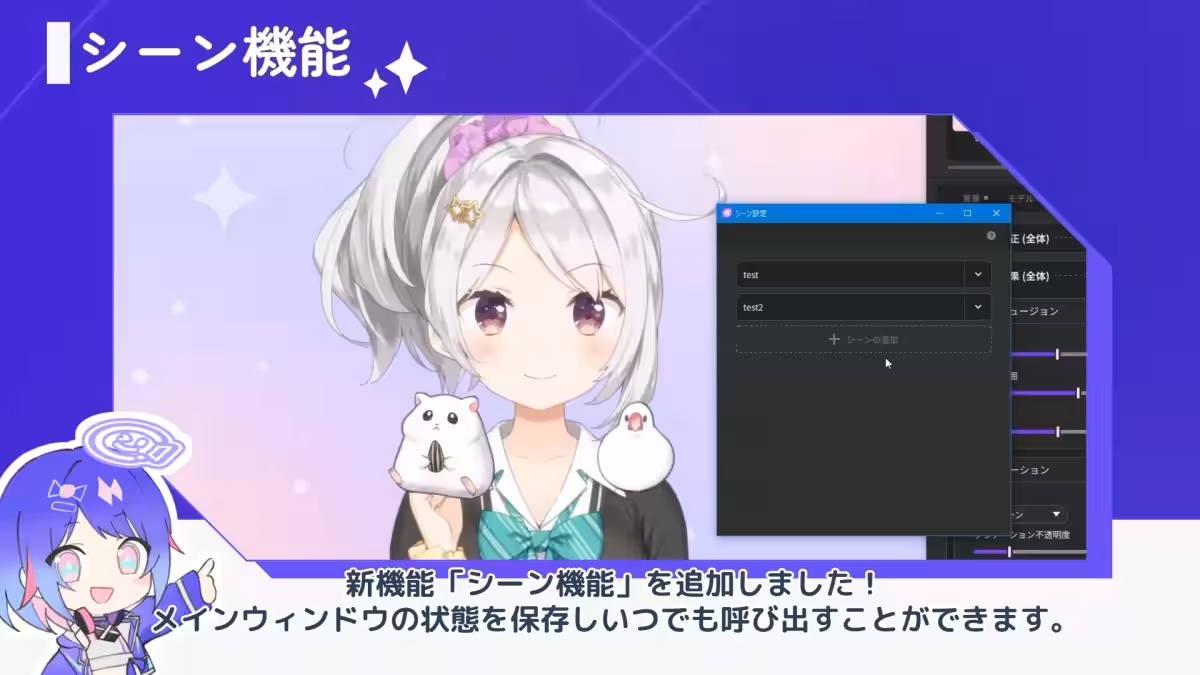
One of the most significant features introduced in this update is the Scene Function. This allows users to save the state of the main window, making it easy to recall it at any moment. The information that can be saved under this function includes:
- - Models: their positioning, size, order, scripts, and any attached items.
- - Expressions and Motions: both looping and idle states.
- - Device Usage: a snapshot of the current status of the camera, tracker, and microphone.
- - Items: similar to models, their arrangements including size and scripts can be saved.
- - Background settings: including effects, screen size, and rendering resolution.
To utilize the Scene Function, users simply click on the top icon in the bottom right of the main window and select 'Add Scene' to create a new scene.
Auto Blink Feature Enhancement
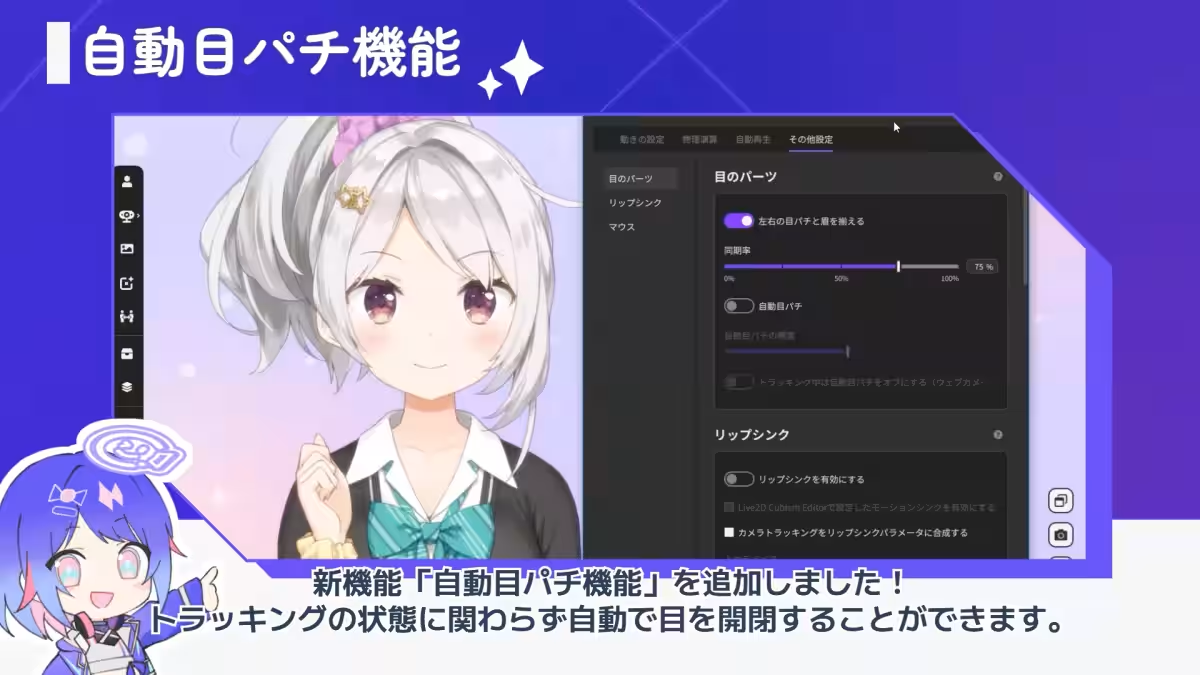
Another exciting new feature is the Auto Blink Function. This functionality allows the app to automatically open and close the eyes of the model regardless of the tracking conditions. Users can also adjust how often this automatic blinking occurs, and there’s an option to turn it off while tracking is active. To enable auto blinking, navigate to the main window of nizima LIVE, select parameter settings, then other settings, and finally, toggle the Auto Blink option on.
Motion Improvements
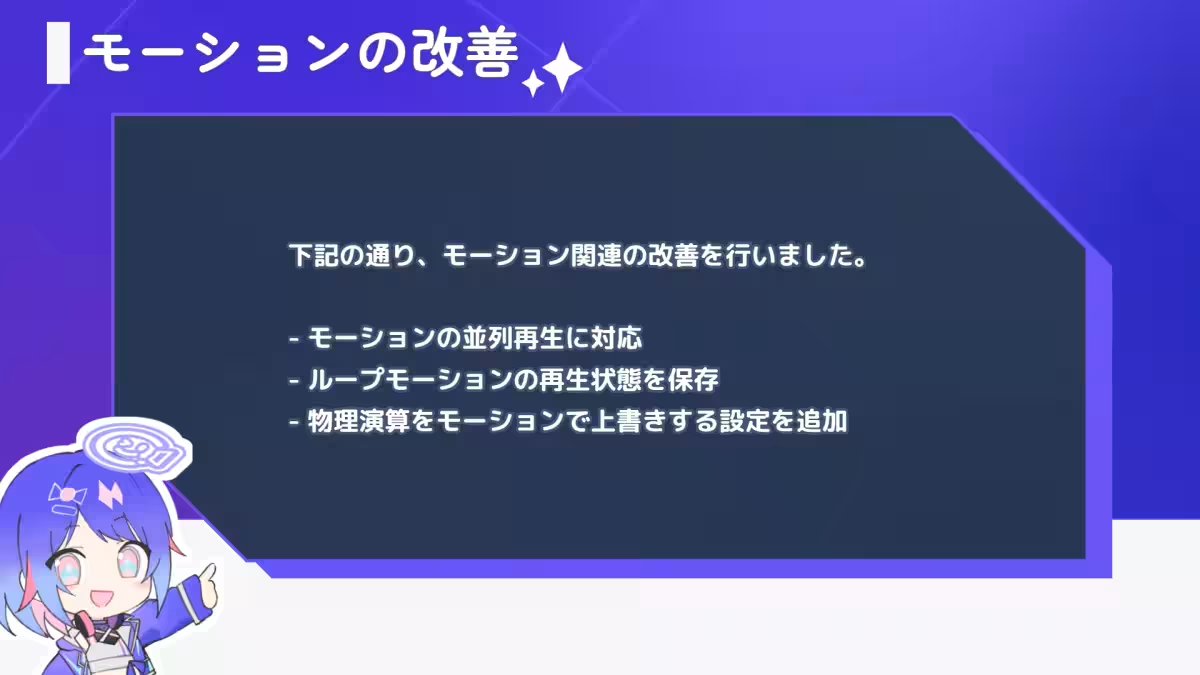
In this update, improvements have been made regarding motion functionalities as well. Users can now:
- - Play multiple motions in parallel.
- - Save the playback status of looping motions.
- - Overwrite motions with physics settings.
To customize motion settings, users can access the expressions and motions section from the main window.
Stream Deck Plugin Release
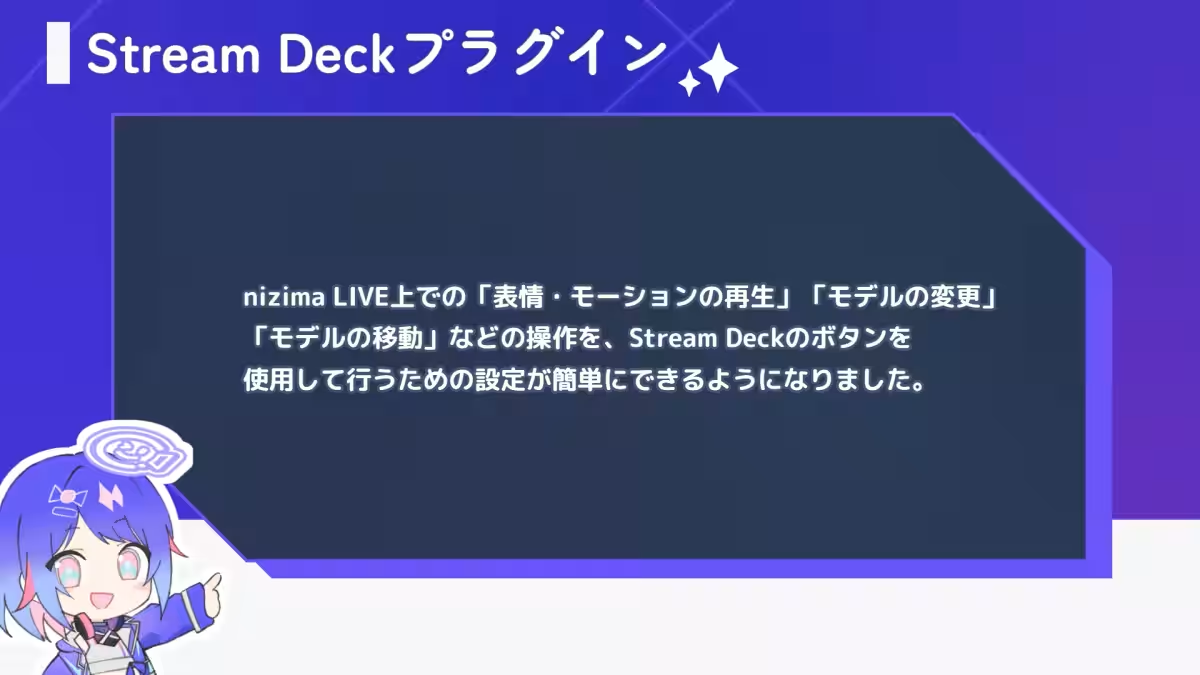
In addition, a Stream Deck Plugin has been released for compatibility with Elgato's shortcut key device, the Stream Deck! This plugin simplifies setup for conducting operations like playing expressions, changing models, or moving models using buttons on the Stream Deck. Detailed instructions for usage and specifications can be found in the nizima LIVE tutorial for the Stream Deck Plugin.
Additional Updates
Other notable updates include:
- - New effects such as 'Ambient Light' and 'Halftone.' The Ambient Light feature captures color information from displays or windows and reflects it on-screen.
- - A download feature for background images and effect templates has been introduced.
- - New sample models, effect templates, and background materials have been added.
- - Various minor fixes to enhance app performance.
Download and Experience nizima LIVE
nizima LIVE is an intuitive tool designed to maximize the appeal of Live2D models for users, ranging from beginners to professionals. If you’ve ever thought, “I want to be a VTuber, but how do I start?” worry no more! With just a webcam and a PC, you can have your model moving in no time. The application offers intuitive operation, high-quality tracking, and collaborative functionalities to create engaging outputs.
For newcomers and experienced creators alike, nizima LIVE allows for surprisingly detailed model movement adjustments, ensuring a fun streaming experience for audiences.
Download Links
About Live2D Inc.
Live2D Inc. specializes in the expressive technology of adding 3D animations to 2D illustrations. With various offerings, including software licenses, creative studio services, and a marketplace for models, the company's growth continues with partnerships like that with Aniplex for long-form animation projects. Expect further evolution in the Live2D realm as the company aims to fulfill its vision of allowing creators to illustrate and animate exactly how they envision.
Company Information
- - Live2D Official Site
- - Follow us on X (formerly Twitter): Live2D Official


Topics Entertainment & Media)
【About Using Articles】
You can freely use the title and article content by linking to the page where the article is posted.
※ Images cannot be used.
【About Links】
Links are free to use.