



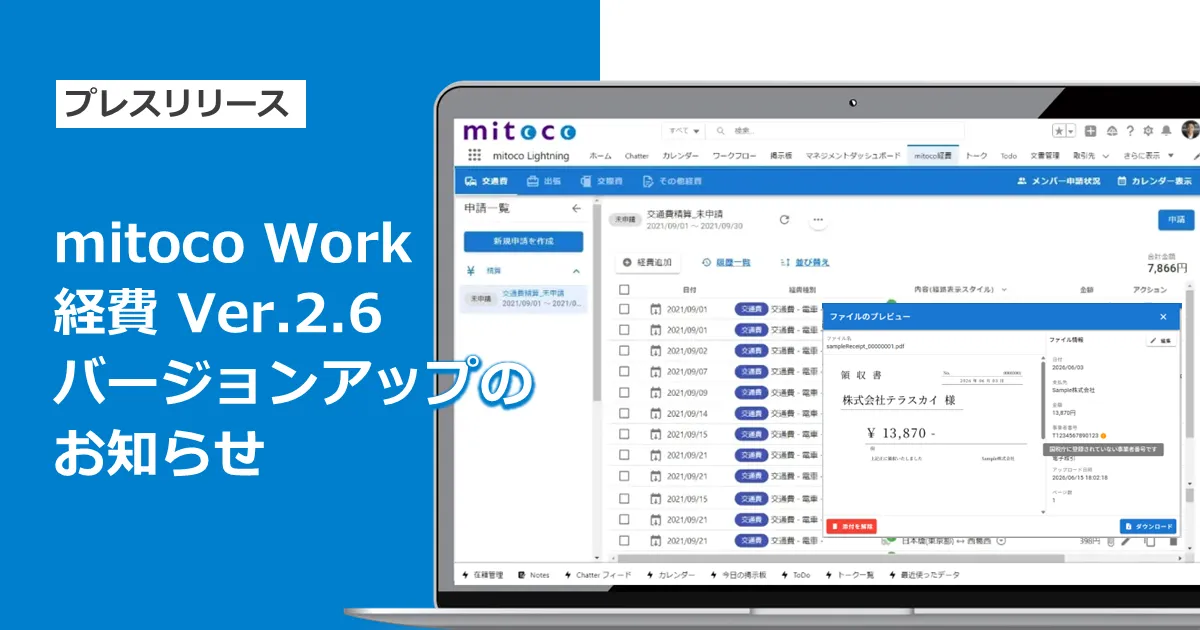
Terrasky Enhances mitoco Work Expense App with Version 2.6 Features
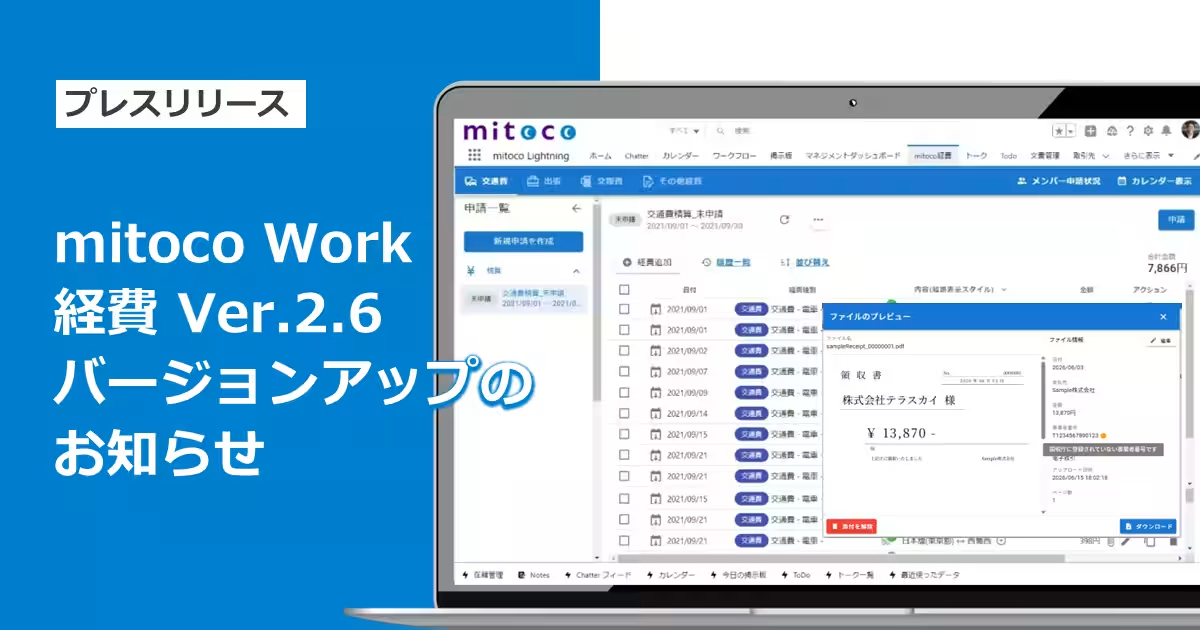
Terrasky Updates mitoco Work Expense Application to Version 2.6
Terrasky Inc., headquartered in Chuo-ku, Tokyo, has announced the release of version 2.6 for its cloud-based expense management application, mitoco Work Expense, aimed at enhancing user convenience and efficiency. This latest update introduces a number of new features designed to help prevent mistakes during expense reporting, making the entire process smoother for users.
Key Enhancements in Version 2.6
1. Verification of Qualified Invoice Issuer Numbers
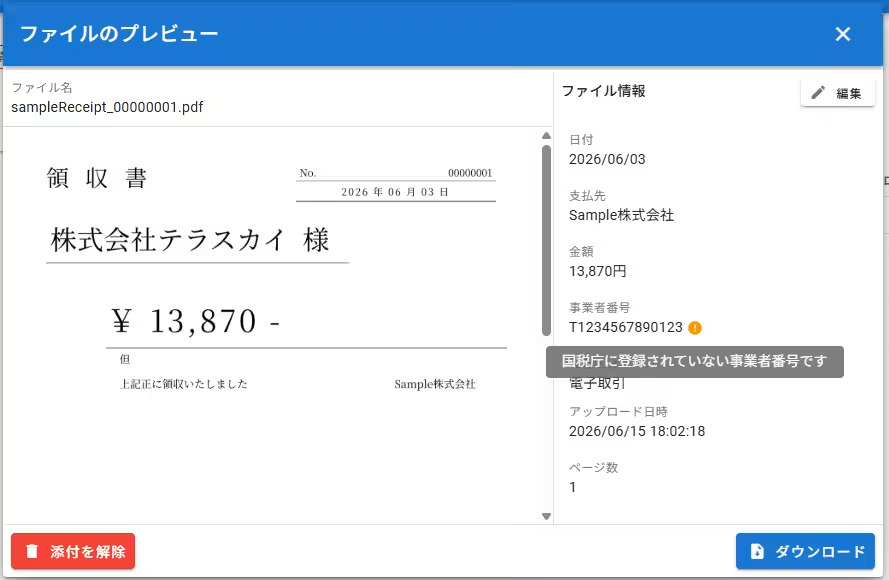
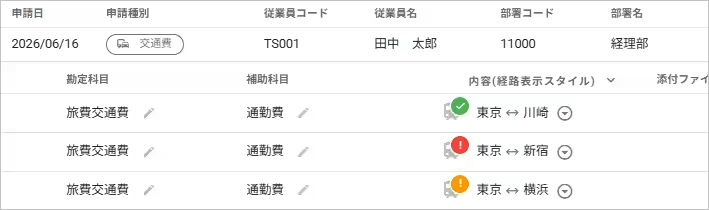
The new version incorporates a feature that checks the valid issuer numbers for expense entries against the National Tax Agency's database using its public API. Should a number that isn't registered be entered, a warning icon appears next to the relevant issuer number, allowing users to quickly spot and rectify issues related to invalid entries.
This functionality aims to heighten awareness among users, reducing noncompliance risks during expense reporting.
2. Duplicate Receipt Checks
To prevent errors related to duplicate receipts, the application now includes a mechanism to determine if the same receipt has been used across multiple expense entries. By matching the date, payee, amount, and issuer number of receipts attached to previous entries, alerts will be sent to both the applicant and the finance personnel in case of duplicity. This feature is available exclusively to contract holders of the electronic book storage law compliance option.
3. Alerts for Potential Duplicate Receipts
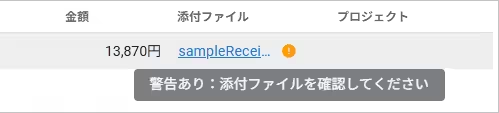
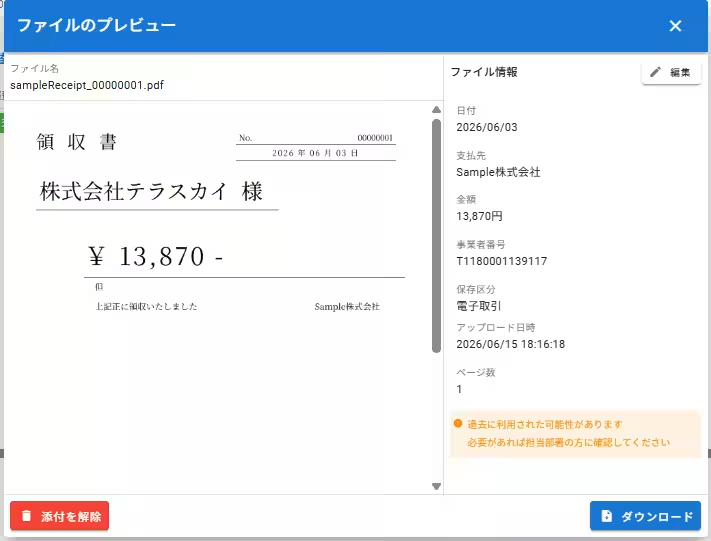
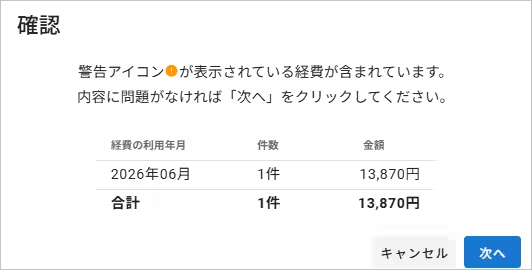
If users attach a file that may be a duplicate receipt, the app will automatically assess previous usages and signal with an alert icon in the respective attachment column. Additionally, during submission, a confirmation dialog box will inform users if their expenses include potentially duplicate receipts, bolstering accuracy in submissions.
4. Receipt Verification during Processing
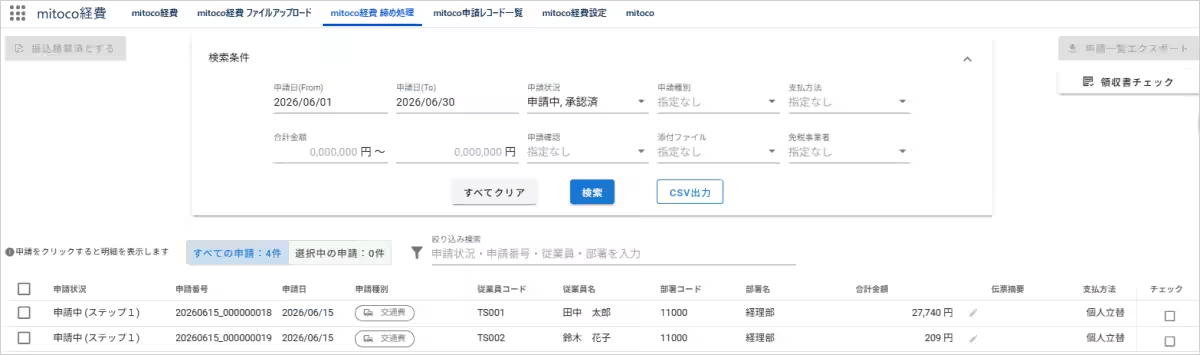
The new update introduces a 'Receipt Check' button on the settlement processing screen. Clicking this will allow users to collectively review receipts attached to expense requests that meet specified search criteria and identify those that may be duplicates. The results can also be exported as a CSV file, facilitating easy documentation.
5. CSV Output Enhancements
In the settlement processing screen, a new column for 'Route Search Check' has been added to the resulting CSV file. This allows users to verify whether the amounts reflect route search results or manual adjustments directly from the CSV without needing to access the mitoco Work Expense interface.
6. Project History Display and Alert for Expired Projects
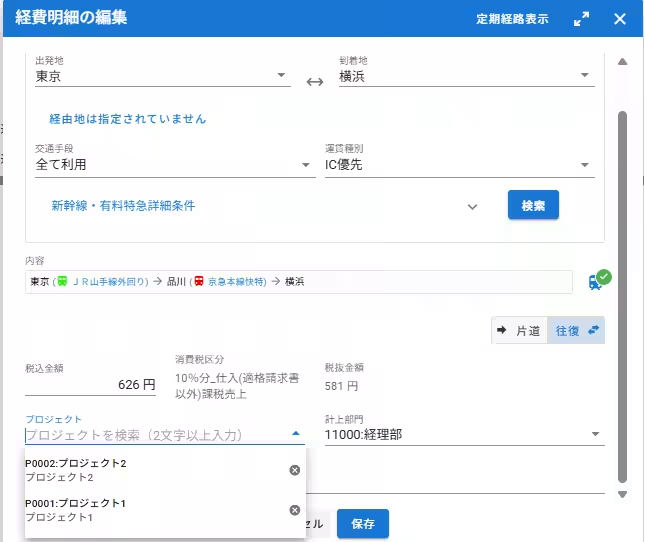
Furthermore, entries in the expense detail section can now display a history of previously used projects, along with alert icons indicating any projects that are out of validity period at the time of entry. This functionality reduces the need to search for frequently used projects and makes users aware of any expired projects before submission.
What is mitoco Work?
mitoco Work is a comprehensive self-management tool that empowers employees to engage with their work patterns and contributions effectively. It integrates mitoco Work Expense with mitoco Work Attendance, built on the Salesforce platform. This ensures seamless connectivity with CRM data and provides a robust foundation for developing custom applications to enhance user functionality.
For detailed information on the features and updates, users can check the release notes here.
*Company names and service names referenced within this text are the trademarks of their respective owners.





Topics Consumer Technology)
【About Using Articles】
You can freely use the title and article content by linking to the page where the article is posted.
※ Images cannot be used.
【About Links】
Links are free to use.