



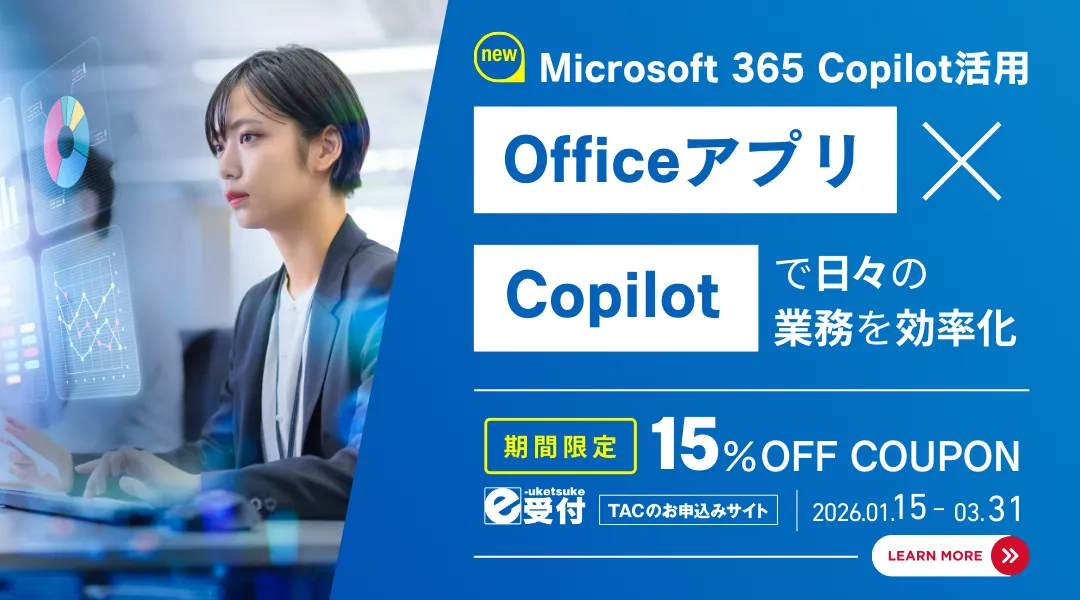
Unlocking the Future of Work with Microsoft 365 Copilot Training Course
Discover the Microsoft 365 Copilot Training Course
The workplace is evolving, and with it, the need for enhanced efficiency and productivity. As AI continues to reshape how we work, TAC School is excited to announce the launch of its Microsoft 365 Copilot Web Training Course, starting on January 15, 2026. This course aims to provide students with the skills needed to leverage AI for improved workplace productivity.
What is Microsoft 365 Copilot?
Microsoft 365 Copilot serves as a premium AI assistant tailored for corporate environments. Integrating seamlessly with applications like Word, Excel, and Teams, it enhances everyday tasks from document creation to data analysis. With Copilot, mundane tasks like drafting emails and summarizing meetings become faster and simpler, allowing employees to focus on strategic initiatives.
Course Overview
The Microsoft 365 Copilot Web Training Course is specifically designed to teach users how to effectively apply this powerful tool in their daily tasks. This comprehensive course covers:
- - Foundational Knowledge: Introduction to Microsoft 365 Copilot and its functionalities.
- - Practical Applications: Learn to employ Copilot across various apps like Word, Excel, PowerPoint, Outlook, and Teams. Each section provides hands-on experience through real-world case studies and exercises.
Course Components:
- - Original Textbook: One textbook to guide your learning journey.
- - Web Lecture Videos: Seven recorded sessions totaling about five hours, designed for easy consumption at your own pace.
- - Completion Test: A single online assessment to validate your understanding and skills learned.
- - User Guide: A downloadable guide to assist you through the course.
- - Duration: Standard learning period set at one month, with a maximum of two months to complete the course.
- - Pricing: Regular tuition fee is ¥12,500 (including tax, no enrollment fee).
Key Features of the Course:
1. Comprehensive Learning: The course combines theory and practical exercises, ensuring you can apply what you've learned immediately in your job.
2. Flexible Learning Environment: Study at your convenience without constraints of time and location.
3. Corporate-Specific Training: Gain skills particularly relevant for business applications, enhancing workflows within organizations.
Course Topics:
| Theme | Main Learning Content |
|---|---|
| -------- | ------- |
| Introduction | Learning methodologies, data downloads, technical requirements |
| Chapter 1: Microsoft 365 Copilot Basics | Overview, usage of Copilot Chat, search features, summarizing content |
| Chapter 2: Enhancing Word Skills | Document creation, editing, and formatting with Copilot |
| Chapter 3: Excel Utilization | Data analysis, creating graphs, and using formulas |
| Chapter 4: Building Presentations | Crafting presentations and adding agendas |
| Chapter 5: Optimizing Outlook | Composing and refining emails |
| Chapter 6: Collaborating with Teams | Summarizing chats, meeting notes, and recordings |
Free Trial Lecture
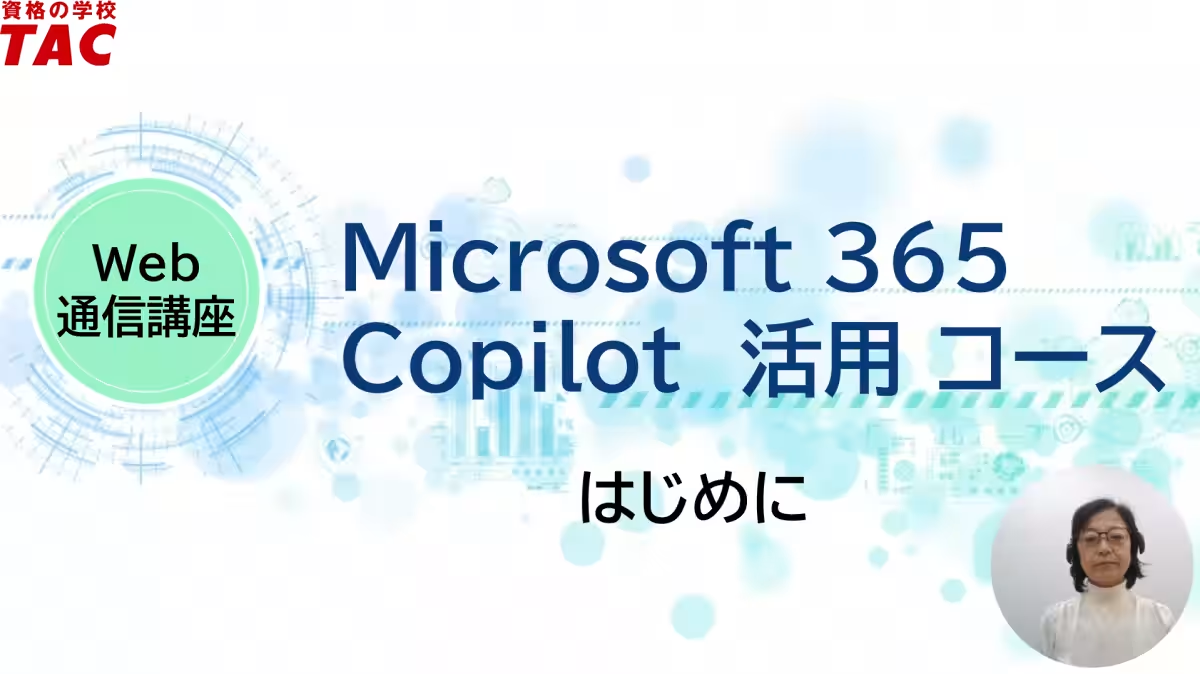
To see what this course offers, you can access a free trial lecture on how to effectively use Excel’s Application Skill Mode. This is a great opportunity for potential students to evaluate the course content and teaching style before commitment.
Exclusive Discount Offer
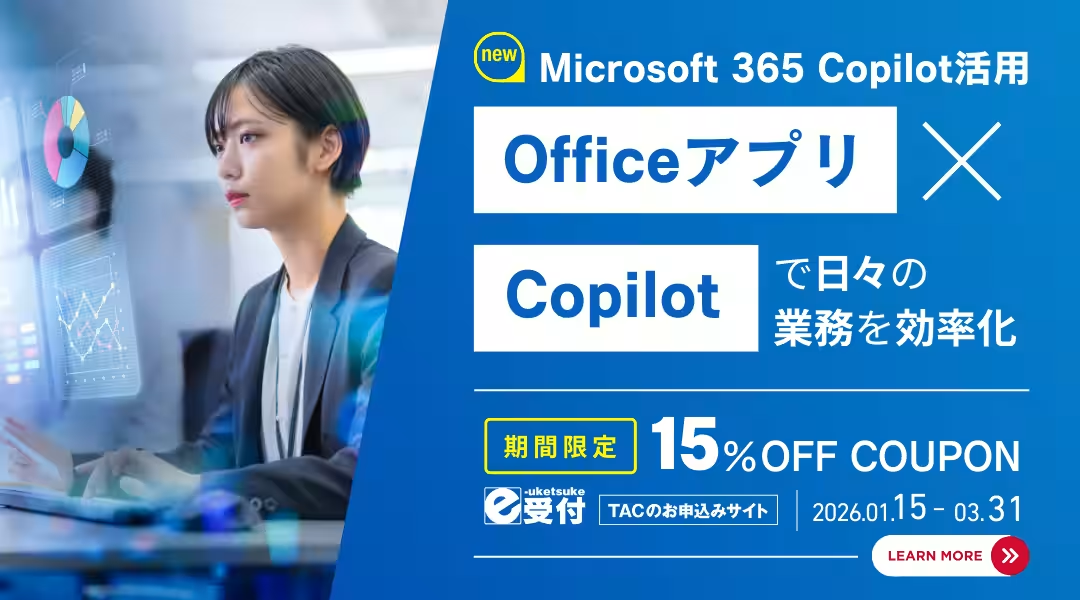
In celebration of the course launch, TAC School is offering a 15% discount for students who enroll online before March 31, 2026. The standard course fee of ¥12,500 will be reduced to ¥10,620 with the appropriate coupon code.
Additional Resources
For more information about the course, including details on specific content, curricula, and pricing, please check the downloadable brochures for both corporate and individual learners. Take advantage of specialized training to ensure you excel in this digital age.
For detailed guidelines and available coupons, visit our official website and explore the potential of Microsoft 365 Copilot tailored to your professional needs. Start your journey into AI-enhanced productivity today!


Topics Business Technology)
【About Using Articles】
You can freely use the title and article content by linking to the page where the article is posted.
※ Images cannot be used.
【About Links】
Links are free to use.