



Exciting New Updates for Live2D's VTuber App 'nizima LIVE'
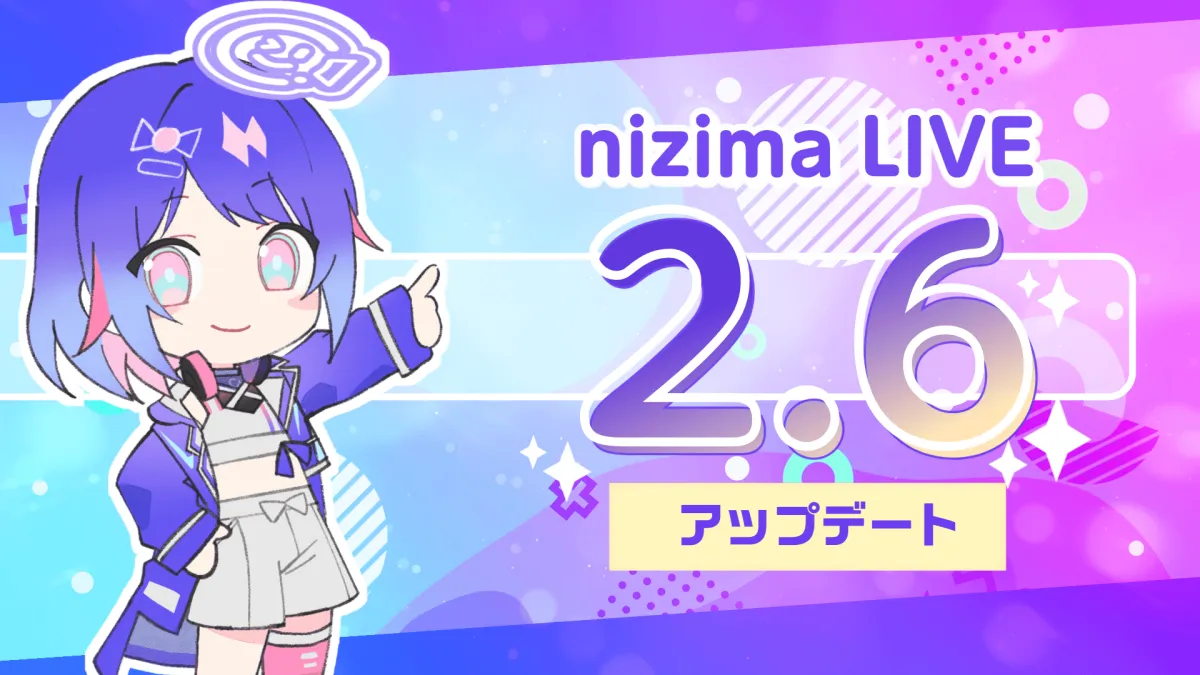
Live2D Unveils 'nizima LIVE' 2.6: A Leap Forward in VTuber Technology
Live2D, a leader in the realm of 2D illustration animation technology, is thrilled to announce the release of 'nizima LIVE 2.6', set to hit the market on March 31, 2026. This latest version introduces a slew of innovations aimed at improving the user experience for both novice and professional virtual YouTubers (VTubers). Those intrigued by the allure of transforming 2D art into dynamic animations will find much to celebrate.
Significant Improvements in Tracking Precision
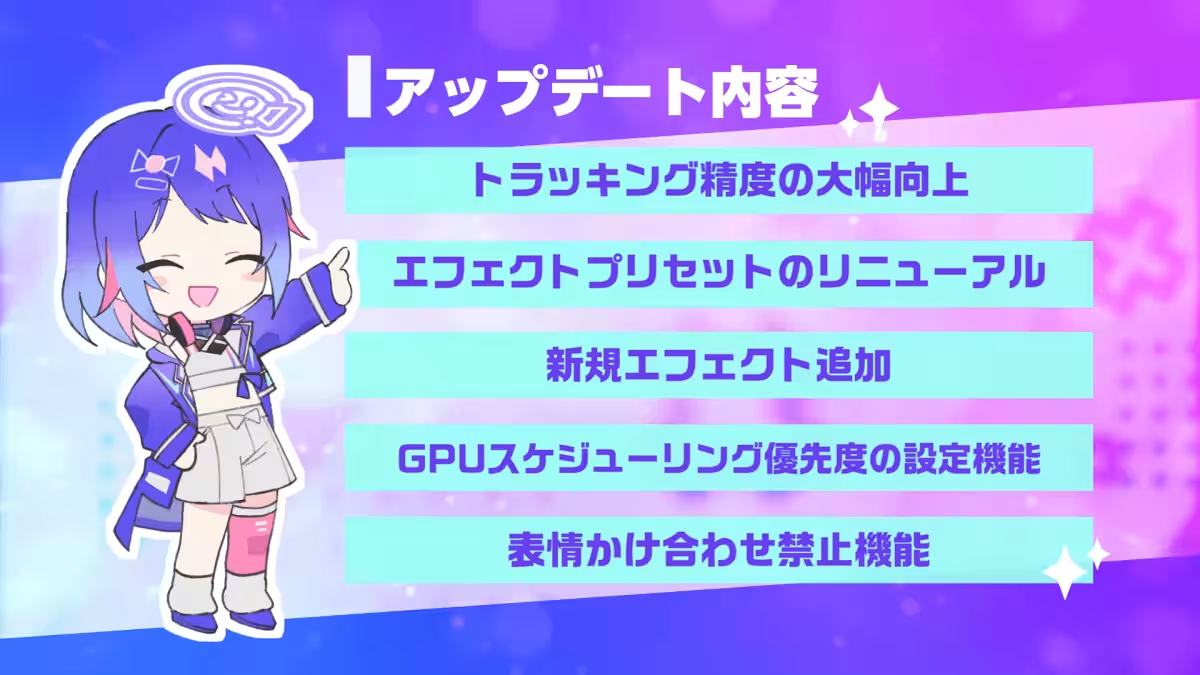
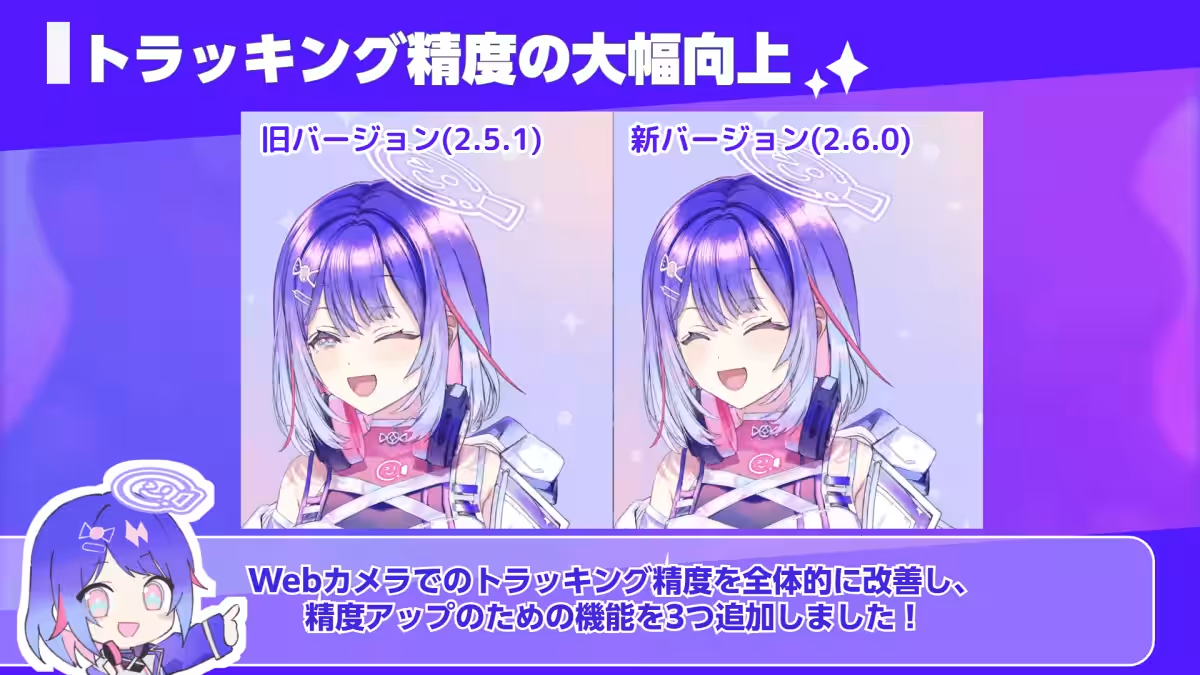
One of the standout features of the 'nizima LIVE 2.6' update is the substantial enhancement in tracking precision. The application has implemented three new features aimed at providing a seamless tracking experience using a standard webcam:
1. Stability in Extreme Angles: The updated tracking foundation allows for improved stability even when the user faces extreme angles, such as looking sideways.
2. Stable Tracking Without Correction: The accuracy of the tracking has been refined, making it less reliant on corrective measures.
3. Improved Detection of Hand Gestures: Users will now find it easier for the application to detect hand movements, adding another layer of interactivity to their virtual personas.
Moreover, a new Adaptive Sampling feature has been added. This function optimizes tracking continuously during application usage, allowing for real-time adjustments based on the user's conditions. To enable this feature, users need to navigate to Camera Settings > Advanced Settings and turn on the Adaptive Sampling option.
Enhanced Eye Blink Functionality
The update also focuses on addressing the intricacies of blinking mechanics when the user's gaze shifts away from the center:
1. Eye Blink Assistance: This feature detects the speed of eyelid movements and allows automated blinking in a natural manner, preventing awkward expressions.
2. Synchronization of Eye Blinks and Eyebrows: This function ensures that eye blinks and brow movements are consistent even when looking off to the side.
Instructions for enabling these features include going to Parameter Settings > Other Settings and activating the respective tabs for blinking assistance and synchronization.
Revamped Effects Presets and New Additions
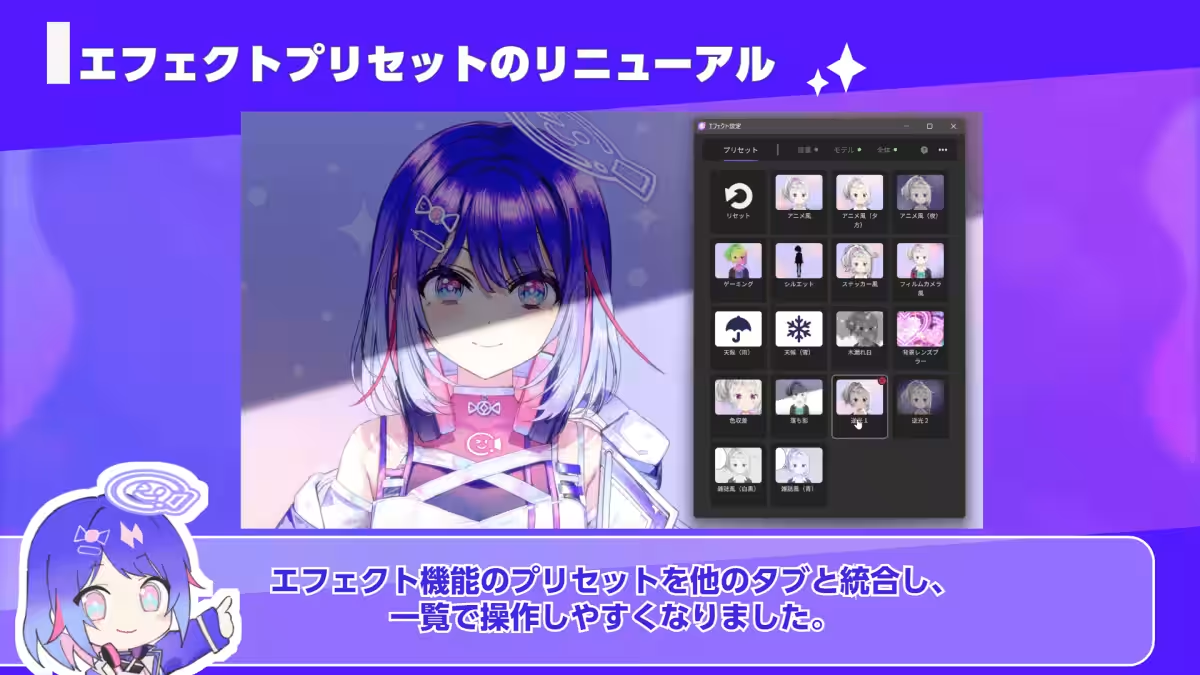
The user interface of effects presets has been revamped, making it more accessible. With the addition of ten new presets, including effects like rain and snow, users can now apply effects with just one click for a more intuitive experience.
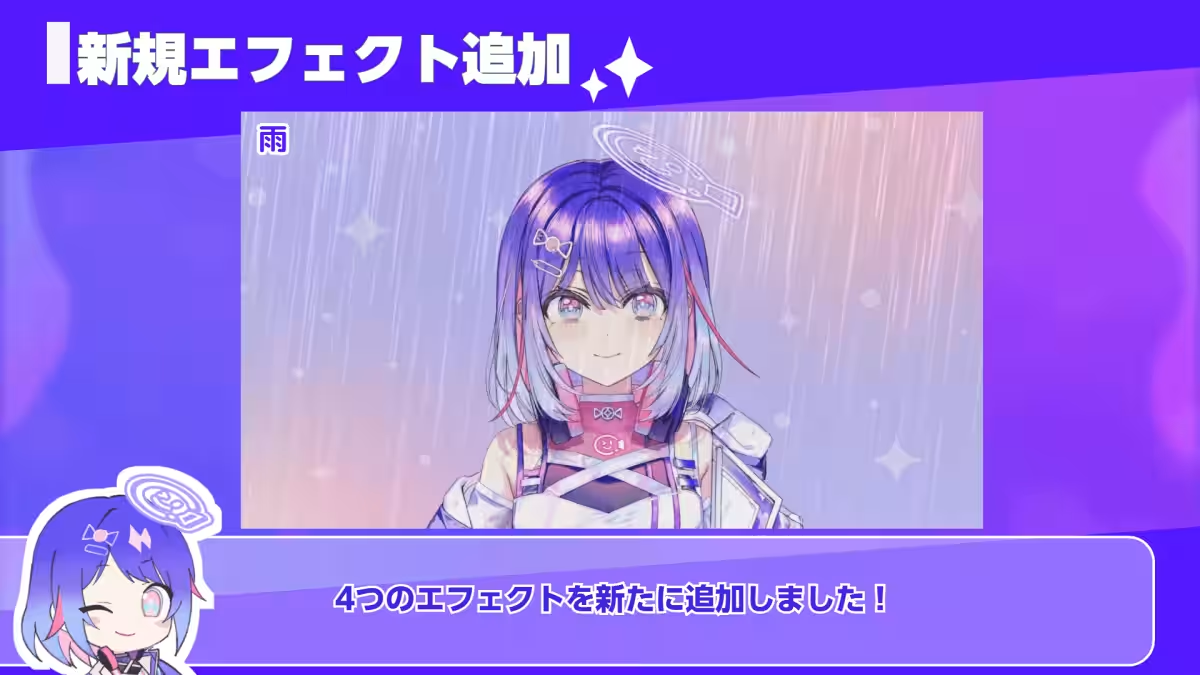
New Effects Include:
- - Rain: Simulate rainfall with adjustable settings on quantity and angle.
- - Sunlight Filtering: Create dynamic light effects resembling sunlight breaking through trees.
- - Light Leaks: For a cinematic touch, this effect incorporates light leaks and bokeh into visuals.
- - Color Grading: Adjust hues and contrasts to evoke specific atmospheres, such as cinematic or retro vibes.
GPU Scheduling Priority for Windows Users
For users on Windows, a new feature allows them to prioritize GPU processing power when running multiple applications simultaneously. This is especially beneficial during live-streaming sessions where high GPU loads could lead to jerky movements or delays. Users can adjust this setting in Settings > Other > Options > Graphics by activating the High GPU Priority option.
Expression Overlap Prevention
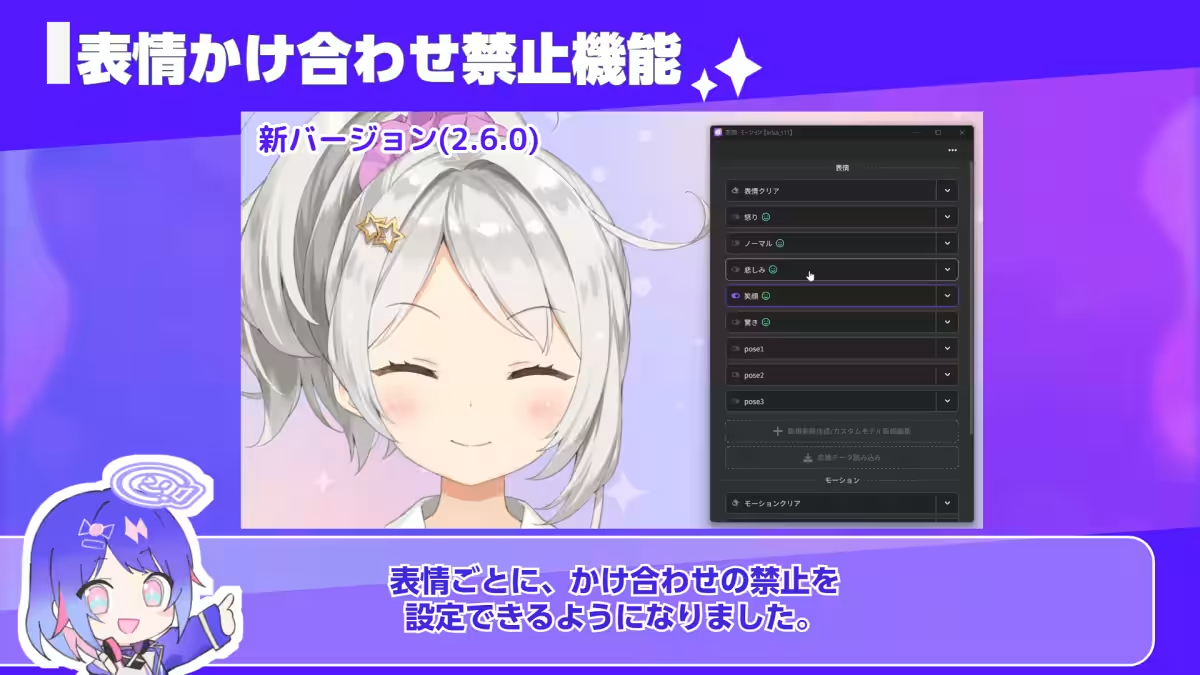
Another noteworthy feature added is the capability to prevent overlapping expressions. VTubers can now specify which expressions cannot be activated simultaneously, allowing for smoother transitions between expressions without awkward combinations.
Additional Updates
The update includes a host of other improvements:
- - Enhanced script functionality allowing for easy code creation via copying from blogs or social media.
- - Support for item color changes.
- - Significant improvements to automated translation quality.
- - New API for plugin recognition as tracking devices.
Additionally, the macOS version will now be exclusively available for Apple Silicon users to ensure quality maintenance moving forward. For more details, users are directed to the official announcements on the nizima LIVE website.
The nizima LIVE app is an ideal tool for anyone yearning to bring their Live2D models to life quickly and effortlessly. With simple functionality, effective tracking, and collaborative features, even those feeling intimidated by the idea of becoming a VTuber can ease into the experience. A webcam and a PC are all that’s needed to jump into the world of VTubing!
Explore 'nizima LIVE'
- - Download for Windows/macOS: nizima LIVE Download
- - iOS App: nizima LIVE TRACKER
Get ready to deliver exciting streams to your audience using the innovative tools provided by 'nizima LIVE'—where anyone can animate their dreams into dynamic realities!

Topics Entertainment & Media)
【About Using Articles】
You can freely use the title and article content by linking to the page where the article is posted.
※ Images cannot be used.
【About Links】
Links are free to use.