



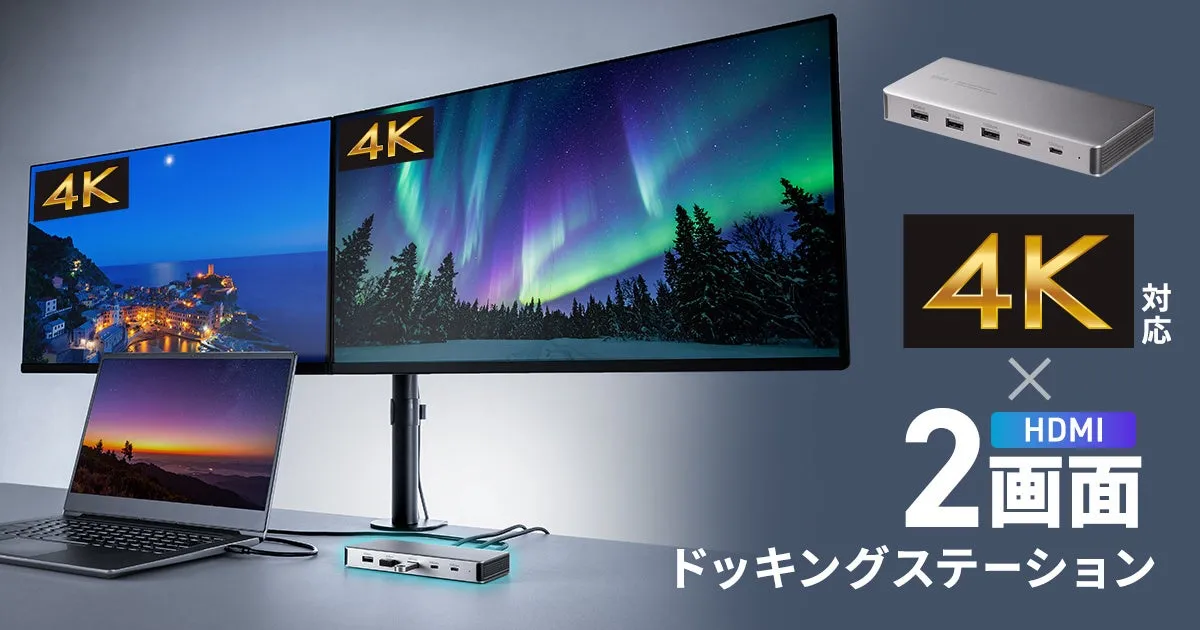
Sanwa Supply Launches USB-C Docking Station for Dual 4K Displays
Sanwa Supply's Groundbreaking USB-C Docking Station
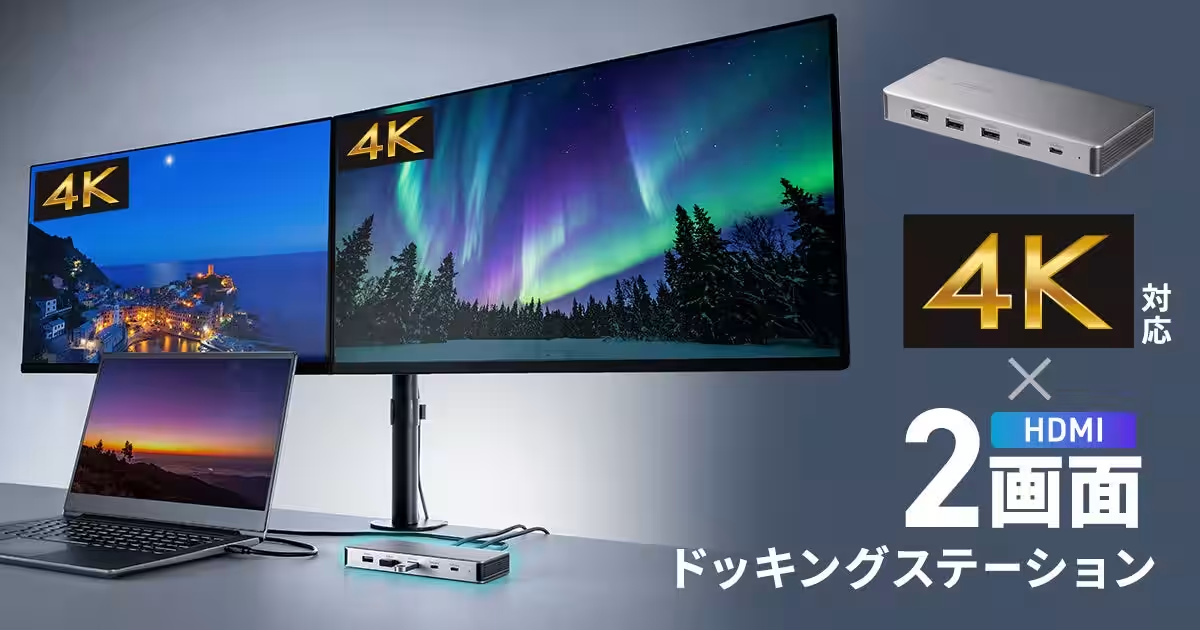
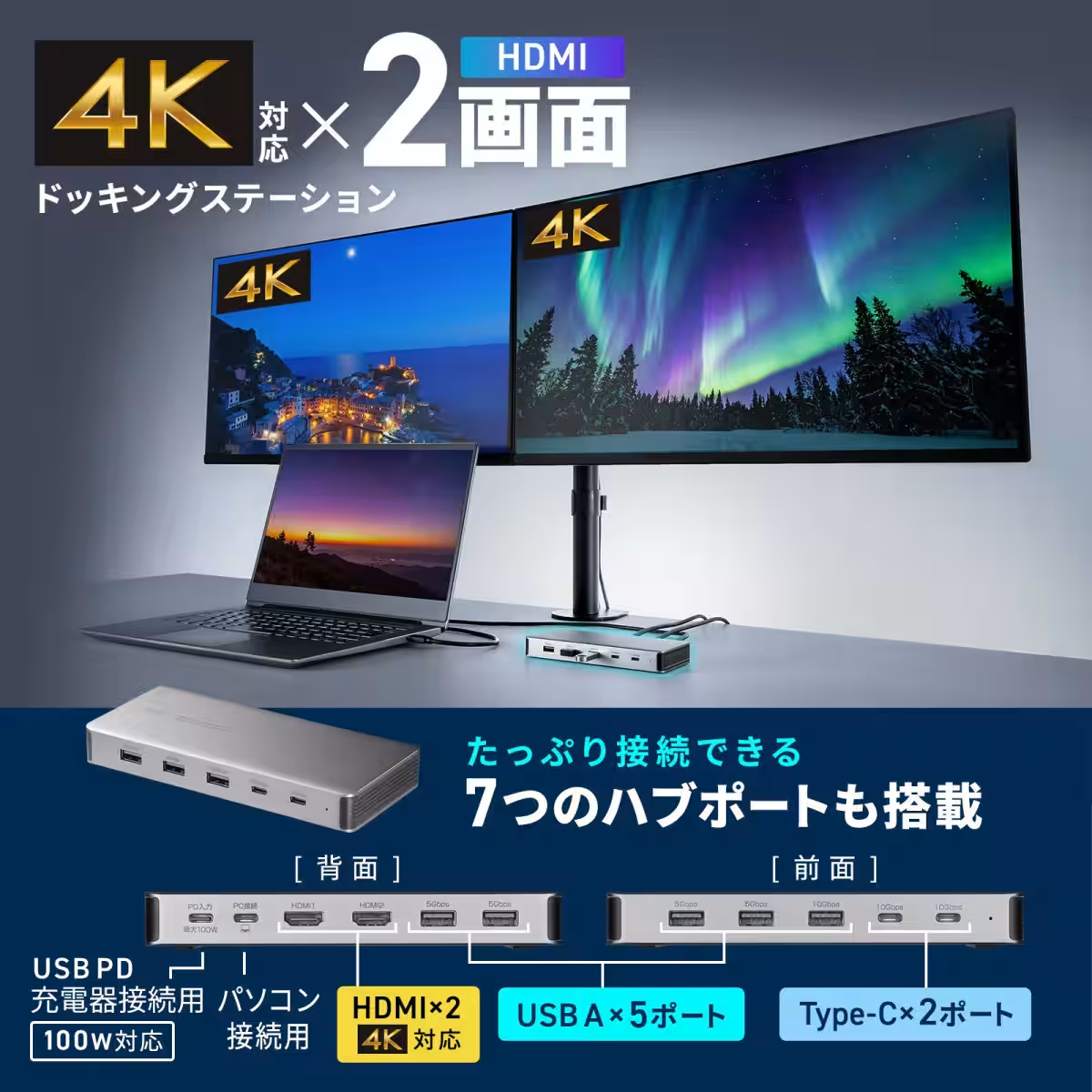
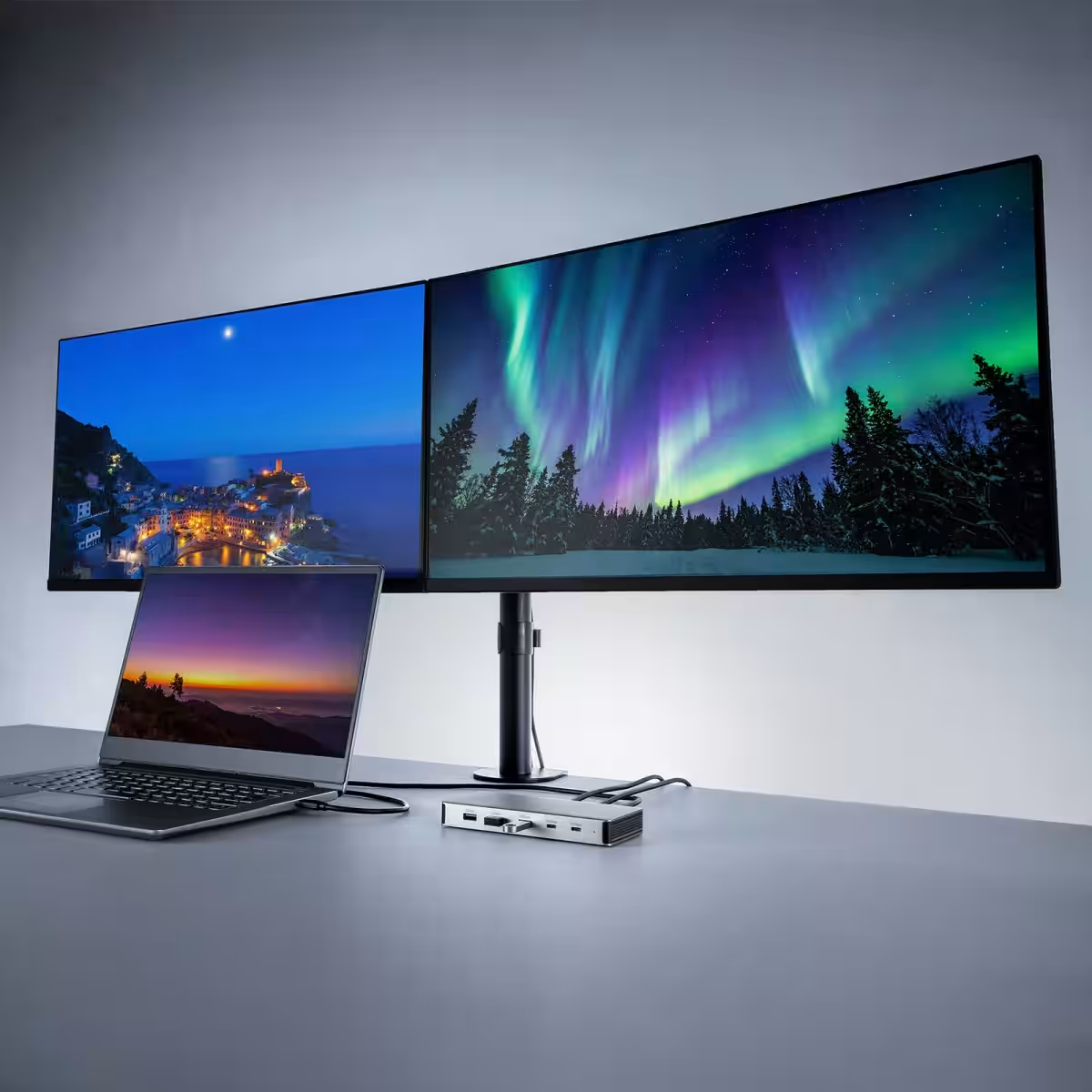
Sanwa Supply, a leading company based in Okayama, Japan, has recently unveiled a versatile USB Type-C docking station known as the USB-CVDK21. This innovative device supports dual HDMI outputs, enabling users to connect two displays simultaneously at a stunning 4K resolution of up to 60Hz. Ideal for professionals looking to enhance their workstations, this docking station helps streamline multiple device connections with just a single USB Type-C cable.
Key Features of the USB-CVDK21
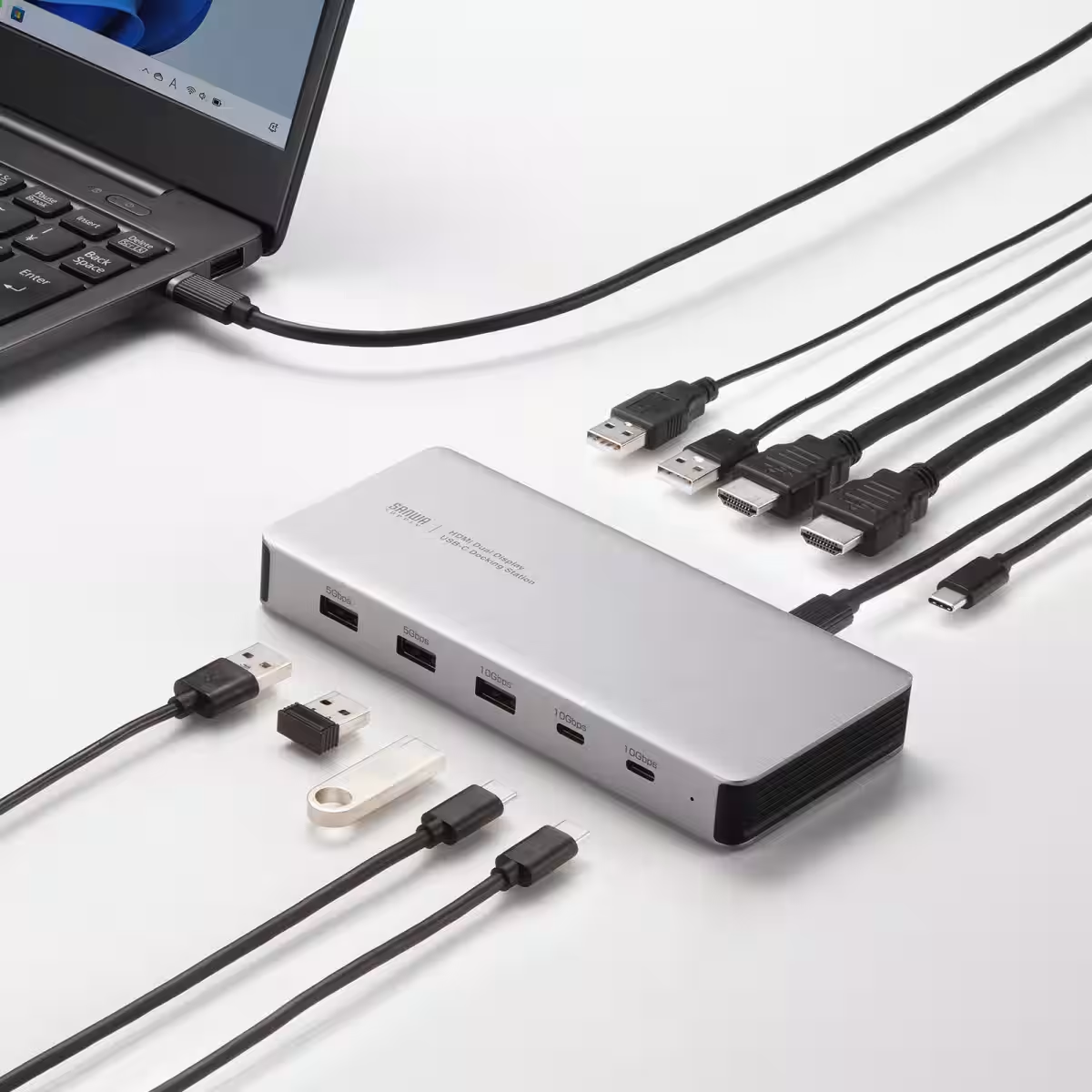
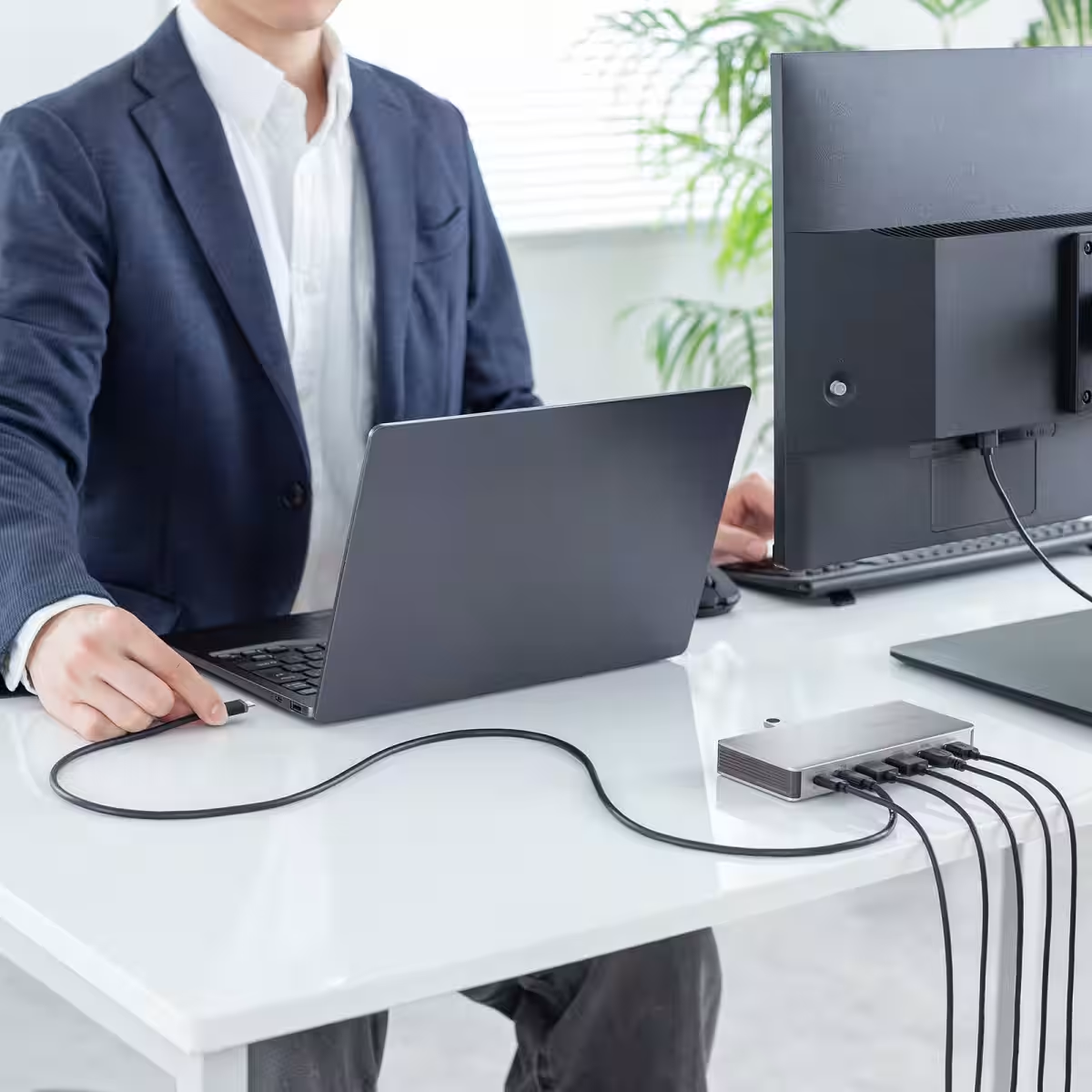
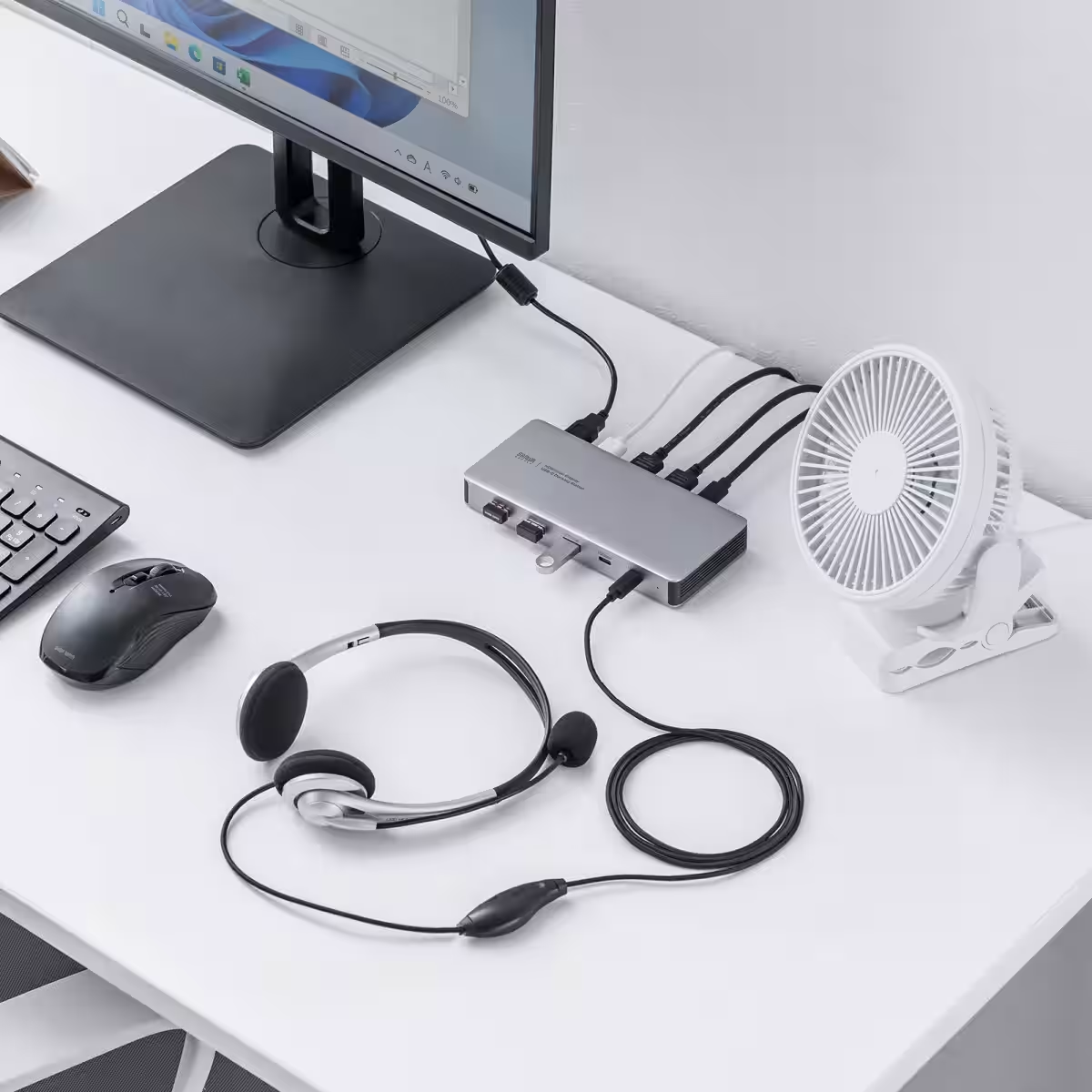
The USB-CVDK21 is ingeniously designed to simplify workspace organization. With just one Type-C cable, users can connect or disconnect a variety of peripherals—all while avoiding the hassle of plugging and unplugging multiple cables. This sophisticated setup is perfect for those who rely heavily on dual-monitor configurations for an efficient workflow.
4K Resolution and Dual Output
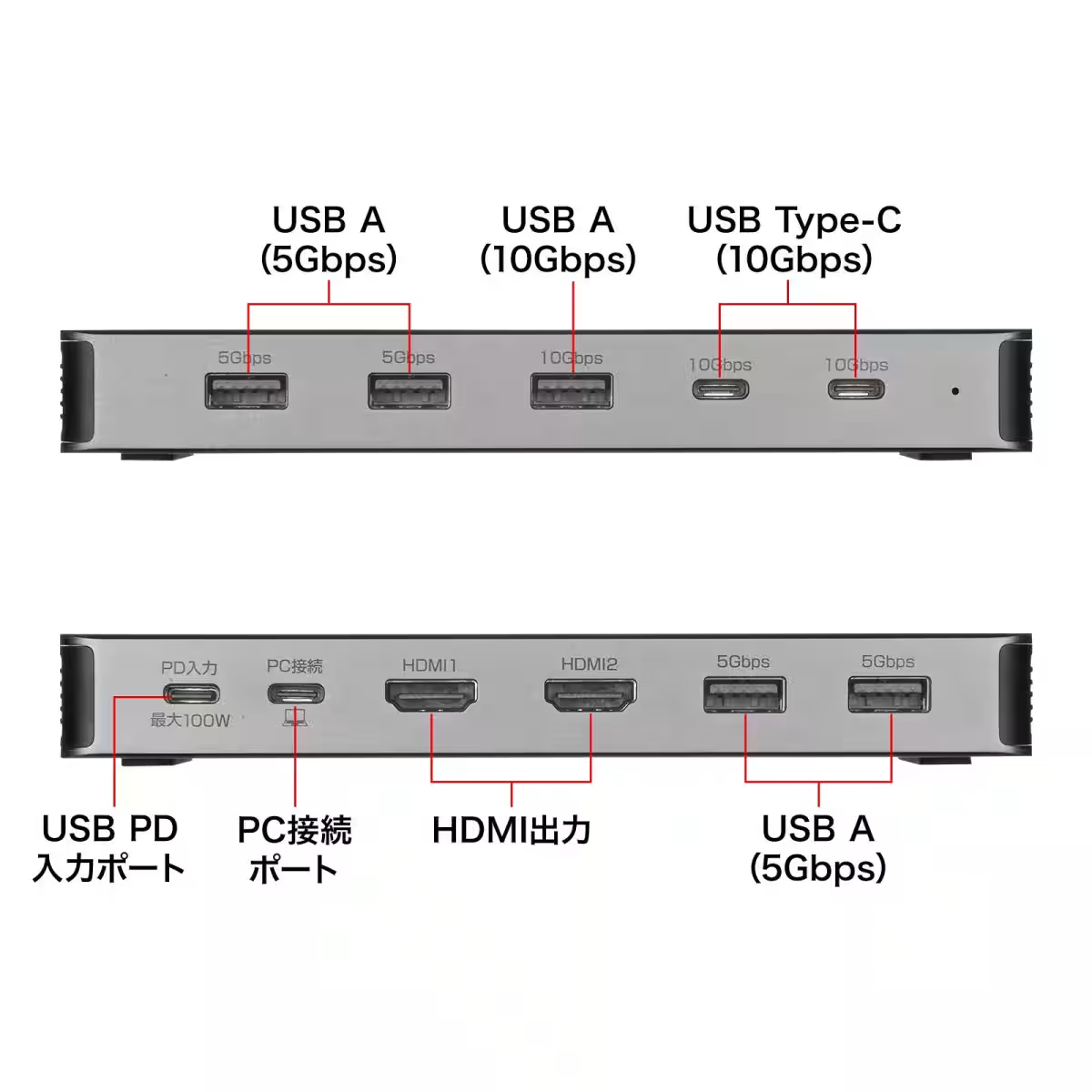
One of the standout features of the USB-CVDK21 is its remarkable capacity to output at 4K resolution (3840×2160) through its two HDMI ports. This means you can enjoy high-definition visuals on two screens, enhancing productivity and providing a superior multimedia experience. It's important to note, however, that when connecting two displays, the maximum supported resolution is 4K at 30Hz.
Comprehensive USB Hub Functions
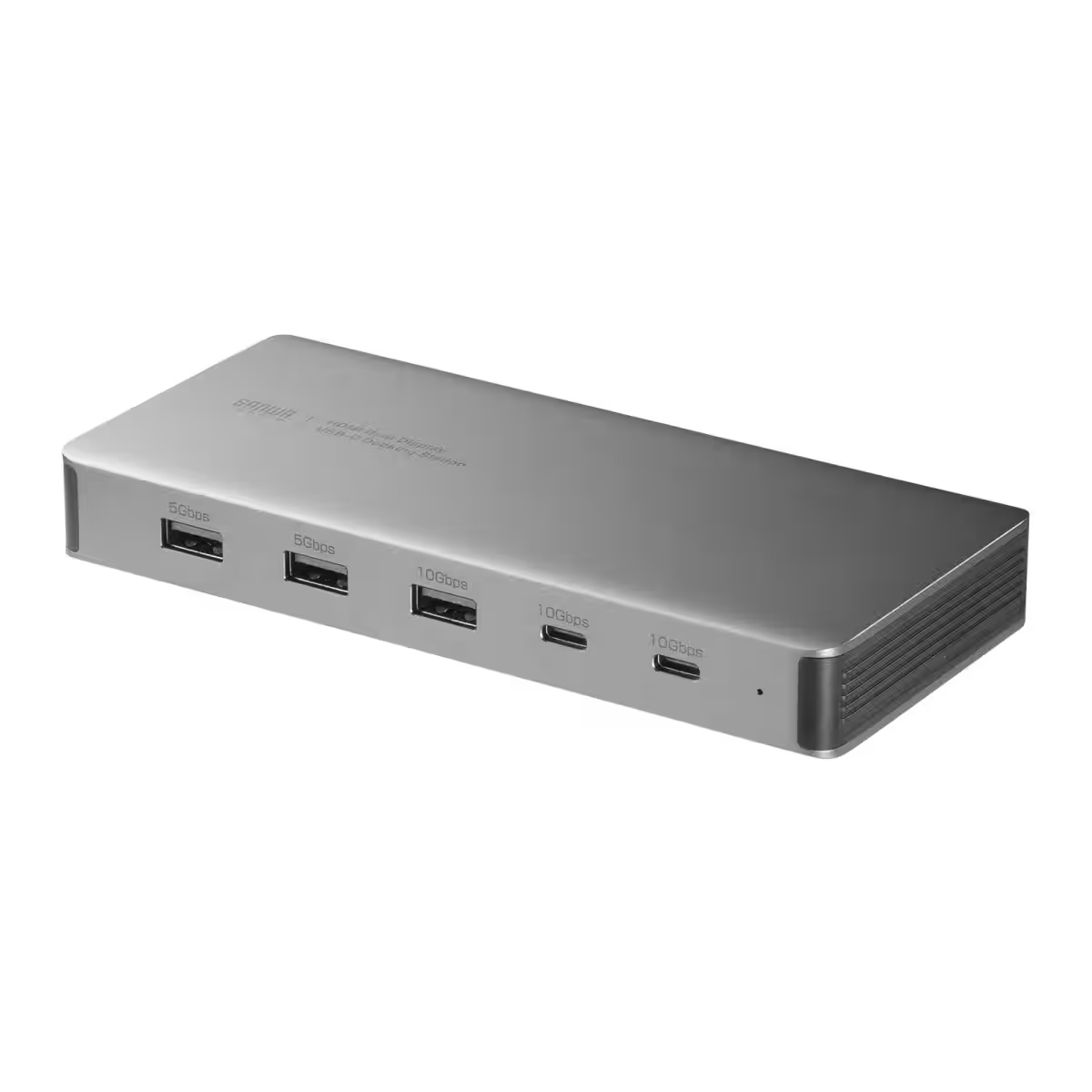
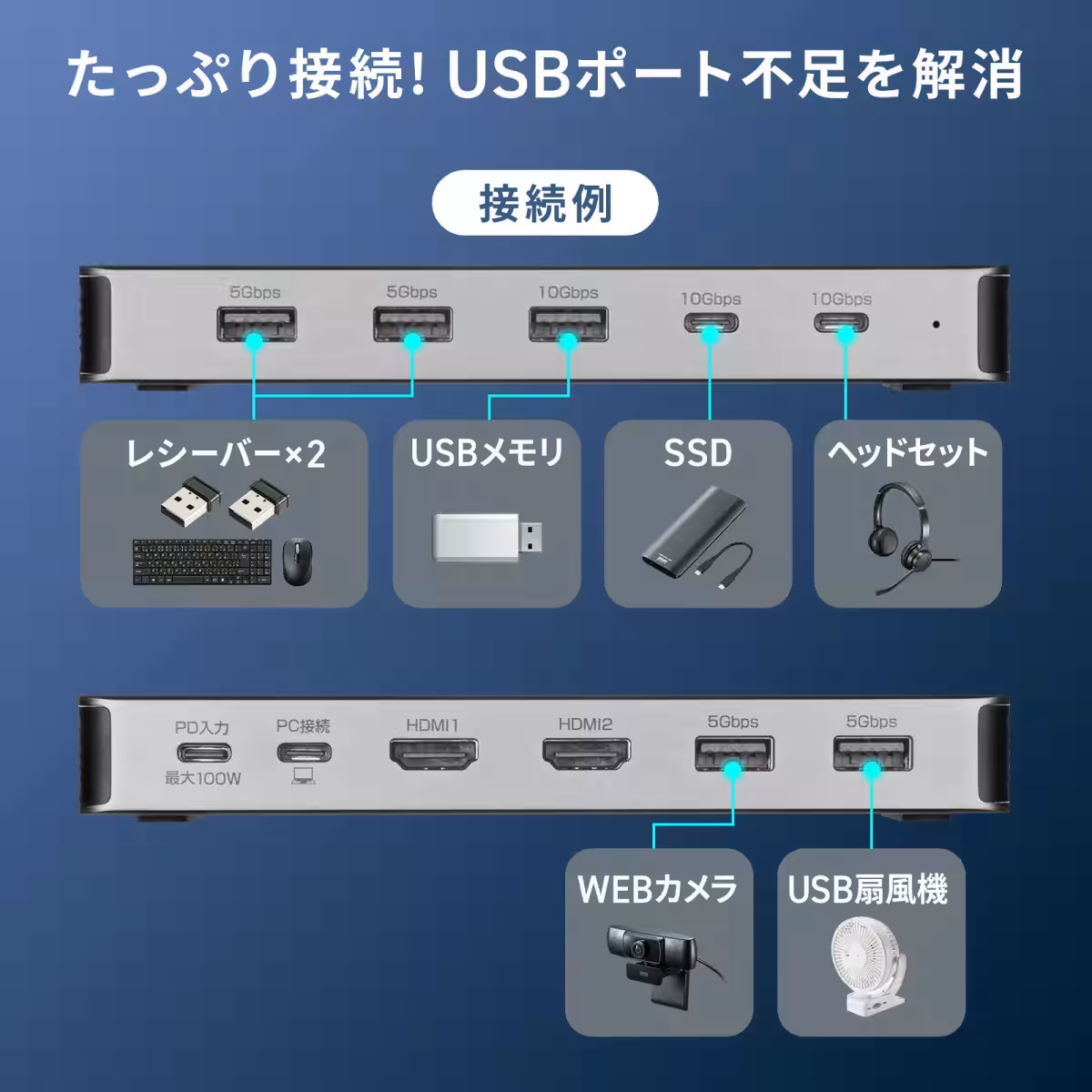
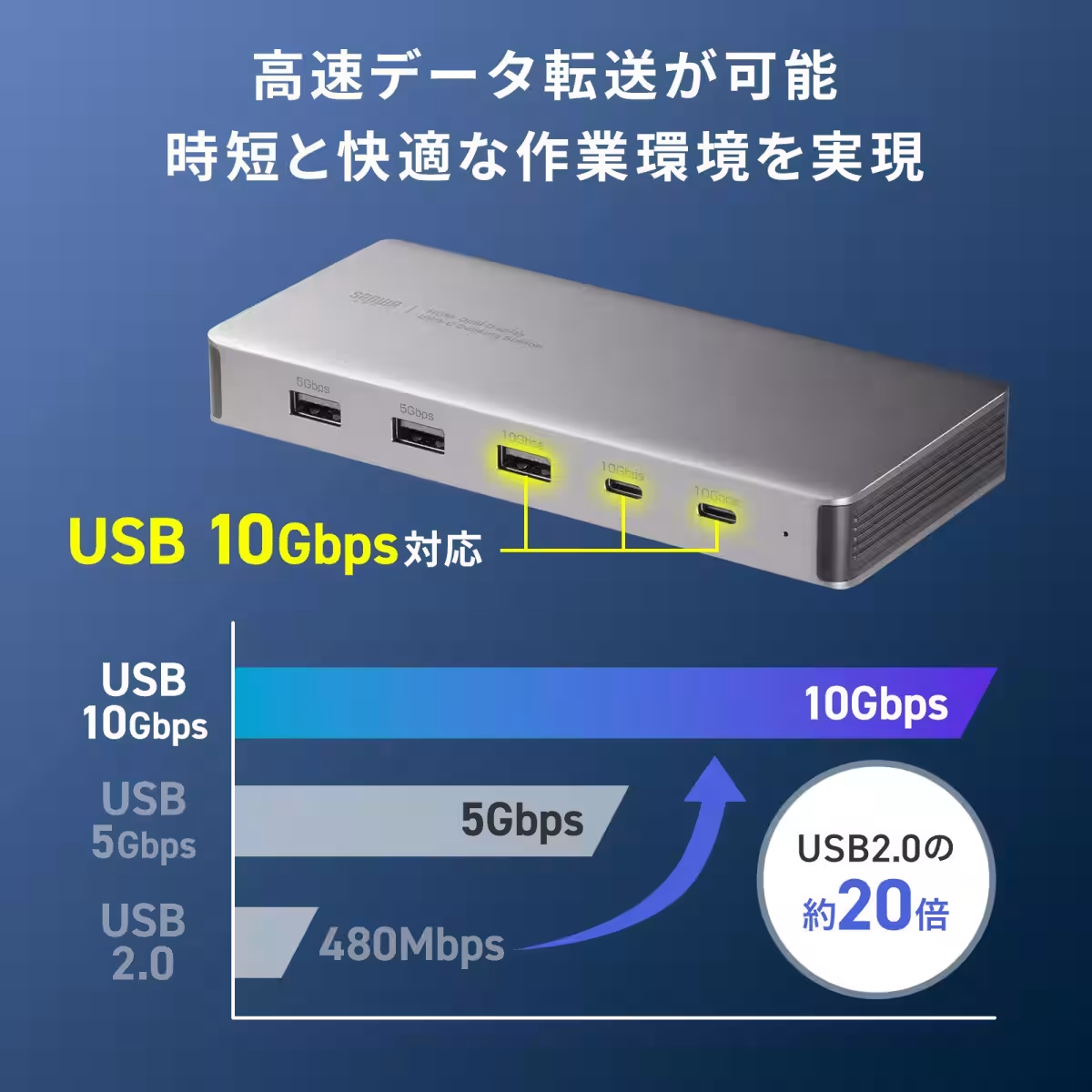
Equipped with seven USB ports, including two USB Type-C and five USB Type-A ports, this docking station enables users to connect multiple devices, from keyboards to storage devices, in one compact hub. The USB-CVDK21 also supports fast data transfer speeds of up to 10Gbps, allowing for quick handling of large files—perfect for users who frequently work with high-resolution media or extensive datasets.
Power Delivery Support
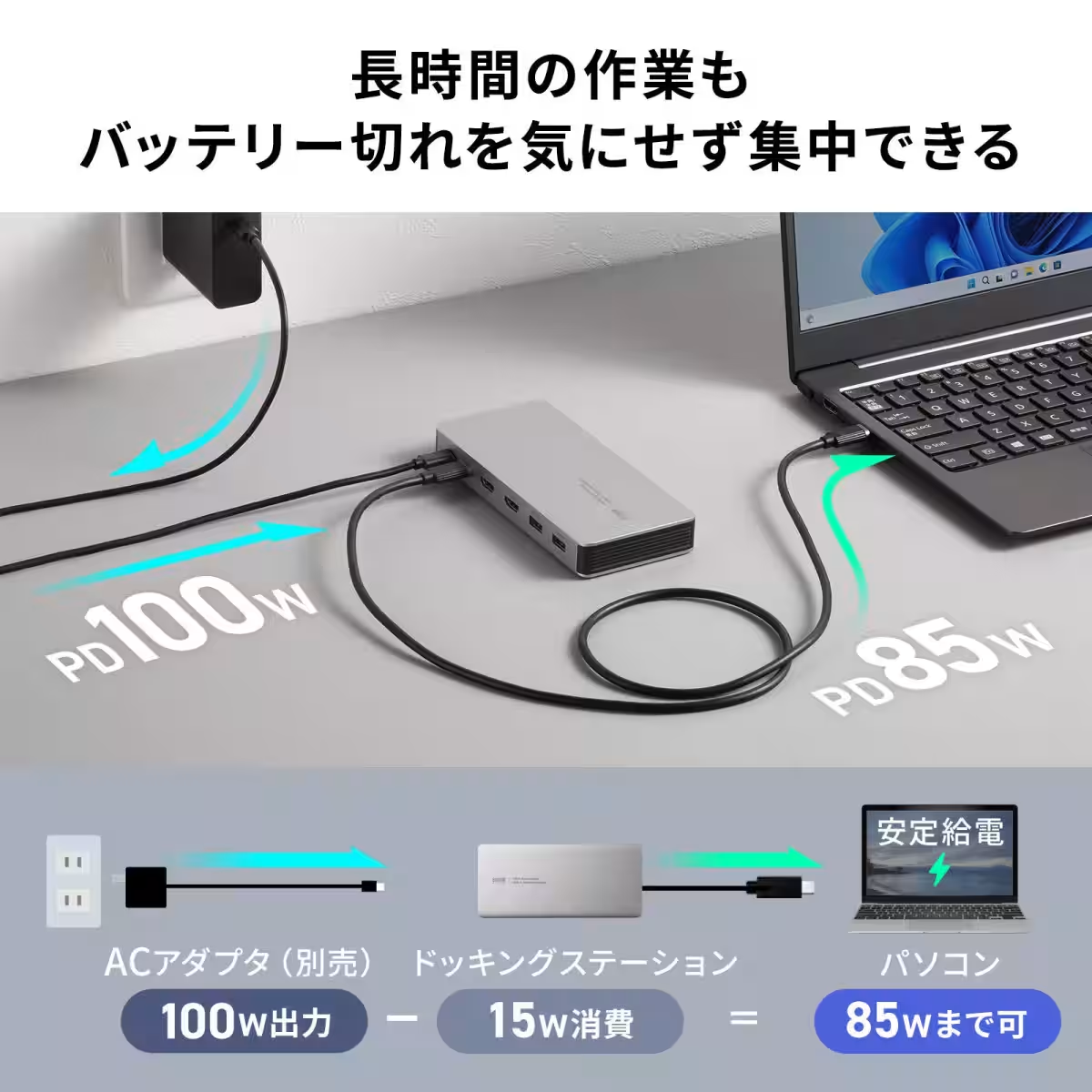
Concerned about battery drain during long workdays? The USB-CVDK21 can connect to an AC adapter compliant with USB Power Delivery (PD), allowing for simultaneous video output and data transfer while charging your laptop. With support for inputs up to 100W (20V/5A), users can focus on their tasks without worrying about running out of power.
Ideal for Networked Environments
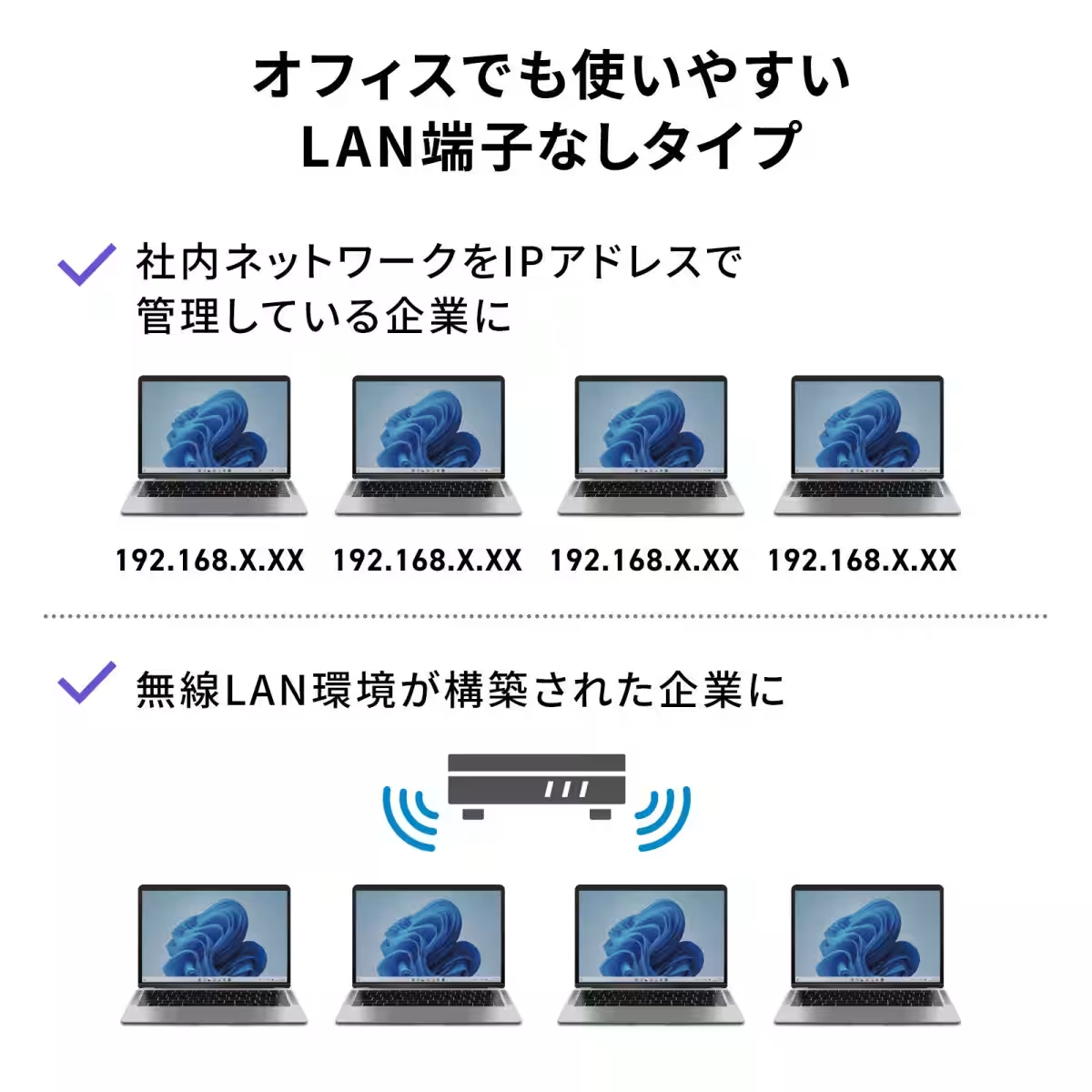
Notably, the USB-CVDK21 does not feature an Ethernet port, making it an excellent option for businesses that operate entirely on Wi-Fi or manage their networks via IP address. This design choice aligns with the growing trend of wireless solutions in modern office settings.
User-Friendly Setup
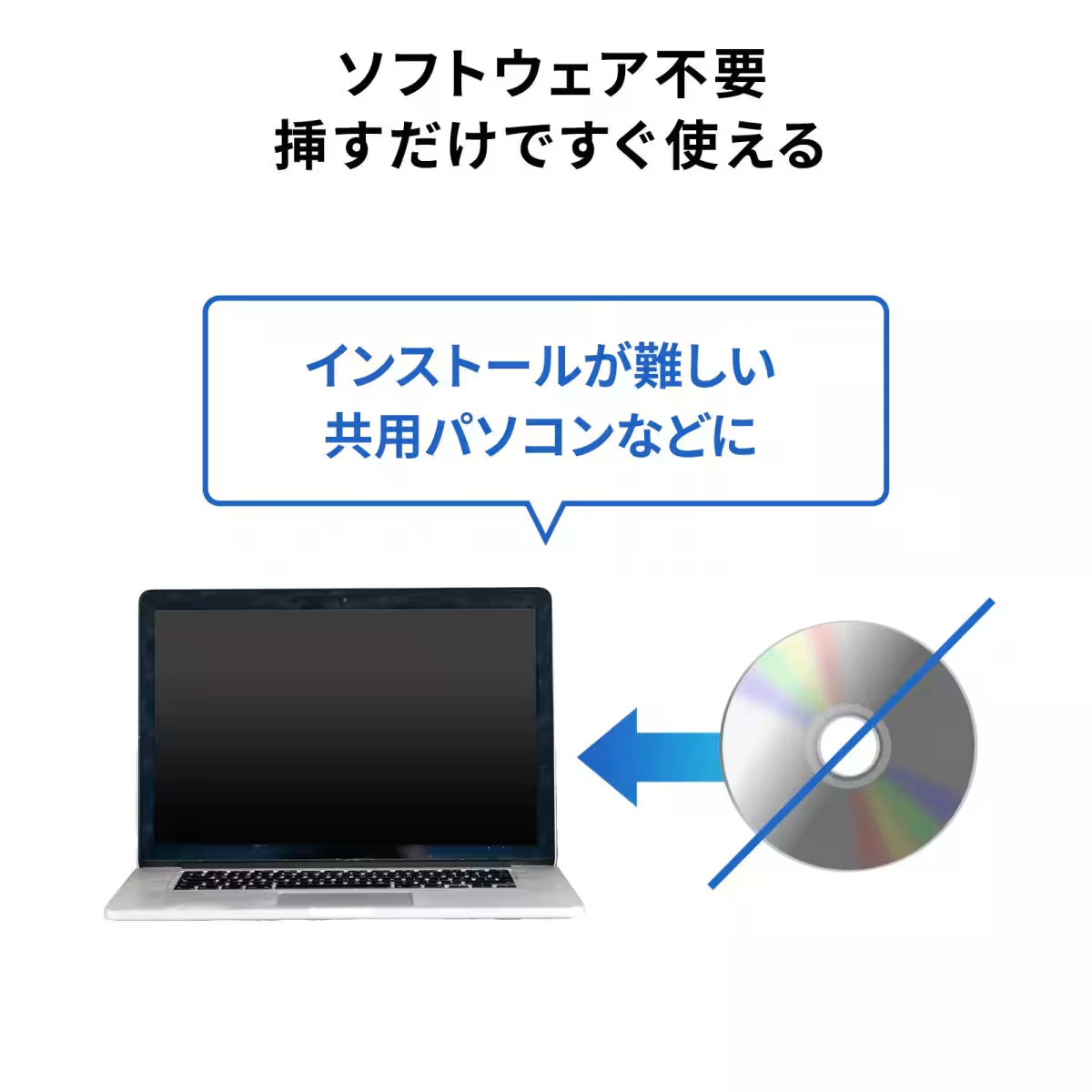
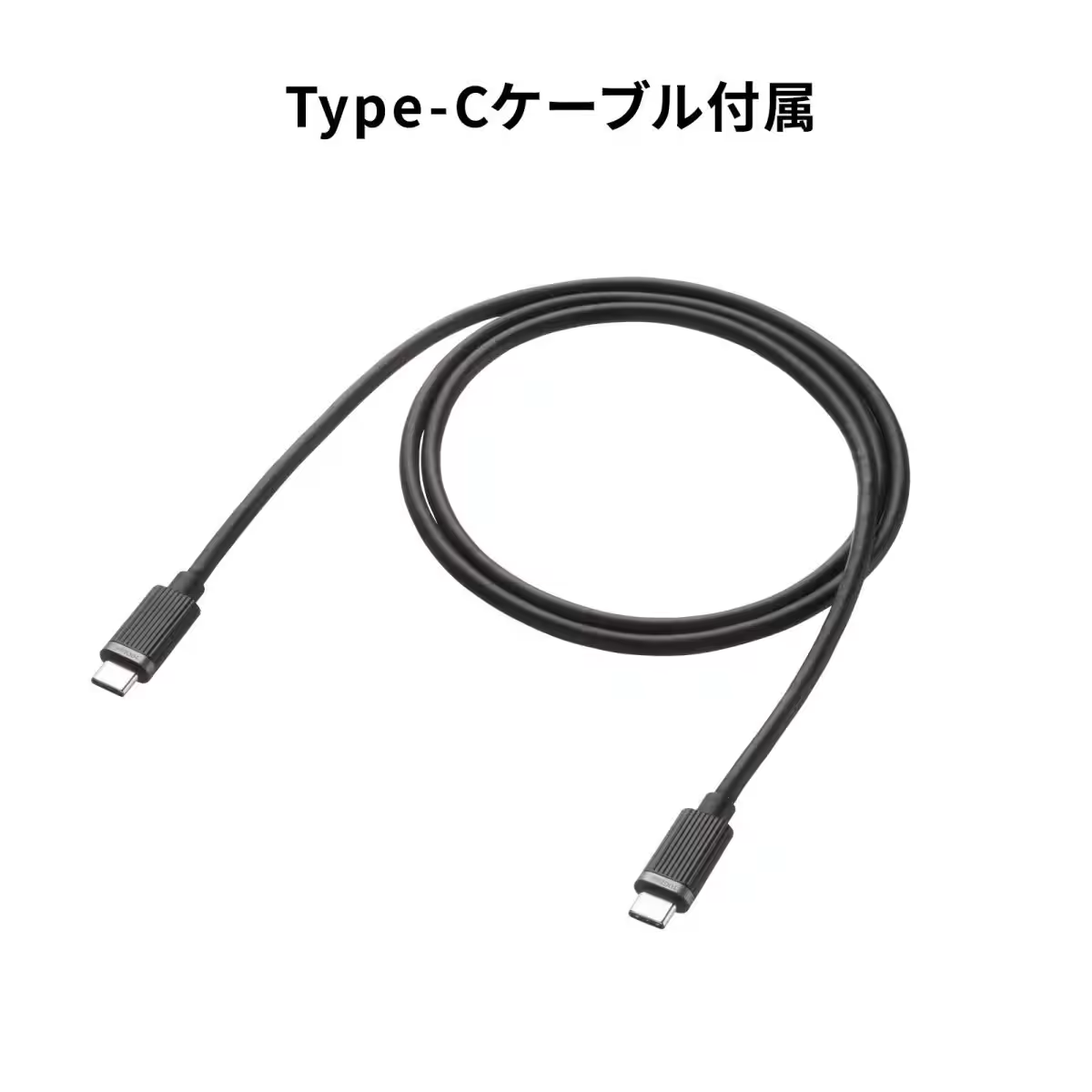
Using the USB-CVDK21 is a breeze; there's no software installation required. Compatible with DisplayPort Alternate Mode, this feature allows additional monitors to be connected quickly and effortlessly. The device comes with a 1-meter USB Type-C cable, so users can start using it right out of the box.
Secure and Stable Operation
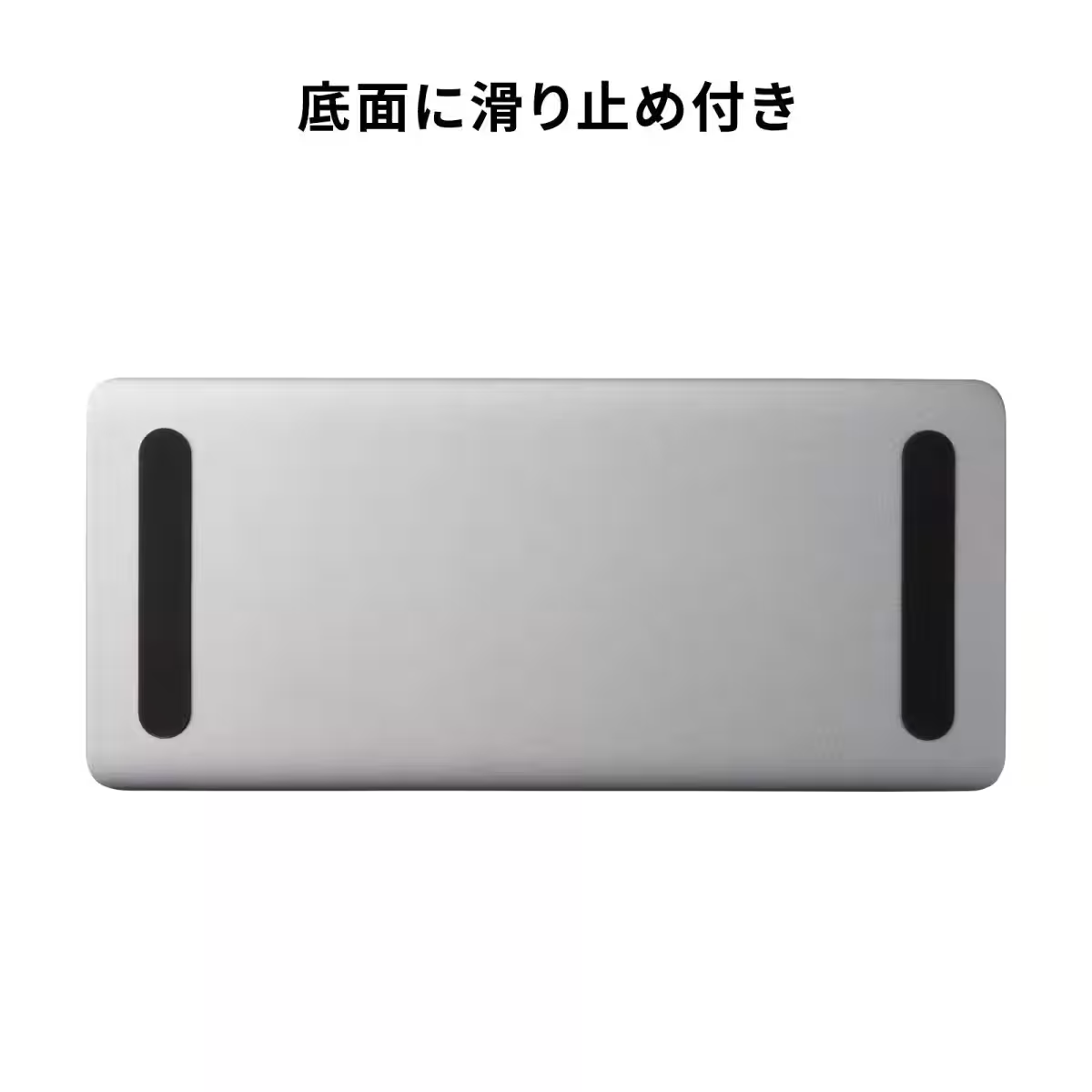
Featuring anti-slip pads on the bottom, the docking station remains securely in place on your desk during operation, minimizing the risk of accidental disconnections.
Flexible Display Modes
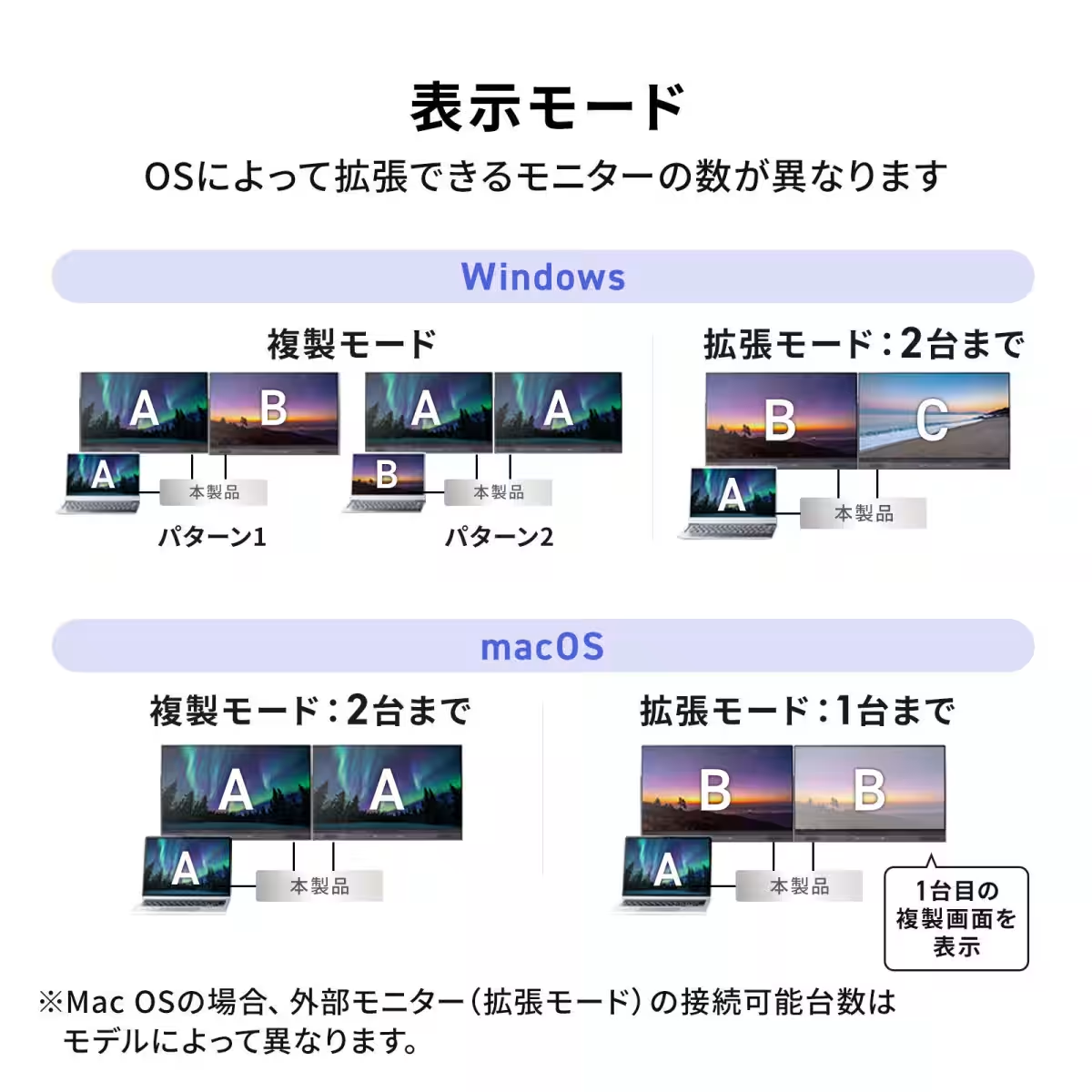
Whether you need to replicate your laptop's screen on a larger monitor or extend your workspace over multiple displays, the USB-CVDK21 has you covered. It supports both duplicate mode (mirroring the laptop display) and extended mode (spreading the laptop’s screen across multiple monitors).
Conclusion
With a reasonable retail price of ¥28,600 (excluding tax), the Sanwa Supply USB Type-C Docking Station (model: USB-CVDK21) offers an incredible solution for modern professionals seeking to optimize their workspace. Available for purchase on the official Sanwa Supply website, this docking station stands out as a must-have device that combines convenience, performance, and stylish design for an integrated workstation experience.
For more information on docking solutions and the USB-C standard, be sure to check out Sanwa Supply's related pages.
Topics Consumer Technology)
【About Using Articles】
You can freely use the title and article content by linking to the page where the article is posted.
※ Images cannot be used.
【About Links】
Links are free to use.