



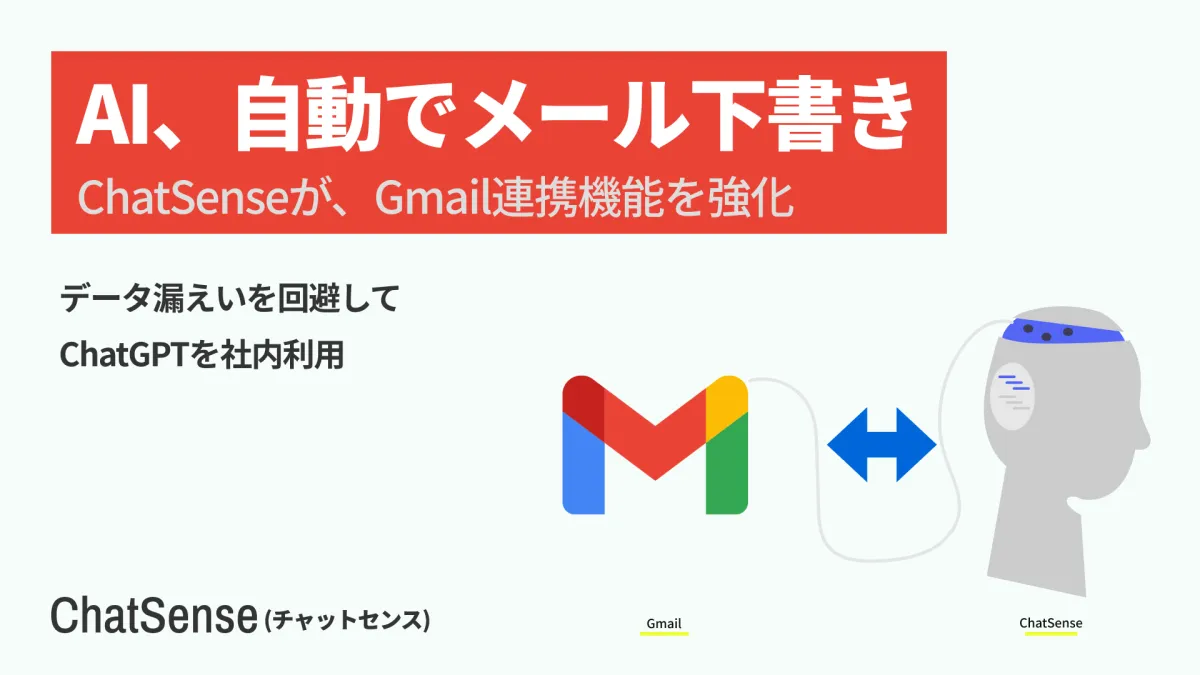
Enhancing Business Communication: ChatSense Introduces New Gmail Drafting Feature with AI
AI Empowerment for Corporate Emails: The New ChatSense Gmail Feature
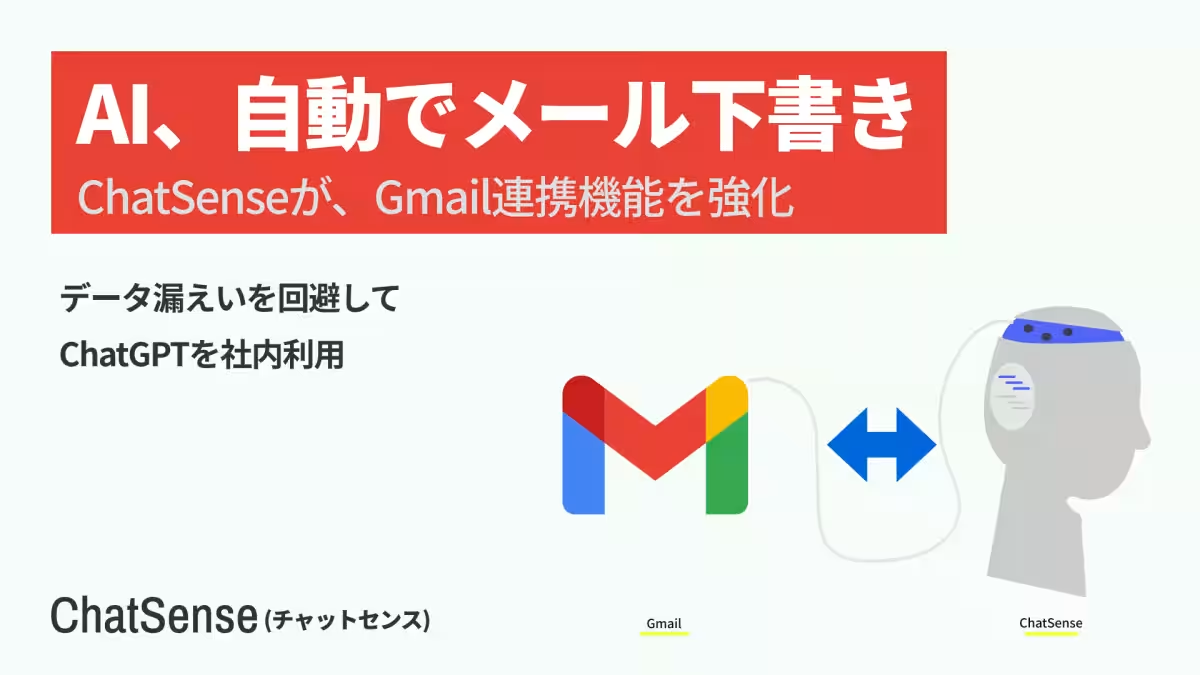
In an ever-evolving digital landscape, companies constantly seek innovative ways to streamline their operations and enhance productivity. Knowledge Sense Inc. aims to meet this demand with its latest feature for the corporate-friendly AI agent, ChatSense, which now seamlessly integrates with Gmail to produce email drafts. This enhancement is positioned to revolutionize how businesses approach email communication, making it more efficient and user-friendly.
The Launch of the New Functionality
On March 10, Knowledge Sense announced the release of a groundbreaking feature that allows ChatSense to not only search emails in Gmail but also create and save email drafts in the user’s draft folder. This function prioritizes user convenience, enabling employees to concentrate on critical intellectual production while AI takes care of drafting emails.
The integration with Gmail introduces functionality that many users have been eagerly anticipating: a drafting tool that automatically generates email content based on prompts given in a chat interface. This feature allows users to draft emails without the fear of accidental sending, as the generated drafts do not go out until explicitly approved by the user.
Key Features of the Draft Creation Capability
1. Automated Drafting Without Accidental Sends: Users can generate email drafts simply by chatting with ChatSense. The AI will compile the information and place it in the Gmail draft folder. Crucially, nothing is ever sent without user approval, ensuring complete control over communications.
2. Undo Option for Drafts: If users mistakenly create an unwanted draft or wish to revise the content, the system provides an option to undo (or discard) the draft for a specified period. This safety net allows employees to experiment with AI-generated content without fear.
3. Continuity in Email Search: This new functionality continues the previously established ability to search Gmail emails within the ChatSense platform. Users can effortlessly transition from searching for past emails to drafting replies based on their findings.
4. Admin Control over Features: Administrators within organizations can dictate the use of the draft creation feature via their management console, aligning with their security policies and operational guidelines. This flexibility provides peace of mind for organizations worried about compliance and security.
What is ChatSense?
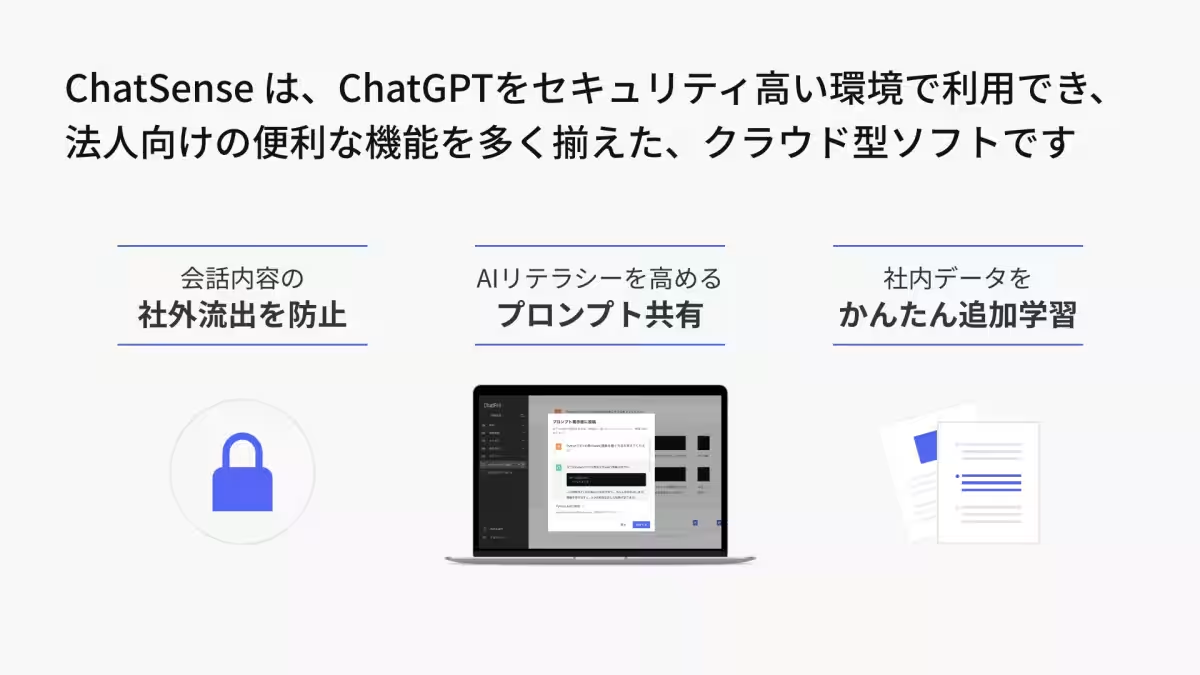
ChatSense is a tailored version of ChatGPT designed specifically for corporate use, enhancing AI with advanced security features perfect for environments that demand confidentiality. Serving clients ranging from large corporations to local government agencies, it aims to boost operational efficiency while ensuring compliance with industry standards.
The platform offers various pricing plans, including an enterprise solution, a standard plan, and a free starter plan, allowing organizations to explore its capabilities before making a commitment. This accessibility is a significant advantage, especially for those hesitant about implementing new technologies.
About Knowledge Sense Inc.
Founded on April 10, 2019, Knowledge Sense is committed to accelerating digital transformation within organizations, aiming to boost productivity through their innovative services, including ChatSense and consulting on digital transformation strategies. As the demand for integrated AI solutions grows, Knowledge Sense remains dedicated to helping businesses harness AI’s full potential for enhanced operational efficiency.
For companies looking to elevate their email communication processes with advanced AI capabilities, the new Gmail drafting feature from ChatSense presents an exciting opportunity. Users can easily request a demo or further information through the official ChatSense contact page.
Topics Business Technology)
【About Using Articles】
You can freely use the title and article content by linking to the page where the article is posted.
※ Images cannot be used.
【About Links】
Links are free to use.