



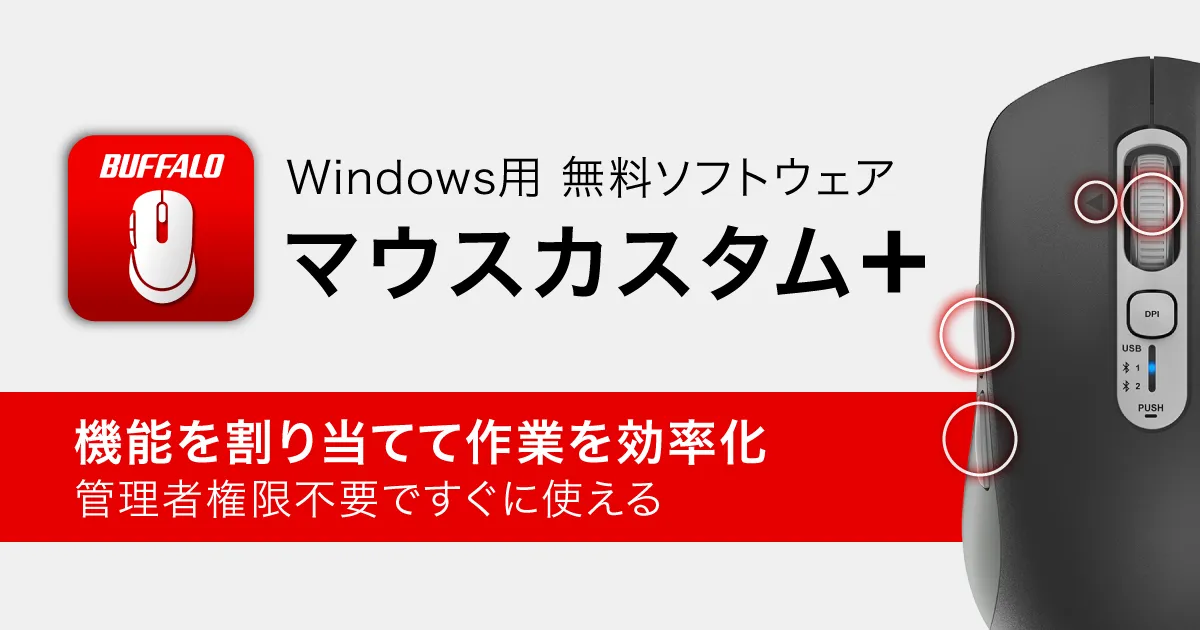
Buffalo's New Mouse Customization Software Makes Personalization Easy
Enhance Your Productivity with Buffalo's Mouse Custom+
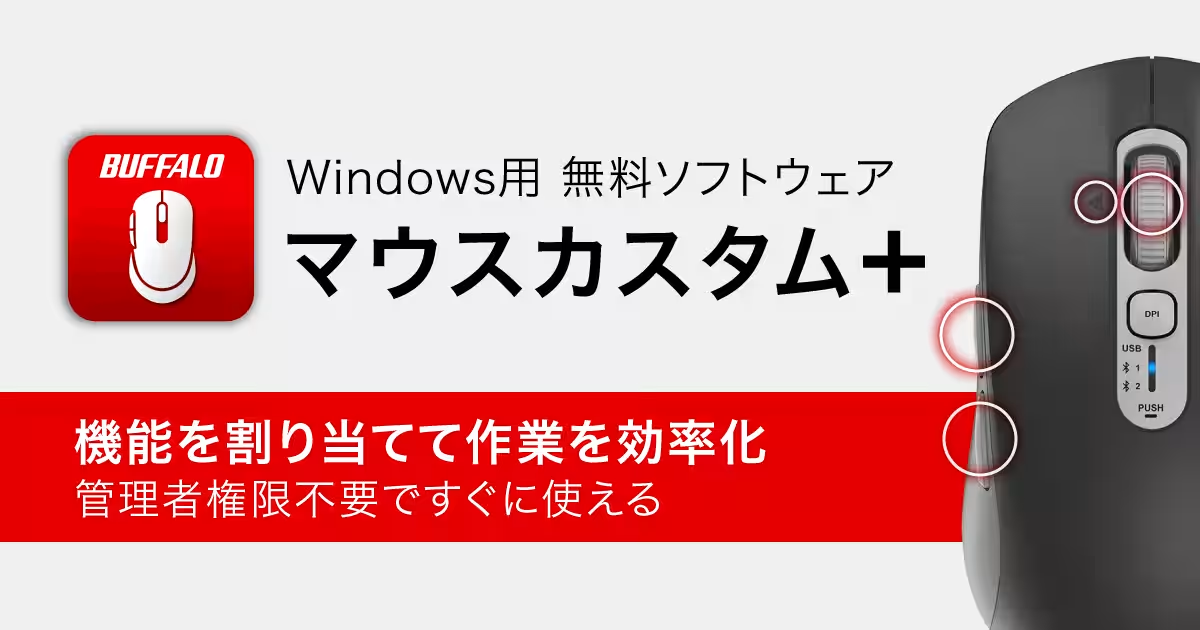
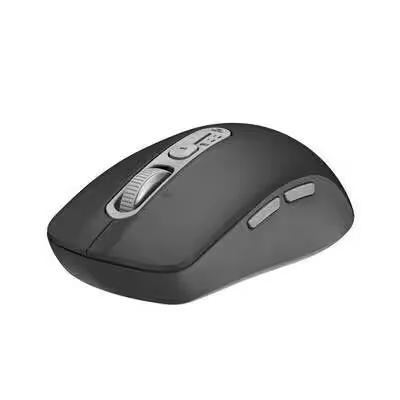
Buffalo Inc., based in Chiyoda, Tokyo, has recently announced the launch of Mouse Custom+, a user-friendly software that allows users to customize the side buttons of their five-button mice. This software is designed for Windows and comes hassle-free, needing only user-level privileges for installation. With this release, Buffalo aims to streamline computer operations and improve workflow efficiency.
A New Era in Mouse Customization
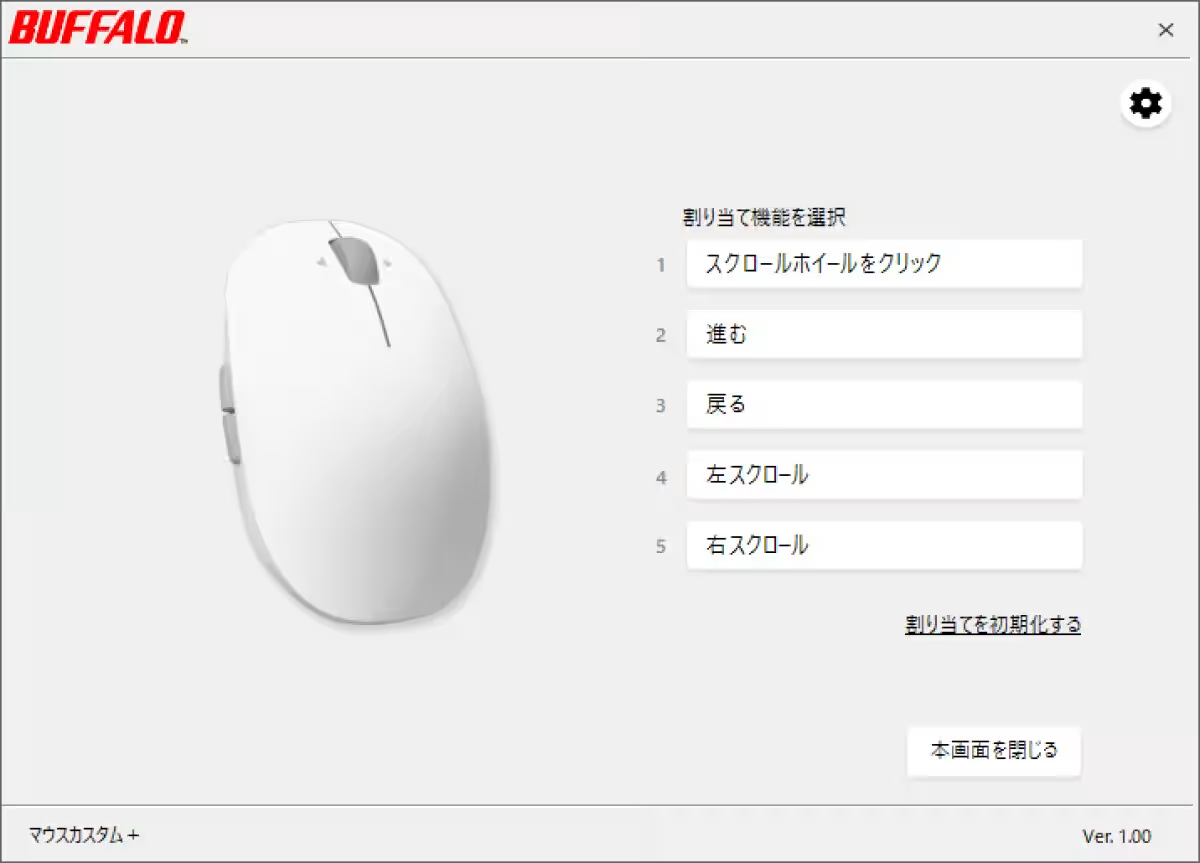
The Mouse Custom+ software allows users to assign various functions and shortcuts to the side buttons of Buffalo's five-button mice. By customizing the mouse according to personal preferences, users can quickly access frequently used operations, thereby enhancing their productivity. Previously, customizing mouse buttons typically required admin rights which posed challenges in office environments where security policies are stringent. The new software eradicates these barriers, as it does not require administrator approval for installation or usage.
Key Features of Mouse Custom+
Here are some of the notable features users can enjoy with Mouse Custom+:
- - Editing Operations: Quickly carry out copy, cut, and paste functions.
- - Media Playback Controls: Play/pause, adjust volume, and manage media playback seamlessly.
- - Copilot Access: Easily open Copilot for enhanced user assistance.
- - Task View: Switch between open applications with a click.
- - Screen Capture: Utilize the Snipping Tool for quick screenshots.
- - Key Assignments: Assign frequently used keys like Ctrl and Shift for better access.
These customizable options allow a tailored experience that aligns with individual user needs, ensuring that each click counts.
Supported Mouse Models
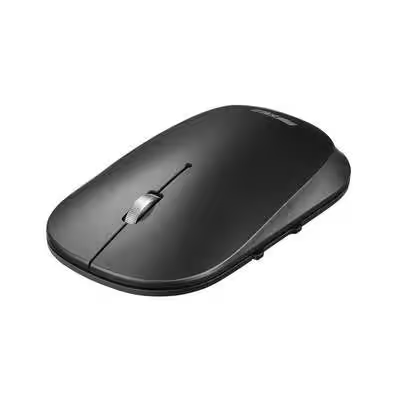
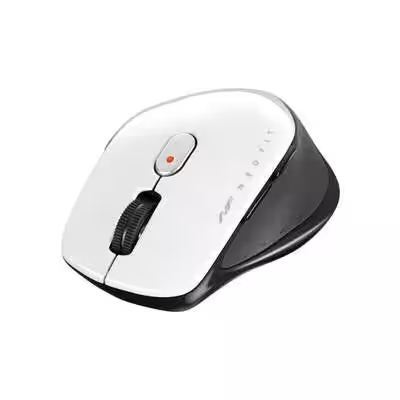
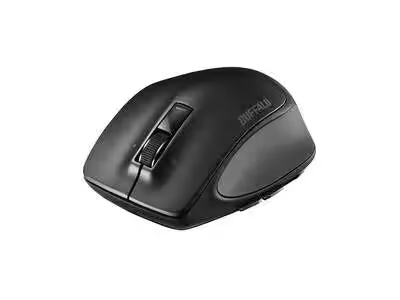
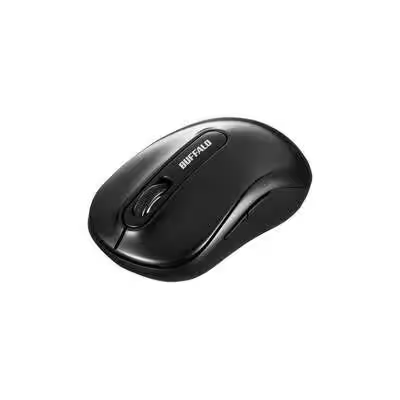
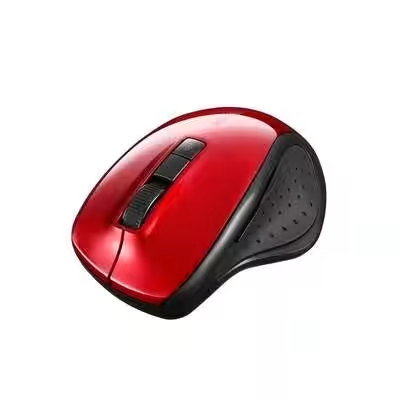
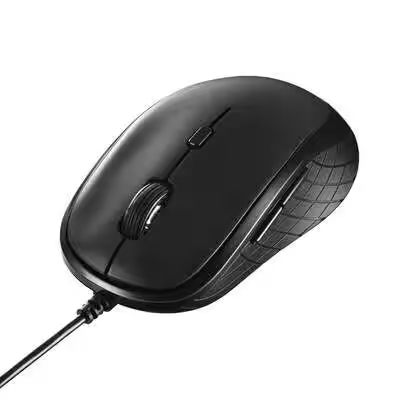
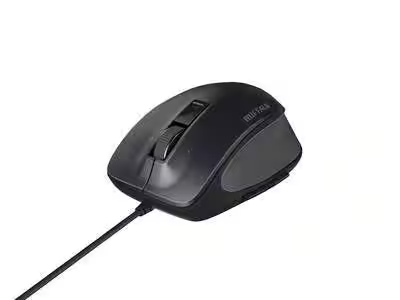
The Mouse Custom+ software is compatible with various models from Buffalo's five-button mouse lineup, including:
- - BSMBB700 series
- - BSMBB540 series
- - BSMBB530 series
- - BSMBB500L series
- - BSMBB300 series
- - BSMBW310 series
- - BSMBU310 series
- - BSMBU500M series
For updated compatibility details, users are encouraged to check Buffalo's official website.
Conclusion
Buffalo’s Mouse Custom+ allows users to bypass traditional restrictions surrounding mouse button customization, promoting a more agile working environment. With the removal of admin rights as a requirement for installation, users can take full control over their computing tasks and improve their workflow efficiency effortlessly.
For those interested in downloading the software, it is available on the Buffalo website.
Please note that this product is exclusively available in the Japanese Domestic Market, and availability may vary in other regions.
Topics Consumer Technology)
【About Using Articles】
You can freely use the title and article content by linking to the page where the article is posted.
※ Images cannot be used.
【About Links】
Links are free to use.