



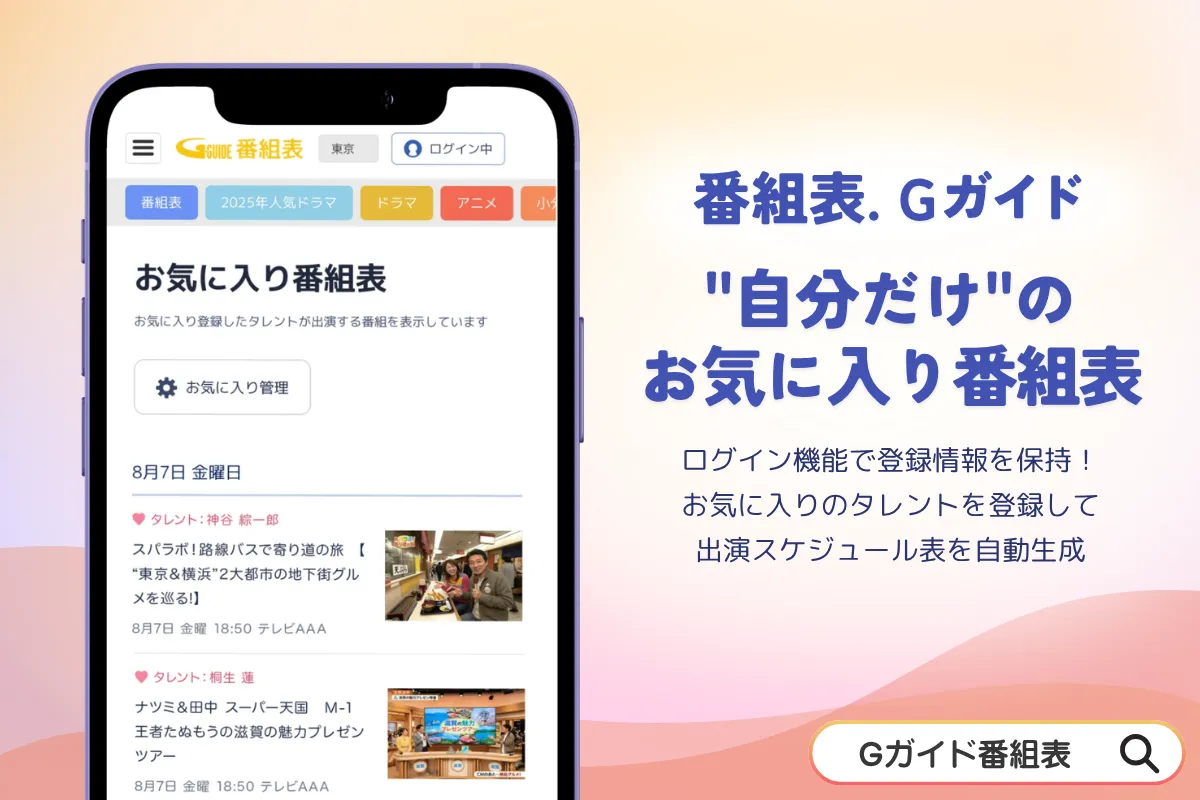
Discover Your Favorite Talent with G-Guide's New Feature: A Personalized Viewing Experience
A New Dimension in Viewing: G-Guide's Favorite Talent Registration
In a modern age where personalization is key, G-Guide, the electronic program guide service provided by IPG, has launched an exciting new feature. Available from September 7, 2026, users can now register their favorite talents directly through the web browser version of G-Guide. This inventive feature transforms the way viewers engage with their preferred content, making their viewing experience truly unique.
Enhancing Your Viewing Experience
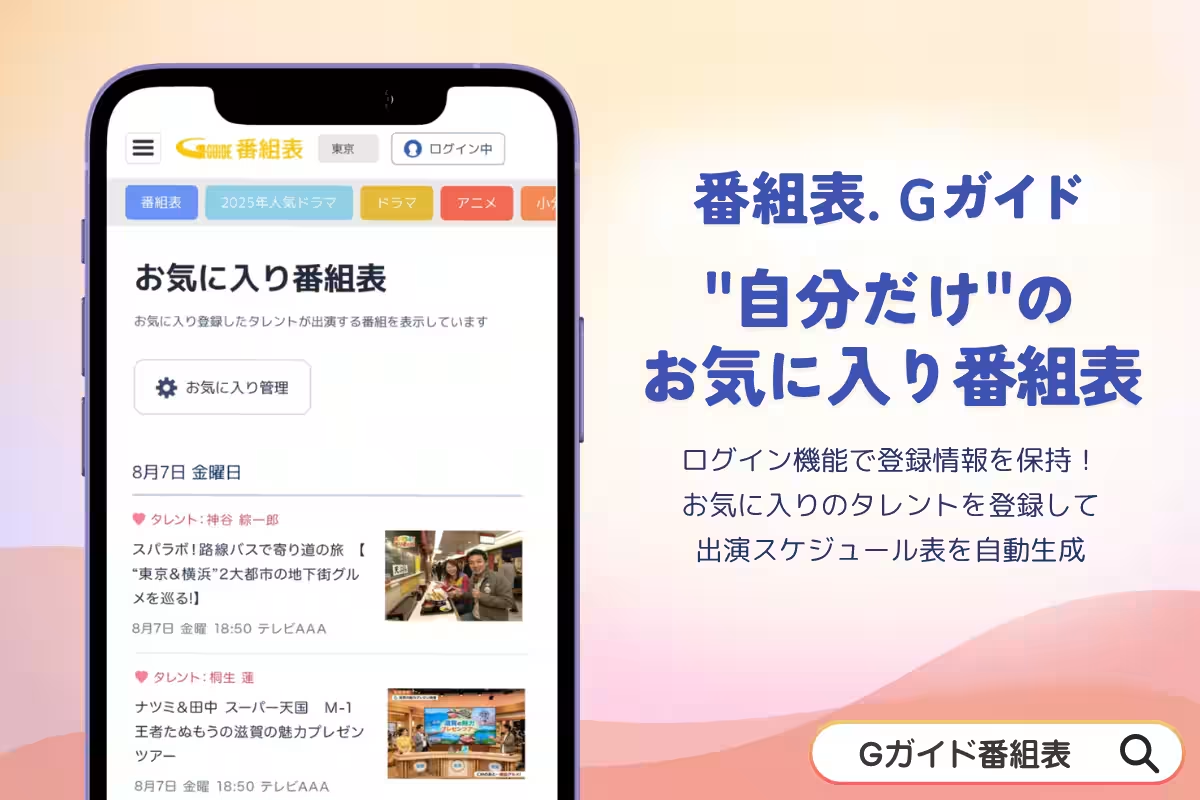
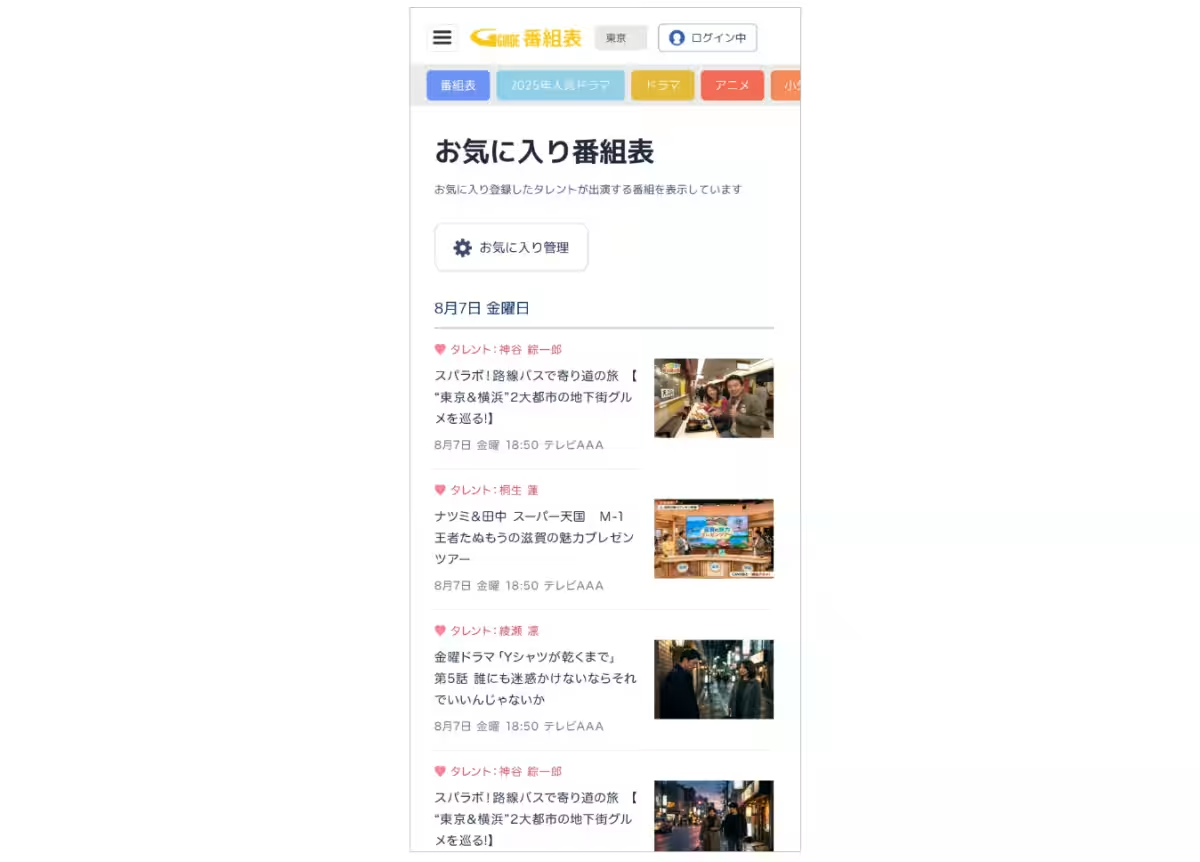
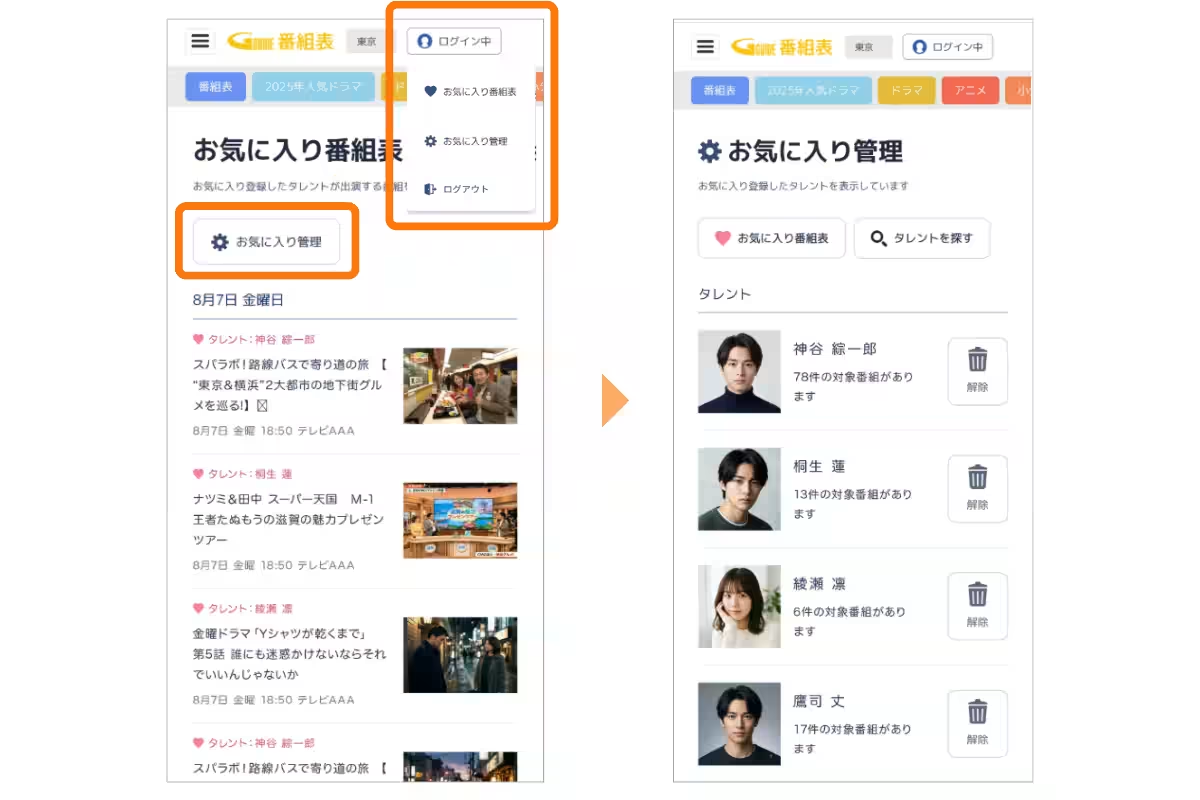
The new function caters to fans of specific talents or groups. By simply registering their favorites, users will have a customized “Favorite Program Guide” generated, which aggregates the recent appearances of these selected personalities. This automatic curation of content not only simplifies the information-seeking process but also ensures that users never miss out on their beloved shows.
How It Works
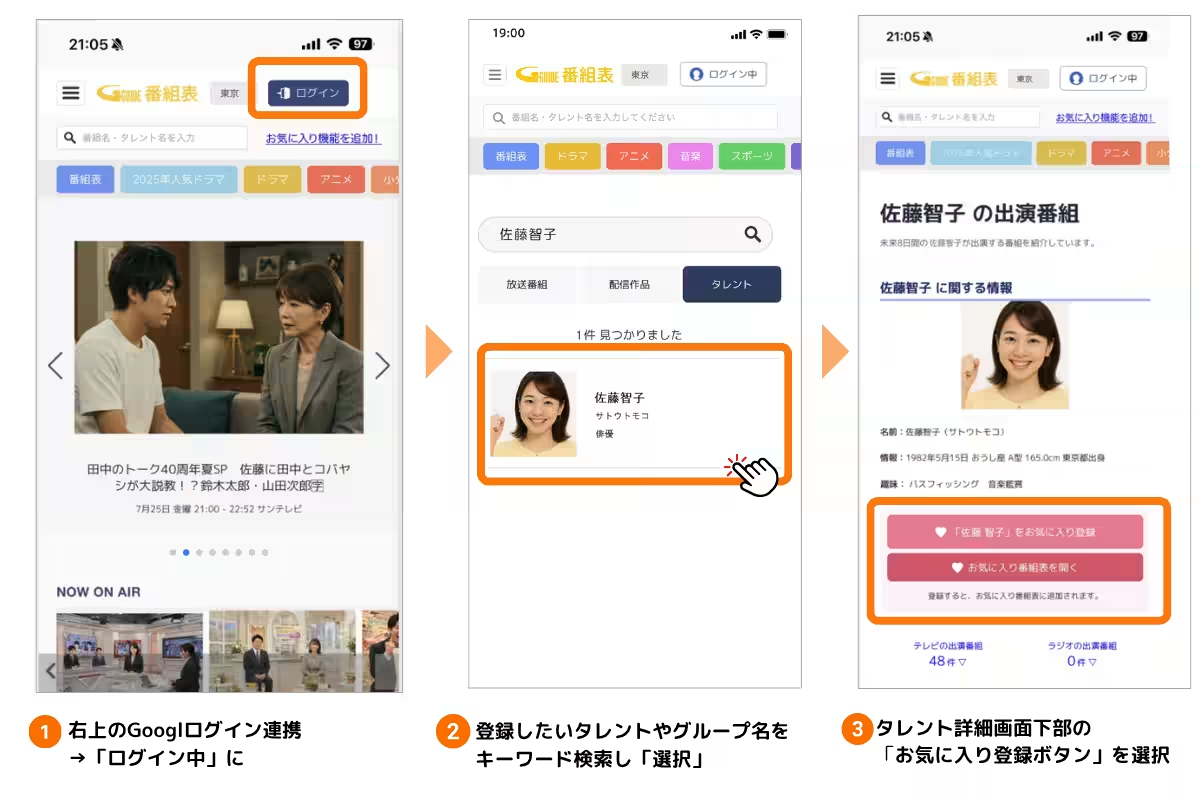
The implementation of the favorite registration feature is straightforward and user-friendly, making it accessible even to those who may not be tech-savvy. Here’s how you can create your very own personalized program guide:
1. Easy Google Account Linking: Simply click the “Login” button, and you will be directed to a Google login authentication screen. Select your existing Google account to proceed.
2. Register Your Favorite Talents: Utilize the keyword search or talent search functions to find the personalities or groups you wish to follow.
3. Finalizing Registration: After selecting a talent, press the registration button found at the bottom of their detail screen to complete the favorite registration process.
4. Access Your Favorite Program Guide: By choosing “Favorite Program Guide” from the login button, you can see a list of your registered talents' upcoming appearances sorted by air date.
Managing Your Favorites
Managing your favorite talents is effortless. Changes or deletions can be performed any time through the “Favorite Management” screen. This flexibility ensures that your guide remains relevant to your interests, facilitating an improved viewing experience.
Why This Matters
This new function comes on the heels of the feature's success in the mobile app version of G-Guide, which has already received positive feedback from users. The introduction of the feature to the web browser version enhances IPG’s commitment to evolving and improving the ways viewers interact with their content. Users can still access the program guide without logging in, maintaining a balance between personalization and accessibility.
The Future of G-Guide
The company is continuously exploring ways to further enrich the content consumption experience through updates and new features centered around user login functions. As part of this evolution, IPG aims to empower users to access and enjoy their favorite content like never before.
About Web Version G-Guide
G-Guide offers a robust database of official program content from broadcasting stations and distribution services across Japan. Designed to be compatible with personal computers and smartphones, it also includes features like ranking and genre filtering to help users discover shows they might love. Currently, G-Guide stands as one of the largest electronic program guide services in Japan, boasting about 7 million active users monthly.
The Role of IPG
Founded in 1999, IPG is recognized as a certified partner that manages viewer content metadata through direct collaborations with broadcasting stations and content providers. Their mission revolves around optimizing viewer experiences and connecting audiences to the content they cherish, ultimately striving to create joy-filled lives with enriched entertainment options.
For more information about G-Guide and its latest features, visit IPG's official site. Stay tuned for ongoing developments aimed at enhancing your content interaction experience.

Topics Entertainment & Media)
【About Using Articles】
You can freely use the title and article content by linking to the page where the article is posted.
※ Images cannot be used.
【About Links】
Links are free to use.