



Unlocking the Potential of Copilot in Microsoft Word: A Comprehensive Guide
Unlocking the Potential of Copilot in Microsoft Word: A Comprehensive Guide
In a significant step towards aiding productivity in the workplace, Youseful Inc., based in Chiyoda, Tokyo, has announced the launch of a free resource titled the "Copilot x Word Comprehensive Utilization Guide," set to be available for download starting December 15. The guide is specifically designed for professionals involved in promoting digital transformation, human resources, and back-office operations. Its core aim is to reduce the overall cost of document creation organization-wide, while also facilitating an environment where employees can focus on their primary responsibilities.
Addressing the Challenge of Document Creation
As companies increasingly adopt AI tools like ChatGPT and Copilot, traditional productivity applications such as Microsoft Word and PowerPoint remain entrenched in manual processes. Many professionals find themselves trapped in the mundane cycle of document creation, where brainstorming for initial drafts and time-consuming editing become significant bottlenecks. Often, employees spend excessive hours refining their content or formatting documents instead of focusing on creative and strategic tasks.
According to Microsoft's "Work Trend Index," many business individuals believe they lack the time and energy needed to engage in creative work. The enormous amount of time spent on writing and formatting documents often serves as an invisible drag on organizational productivity. To address these issues, there's growing anticipation around the use of Copilot in Word. However, misconceptions about its capabilities have led many users to revert to their traditional methods, assuming manual input is quicker. Youseful aims to clarify these misunderstandings and shift the paradigm from manual input to AI-driven document management through this guide.
What the Guide Offers
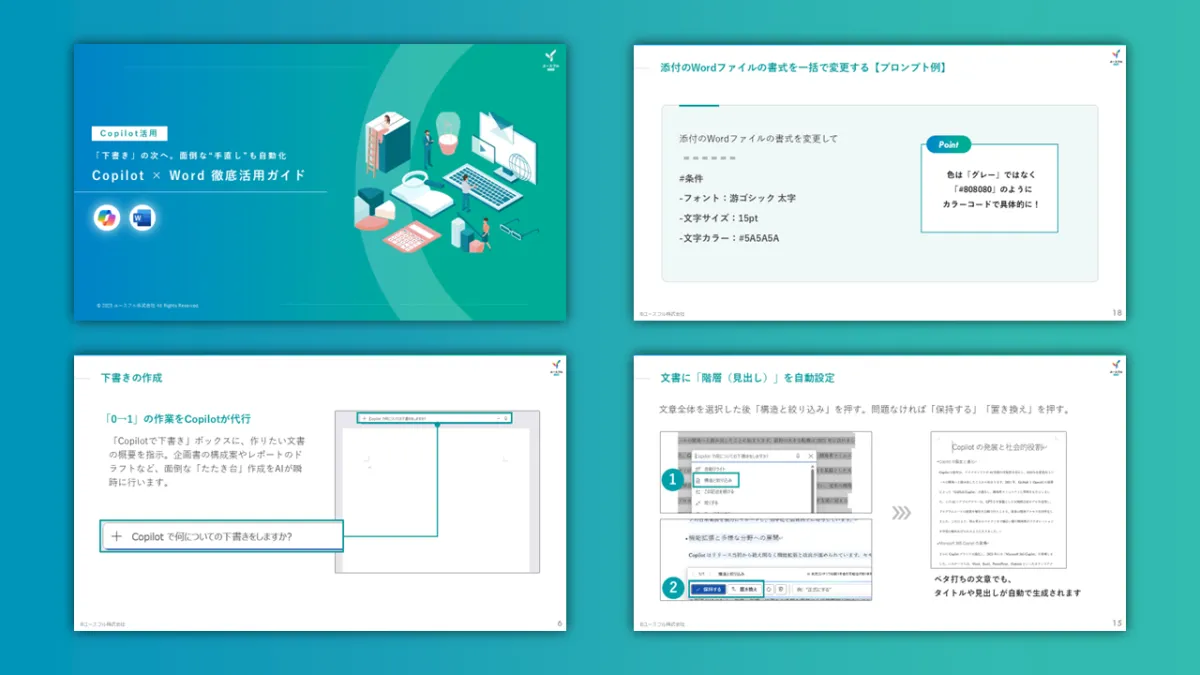
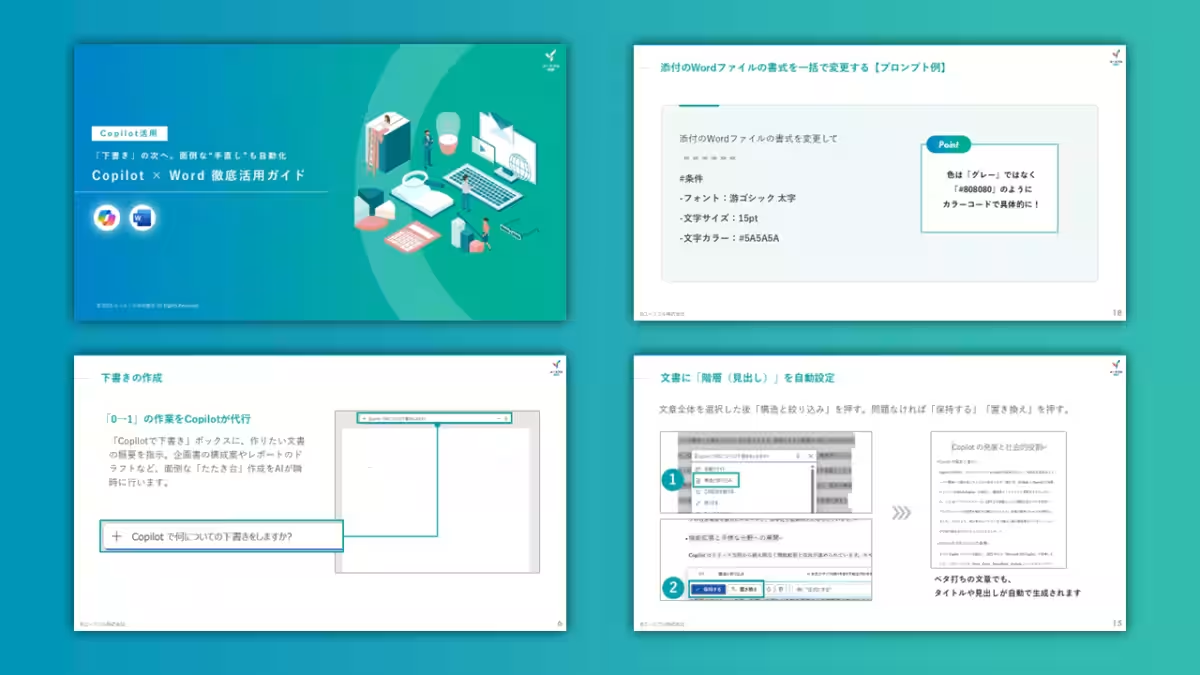
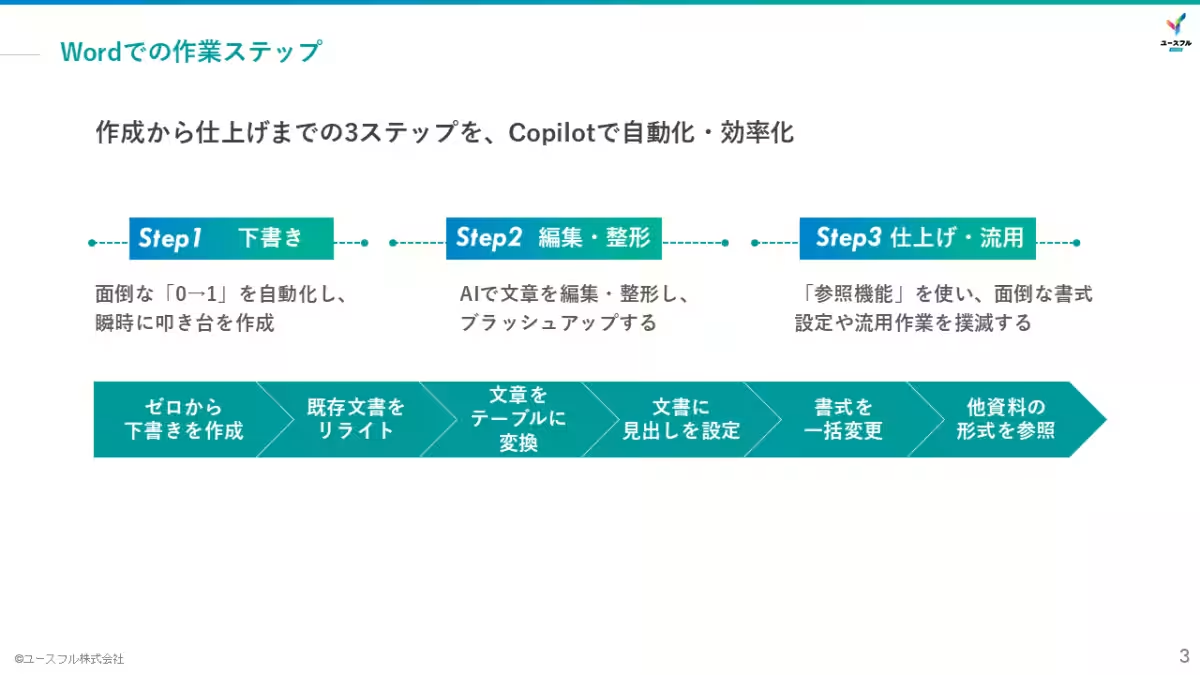
The "Copilot x Word Comprehensive Utilization Guide" outlines methods to automate and enhance document creation through three key steps: drafting, editing, and finalizing. It serves as a practical manual and training tool for organizations, helping to elevate the Word skills of their workforce. Here’s a glimpse of the practical steps covered in the guide:
1. Creating Drafts from Scratch: The guide explains how to automatically generate outlines for proposals or draft reports from scratch. Users will learn effective prompts for starting documents—eliminating the often daunting task of initiating writing from a blank page.
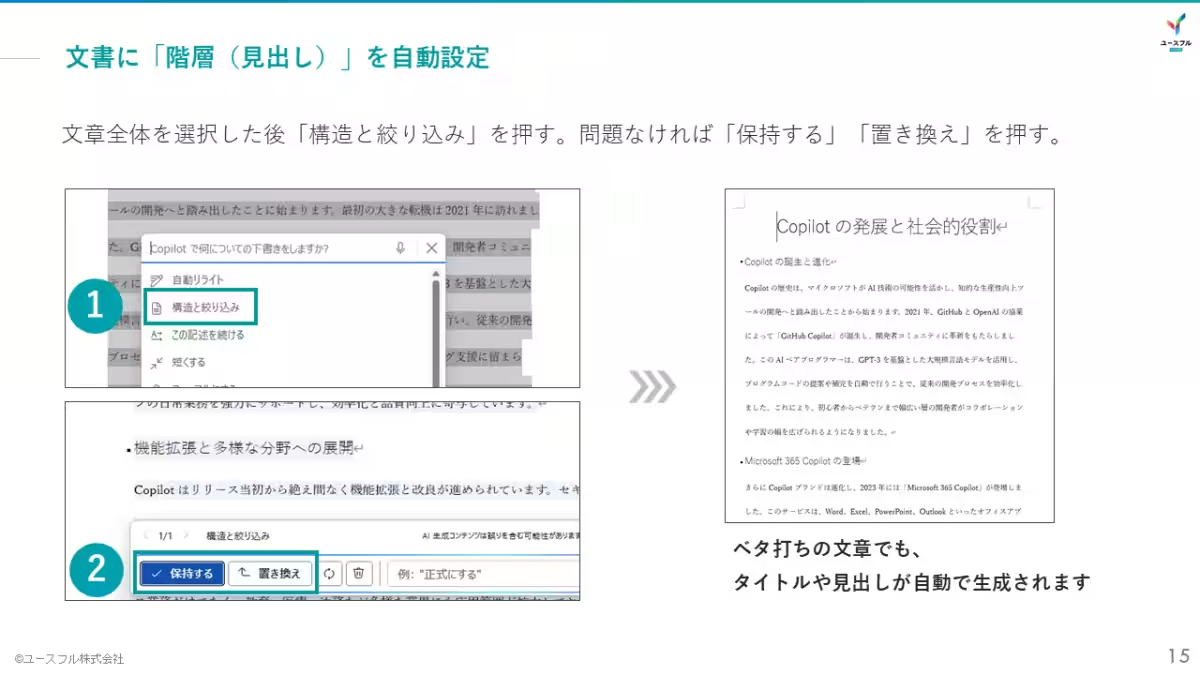
2. Editing and Formatting Enhancements: Employees will discover the "auto-rewrite" feature of Copilot, which allows them to adjust their writing for formality or succinctness with simple commands. Additionally, converting bulleted lists into tables with a single click is introduced as a technique to improve document visibility and clarity.
3. Standardizing Formats and Referencing Files: The guide also covers the efficient way to unify styles across documents, such as making titles bold or changing text colors from a chat command. Moreover, it provides advanced techniques for referencing past documents to replicate their format and tone in new materials, ensuring a consistent tone across internal communications.
Future Prospects
Youseful remains committed to transforming workplace experiences through innovative approaches, encapsulated by their mission, "Creating People Who Create." As they continue to develop and distribute AI-driven training resources, they are not only enhancing the capabilities of current Microsoft 365 users but also creating broader opportunities for learning through their tailored corporate training programs and learner-focused content. By integrating Copilot with Microsoft 365 and generative AI, they aim to ensure every business professional can harness the benefits of advanced technologies in their daily tasks.
Additional Resources
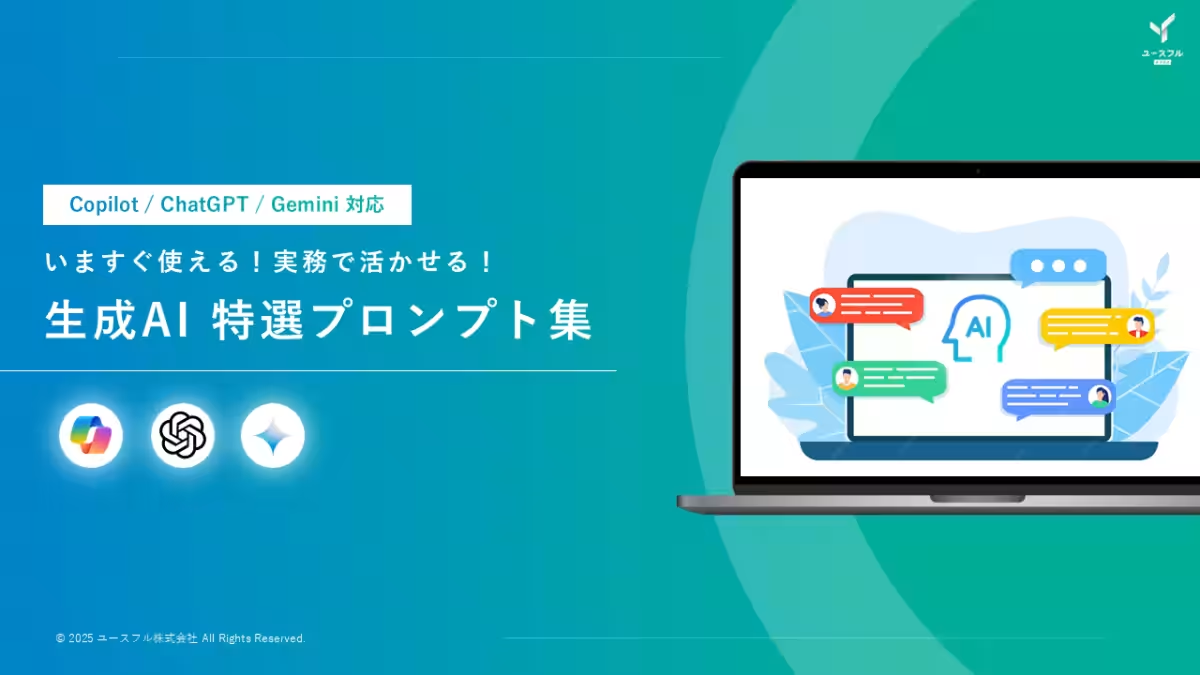
To assist users in maximizing the potential of generative AI in their everyday tasks, Youseful has also released a collection of top prompts for efficient AI application. This includes templates for everything from meeting minutes to complex Excel functions, making document automation even more accessible.
Download the Generative AI Prompt Collection for Free
Company Information
- - Mission: Creating People Who Create
- - Business: Corporate training utilizing Microsoft 365 and generative AI
- - CEO: Rintaro Ogaki
- - Location: 1-6-5 Kudansan, Chiyoda, Tokyo
- - Established: August 2018
- - Website: Youseful Inc.
Topics Business Technology)
【About Using Articles】
You can freely use the title and article content by linking to the page where the article is posted.
※ Images cannot be used.
【About Links】
Links are free to use.