



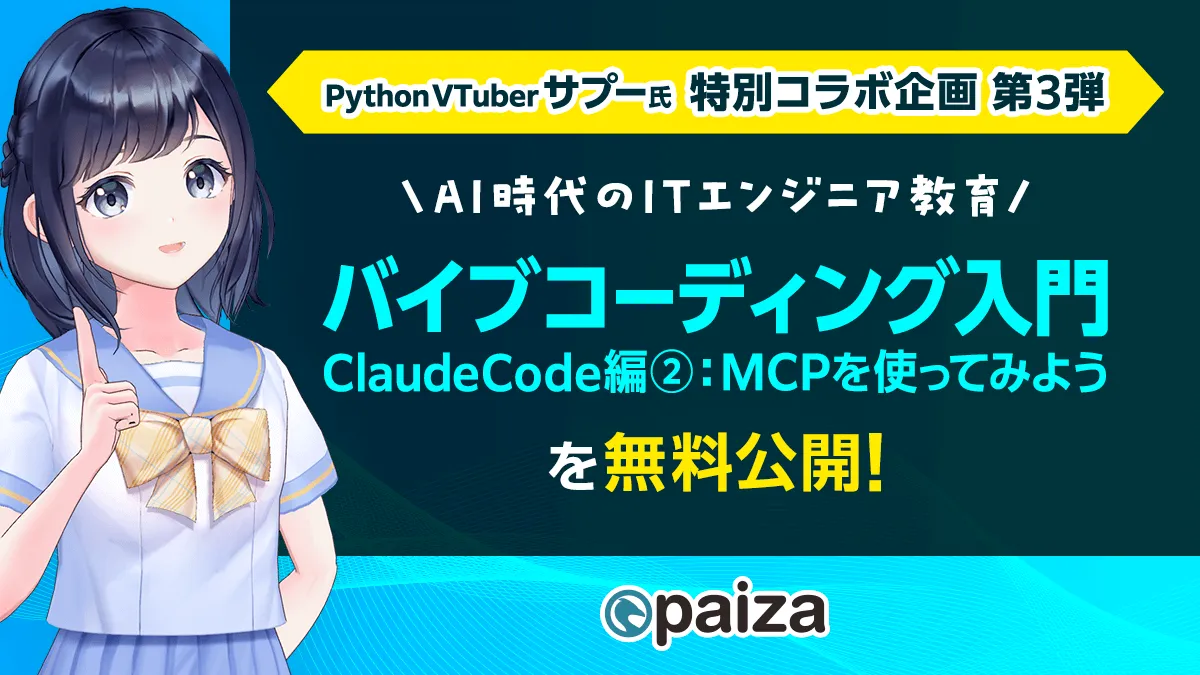
Introduction to Vibe Coding with Claude Code: Explore MCP in the Latest paiza Course!
Introduction to Vibe Coding with Claude Code
In the rapidly evolving field of AI development, paiza Corporation has launched the third installment of its collaboration with Python VTuber Sapu, titled "Introduction to Vibe Coding with Claude Code: Let’s Use MCP!" This new course aims to equip IT engineers with advanced methods of implementing Vibe Coding, a style of using generative AI to produce code through natural language instructions.
Course Outline
This course emphasizes the use of MCP (Model Context Protocol), a standard introduced by Anthropic that allows AI models to safely access external data and tools. Here, learners will delve into the emerging techniques that blend MCP with Claude Code, guided by the clear explanations from Sapu. Throughout the course, participants will learn how to create web applications by connecting external tools with the Claude Code for VSCode.
Key Features of the Course
The curriculum is designed to provide a systematic understanding of how to utilize real-world data from the Ministry of Land, Infrastructure, Transport and Tourism, including real estate, educational, and healthcare information, to construct functional applications. The course will cover:
- - Concept Clarification of Vibe Coding: A refresher on generative AI-centric development flows.
- - Foundation of MCP: An explanation of the differences between Web APIs and the necessity of MCP today.
- - Claude Code Implementation: Advanced manipulation of AI agents within Visual Studio Code.
- - Practical App Development: Creating a web application to extract regions suitable for child-rearing using natural language queries based on data from the Ministry of Land.
Details of the Lessons
The course is structured into chapters that include:
1. Overview of Vibe Coding
2. Understanding MCP (Model Context Protocol)
3. Differences Between MCP and Web APIS: Where to Use MCP
4. How to Utilize Claude Code for VSCode
5. Installing the MCP Server from the Ministry of Land
6. Setting Up the MCP Server
7. Direcing Claude Code to Select Tools for the MCP Server
8. Creating a Web App Using MCP with Claude Code
9. Conclusion and Recap on Web App Development with MCP
Target Audience
This course is suitable for:
- - Individuals interested in building applications using generative AI.
- - Those wanting to grasp the broad overview of app development without writing code.
- - Learners curious about Vibe Coding and eager to explore further in AI development.
Comments from Sapu and paiza Leadership
Sapu emphasizes that even beginners can grasp the connection between Claude Code and the MCP server through this course. Understanding how AI can seamlessly interact with external systems using MCP opens up greater scalability and practicality in the application development process.
Paiza's Chairman, Ryohei Katayama, also highlights that this course goes beyond mere AI code generation by incorporating practical lessons that link AI with open data from the Ministry of Land. This enhanced curriculum is designed to advance learners from trends towards real-world application.
About paiza
Paiza is an online platform dedicated to helping IT engineers with job placement, skills assessment, and learning. By providing unique programming skills checks that match users with potential employers, it has attracted a community of around 940,000 members and over 4,900 companies since its establishment in February 2012.
As a brand, paiza is dedicated to fostering growth in IT talent, believing that the future can be shaped by unique capabilities. The company envisions itself as a critical resource for both businesses seeking talent and individuals looking to develop their skills.
For those interested in the powerful potential of AI in development and practical applications, the Vibe Coding with Claude Code course is an opportunity not to be missed. For more information, visit the course page here.


Topics Other)
【About Using Articles】
You can freely use the title and article content by linking to the page where the article is posted.
※ Images cannot be used.
【About Links】
Links are free to use.