



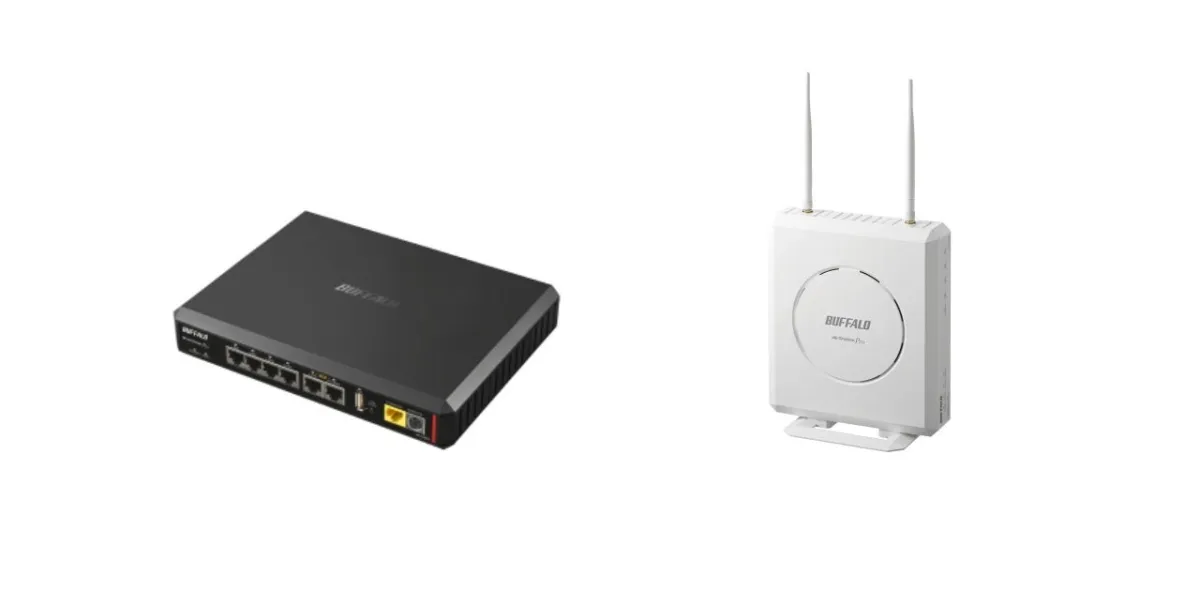
Buffalo's Kiki Navi Update: Simplifying IT Admin Operations with Cloud Zero-Touch Technology
Enabling Efficient IT Management: Kiki Navi's Latest Updates
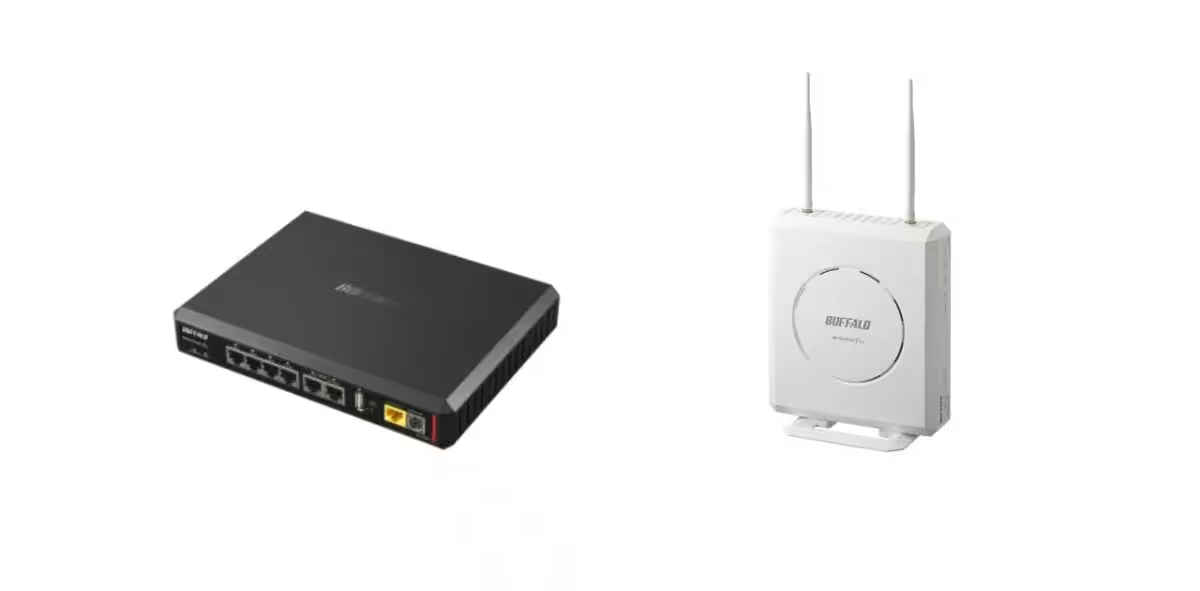
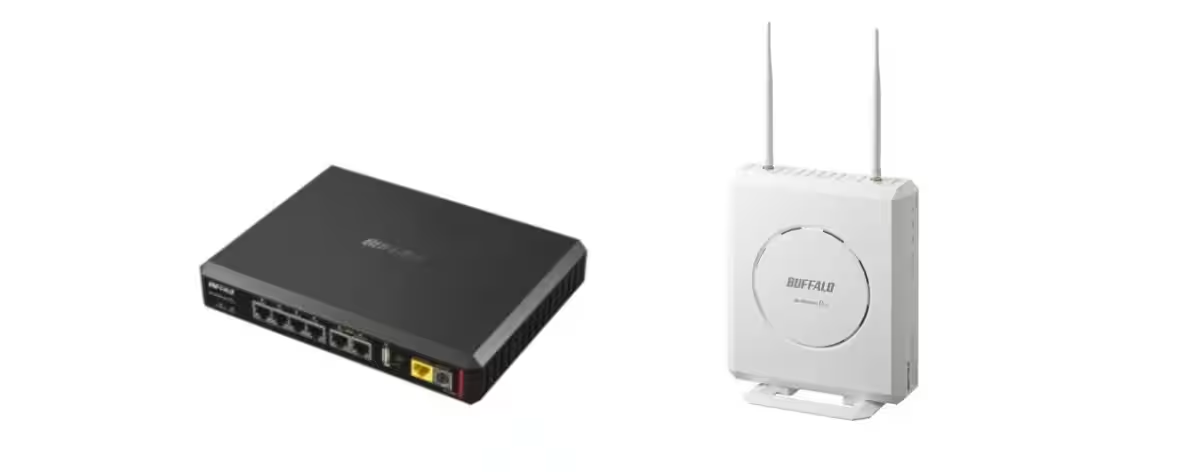
In a world where remote work has become commonplace, the burden on IT administrators has grown considerably. Buffalo Inc., based in Chiyoda, Tokyo, is set to alleviate some of this pressure with its recent update to the Kiki Navi remote management service, particularly concerning the VR-U series routers targeted at corporate users.
Enhancements in Functionalities
The latest updates promise to streamline the network management and operational tasks handled by administrators:
1. Cloud Zero-Touch Automation
The VR-U series routers are now compatible with Kiki Navi's Cloud Zero-Touch feature, allowing for hassle-free installation and configuration. Administrators can now register routers directly to Kiki Navi using the serial number and MAC address. Once registered, settings can be applied in bulk, automatically reflecting once the device is connected to the internet. This significant automation negates the need for pre-configuration, drastically speeding up deployment at various locations. Additionally, the VR-U series now supports IPv6 communication, catering to modern communication environments.
2. Configurable Readable Setting Files
Kiki Navi now allows administrators to download configuration files in both binary and CLI formats directly through the interface. This enhancement significantly improves the ability to manage and inspect router settings. Moreover, administrators can modify configuration parameters and create new profiles for devices remotely, ensuring a high degree of operational efficiency.
3. Automated Router Configuration Restoration
Another noteworthy addition is the ability to perform batch restoration of settings using USB memory across multiple routers. This function simplifies the reconfiguration process, allowing administrators to replicate settings quickly across several devices.
The target devices for these updates include:
- - VR-U500X
- - VR-U300W
Please note that specific configurations may require the latest router firmware and cannot support features like QR code registration or certain internet connections.
Improvements in Kiki Navi Overall Management
The update also brings comprehensive enhancements to Kiki Navi's operational management features.
Notifications with Serial Number Information
Event notification emails sent from Kiki Navi will now include serial number details. This addition allows administrators to identify and locate devices experiencing issues promptly simply by checking their email notifications.
Enhanced User Interface for Group Management
The interface for selecting device and user groups has also been revamped. Instead of dropdown lists, a dialogue interface enables keyword searches of group names and their descriptions, making it easier to navigate when managing large fleets of devices.
What is Kiki Navi?
Kiki Navi is a remote management service that connects network-attached storage (NAS), corporate routers, access points, and smart switches via the internet. It does not require special network configurations as long as there is HTTPS communication available. The service continuously monitors the status of connected devices and promptly alerts administrators to any issues that arise. Moreover, it allows remote rebooting, debugging logs, and firmware updates—significantly reducing the operational load on management companies.
In summary, Buffalo's advancements in Kiki Navi reflect a commitment to simplifying IT operations, reducing the burden on network administrators, and enhancing overall system manageability. As the demand for efficient remote work solutions continues to grow, tools like Kiki Navi will be critical in maintaining seamless operations and infrastructure reliability.

Topics Business Technology)


【About Using Articles】
You can freely use the title and article content by linking to the page where the article is posted.
※ Images cannot be used.
【About Links】
Links are free to use.