



Introducing Markup: A Revolutionary Markdown to PDF App for macOS and iOS
Meet Markup: Your New Markdown Companion
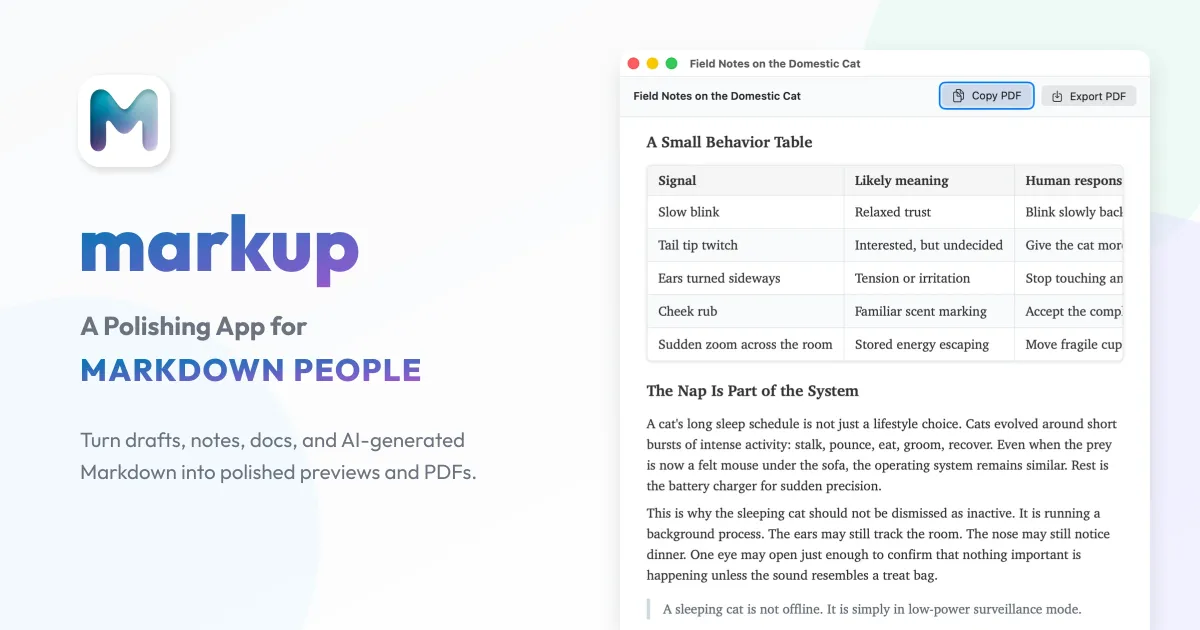
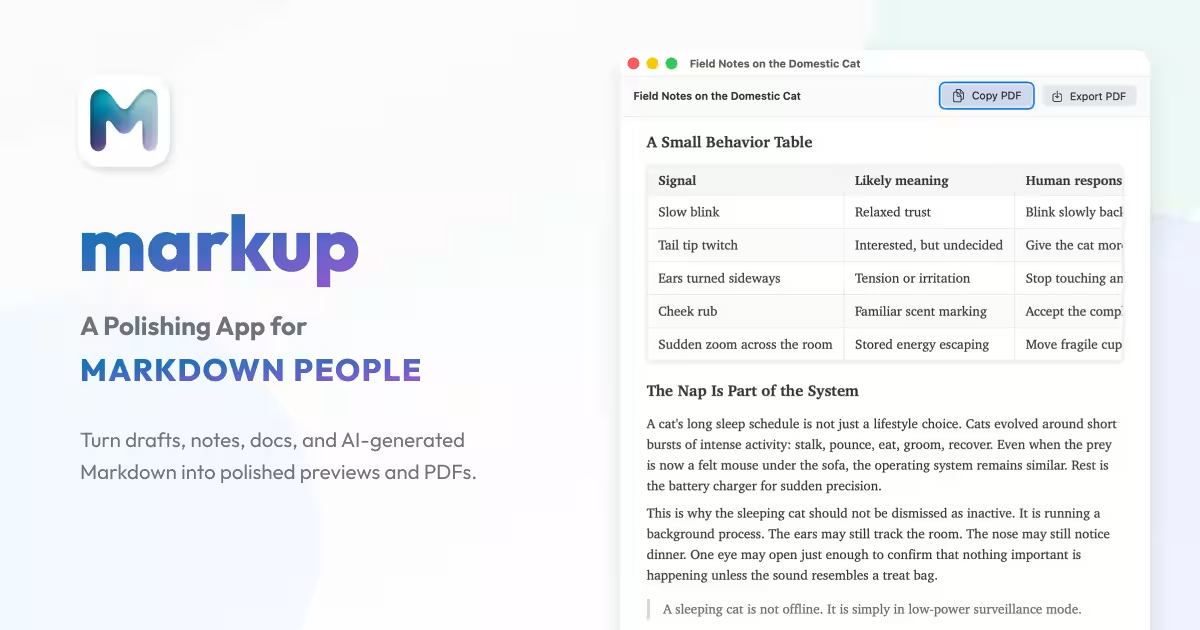
Progressive Works Inc., based in Chuo Ward, Tokyo, has unveiled a groundbreaking application named Markup, designed to revolutionize how users interact with Markdown documents. The initial release is available on both macOS and iOS, aiming to improve the readability and presentation of Markdown files when converting them to PDF.
Why Markdown?
Markdown is a popular text formatting language that allows users to create documents with headings, lists, links, and more using simple syntax. It is especially useful for drafting notes, technical documentation, or collaborating with AI. However, documents formatted solely in Markdown can sometimes appear cluttered and difficult for readers to interpret. This is where Markup comes into play; it allows users to preview Markdown documents and seamlessly export them as beautifully formatted PDFs.
Key Features of Markup
The Markup app comes packed with several features designed to enhance user experience:
1. In-Device Processing: Unlike other applications that rely on external rendering servers, Markup allows users to preview their documents and export PDFs directly from their devices, ensuring enhanced privacy and faster processing times.
2. Extensive Expression Support: The app is compatible with GitHub Flavored Markdown, code display, LaTeX equations, as well as diagrams using Mermaid and PlantUML. This means that a wide array of content, from technical documents to creative presentations, can be handled with ease.
3. Adjustable Output Settings: Users have the option to customize fonts and syntax themes, enabling them to tailor their documents' appearance to fit specific contexts or audiences effectively.
As the use of AI-generated content becomes more common, effective management of processing loads and costs is increasingly important. Instead of relying on AI to produce fully polished documents, users can start drafting in Markdown and then fine-tune the output for sharing and submission within Markup—striking a practical balance between quality and cost.
While many Markdown editors offer preview features, they often fall short in terms of exporting editable PDFs that maintain the desired appearance. Markup adopts a Privacy by Default design ethos, where all document checks, formatting, and PDF exports are conducted entirely on the device.
Targeted Applications of Markup
Markup primarily focuses on aiding users in transforming Markdown into a more readable format, specifically for technical documentation, proposals, reports, and more. This feature is crucial for individuals or teams looking to create polished documents that are suitable for sharing with clients or stakeholders.
Availability
- - macOS/iOS: Available now!
- - Android: Coming soon!
Future Roadmap
Looking ahead, Markup is set to introduce a version for Windows. Other planned enhancements include improving the rendering quality and compatibility for LaTeX, Mermaid diagrams, and PlantUML, which are currently supported only partially. These improvements will ensure that users can comfortably format a wide range of documents in various languages and styles.
Pricing and Plans
- - Free Version: Includes support for GitHub Flavored Markdown, syntax highlighting, dark mode, and PDF exports (with watermark).
- - Premium Version: Offers watermark-free PDF exports, local rendering of equations and diagrams, and customizable fonts and syntax themes.
Pricing may vary depending on the region and store. For the most accurate and up-to-date pricing, please check within the app or on the store.
Company Information
Progressive Works Inc. is dedicated to enhancing productivity in documentation workflows with innovative tools. Founded by Shotaro Chiba, the company is situated in Ginza, Tokyo, with a commitment to driving technological advancements in everyday applications.
For more information, check out the app on the App Store or visit their official website.
Topics Consumer Technology)

【About Using Articles】
You can freely use the title and article content by linking to the page where the article is posted.
※ Images cannot be used.
【About Links】
Links are free to use.