



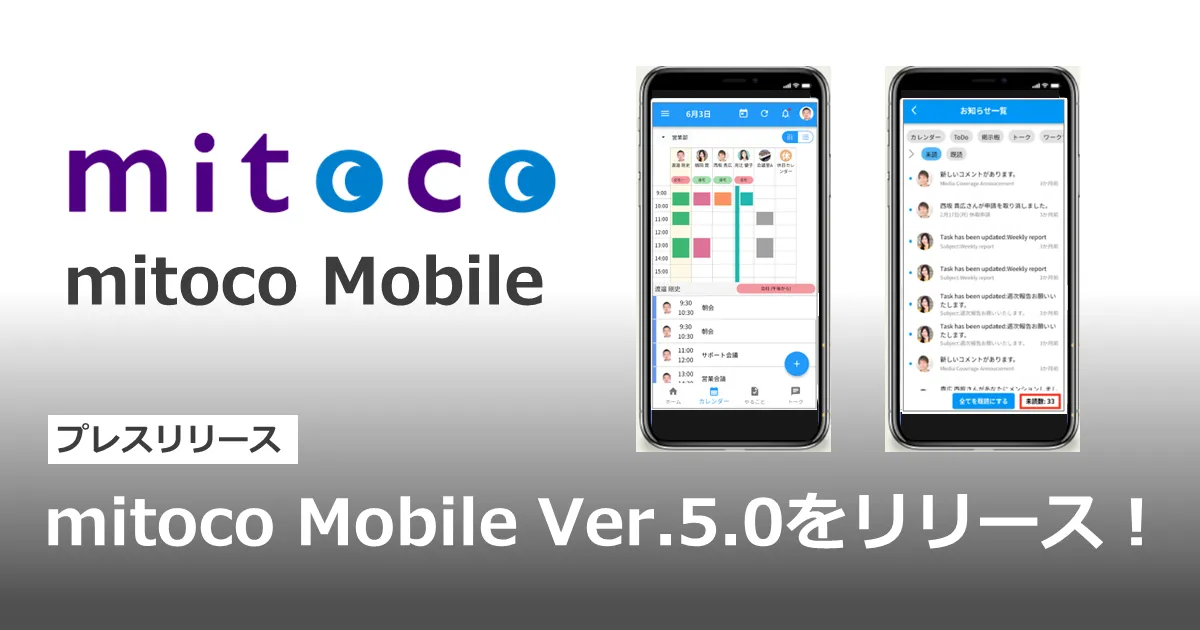
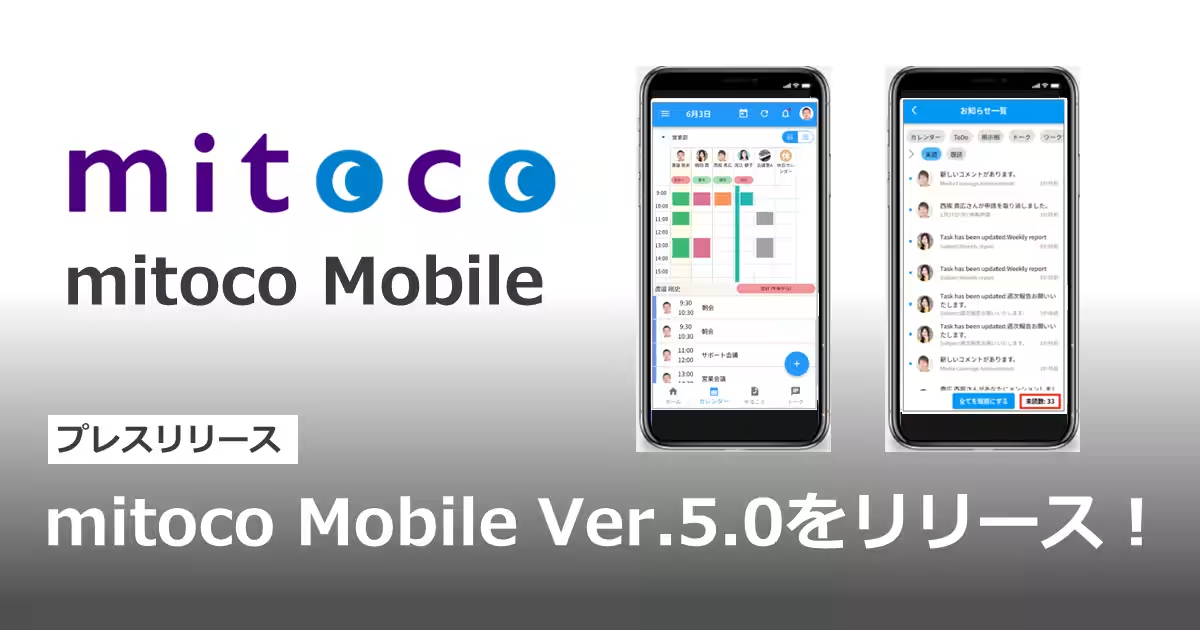
Terrasky Releases Version 5.0 of mitoco Mobile App Enhancing User Experience
Terrasky Rolls Out mitoco Mobile Version 5.0
Terrasky, a company based in Chuo, Tokyo, has just announced the release of version 5.0 of their mobile application, mitoco, on June 25, 2025. This upgraded communication tool integrates seamlessly with Salesforce and aims to significantly enhance user experience through improved performance and functionality.
Key Improvements in Version 5.0
This latest version of mitoco Mobile comes packed with various enhancements that focus on making the application more user-friendly and efficient. Here are the significant updates users can look forward to:
Enhanced Data Display Performance
One of the most noteworthy improvements is the enhanced performance for displaying detailed data. Users can expect a quicker load time for screens they have previously accessed. This means that during travel or in areas with poor connectivity, crucial information such as schedules can be retrieved without hassle.
Once a screen has been displayed, its data is stored on the mobile device, leading to faster access during subsequent visits. Updated data will sync automatically as soon as network conditions allow.
Key Screens with Enhanced Performance Include:
- - Home tab: Schedule list & detail views
- - Calendar tab: Upcoming month’s schedule & details
- - To-Do tab: Bulletin board & task lists
- - Talk tab: Room, topic, and message views
Improved Calendar Features
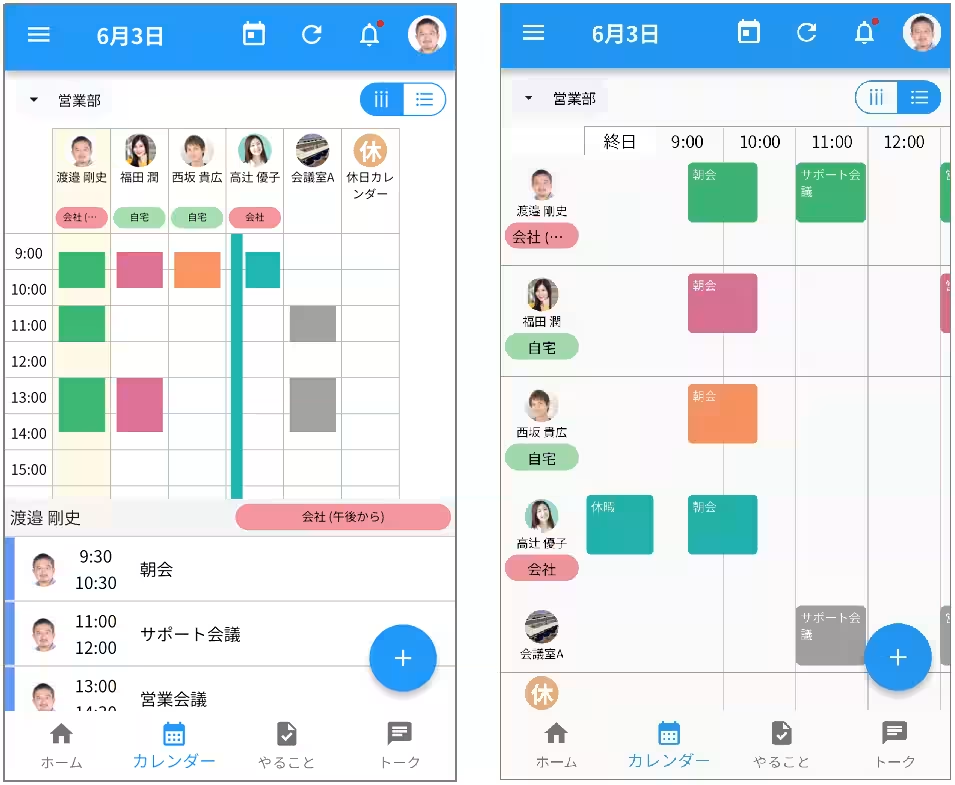
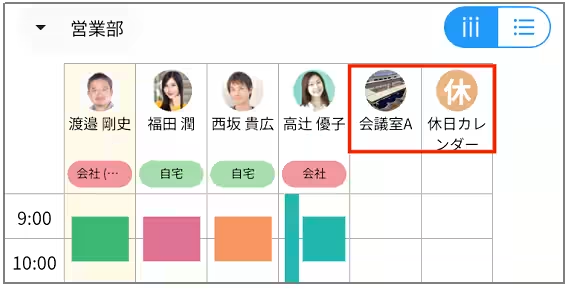
For a more streamlined view, the 'everyone's schedule' feature has been revamped. Users can now switch from the traditional vertical layout to a horizontal arrangement, making it easier to view each user’s schedule, work locations, and facility plans at a glance.
Users can revert to the old vertical display using a switch located at the top right corner of the screen.
List Calendar Incorporation
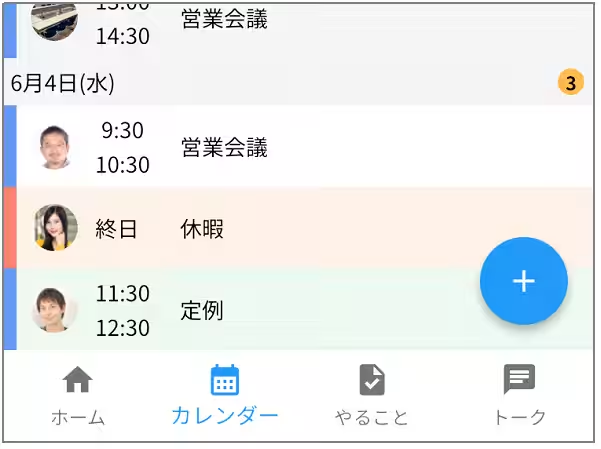
Another exciting update allows users to see other users' and facilities’ schedules directly in the list calendar, making planning and co-ordination even simpler.
Streamlined Data Entry with Autocompletion
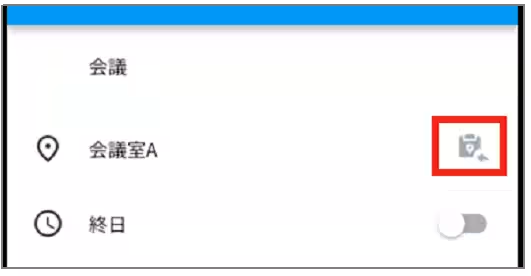
A new feature has been introduced that allows users to automatically fill in the facility name in the location field of their planned activities with a simple tap. This is designed to minimize manual input, ensuring quick updates.
Image Display Support
Now, users can view images that have been set for facilities and public calendars, adding a visual component to the information.
Improved Notification System
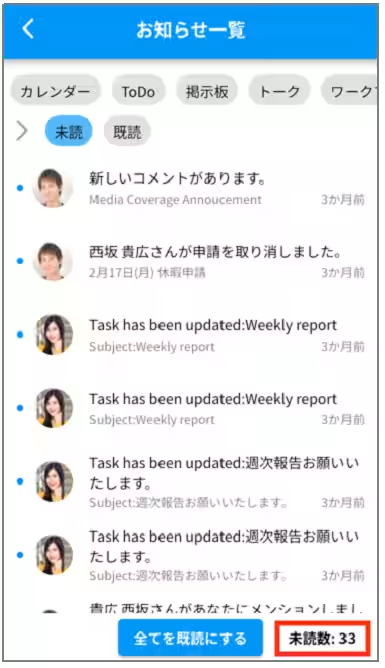
The notifications list now displays the count of unread messages, helping users stay on top of updates. Each application can also show an individual count of unread notifications.
Easy Copying of Text
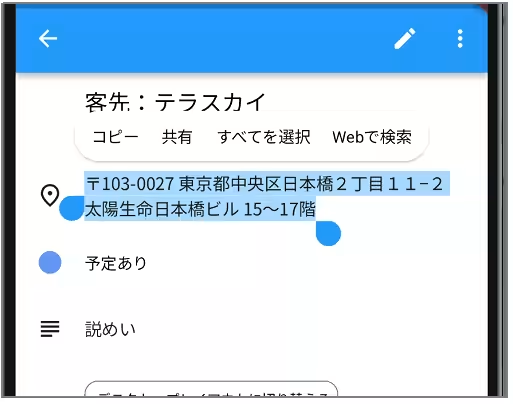
For greater usability, the app now supports text copying from detail screens, feeds, and comments. Users can simply long-press the desired text to copy it, reducing the need for extensive typing on mobile devices.
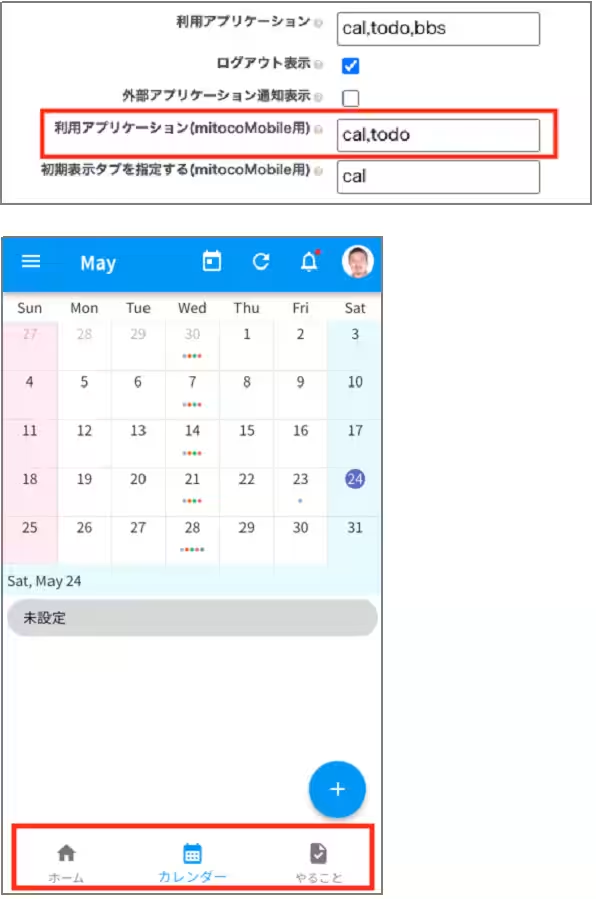
Application Visibility Control
For organizational purposes, administrators can now set up the mitoco Mobile app to display only approved applications, hiding any unnecessary ones for users.
These new features are designed to streamline workflow and enhance overall user experience, making mitoco Mobile an essential tool for professionals on the go.
For complete details on the features and capabilities of the new update, users can refer to the release notes available at Terrasky’s official page.
About mitoco Mobile
mitoco Mobile is a mobile application that offers users of the next-generation groupware, mitoco, the ability to operate efficiently from anywhere, combining the functionalities of web and desktop applications. Key features include synchronization with mitoco bulletin boards, calendars, and task lists.
For further information, visit mitoco’s application website.
All company names and services mentioned in this article are registered trademarks of their respective owners.
Topics Consumer Products & Retail)
【About Using Articles】
You can freely use the title and article content by linking to the page where the article is posted.
※ Images cannot be used.
【About Links】
Links are free to use.