



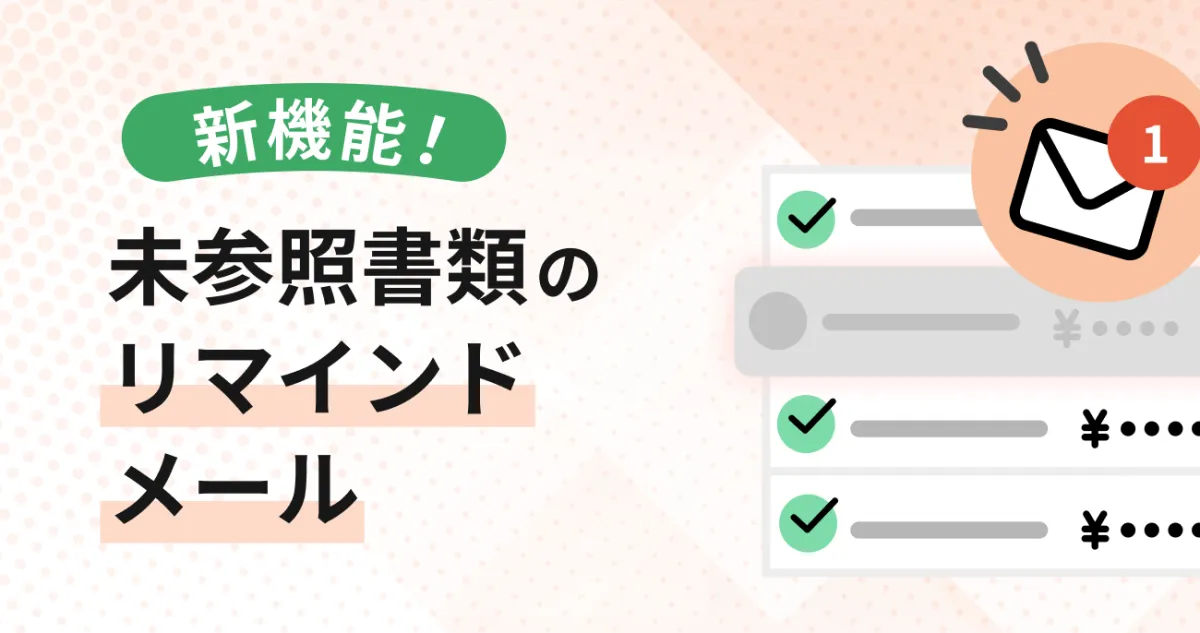
MakeLeaps Introduces New Reminder Feature for Unreferenced Documents
MakeLeaps Unveils New Reminder Feature
Introduction
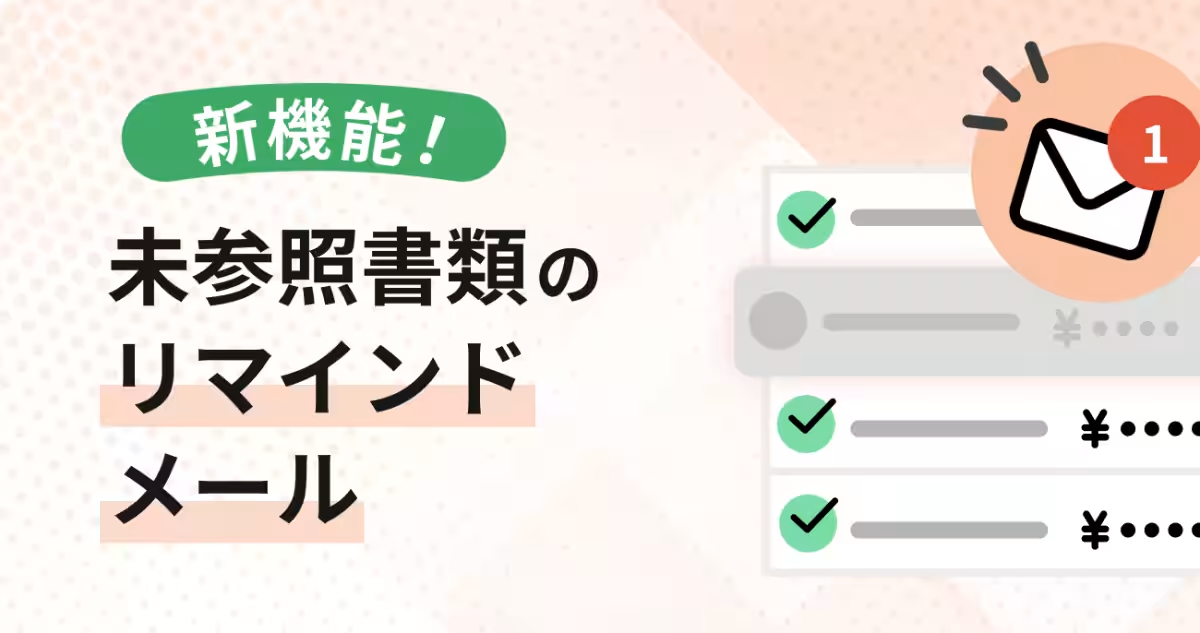
MakeLeaps, the cloud-based invoicing management service from Ricoh Group, has recently launched a new feature named the "Unreferenced Document Reminder." This cutting-edge addition automatically sends reminder emails to clients if the documents sent go unaddressed for a specific period. This innovation significantly minimizes manual follow-up efforts, thereby enhancing the speed of billing operations and preventing any oversight in client communications.
Background of Development
With recent amendments to the Electronic Book Preservation Act, the demand for digital invoices and documentation has surged year after year. However, delays in response from clients often lead to situations where accounting personnel must manually remind clients, creating additional workload. The Unreferenced Document Reminder feature was developed to tackle this issue effectively.
In the two weeks following its launch, 124 companies activated this feature, resulting in approximately 410 reminders already dispatched, indicating robust utilization in the field.
Anticipated Benefits
Reduction of Follow-Up Tasks
The new feature promises to significantly cut down on the follow-up workload for accounting and sales representatives, allowing them to focus on more critical tasks rather than manual reminders.
Prevention of Invoice Delays
By improving communication efficiency with clients, this feature aids in preventing delays in invoicing, thus streamlining the workflow related to billing.
Ensured Compliance with Regulations
MakeLeaps has developed a system for safe and compliant electronic document management, providing peace of mind for users navigating the complexities of regulatory requirements.
Functionality of the Unreferenced Document Reminder
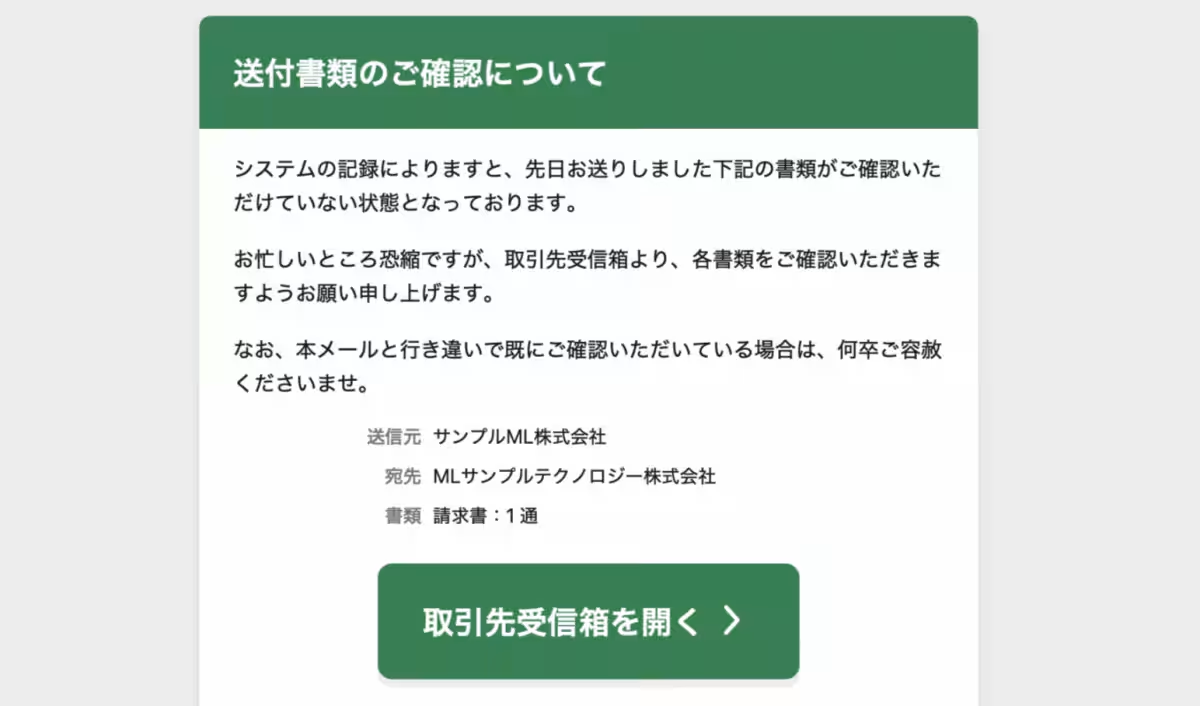
The feature is designed to automatically notify clients when documents sent via secure transmission or through a transaction portal have gone unreferenced beyond a specified threshold. Users can designate the number of days after which the reminder will be triggered, allowing for customized follow-up processes.
Image of Reminder Email Functionality
The web-based features provided by MakeLeaps ensure higher security when transmitting documents compared to traditional email attachments.
How to Utilize the Feature
This will be available to customers using the corporate plan, enterprise plan, or integration with Salesforce. Detailed configuration instructions can be found in the MakeLeaps Help Center.
Addressing the Growing Need for Digital Documents
The push towards fully electronic invoicing and document management has grown as the need for digitization rises in the wake of evolving regulations. However, traditional practices such as printing and sending physical documents, combined with varying levels of response from recipients, have made complete digital transformation challenging. Consequently, accounting staff often spend excessive time on manual tasks, hindering the adoption of remote work models.
MakeLeaps steps in as a cloud-based document management service, enabling users to manage everything from estimates to invoice creation, dispatch, and payment tracking seamlessly. By transitioning mail-related tasks to digital platforms and centralizing document management, MakeLeaps supports flexible work environments.
Company Overview
- - Company Name: MakeLeaps, Inc.
- - CEO: Yasushi Okada
- - Headquarters: 2F YK Nakameguro Building, 3-1-5 Nakameguro, Meguro-ku, Tokyo, Japan
- - Established: July 2014
- - Website: MakeLeaps
- - Business Scope: Development and management of the cloud-based invoicing management service "MakeLeaps."
Note: The names of companies and services mentioned in this release are registered trademarks of their respective owners. The information is accurate as of the release date and may differ from the latest updates. Prices mentioned are excluded from tax.
Topics Business Technology)
【About Using Articles】
You can freely use the title and article content by linking to the page where the article is posted.
※ Images cannot be used.
【About Links】
Links are free to use.