



KREO Introduces Innovative Tablet Mode for Streamlined Reservation System
KREO Unveils Tablet Mode for iYOYAKU Reservation System
In an effort to enhance the customer experience and streamline retail operations, KREO Co., Ltd., a company based in Chiyoda, Tokyo, has announced an exciting new feature for its reservation management system, iYOYAKU. This new 'Tablet Mode' allows customers to input their own reservations directly, eliminating the need for paper forms and manual data entry by staff.
The iYOYAKU Reservation Management System
The iYOYAKU system is designed to efficiently manage reservation information for various types of products, ranging from seasonal specialties like Christmas cakes and traditional New Year’s foods to year-round items such as party platters and birthday cakes. By centralizing the management of these reservations, KREO is helping retailers across Japan improve operational efficiency and boost sales.
Comprehensive Management Across Multiple Locations
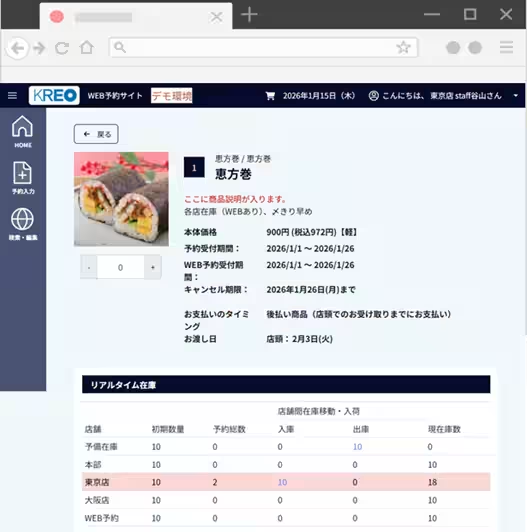
One of the key features of the iYOYAKU system is its ability to handle real-time inventory management across multiple store locations. Retailers can easily monitor reservation numbers and stock availability from headquarters or individual stores, allowing for swift adjustments and the ability to enhance promotional efforts just before order deadlines.
Instant Online Reservation Site
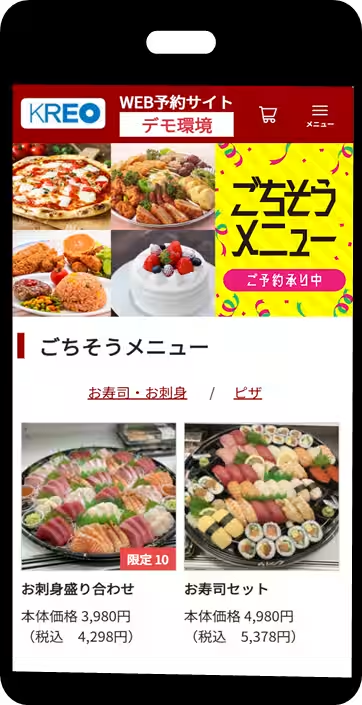
Another user-friendly feature is the ability for customers to place orders 24/7 through a dedicated web reservation site, which retailers can set up instantly. This approach not only attracts new customers but also lightens the administrative workload for store staff.
The New Tablet Mode: Cutting Out Paperwork
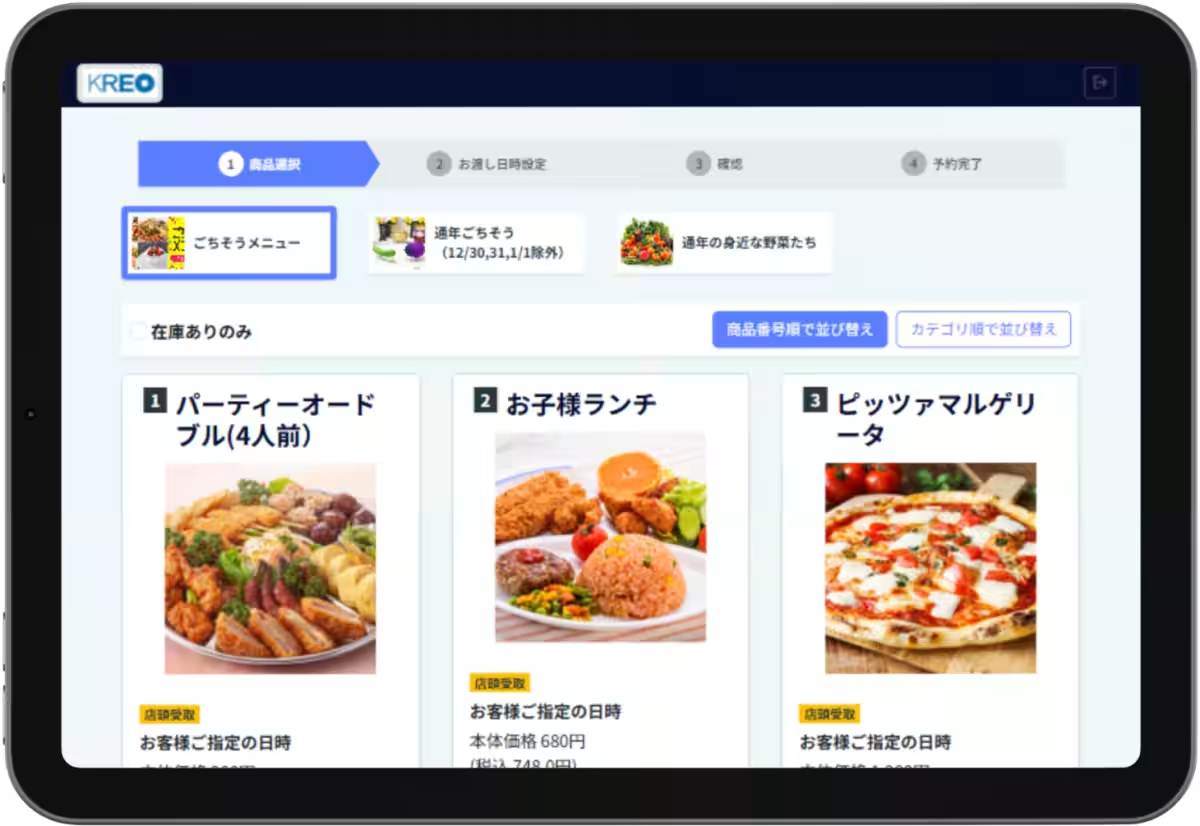
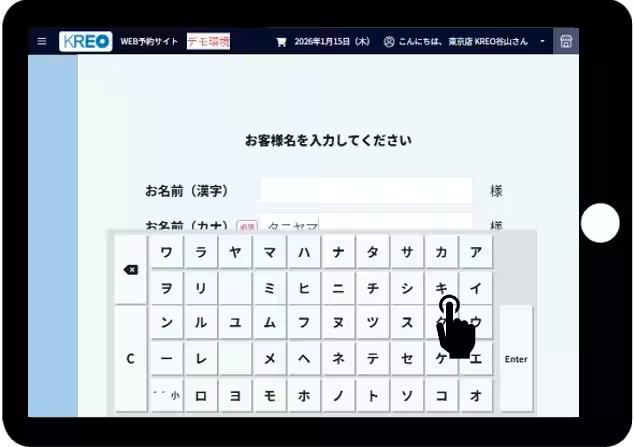
The newly introduced Tablet Mode focuses specifically on in-store reservations. Customers can now use a provided tablet, either fixed at the counter or handed out by staff, to enter their reservation details directly. This innovation eliminates the cumbersome process of filling out paper forms, which often required staff to enter data into a system later, creating potential for errors and inefficiencies.
Background: Eliminating Duplication of Effort
Traditionally, customers would fill in their information on paper forms, which required staff to hand-enter those details into a computer system or spreadsheet later. This method not only took a considerable amount of time but also posed risks of misreading customers’ handwriting or mistakes that could lead to reservation issues.
Tablet Mode Features
The Tablet Mode addresses these issues by allowing customers to input their reservation data directly into the iYOYAKU system in real time. This means that:
- - Complete Elimination of Data Entry Backlogs: There’s no need for manual data entry by staff, as customer inputs are updated at once in the system, enhancing efficiency.
- - User-Friendly Interface: The interface is designed to be intuitive, making it easy for people, regardless of their tech-savviness, to navigate the reservation process.
- - Promotion of Paperless Operations: By reducing the need for printed forms, retailers not only save on printing costs but also manage sensitive customer information with reduced risk of data exposure.
With the dual support of the web reservation site and the introduction of in-store tablet input, iYOYAKU emphasizes its commitment to fully digitalize and optimize the customer reservation process.
For further details regarding the iYOYAKU system, visit KREO's official website.
Company Overview
Founded in December 1968, KREO Co., Ltd. has been at the forefront of providing comprehensive marketing and promotional solutions. Headquartered in Marunouchi, Chiyoda, Tokyo, the company prides itself on its innovative approaches, including the new developments within the iYOYAKU system. For inquiries regarding the company or its services, contact the Sales Development Division at [email protected].
Topics Consumer Products & Retail)
【About Using Articles】
You can freely use the title and article content by linking to the page where the article is posted.
※ Images cannot be used.
【About Links】
Links are free to use.