



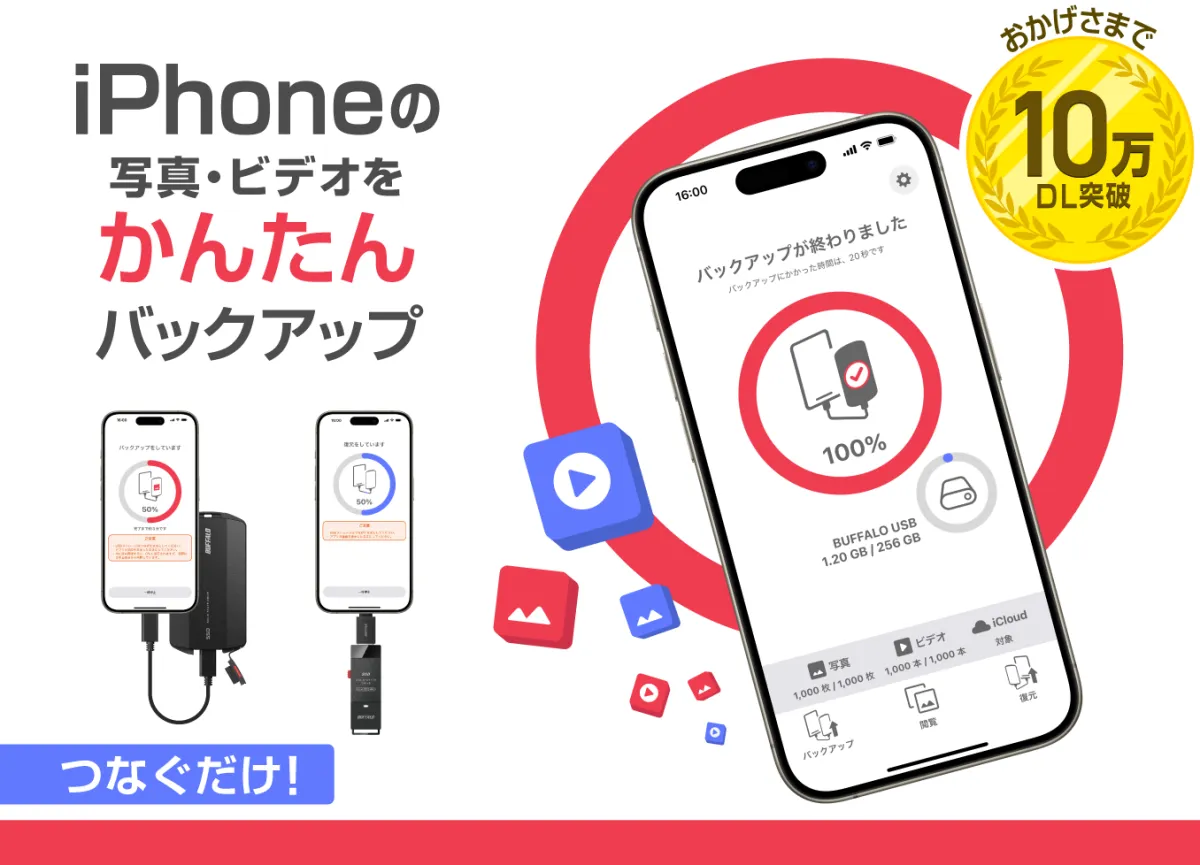
Latest Update to Photo Backup App Enhances Data Security with USB Support
Introduction
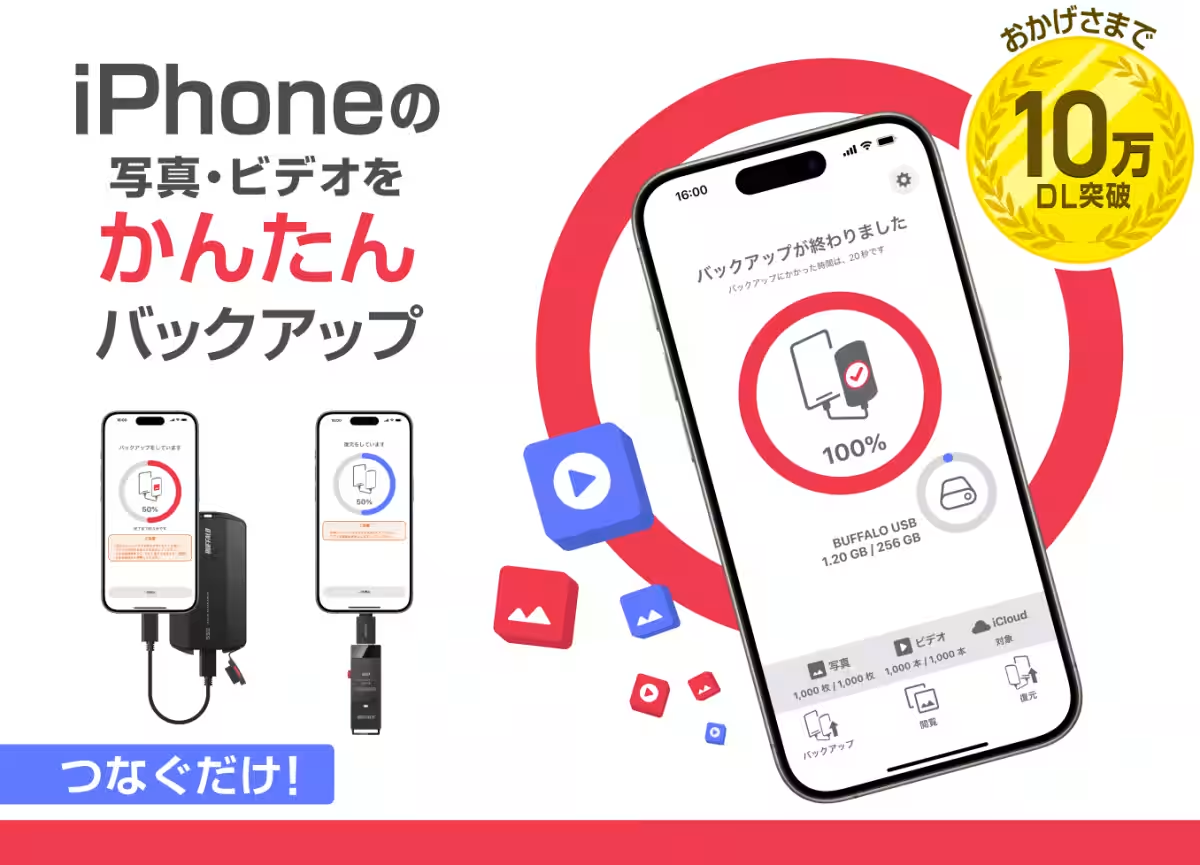
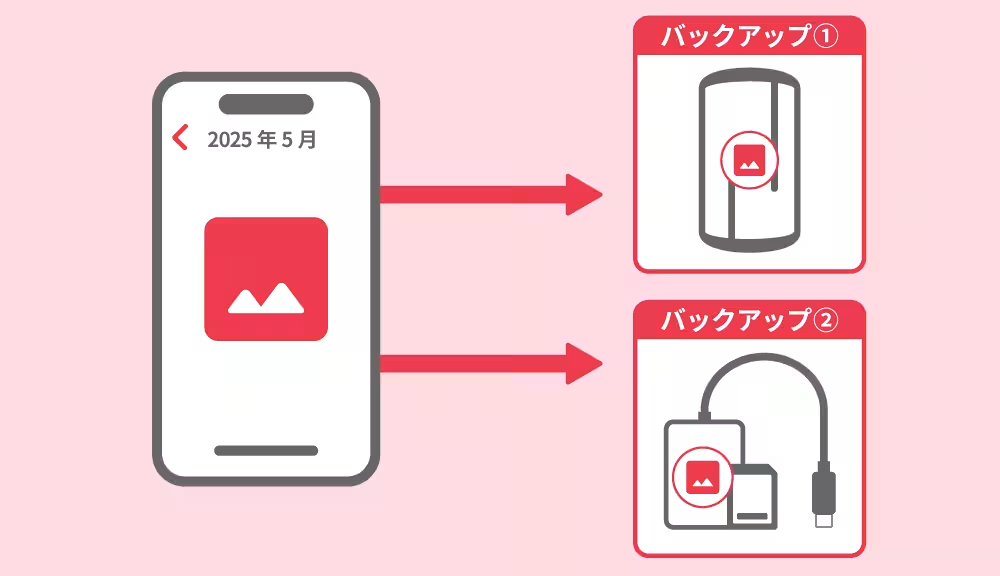
Buffalo Inc., based in Chiyoda, Tokyo, has successfully rolled out a significant update to its widely-supported free application, the Photo Backup app. With over 100,000 downloads within just four months of its launch, this app is designed exclusively for iOS and iPad OS users. The recent update introduces the ability to back up photos and videos from iPhones and iPads to multiple external USB storage devices, minimizing the risks associated with data loss.
Enhanced Backup Capabilities
One of the most noteworthy aspects of this update is its ability to store backup statuses across various storage devices. The app now remembers backup information for up to ten different USB drives. This feature ensures that users can back up their invaluable data across more than one storage device, thereby providing an added layer of security against potential data loss. The functionality not only enhances user trust but also reflects Buffalo's commitment to safeguarding user memories.
Clear Backup Progress Indicators
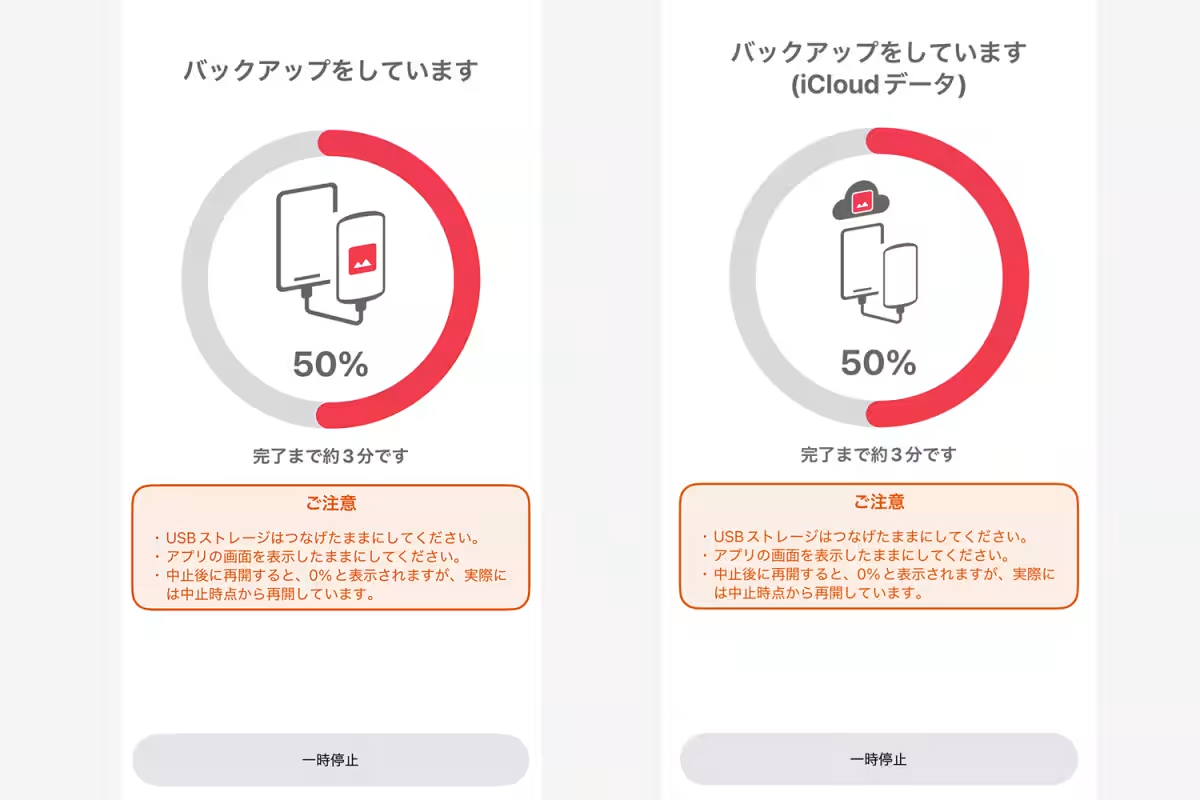
Along with the expanded storage functionality, the app now delivers more transparent progress indicators. Users can easily view remaining time and completion time while backing up their data. Moreover, when backing up photos and videos stored in iCloud, a notification will inform users of this activity, providing peace of mind throughout the backup process.
Automatic Backup Resumption
To further streamline the user experience, the app now features a background resume functionality that allows automatic resumption of backups if interrupted by app switching. This means users don’t have to worry about losing their backup progress when navigating away from the app. Returning to the Photo Backup app will automatically resume the process, making the entire experience smoother and more user-friendly.
New Survey Feature and SSD Giveaway Campaign
In a bid to enhance future updates and product development, the app has introduced a survey feature within the settings page. Feedback collected through this survey will play a pivotal role in shaping the app's future directions. Furthermore, those who complete the survey from now until June 15, 2025, have the opportunity to participate in a raffle for a chance to win an external SSD. This initiative invites valuable user feedback while rewarding users for their engagement.
Experience Hassle-Free Backup
The Photo Backup app allows users to back up their photos and videos effortlessly by simply connecting to their iPhone’s USB-C port. Not only does it facilitate smooth backup operations, but users can also view and restore saved data with ease. With the impressive milestone of over 100,000 downloads achieved shortly after launch, Buffalo is committed to continuous service improvement and enhancing user satisfaction.
Compatible Devices and System Requirements
The Photo Backup app is compatible with iPhone and iPad models that have a USB-C port, specifically running on iOS 17.0 or iPadOS 17.0 and later versions. Please note that devices with Lightning connectors, including iPhone 14 series and earlier, are not supported, and the app is not designed for Android devices.
Recommended External SSDs and Card Readers
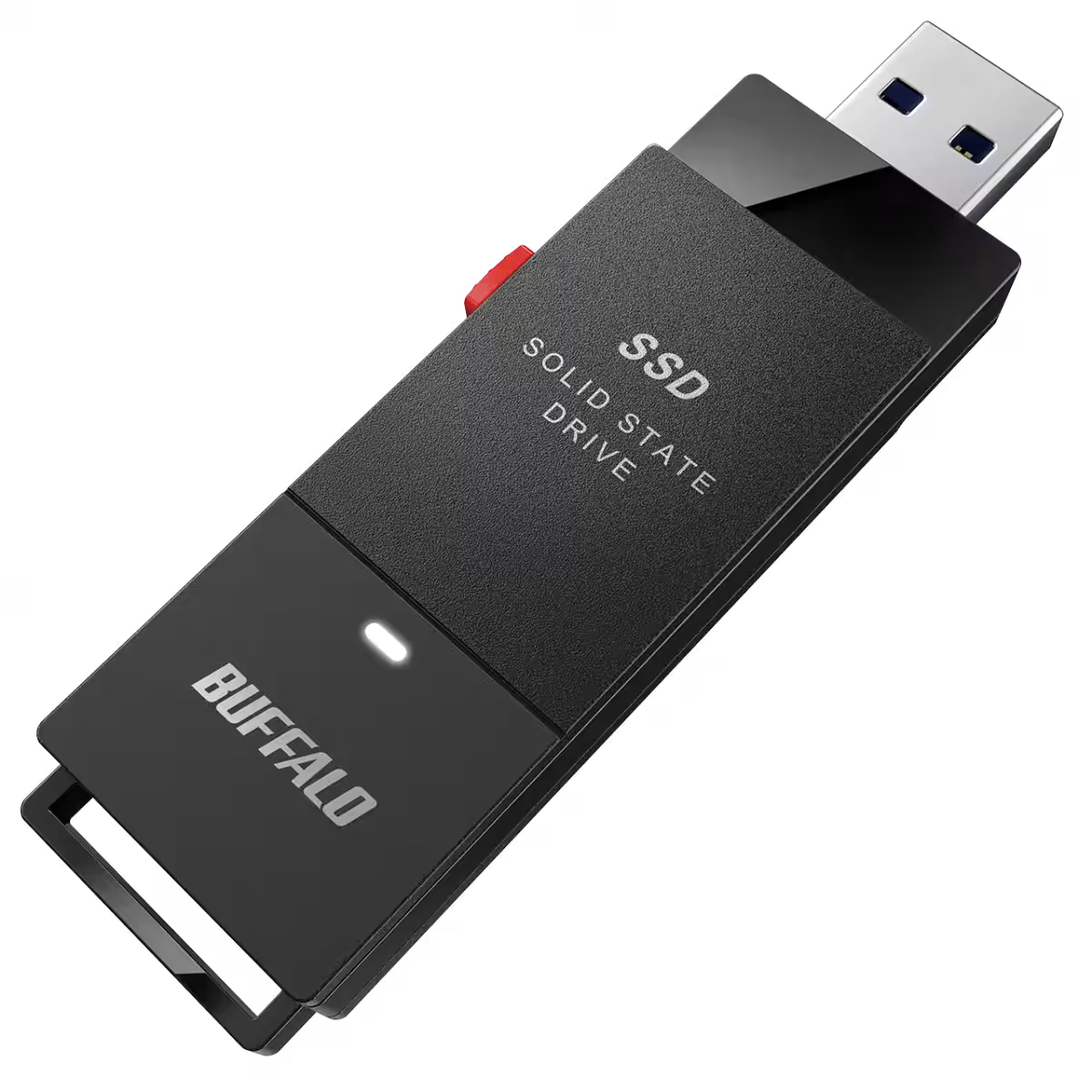
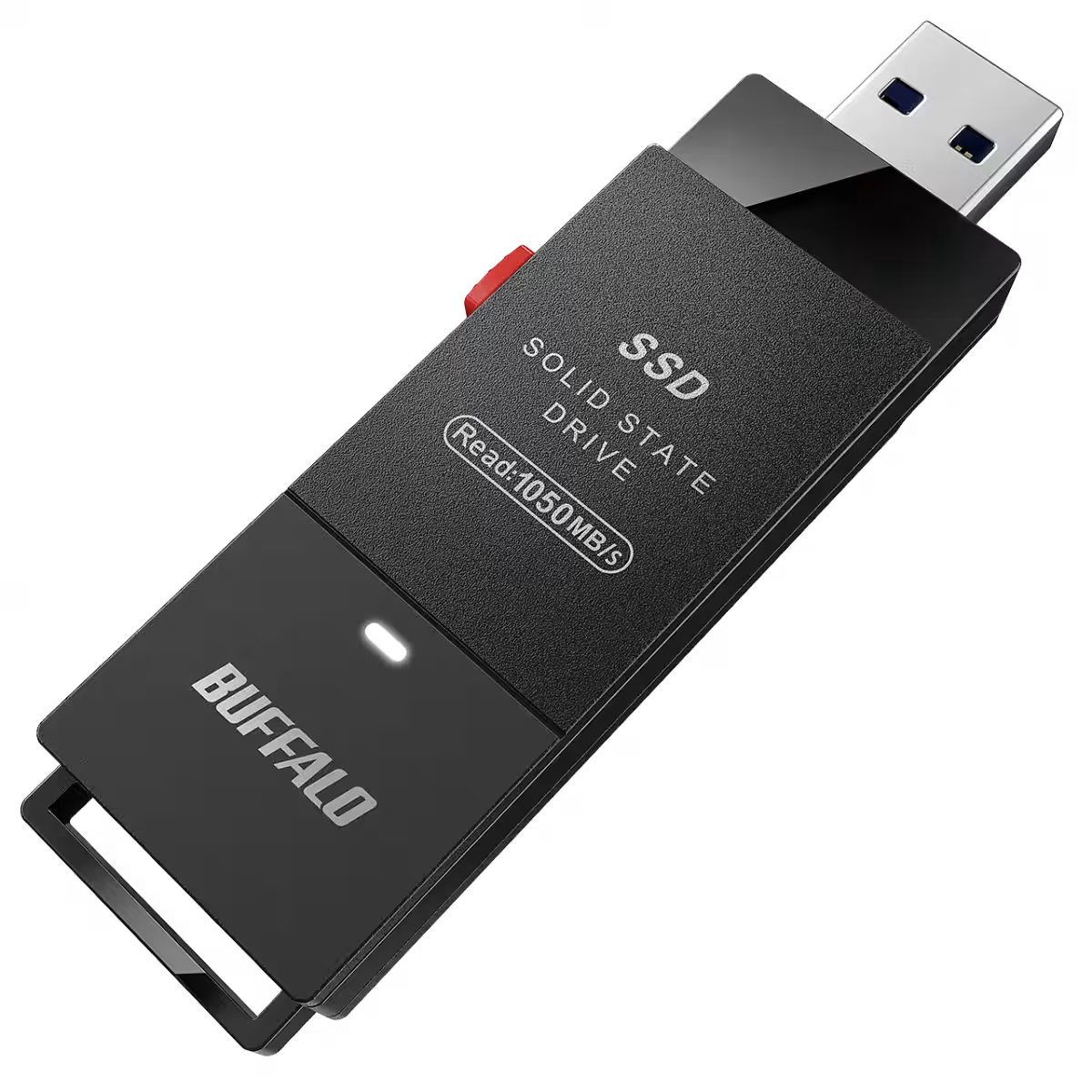
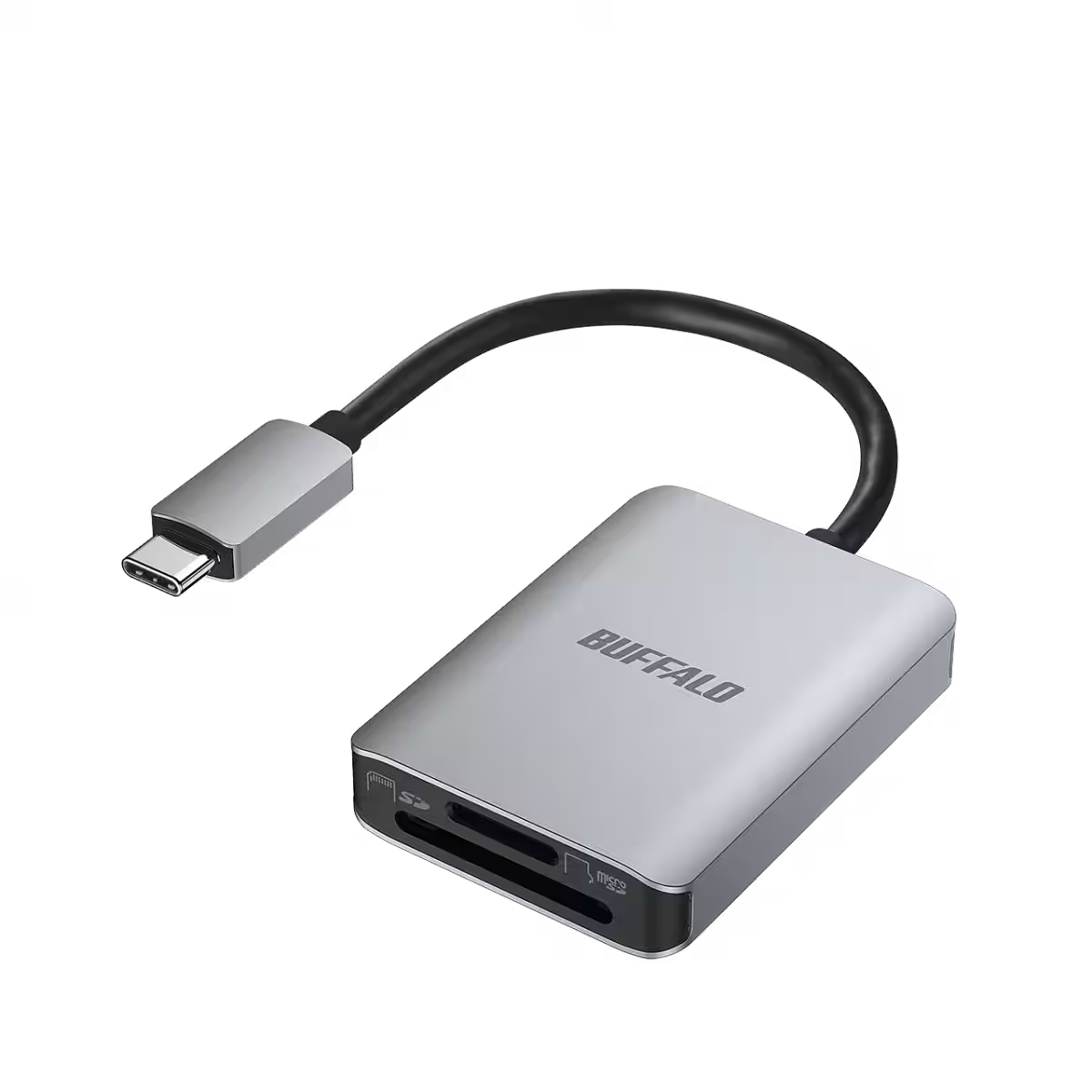
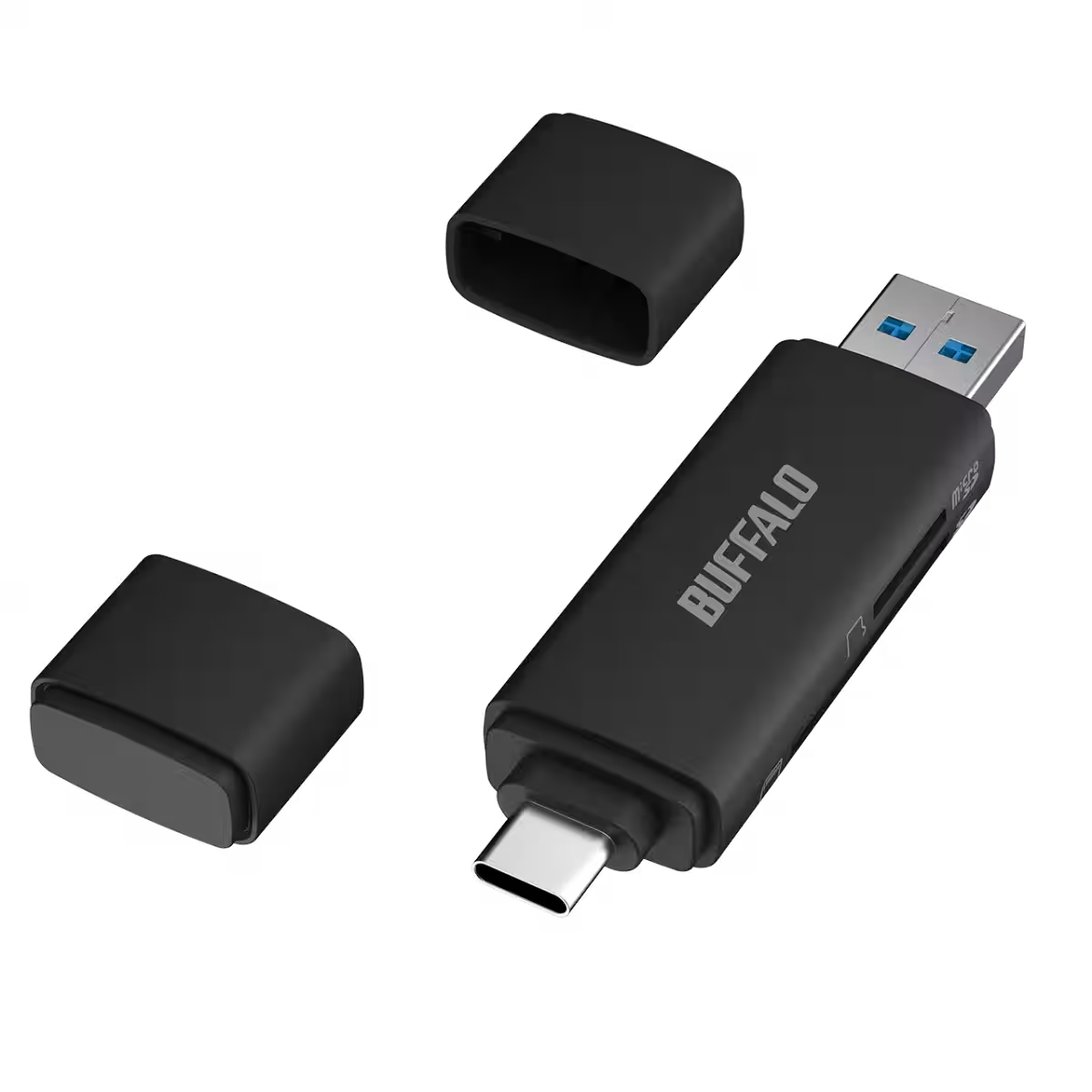
Buffalo also recommends several external SSDs and card reader/writer products to accompany the Photo Backup app, including:
- - SSD-SCHU3A Series (with Type-C adapter)
- - SSD-SCTU3A Series (with Type-C adapter)
- - BSCR510U3C Series
- - BSCR130U3C Series
Conclusion
As digital memory storage becomes increasingly vital in our lives, the enhanced features of the Photo Backup app provide a robust solution for users wanting to keep their unforgettable moments safe. Buffalo Inc. continues to lead in user-oriented technology improvements, aiming to enhance the app's capabilities further in the future.
To explore the app, visit the dedicated Photo Backup app page on the App Store and join the community of satisfied users protecting their precious memories today.

Topics Consumer Products & Retail)
【About Using Articles】
You can freely use the title and article content by linking to the page where the article is posted.
※ Images cannot be used.
【About Links】
Links are free to use.