



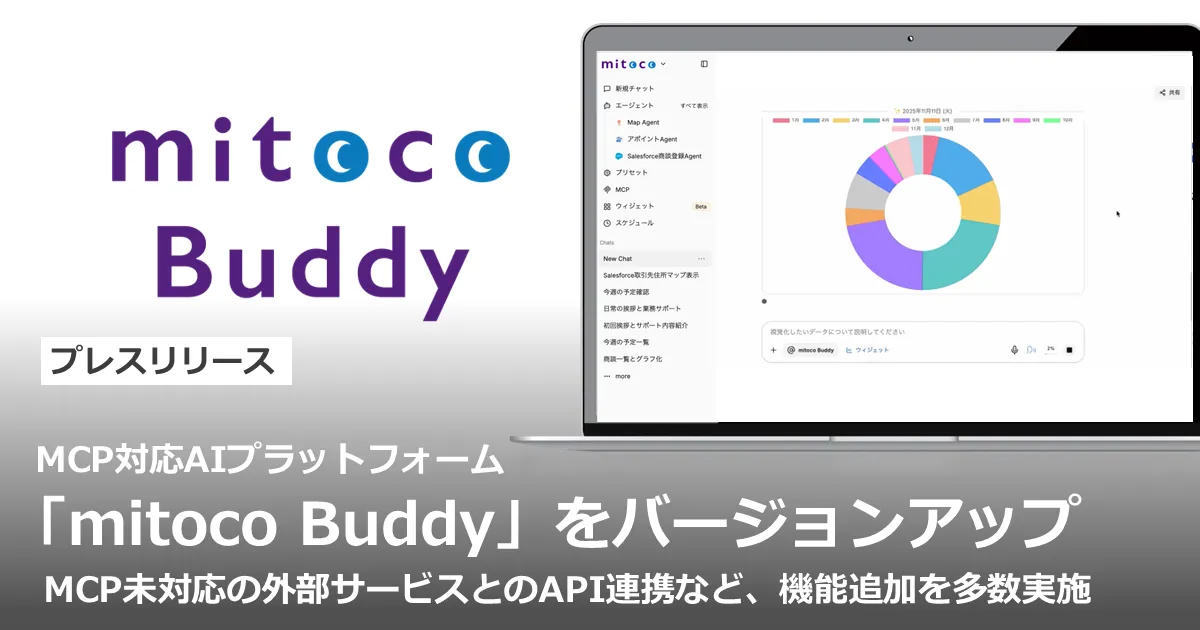
Terrasky Upgrades mitoco Buddy AI Platform with Enhanced Features and Security
Terrasky Enhances mitoco Buddy AI Platform
On March 9, 2026, Terrasky Co., Ltd., headquartered in Chuo, Tokyo, has launched an upgraded version of its AI platform, mitoco Buddy, which now supports the Model Context Protocol (MCP).
New Features and Improvements
In this latest upgrade, mitoco Buddy can now integrate with external services that do not support MCP. Administrators can connect to external services through existing APIs, but only to those connections that have been verified for safety. This feature significantly broadens the range of services with which the platform can interact, enhancing its utility and functionality.
Additionally, several automation-related features have been added to improve and streamline business processes. Key upgrades include:
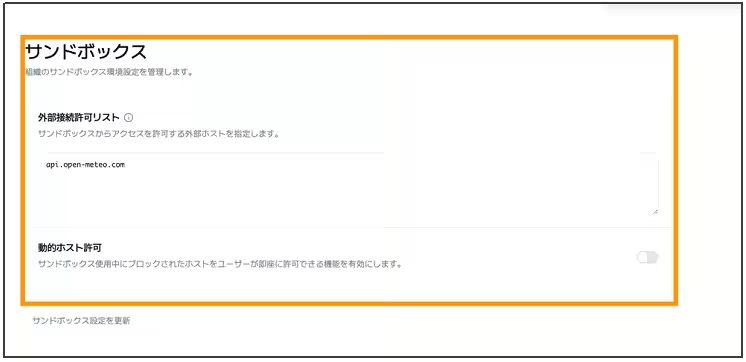
1. Whitelist Security for External Connections
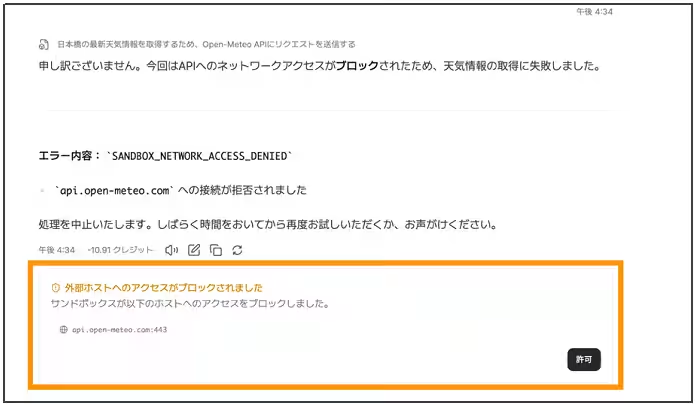
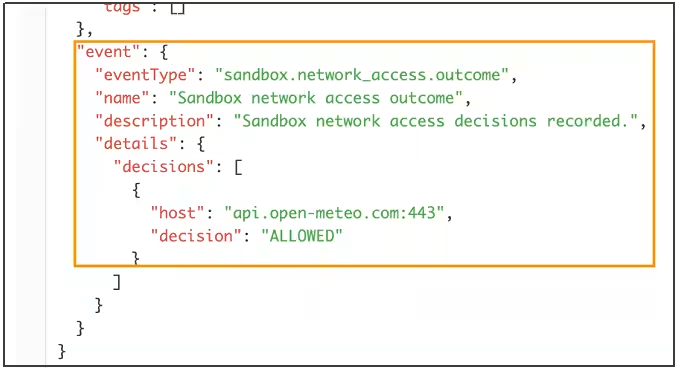
A new whitelist feature has been introduced to ensure secure connections to external networks. This allows administrators to permit communication only with verified external servers, maintaining strong security while enabling advanced integrations with various services that do not support MCP.
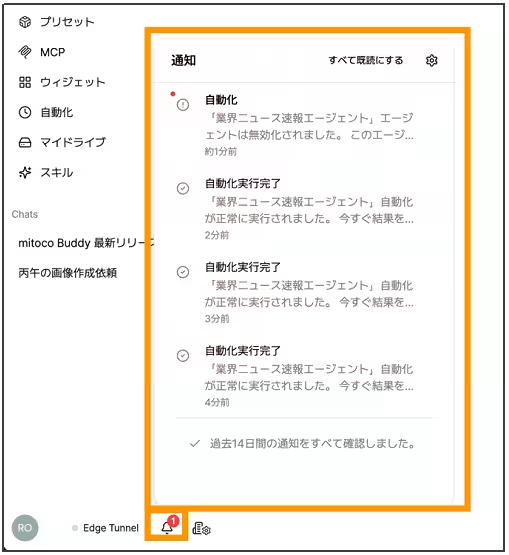
2. Real-time Notification Center
The upgrade introduces a notification center where users can manage notifications for automation results such as completions and failures. This real-time management tool ensures that users are promptly informed of the status of their automations.
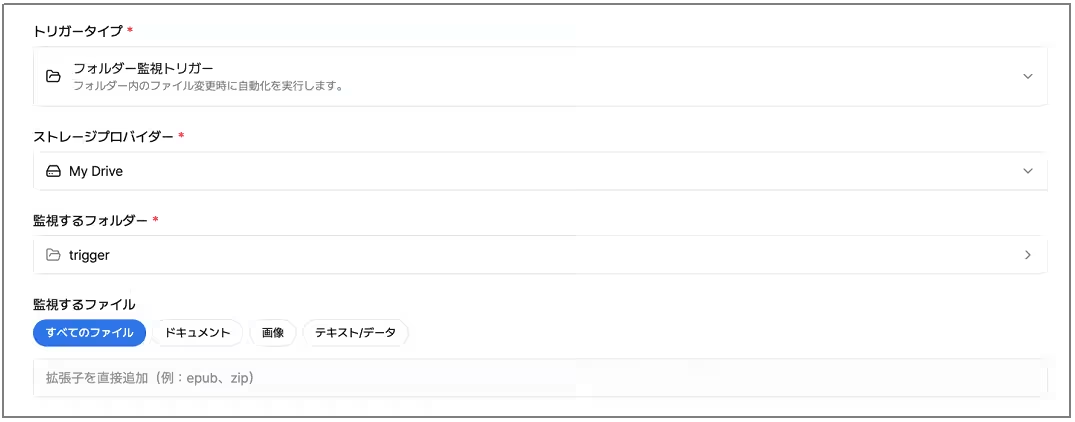
3. Folder Monitoring Triggers
Users can now trigger actions simply by uploading files to specific folders in their My Drive. The AI agents will automatically process these files without additional input, simplifying workflows significantly.
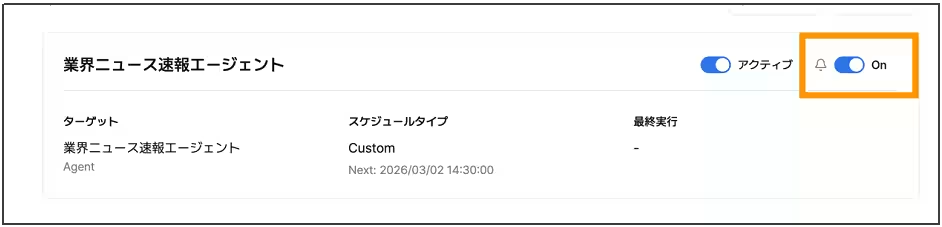
4. Automation Notification Settings
Each automation process can now have its notifications toggled on or off individually. This allows users to customize their notification settings according to their preferences, enabling a more personalized user experience.
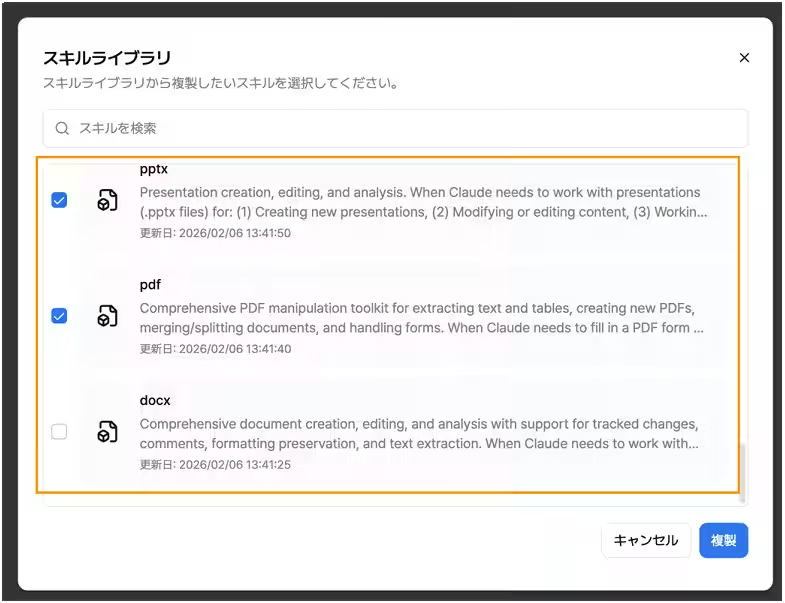
5. Enhanced Skill Library
Administrators can now view the list of standard skills available in the management interface. This allows for better organization and selection of skills that can be assigned to users within the organization.
6. Box Integration
The latest version of mitoco Buddy supports integration with the file-sharing service Box, allowing users to search and utilize files directly from their Box accounts.
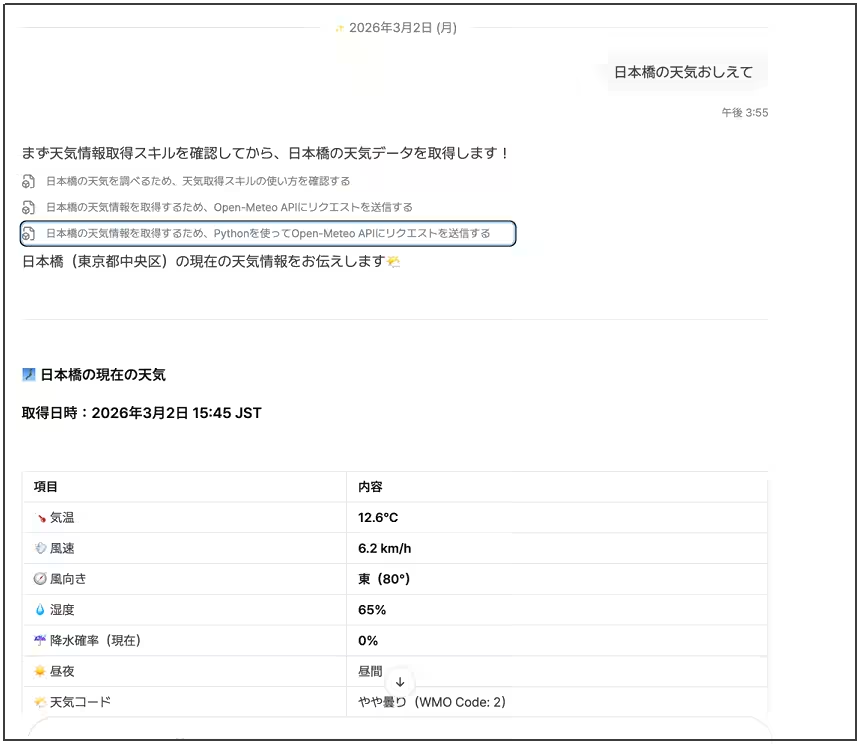
7. File Tool Chaining
Data obtained from external tools can now be processed and saved as files, either to My Drive or directly attached to emails. This feature enhances the capability to perform tasks like document analysis and report generation seamlessly.
8. GPT Model Reasoning Display
Users can now access an option that reveals the reasoning process behind the AI's responses when using the GPT inference model, providing transparency in AI decision-making.
9. Document Processing Improvements
The methods for processing documents uploaded in chat have been optimized for speed and accuracy, ensuring thorough analysis of various file types such as PDF, Excel, PowerPoint, and Word.
10. Support for Latest AI Models
The platform has also enhanced compatibility with the newest AI models, including Claude Opus 4.6, Claude Sonnet 4.6, Gemini 3.1 Pro, and GPT Codex 5.3, allowing for more nuanced conversations and intelligent decision-making.
11. Trial Environment
During the trial period, all features will be accessible to users, providing them an opportunity to explore the full capabilities of mitoco Buddy. For detailed information about the features, users can refer to the release notes.
What is mitoco Buddy?
mitoco Buddy is an MCP-compliant AI platform designed to support businesses in data utilization and process automation. It can be integrated with approximately 50 different services, including Salesforce and Slack, enabling users to create tailored agents that leverage existing multi-cloud environments for efficient automation of business tasks.
Please note that the company names and service names mentioned are registered trademarks of their respective owners.


Topics Consumer Technology)
【About Using Articles】
You can freely use the title and article content by linking to the page where the article is posted.
※ Images cannot be used.
【About Links】
Links are free to use.