



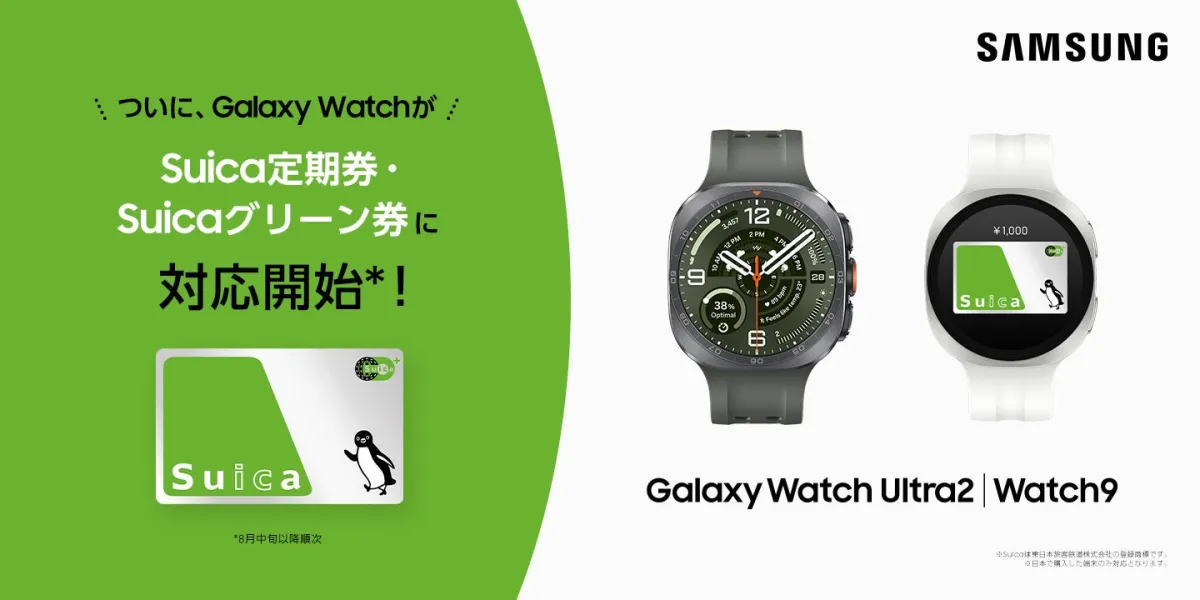
Samsung Galaxy Watch Series Expands Support for Suica Transit Services
Samsung Galaxy Watch Series Expands Suica Services
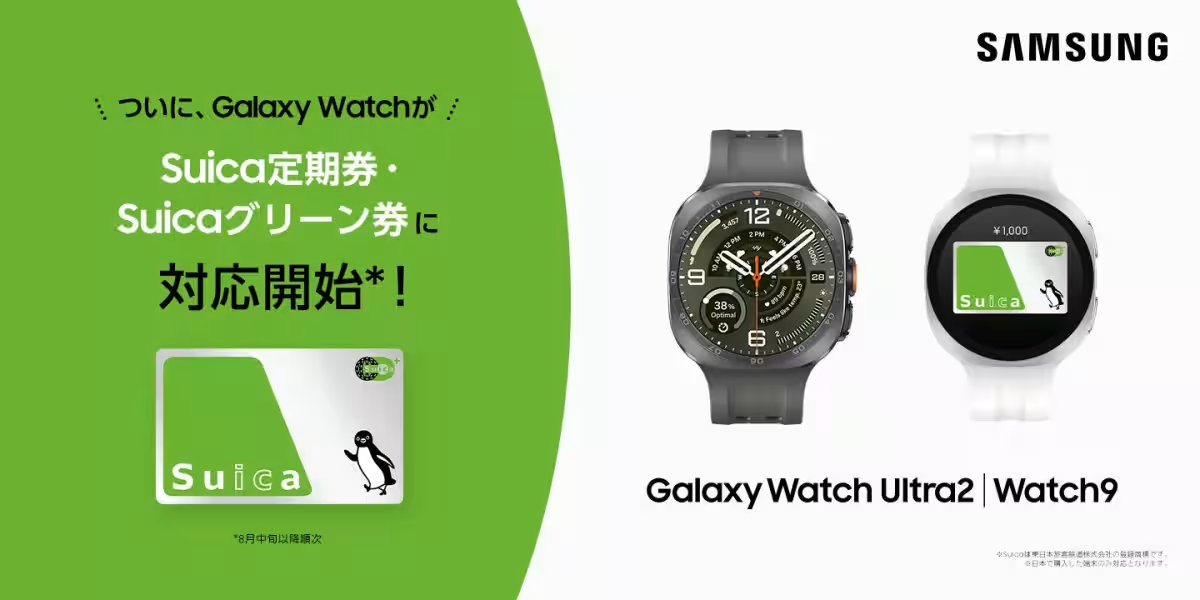
Samsung Electronics Japan has announced an exciting update for select models of the Samsung Galaxy Watch series, enhancing the integration of the Suica transit service offered by East Japan Railway Company (JR East). This new update allows users of compatible Samsung Galaxy Watches to manage their Suica cards through the Mobile Suica app on Android devices, marking a significant leap in functionality.
What’s New?
The latest enhancements provide users with the ability to perform various tasks related to their Suica cards directly from their smartwatches. Users can now charge their Suica cards from the Mobile Suica app on their Android smartphones, buy commuter passes, purchase Suica Green Tickets, and acquire special discounted tickets. This update requires users to maintain the latest versions of the smartwatch software, Galaxy Wearable app, Google Wallet, Mobile Suica app, and other related system apps to ensure seamless functionality.
Compatible Samsung Galaxy Watch Models
The following Samsung Galaxy Watch models are currently compatible with the expanded Suica features:
- - Samsung Galaxy Watch Ultra / Watch Ultra2
- - Samsung Galaxy Watch9
- - Samsung Galaxy Watch8 / Watch8 Classic
- - Samsung Galaxy Watch7
- - Samsung Galaxy Watch6 / Watch6 Classic
It is important to note that only the devices sold in Japan are compatible. Furthermore, the array of supported models is set to expand in the near future. Users will also need an Android device to pair with their smartwatch for effective management of the Suica services.
Overview of Services
With this update, managing Suica cards from Android devices has become more user-friendly. Users can check and operate their Suica directly from the Mobile Suica app on their Android devices. When adding a Suica account, the app will display a watch icon in the upper left corner, indicating the connection with the Samsung Galaxy Watch.
Service Features:
1. Charging from registered credit cards linked to the Mobile Suica app.
2. Purchasing commuter passes.
3. Buying Suica Green Tickets.
4. Acquiring discounted special tickets.
To utilize these services, users are required to download the Mobile Suica app and log into their accounts.
Setup Instructions for Suica
Setting up Suica on your smartwatch can be completed in a few simple steps, based on whether you're new to Suica or already have it issued on your smartwatch:
- - For New Users:
2. Select 'Deposit Card (Change Device)' to transfer your Suica card.
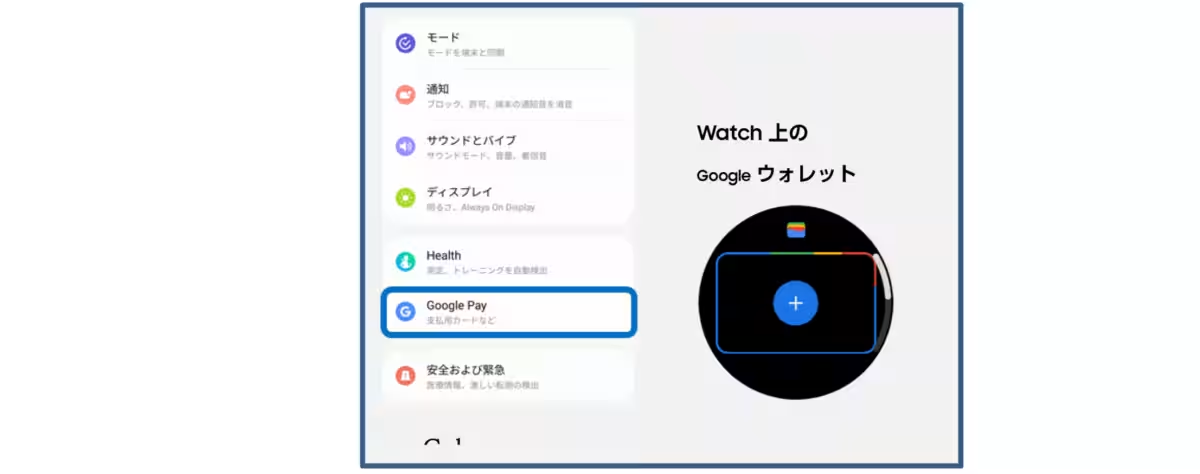
3. Open Google Wallet on your smartwatch.
4. Tap the [+] button and follow the instructions on your paired smartphone to add Suica.
5. Your smartwatch's Suica will now be displayed in the Mobile Suica app.
- - For Existing Users:
Issuing Suica
To issue a Suica card, follow these steps:
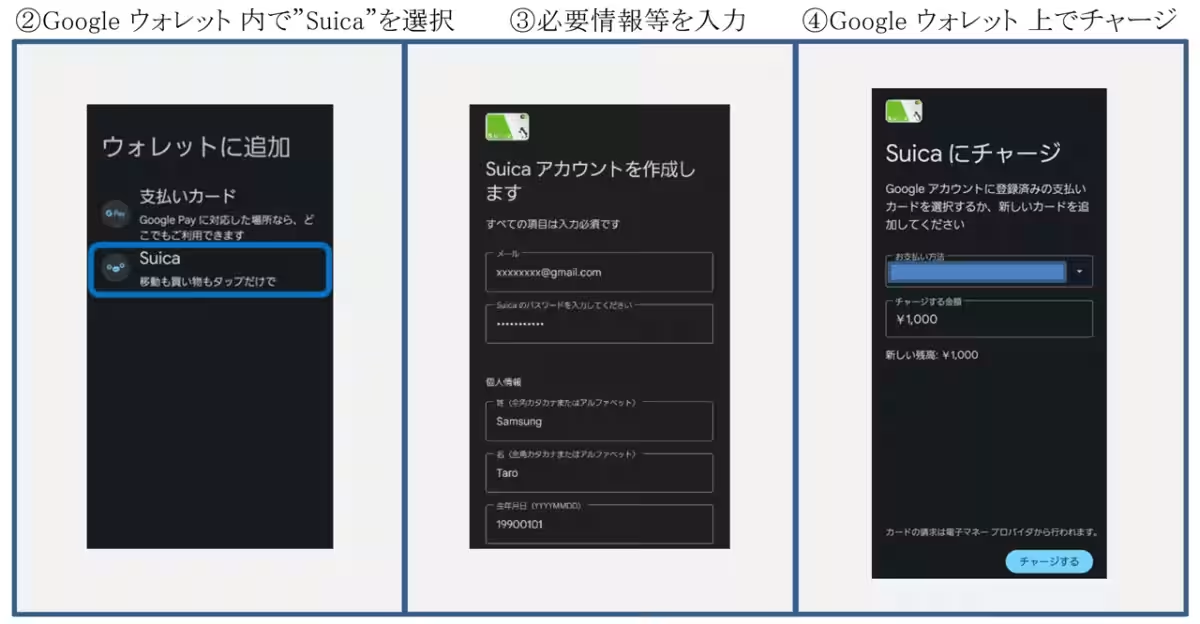
1. In the Galaxy Wearable app, click the three horizontal lines button, and choose Google Pay.
2. Alternatively, select the option to add a card through Google Wallet on your smartwatch.
3. Finalize the registration for Suica and your commuter passes.
For More Details
For further product details, users can explore:
- - Samsung Galaxy Watch9
- - Samsung Galaxy Watch Ultra2
- - Comprehensive information on the Samsung Galaxy Watch Series.
In conclusion, this update enhances the convenience and functionality of the Samsung Galaxy Watch series, making it a remarkable tool for commuters in Japan. With Suica now accessible through these smartwatches, users can enjoy a more fluid and integrated travel experience.
Topics Consumer Technology)
【About Using Articles】
You can freely use the title and article content by linking to the page where the article is posted.
※ Images cannot be used.
【About Links】
Links are free to use.