



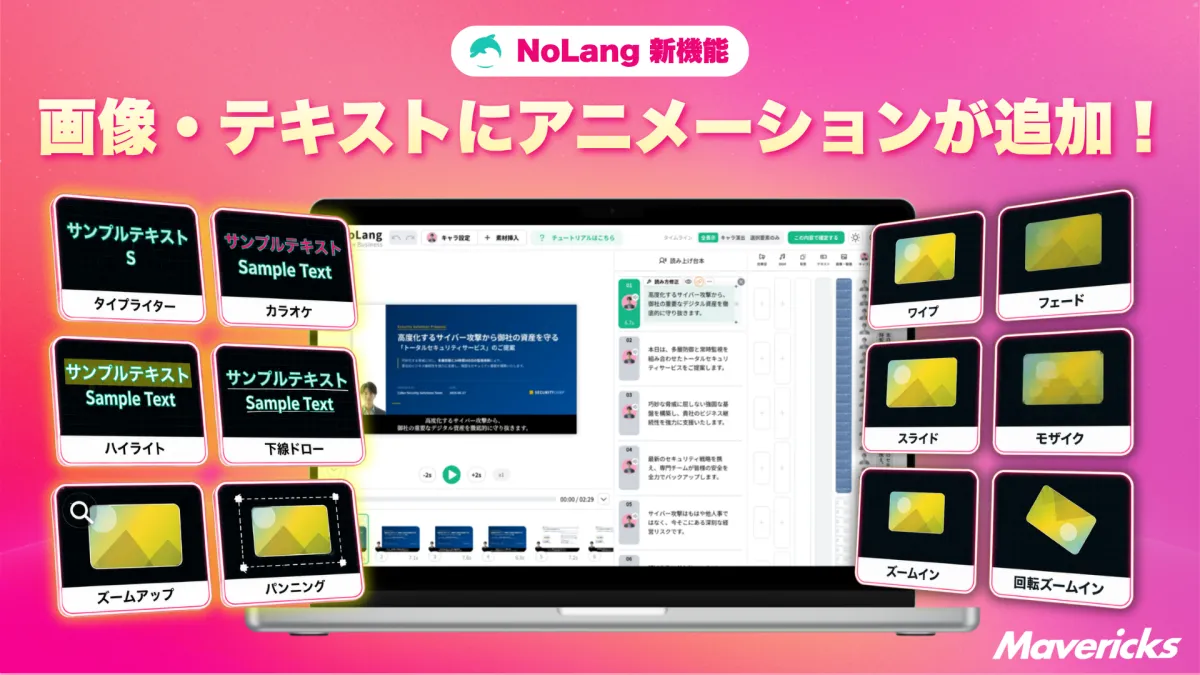
Mavericks Enhances NoLang with Image and Text Animation Features
Mavericks Enhances NoLang with New Animation Features
In a noteworthy advancement, Mavericks, a Tokyo-based startup, has recently integrated animation capabilities into its AI video generation platform, NoLang. This new feature allows users to add dynamic elements to still images and text, significantly enriching their video content.
Introducing Animation in NoLang
The latest update to NoLang introduces an intuitive animation feature that lets users apply various effects to their selected images, videos, and text segments on the timeline. By simply selecting the desired segment and navigating to the "Animation" tab, users can customize movements for three distinct phases: Start, Main, and End.
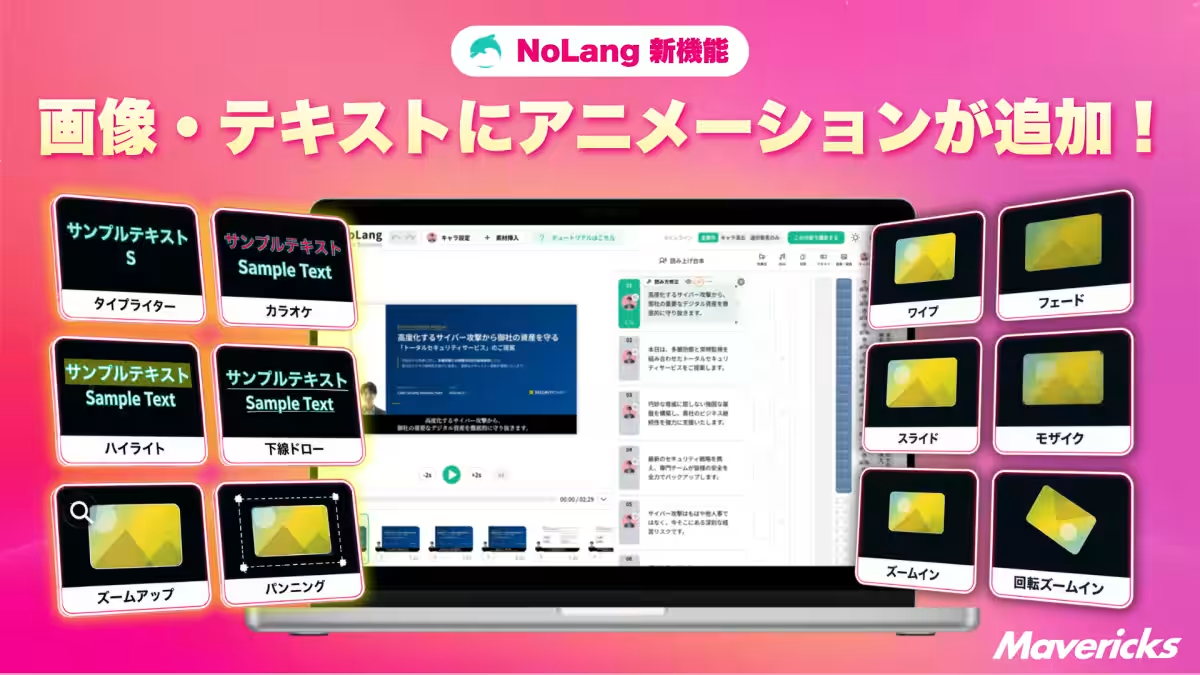
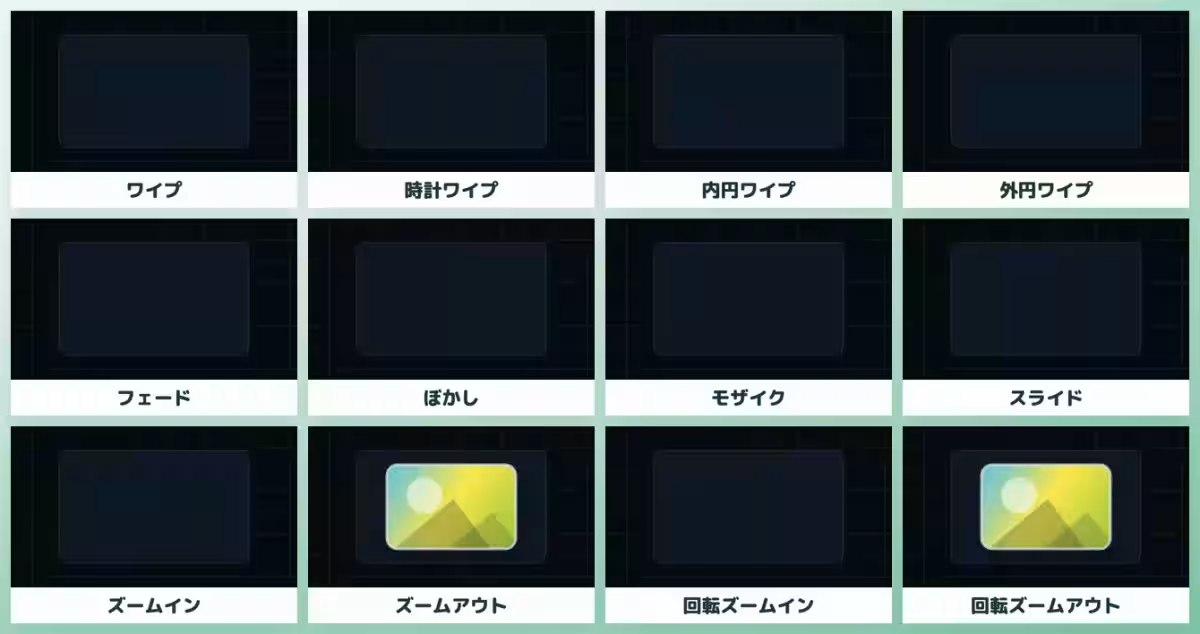
This system offers a selection of six animation types for images and videos, twelve for entry and exit animations, and six dedicated to text. These additions enable content creators to capture viewers' attention more effectively, thus making their messages more memorable.
User-Friendly Animation Settings
The animation settings in NoLang are designed to be user-friendly, bypassing the need for extensive video editing knowledge. Users can easily customize animations by selecting segments within the timeline and accessing a detailed panel where the animation tab is prominently displayed with a star icon. This allows creators to determine how an element enters the frame, what happens while it is on the screen, and how it exits, facilitating a range of creative expressions without the hassle of using external editing software.
For instance, a static image can be enhanced by subtle movements such as bobbing or breathing effects, making the content much more engaging. The new capabilities transform the approach to storytelling through a visually appealing and dynamic format.
Main Animation Options
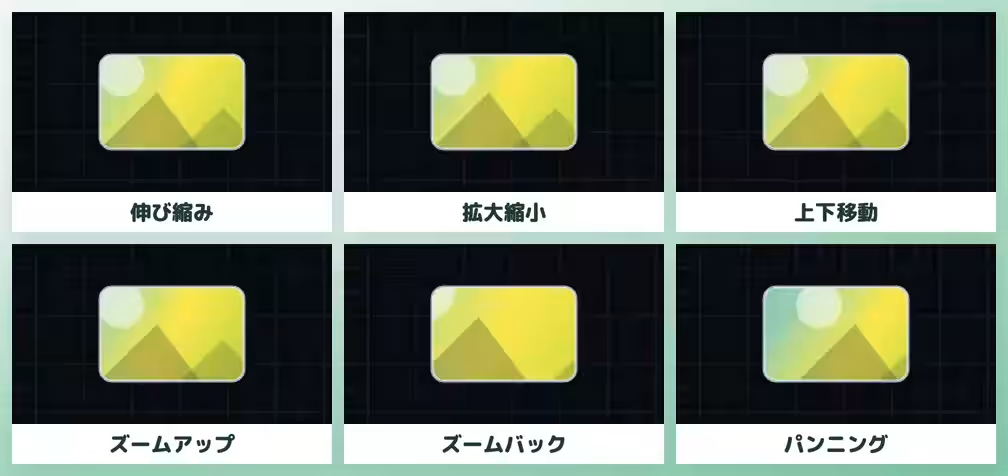
The main animation options comprise various movements designed to maintain viewer interest. The six available animations for images and videos include:
- - Bouncing: A slight expansion and contraction of the material.
- - Zoom In/Out: A pulsating effect that enlarges and reduces the image smoothly.
- - Vertical Movement: Gentle swaying up and down to create a feeling of liveliness.
- - Zoom Up: A slow, steady enlargement that draws attention.
- - Zoom Out: A gradual reduction that subtly withdraws the image.
- - Panning: Movements across the screen from various directions to emphasize specific areas.
The strength of these animations can be set to three intensities: Weak, Medium, and Strong, allowing for tailored movements suited to different themes or tones of the content being created.
Transition Effects for Dynamic Scene Changes
In addition to main animations, NoLang now supports a range of twelve different entry and exit animations that can enhance scene transitions. This ensures a smooth flow in video editing. Options like wipe, fade, zoom in and out, and various stylized transitions allow creators flexibility in how they present content.
For example, transitioning scenes can be remarkably dynamic with effects like the wipe, which slides scenes smoothly, or rotation zoom, which creates excitement as it draws viewers into a new sequence. The ability to switch between standalone and transition effects seamlessly adds an extra layer of creativity to projects.
Text Animation Innovations
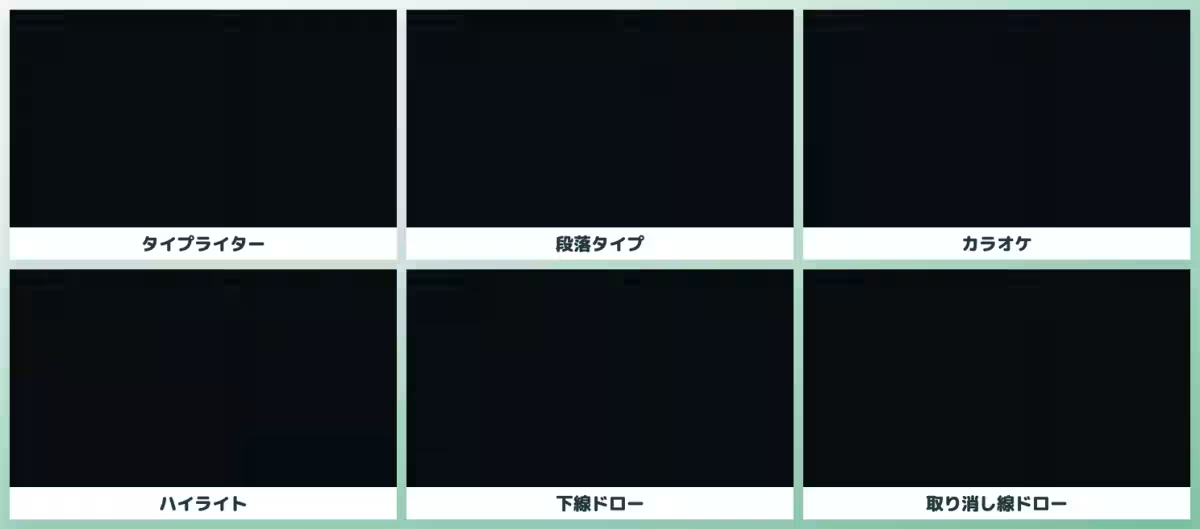
NoLang expands its animation capabilities to include text as well, featuring a variety of animations for the appearance of text elements as well. The three-phase animation sequence for text—Start, Main, and End—allows for comprehensive control over how text is introduced and exits along with its on-screen movement.
Text animations are particularly innovative, with options like:
- - Typewriter Effect: Displays each character sequentially, creating drama.
- - Highlighting: Changes color one piece at a time to draw attention during narration.
- - Underlining: A visual follow-along that enhances engagement.
Customization options on text animations, including color choices and timing, ensure that the animations align well with the voiceovers or the pacing of the overall presentation.
Looking Forward
With the integration of these comprehensive animation features, Mavericks is positioned to continue its expansion strategy, focusing on broadening the variety of animations and further enhancing the user editing experience. The intuitive design invites users—regardless of their editing expertise—to explore creative video making by utilizing preset animation settings, effectively lowering barriers to high-quality video production.
About NoLang
Launched in July 2024, NoLang has rapidly gained traction, garnering 200,000 registered users and over 100 corporate clients. This cutting-edge platform transforms text, PDFs, web URLs, and media files into dynamic videos within seconds. With over 100 avatars and a multitude of voice options available, it simplifies video creation for users without any technical expertise.
For more information and to see these exciting features in action, you can visit NoLang’s official site and start creating engaging videos today!
Topics Consumer Technology)
【About Using Articles】
You can freely use the title and article content by linking to the page where the article is posted.
※ Images cannot be used.
【About Links】
Links are free to use.