



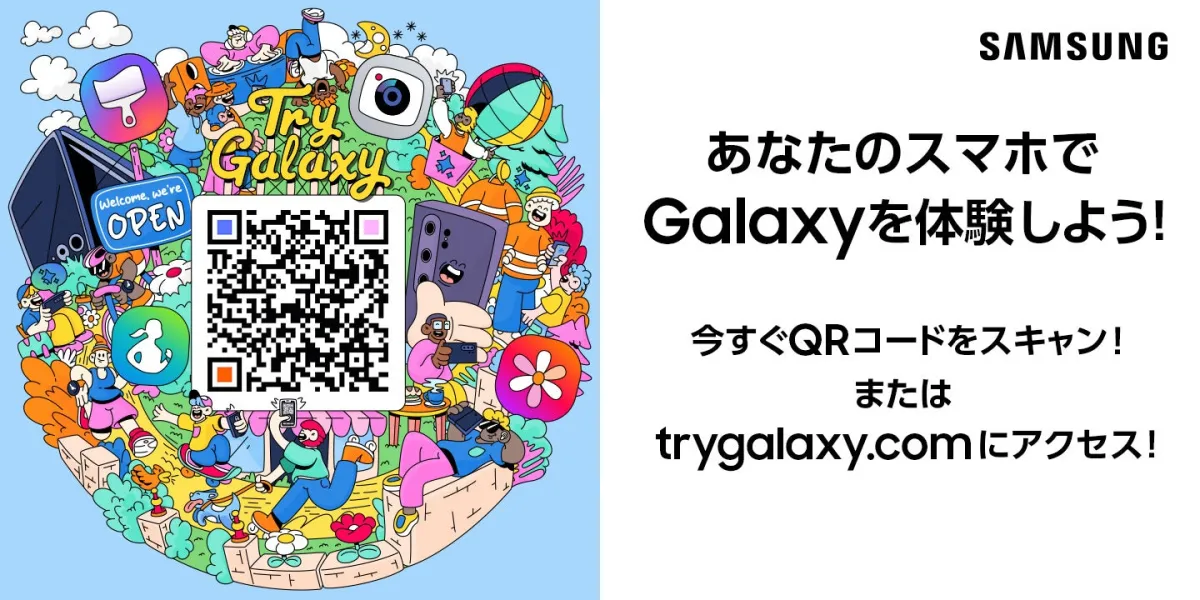
Experience the Future of Samsung Galaxy with the New Try Galaxy App Relaunch
Discover Samsung's Latest Try Galaxy App
On August 13, 2026, Samsung Electronics Japan announced a major update to its popular app, Try Galaxy. This immersive experience allows smartphone users to explore Samsung's innovative Galaxy Z Fold8 series, which includes the Z Fold8 Ultra, Fold8, and Flip8. Launched on August 7, these devices usher in a new era for foldable smartphones, combining productivity, captivating experiences, and self-expression.
The updated Try Galaxy app enables Android and iOS device users to simulate the advanced Galaxy AI capabilities and the latest One UI 9.0 operating system right from their existing devices. Since its introduction in 2022, this app has gained immense popularity, reaching over 99 million downloads across 125 countries and supporting 26 languages, including Japanese, English, and Spanish.
Easily Accessible Experience
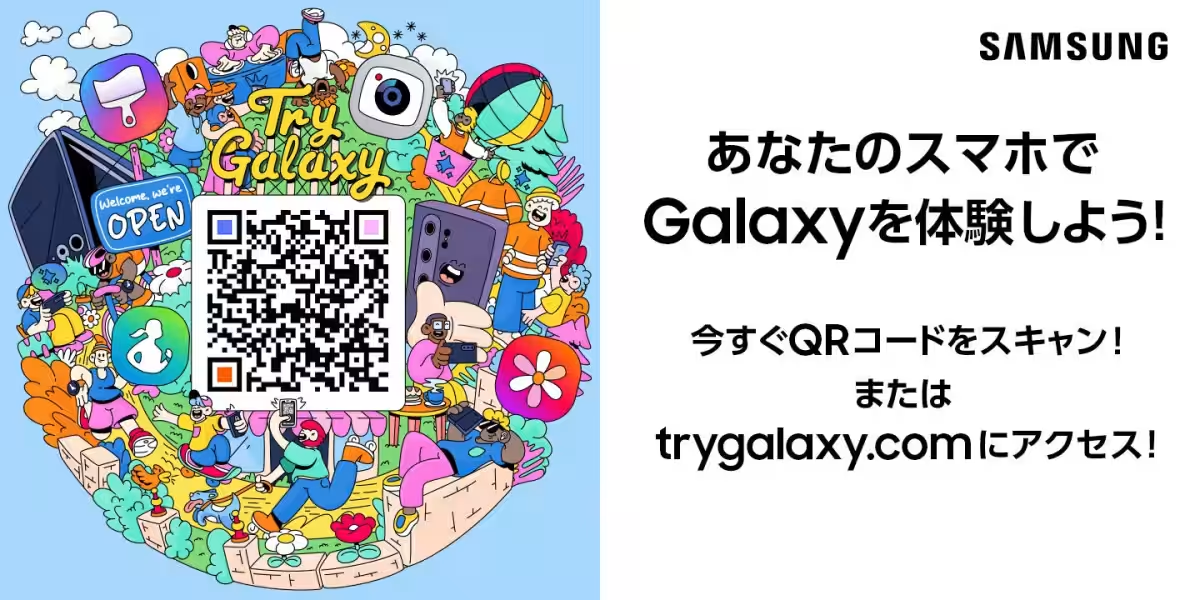
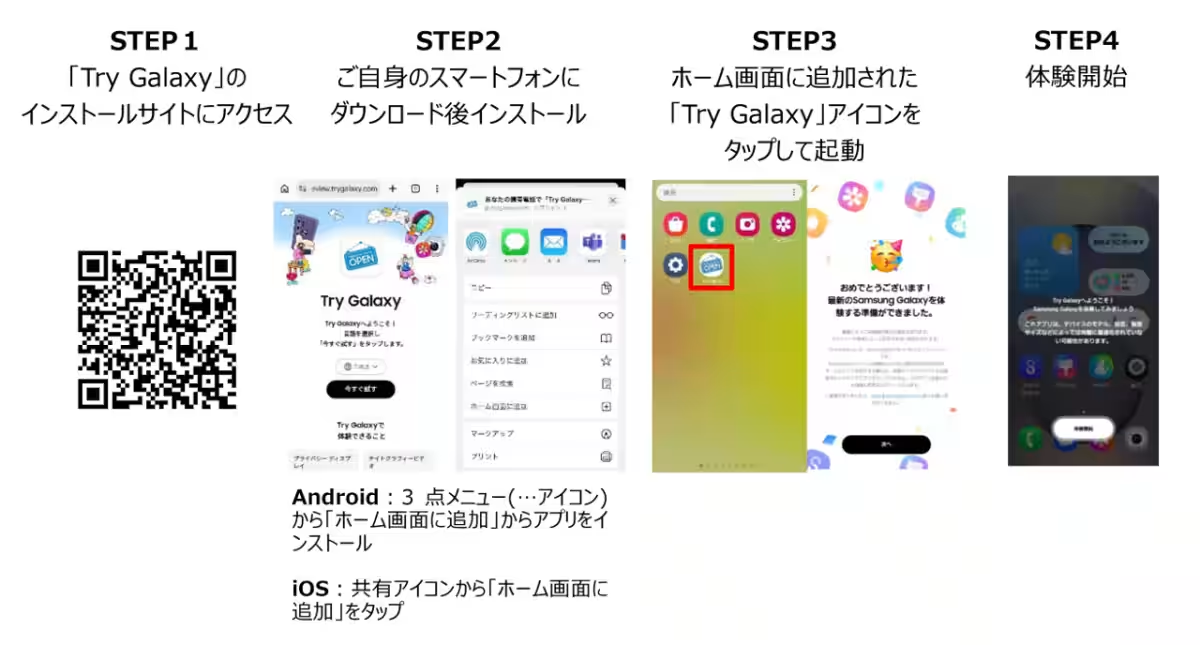
Anyone can experience the cutting-edge features of the latest Galaxy smartphones without owning one. By scanning a QR code with their device, users can quickly add a shortcut to their home screen and enjoy a virtual experience of Samsung's operating system and apps. This seamless approach eliminates any barriers, making it easy for users to engage with Samsung's technology.
Upon launching the app, users are greeted with a Galaxy-themed home screen. Tapping various app icons provides access to simplified versions of the device's features, ensuring a user-friendly experience. Navigation is straightforward, allowing even those less technically inclined to explore the app's capabilities effortlessly.
New Features in Try Galaxy
The app includes several new features that enhance user interaction and engagement:
1. 3D Experience
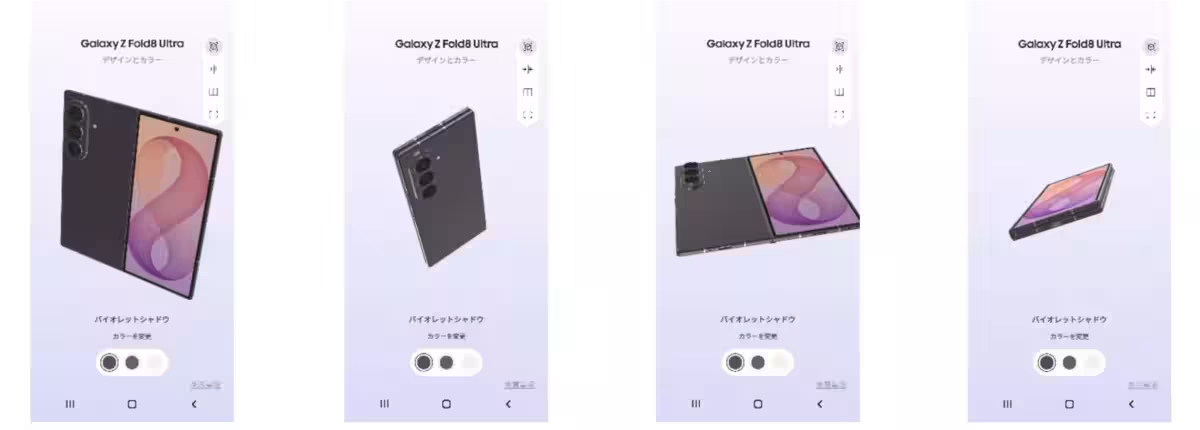
Users can rotate, zoom in, and unfold the Z Fold8 Ultra, Fold8, and Flip8 in 360°, simulating real-life interaction with the devices. This virtual hands-on experience helps users visualize how the devices would look and feel in their own hands.
- Experience Overview: Swipe to rotate, double-tap to unfold, and pinch to zoom.
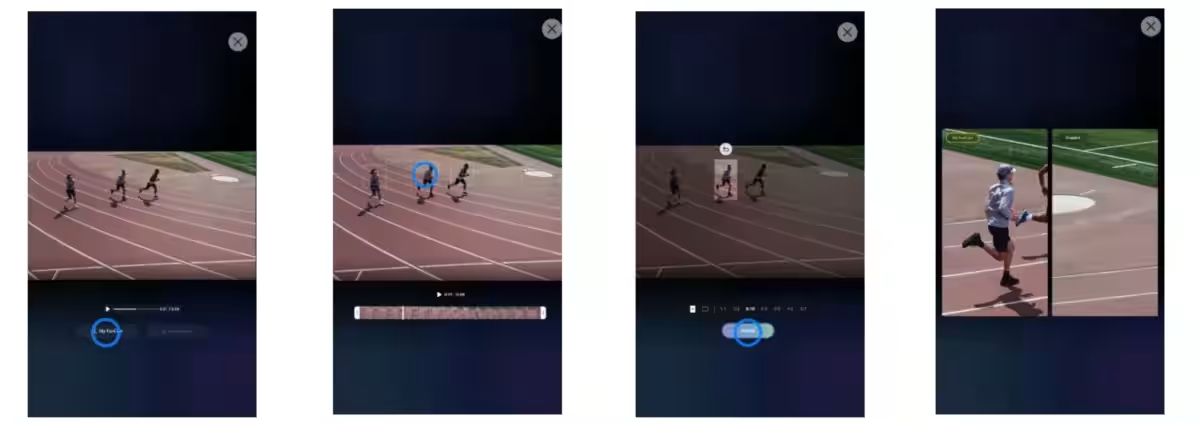
2. My Fun Cam
This innovative feature automatically tracks selected subjects from video clips, allowing users to adjust the screen’s aspect ratio effortlessly. It’s designed for quick video editing, making it ideal for social media content creation, even with moving scenes.
- Experience Overview: Tap the guide marker > select a person > click 'Follow' to create an optimized video centered on the chosen subject.
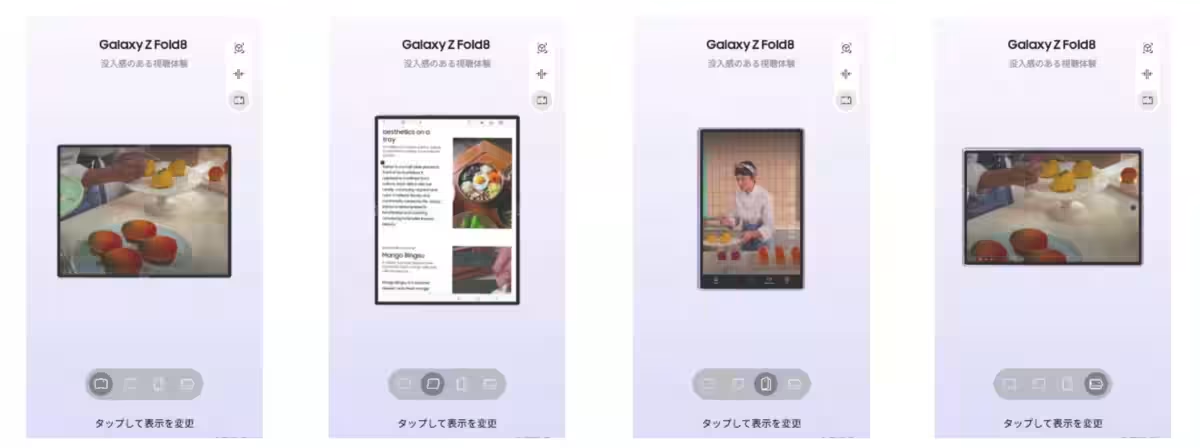
3. Immersive Viewing Experience
The app enables users to experience optimal screen ratios for various content forms, such as music, food, and travel, using the Z Fold8's 10:16 cover display alongside the immersive 4:3 main display.
- Experience Overview: Tap icons for horizontal or vertical views on the main and cover displays to see how each setting enhances the viewing experience.
Additional Features to Explore
The Try Galaxy app also showcases advanced functionalities like enhanced Super Steady stabilization, Nightography video, and Creative Studio to boost user experience further. Whether for personal or professional use, these tools can assist in making informed smartphone choices when purchasing or simply exploring Samsung's offerings.
Conclusion
For those interested in experiencing the remarkable features of the Samsung Galaxy Z Fold8 Ultra, Fold8, and Flip8, head over to the Try Galaxy app today. It's a free, immersive platform ready to transform how users interact with cutting-edge technology. Download it now and step into the future of smartphone innovation!
- ---
Download QR Code: [QR Code Here]
- ---
Samsung Galaxy is a trademark of Samsung Electronics Co., Ltd.
This content is for informational purposes and does not constitute an endorsement or official partnership with any product mentioned.

Topics Consumer Technology)
【About Using Articles】
You can freely use the title and article content by linking to the page where the article is posted.
※ Images cannot be used.
【About Links】
Links are free to use.