



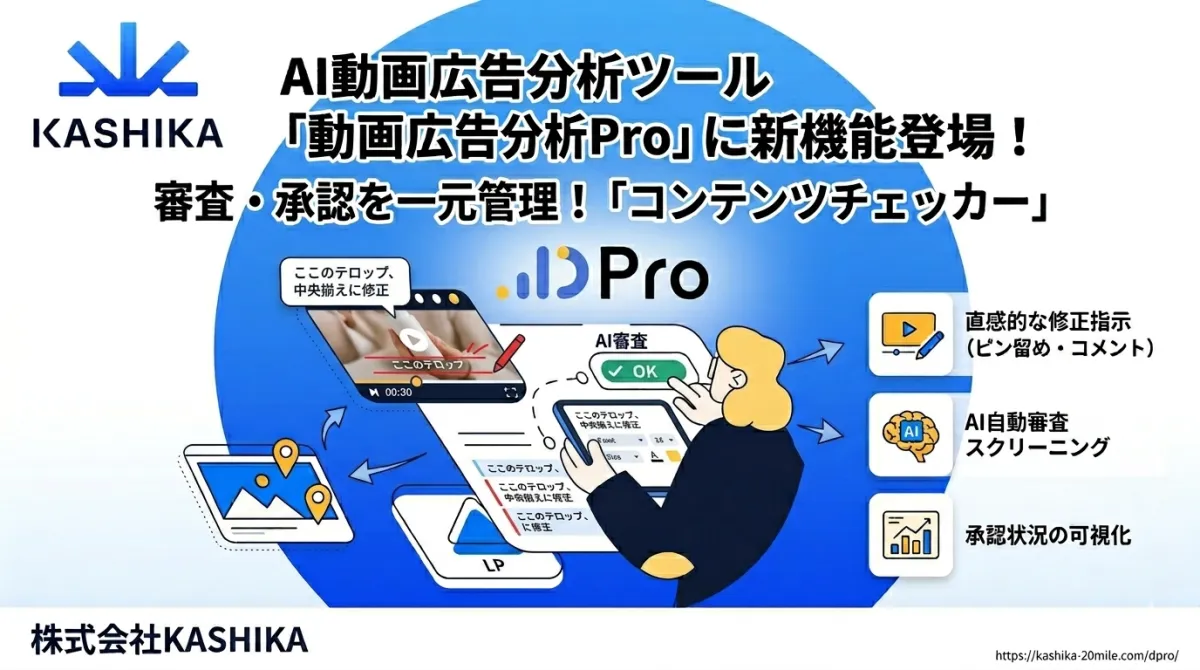
KASHIKA Unveils Content Checker for Streamlined Ad Approvals on DPro Platform
KASHIKA Launches Innovative Content Checker Tool for DPro
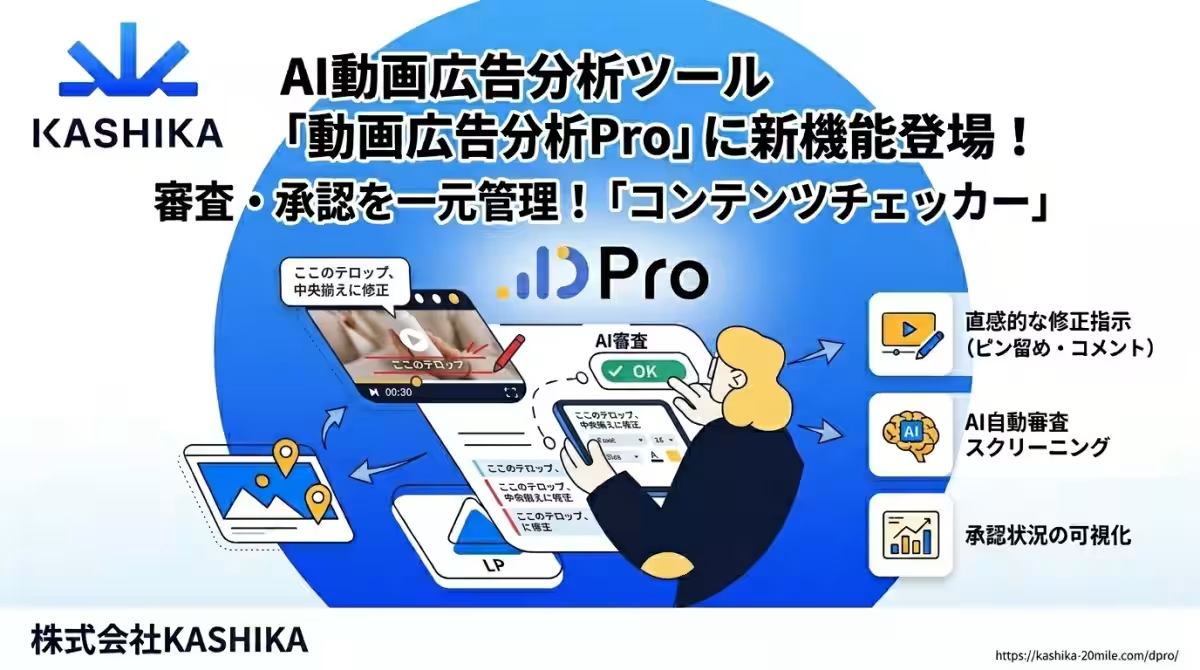
KASHIKA Inc., based in Ota, Tokyo, has announced the implementation of a groundbreaking feature called the Content Checker within its AI-driven video ad analysis tool, DPro. This new addition aims to streamline the management of ad creative approval processes, addressing long-standing inefficiencies faced by agencies and advertisers alike in today's rapidly growing digital advertising market.
The Need for a Centralized Solution
As businesses increase their digital presence, the types and quantities of ad creatives (referred to as ad CR) produced annually have risen significantly. Diverse formats such as video ads, banners, and landing pages are continually created. However, the interactions regarding verification, modifications, and approvals between advertisers, agencies, and production companies are still riddled with inefficiencies.
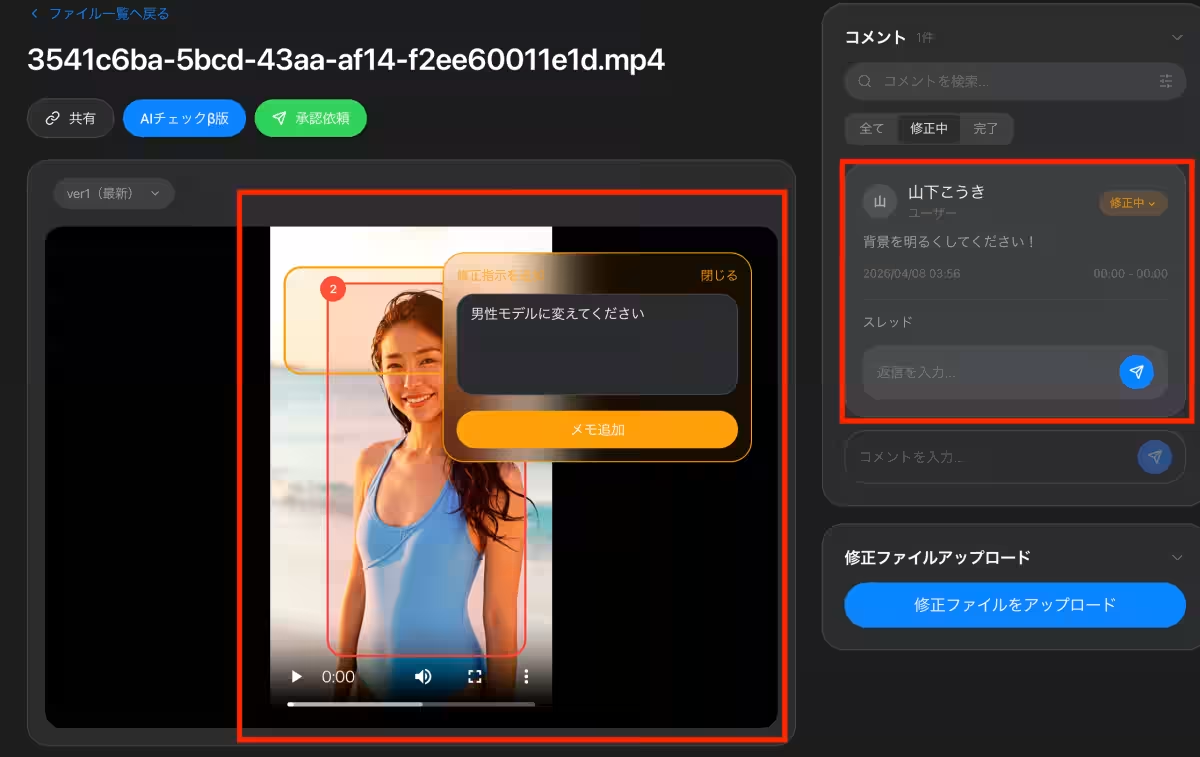
One common issue is the fragmentation of revision instructions spread across various platforms—emails, chats, and spreadsheets—making it difficult to track who issued what directive and when. Particularly for video CR, conveying specific changes with precision can be challenging through plain text, often resulting in miscommunication and an increased number of revisions.
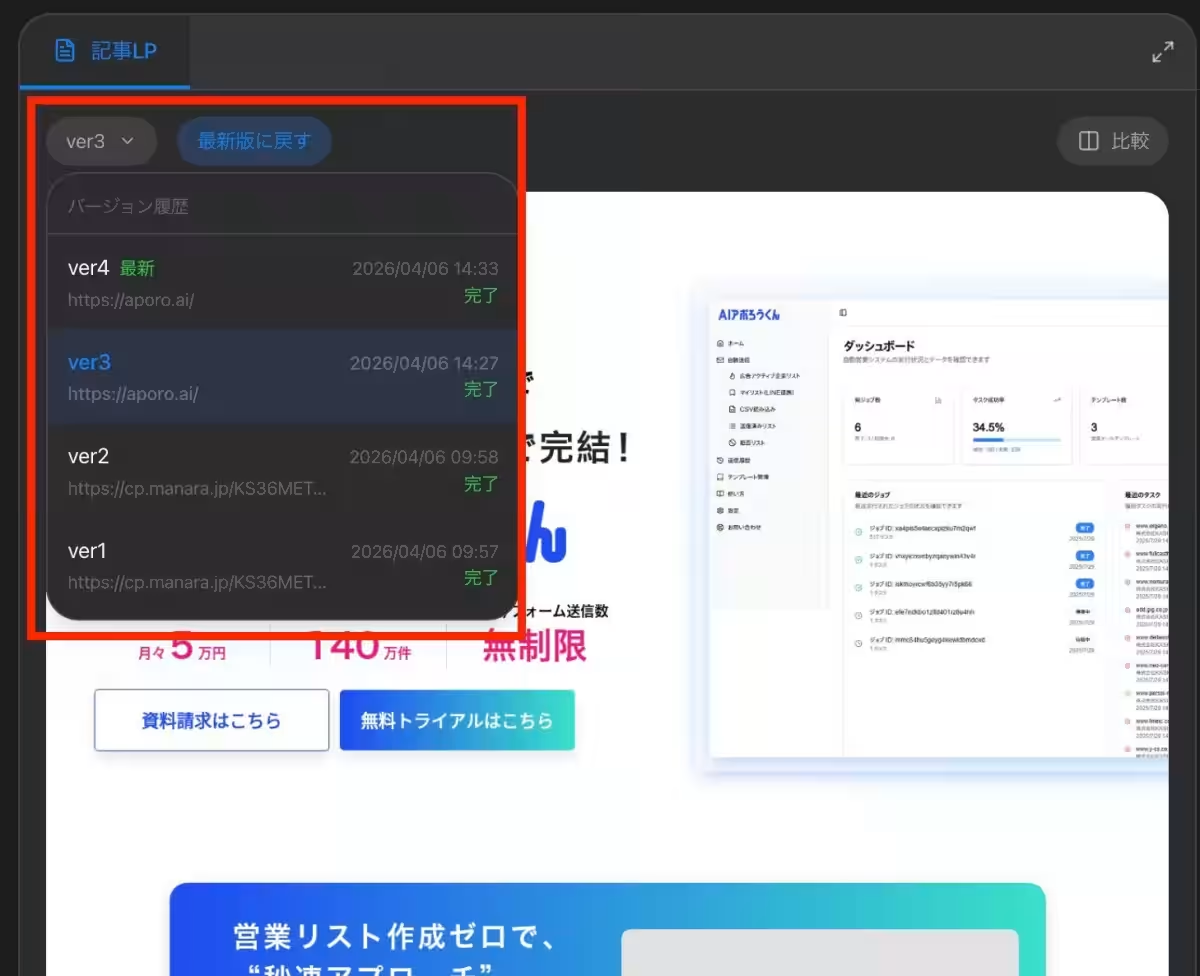
Additionally, with each successive modification, version management tends to become convoluted, leading to confusion about which version of the ad is current. The lack of visibility surrounding the approval progress of multiple stakeholders often leads to delays in the production schedule. KASHIKA has recognized these challenges through its own advertising operations and developed the Content Checker, integrating it with DPro's robust analytical capabilities to create a seamless process for ad CR production and improvement.
Key Features of the Content Checker
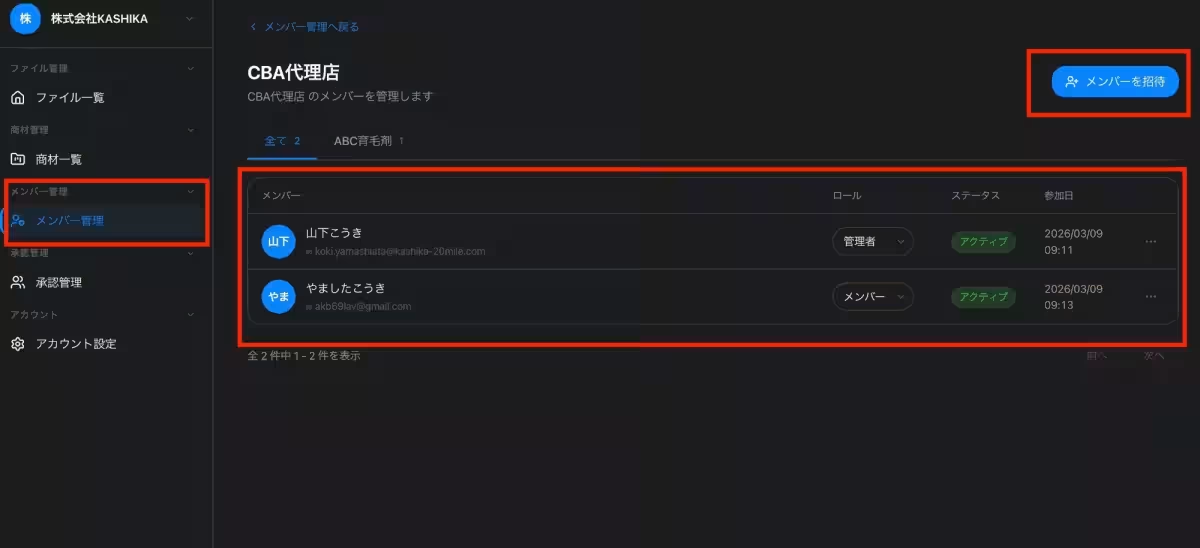
The Content Checker enables users to manage all ad CR types from one unified platform, which greatly simplifies the ad management process for teams. Here are some of its standout features:
1. Comprehensive CR Management
Users can manage videos, banners, and landing pages from a single interface, eliminating the need for multiple tools and simplifying the CR management process across teams.
2. Intuitive Revision Instructions
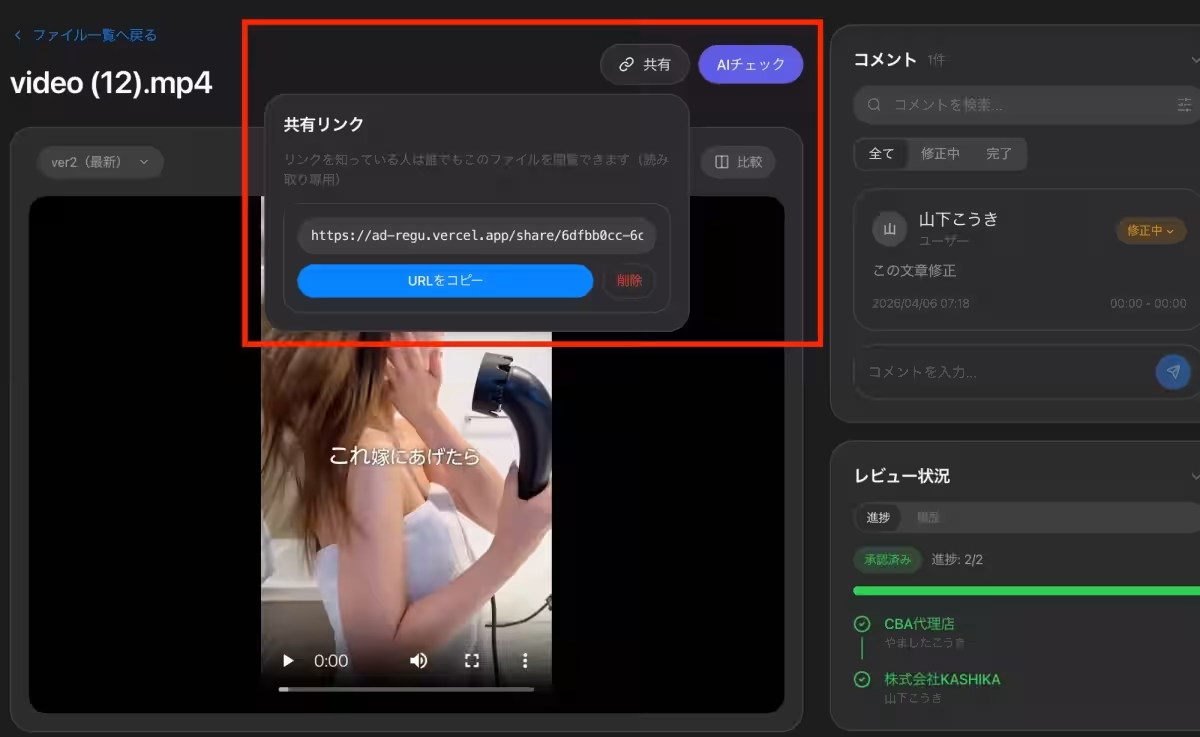
For video CR, users can add notes directly at specific timecodes during playback, allowing for clear visual directives that prevent miscommunication. Comments can also be added by clicking on any section of images or landing pages, further enhancing clarity.
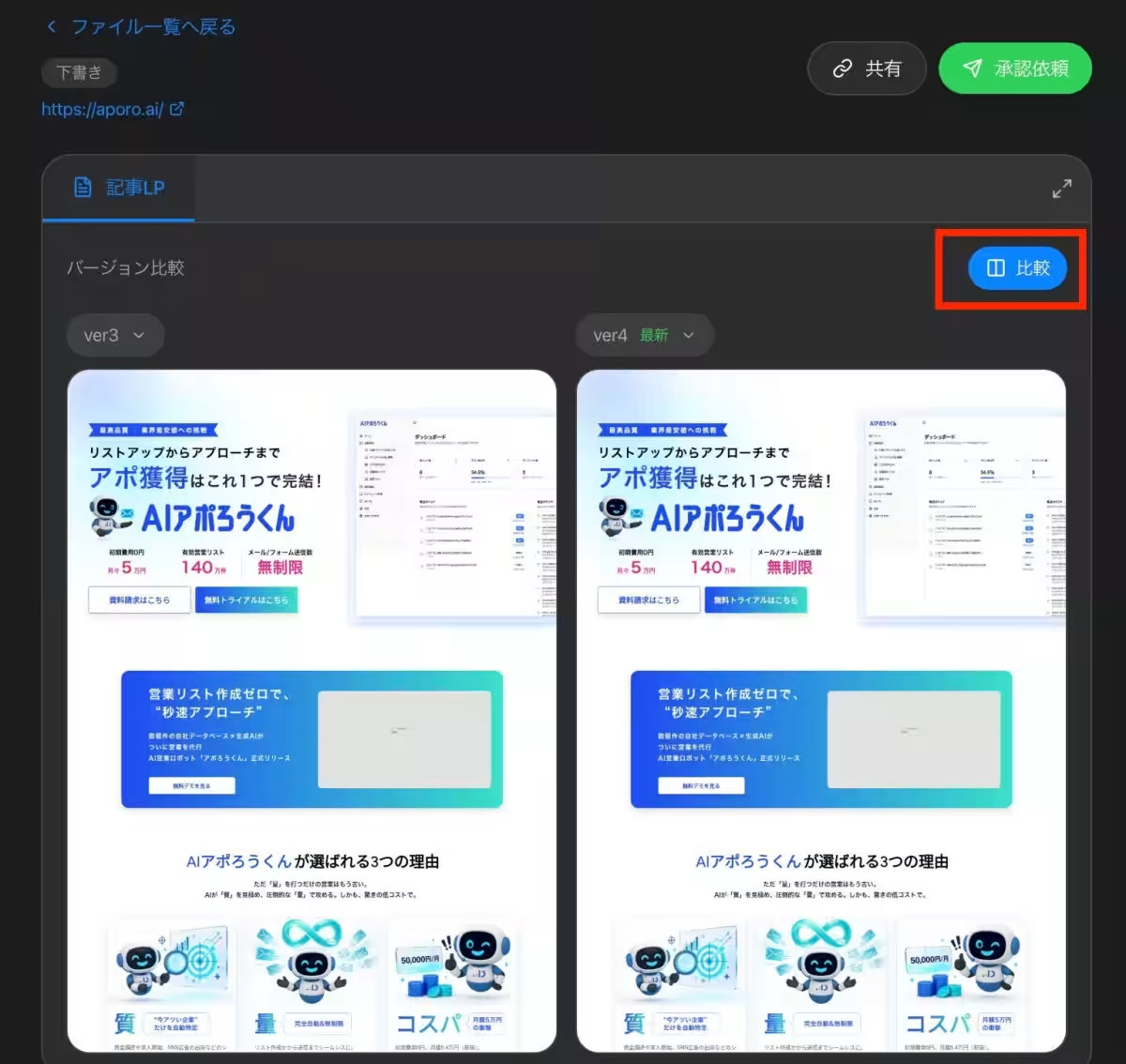
3. Version Comparison
The tool includes a feature that allows users to compare CRs before and after revisions side by side. Users can play videos simultaneously at the same timecode to quickly spot any overlooked changes or unintended revisions.
4. Visualization of Review Status
The Content Checker provides a real-time display of each party’s review status for every CR. Users can quickly ascertain whether a CR is
Topics Other)
【About Using Articles】
You can freely use the title and article content by linking to the page where the article is posted.
※ Images cannot be used.
【About Links】
Links are free to use.