



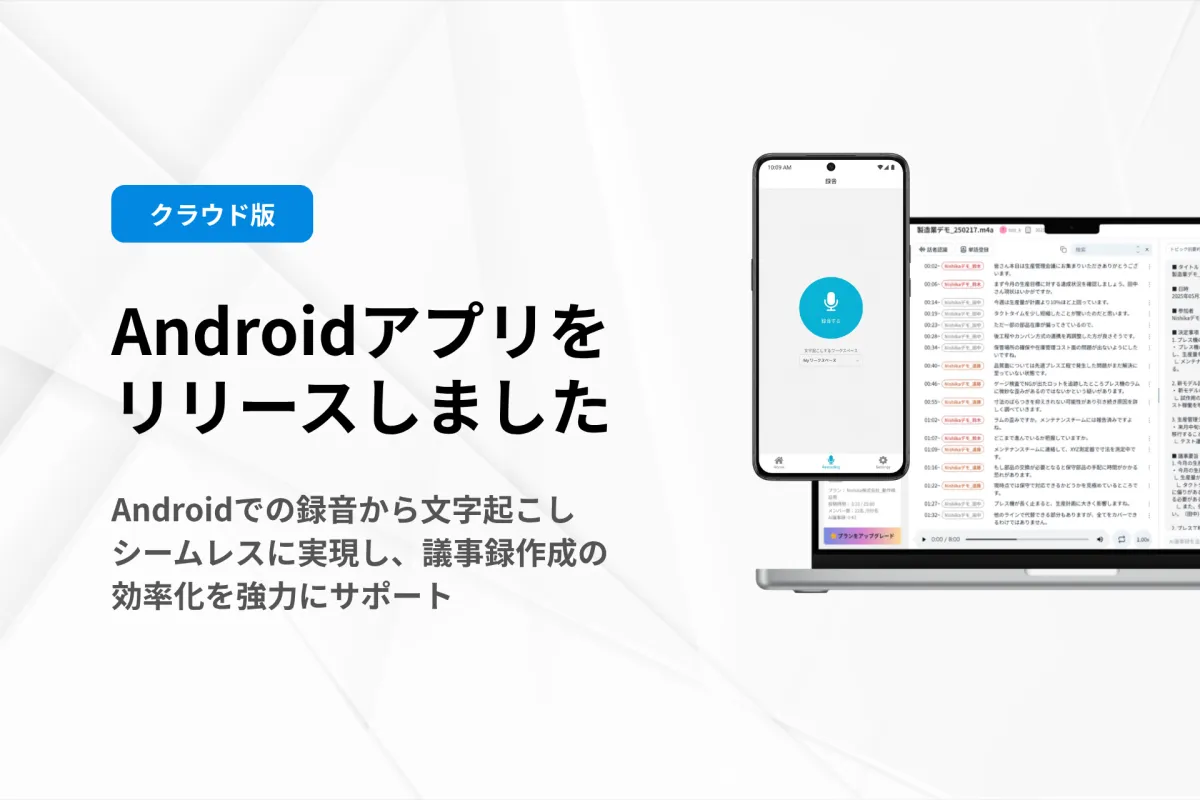
Nishika Introduces the Official Launch of SecureMemoCloud Android App for Enhanced Voice Transcription
Nishika Launches SecureMemoCloud Android App
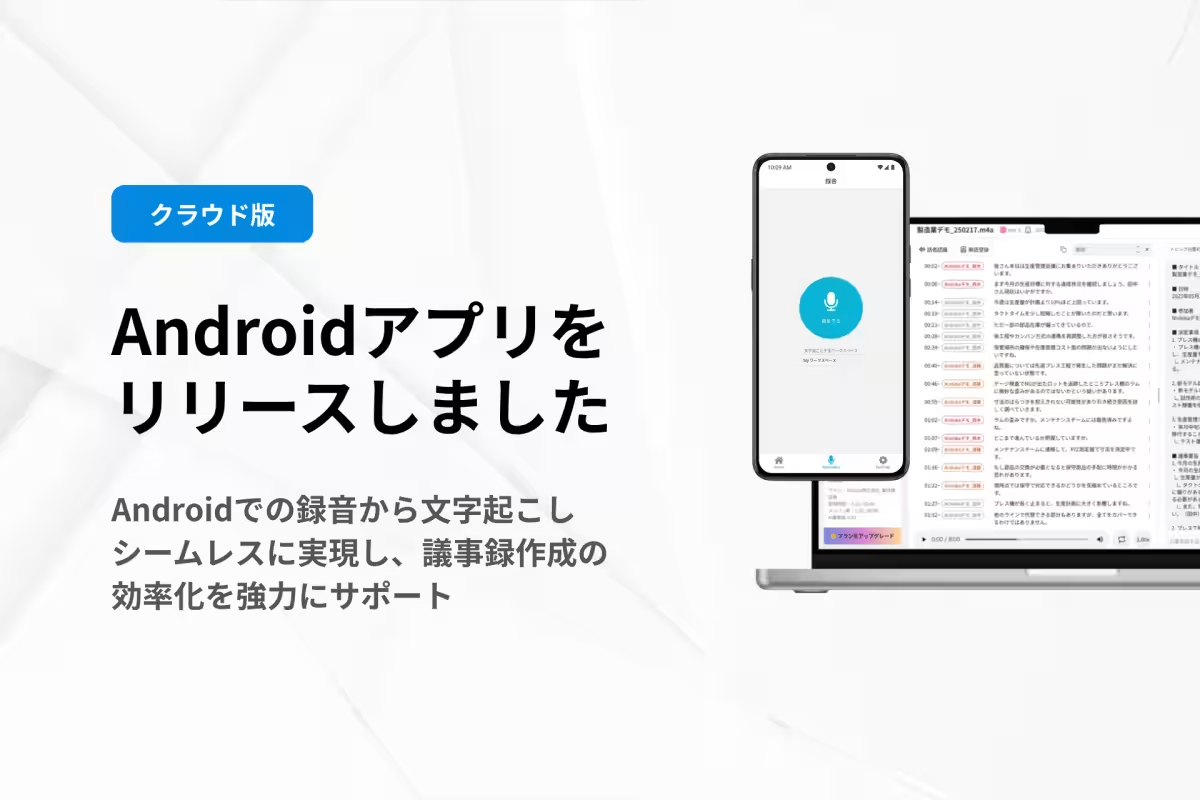
Nishika Inc., based in Shinagawa, Tokyo, is excited to announce the official release of its AI-driven voice transcription service, SecureMemoCloud, tailored for Android devices. This new app promises to revolutionize how users record and manage audio data using just their smartphones, eliminating the need for portable recording devices and complex data transfer processes.
The launch of the SecureMemoCloud app makes it easier than ever for users to record meetings, interviews, and discussions directly on their smartphones, which can then be seamlessly uploaded to the cloud. Gone are the days of hauling a laptop into conference rooms; this single-device solution provides convenience in various settings, whether you're out in the field or in a bustling meeting room.
Key Features of the SecureMemoCloud App
One of the standout features of this app is the end-to-end process from recording to uploading. Users can initiate recordings directly from the app, eliminating the hassle involved in transferring files manually. Once the recording is complete, it's just a matter of clicking a button to send the audio directly to your workspace in SecureMemoCloud. This new workflow allows users to transition quickly from recording to transcribing or summarizing audio content, greatly enhancing productivity.
Enhanced Voice Data Management
The direct send feature allows users to manage their recordings efficiently. After recording, it is possible to either retain the audio on your device or send it to the cloud for processing. This flexibility is a game-changer, particularly for those who often find themselves in back-to-back meetings.
Integration with SecureMemoCloud Features
Within the app, users can customize settings related to voice recognition languages, select industry-specific AIs, and configure access permissions. This seamless integration ensures a high-quality transcribing environment, leveraging the full capabilities of SecureMemoCloud.
Some of the prominent features include:
- - Smartphone Voice Recording: Capture audio directly through the app.
- - Direct Upload to SecureMemoCloud: Send recordings instantly to the cloud.
- - Device Storage: Option to save audio files locally.
- - Playback Options: Replay recordings within the app.
- - Title Editing: Easy customization of recording titles.
- - Post-Transfer to Workspace: Send data after saving for summarized processing.
- - Audio File Sharing and Deletion Options: Enhanced file management features.
- - Multi-language Support: Voice recognition available in 99 languages.
- - Industry-specific AI Options: Tailored performance depending on your domain.
- - Custom Word Registration: Keep relevant terms recognized for business use.
How to Utilize the SecureMemoCloud App
1. Install the App: Search for SecureMemoCloud in the Google Play Store and download.
2. Log In: Use your SecureMemoCloud ID and password to access the app.
3. Adjust Settings: Make necessary adjustments, such as linking workspaces or customizing voice recognition options.
4. Begin Recording: Start using the
Topics Consumer Technology)
【About Using Articles】
You can freely use the title and article content by linking to the page where the article is posted.
※ Images cannot be used.
【About Links】
Links are free to use.