



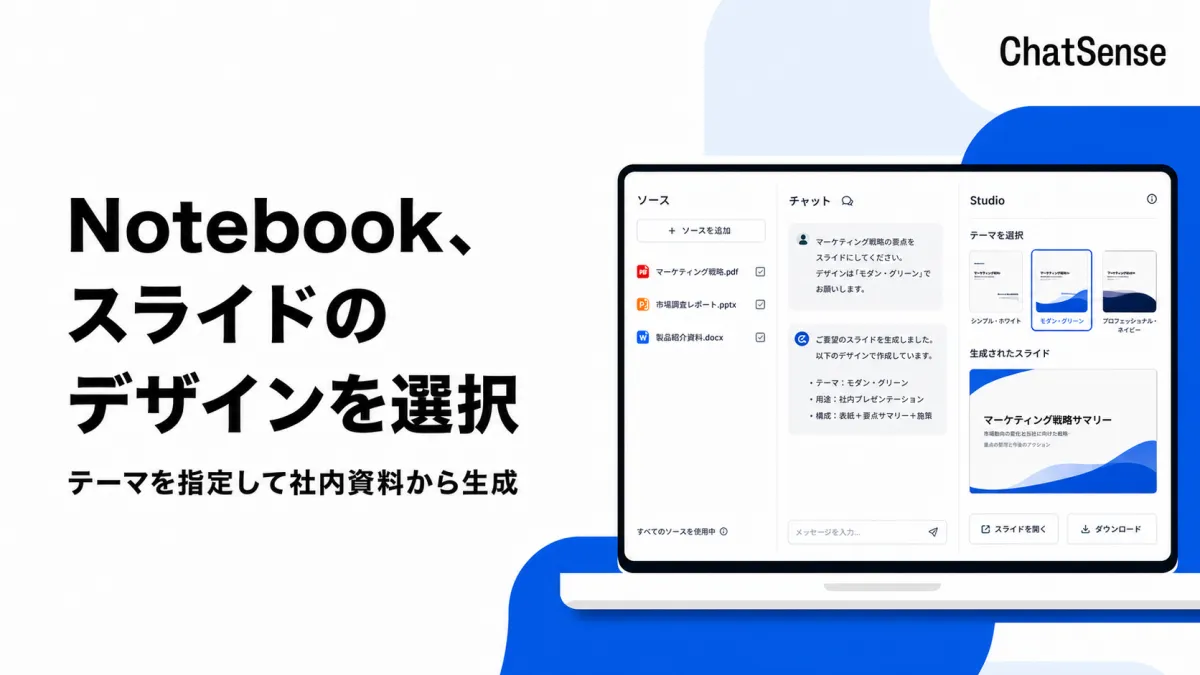
KnowledgeSense Launches Notebook Feature for Customizable Slides with AI Support
KnowledgeSense Unveils Customizable Slide Generation Feature with AI
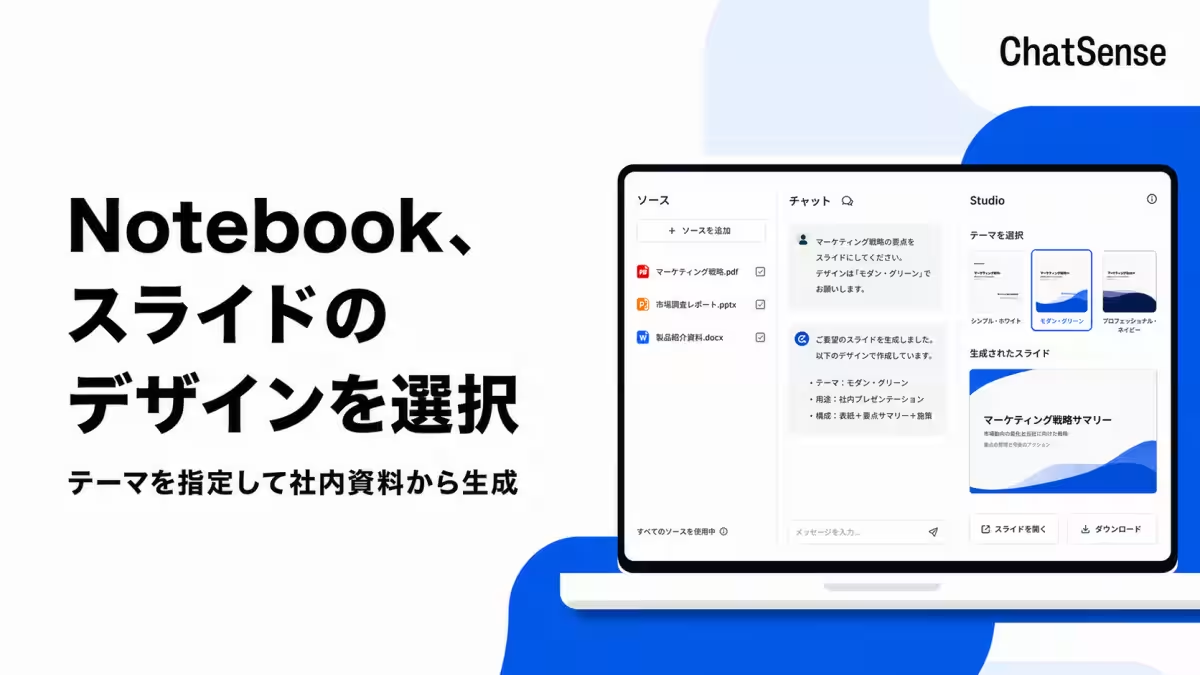
KnowledgeSense, based in Minato, Tokyo, has recently launched a new feature for its corporate AI agent service, ChatSense. This latest addition, the ‘Notebook’ functionality, allows users to select design themes when generating slides, ensuring that the output aligns with their brand's visual identity and specific presentation needs.
Streamlining Corporate Presentations
The Notebook feature within ChatSense enables users to create slides based on internal documents. Before generating the slides, users can now specify their design preferences, including the overall look and feel, tailored to suit various uses such as reports, presentations, or marketing materials. This upgrade addresses a growing demand among businesses that wish to maintain brand consistency through customized templates and themes.
Addressing User Needs for Template Adherence
The motivation behind this feature's release stems from user feedback emphasizing the importance of adhering to unique corporate templates. Companies often seek to match their slides with their branding guidelines—right down to font choices and color schemes. By implementing a selection of design themes, KnowledgeSense aims to help organizations efficiently produce slides that not only reflect their brand accurately but also cater to the context of their presentations.
Key Features of the Notebook Functionality
1. Design Theme Selection Before Slide Generation
Users can pick a suitable design theme tailored to their specific needs prior to the slide generation process. This facilitates a smoother workflow as they generate slides using the chosen visual elements.
2. Adherence to Corporate Templates
Selecting a design theme that aligns with company branding ensures that generated slides remain consistent with existing corporate materials. This feature allows users to generate work tailored to internal document styles while keeping visual coherence intact.
3. Efficiency in Slide Creation
Users can utilize their existing internal documents as sources while selecting the preferred theme for visual consistency. This means companies can create tailored presentations efficiently, focusing on both content and design elements dynamically.
Understanding ChatSense and Its Features
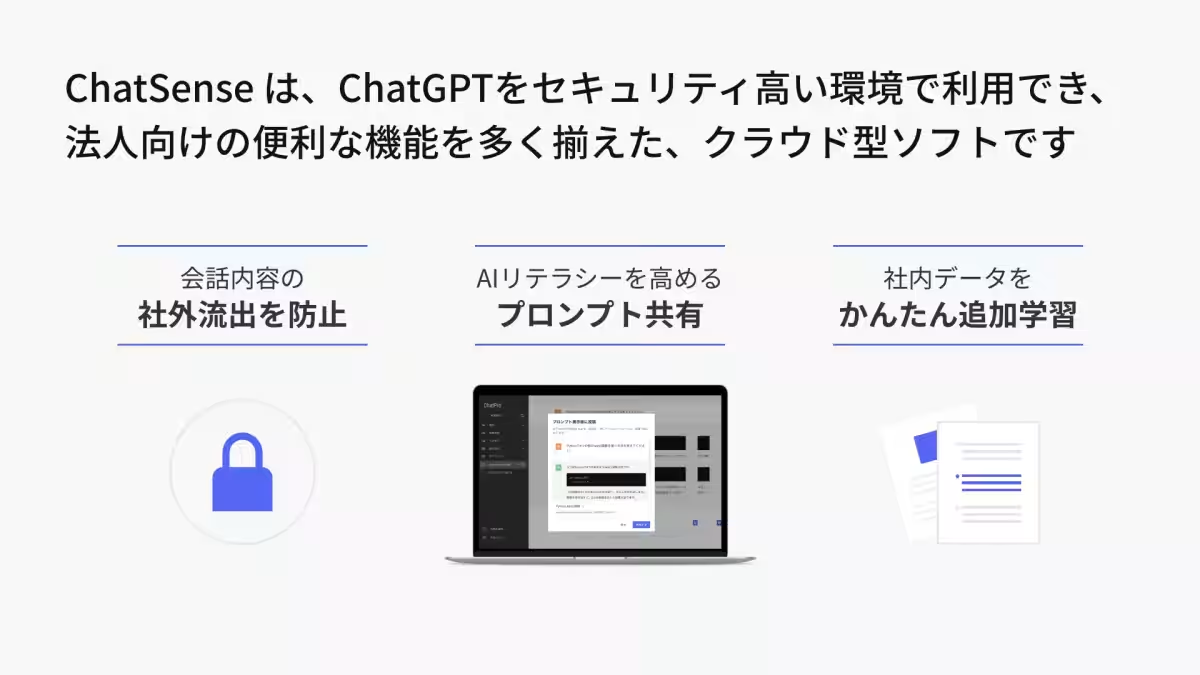
ChatSense is a secure implementation of ChatGPT tailored for corporate use, designed to enhance operational efficiency and service quality. More than 500 companies, including large corporations listed on the Tokyo Stock Exchange, have integrated this technology into their operations, acknowledging its security features and training capabilities based on proprietary data and documents.
Key Highlights of ChatSense:
- - Data Protection: Robust security measures to prevent leakage of sensitive information.
- - Unique Corporate Features: Tools and functions tailored for business partnerships not found in standard offerings, promoting inter-departmental collaboration and improved team productivity.
- - Flexible Pricing Models: ChatSense is accessible without upfront costs and has no restrictions on minimum usage periods, making it easy for clients to explore its functionality without commitment.
For more information about the Notebook functionality, users can visit: Notebook Functionality
For companies looking to boost their operational efficiency through AI, KnowledgeSense offers comprehensive digital transformation consulting, including the recently launched generative AI tool, Ozone. Interested businesses are encouraged to reach out for consultation to discuss leveraging AI capabilities to enhance productivity across their organizations.
In conclusion, KnowledgeSense remains committed to empowering businesses through technology, helping them achieve significant strides towards digital transformation while increasing employee productivity utilizing generative AI tools.
Topics Business Technology)
【About Using Articles】
You can freely use the title and article content by linking to the page where the article is posted.
※ Images cannot be used.
【About Links】
Links are free to use.