



Revolutionizing AI Interaction with IrukaDark for Mac Users
Unlocking the Power of AI with IrukaDark
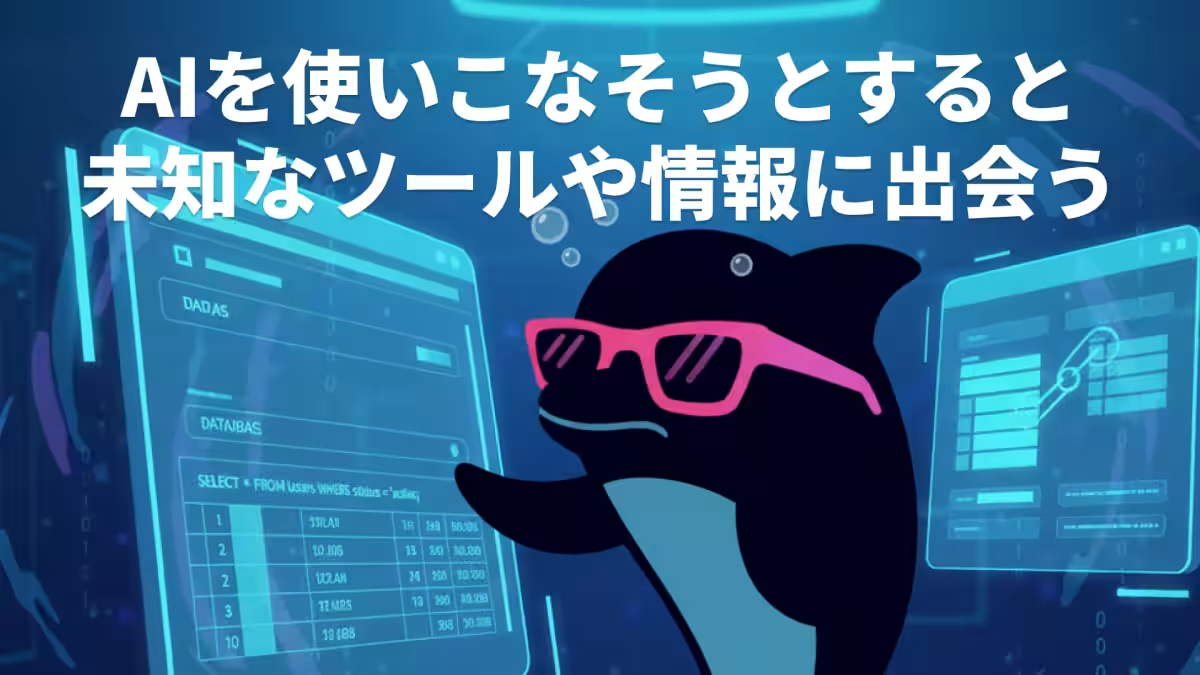
In the expansive landscape of artificial intelligence, IrukaDark stands out as a groundbreaking tool that transforms how users interact with their PC screens. Developed by Co-re Corporation, headquartered in Shinjuku, Tokyo, this desktop-based AI assistant offers a seamless way to comprehend textual and visual information instantly. With its recent launch of the MacOS installer, IrukaDark is now more accessible than ever to enhance user experience across various applications.
A New Era of AI Integration
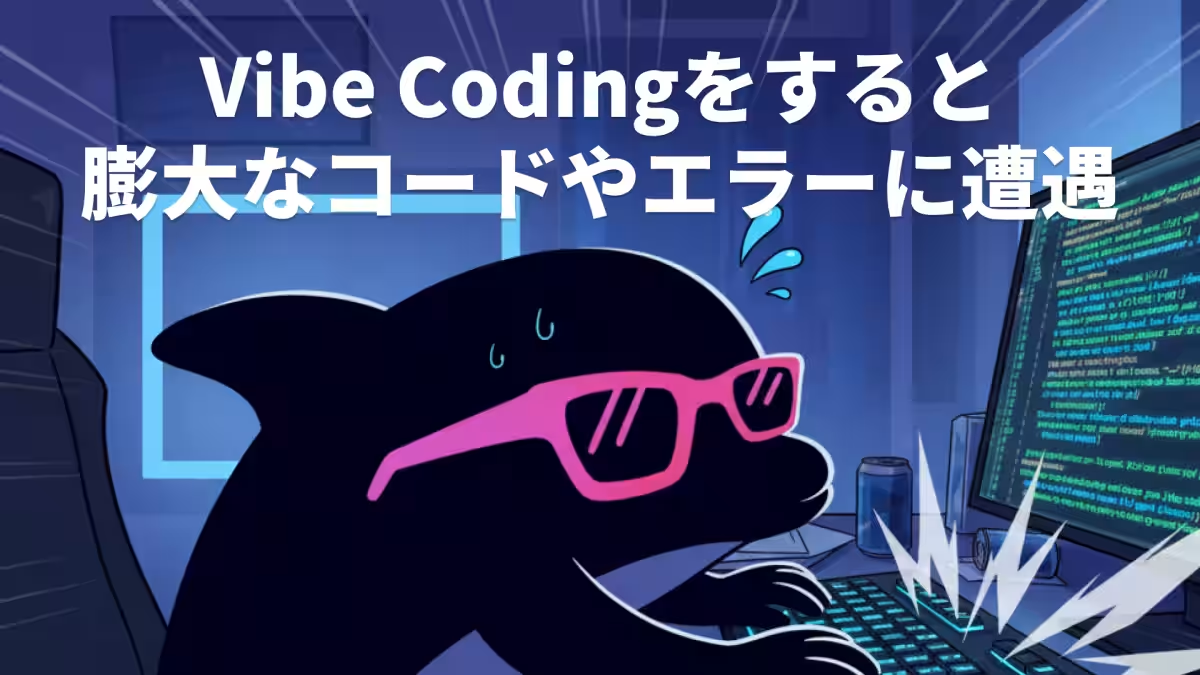
The emergence of AI technologies such as ChatGPT, Gemini, and Claude has reshaped our daily interactions, particularly in professional environments. Today, AI serves as a vital ally in activities like document preparation, programming, learning, and research. Recently, the concept of Vibe Coding, popularized by OpenAI co-founder Andrej Karpathy, has gained momentum as a transformative approach in programming. Vibe Coding enables users to command AI to automatically generate code, which can also self-correct errors. This approach is revolutionizing the programming experience.
However, the challenges accompanying this innovative development style cannot be overlooked. Proceeding with the development without a clear understanding of AI-generated code and error messages can lead to unforeseen bugs and security vulnerabilities. This is precisely where IrukaDark comes into play.
Supporting Vibe Coding Efficiently
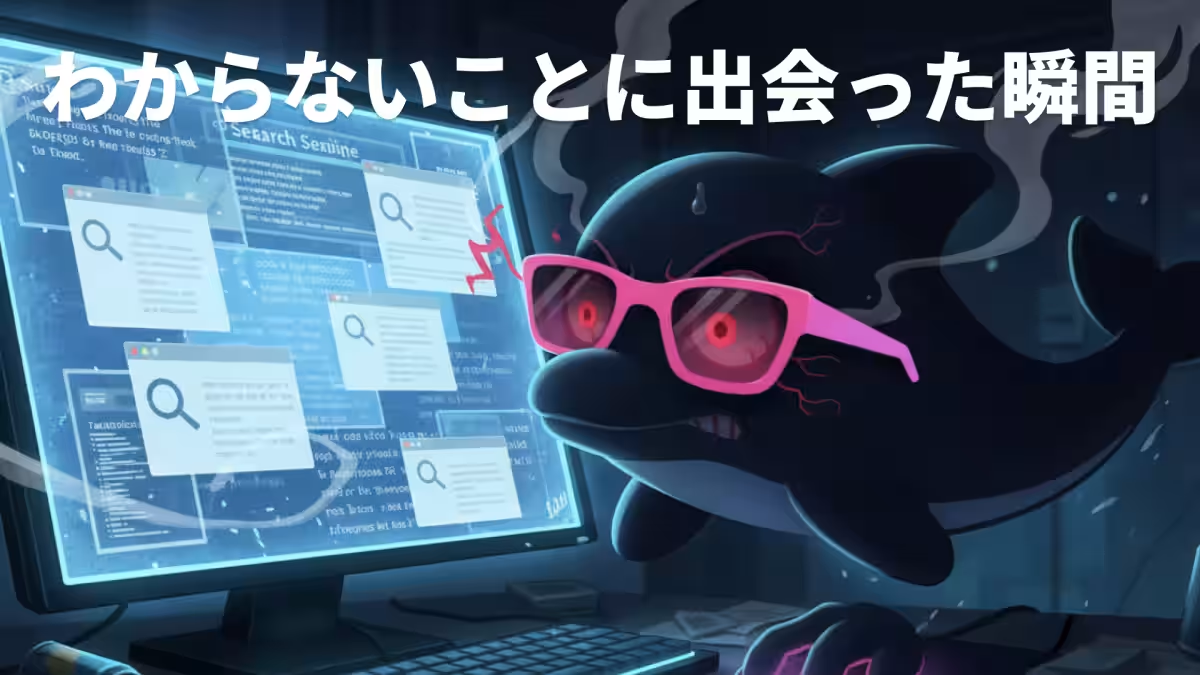
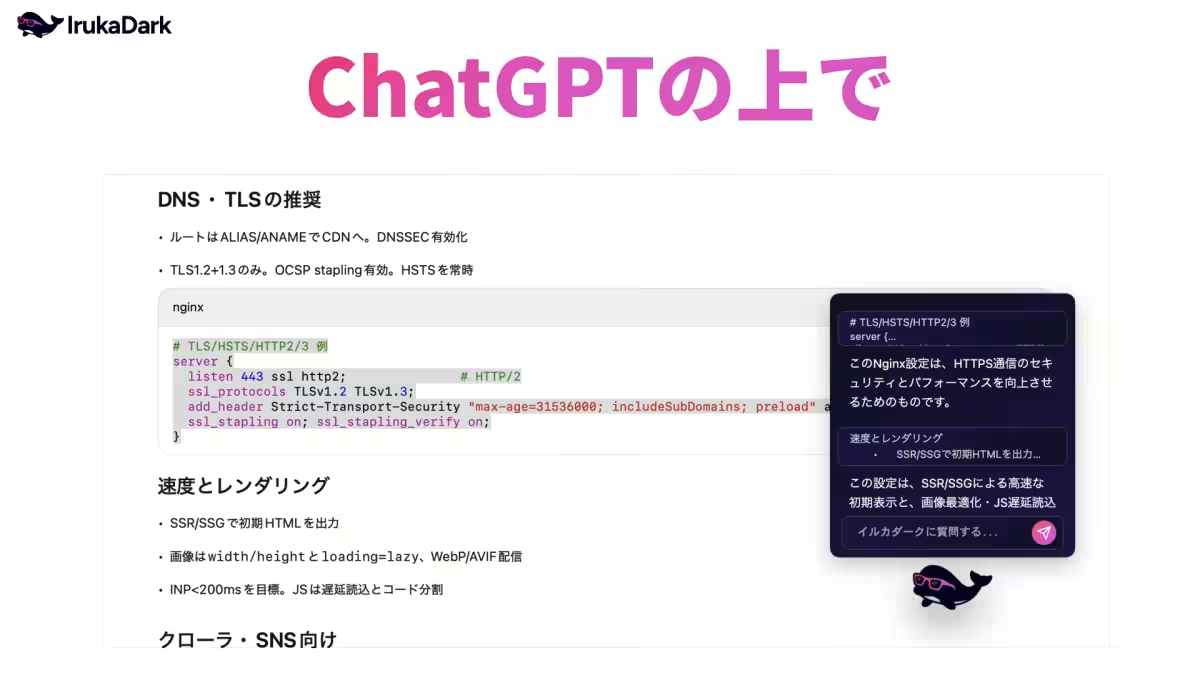
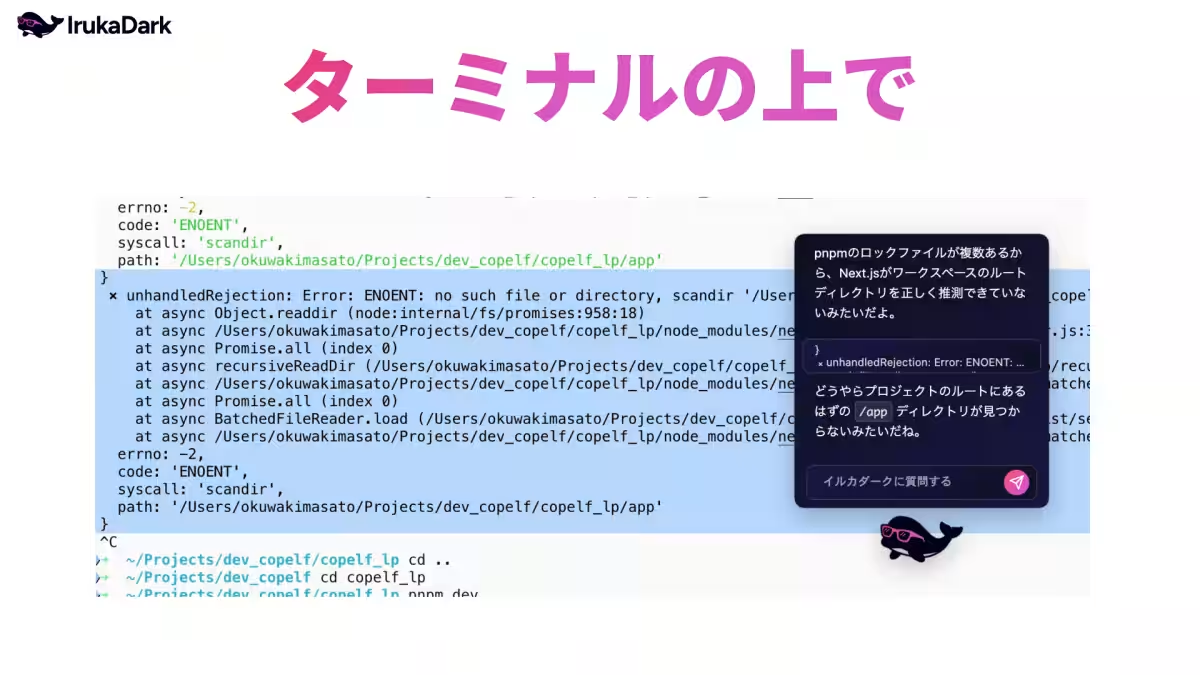
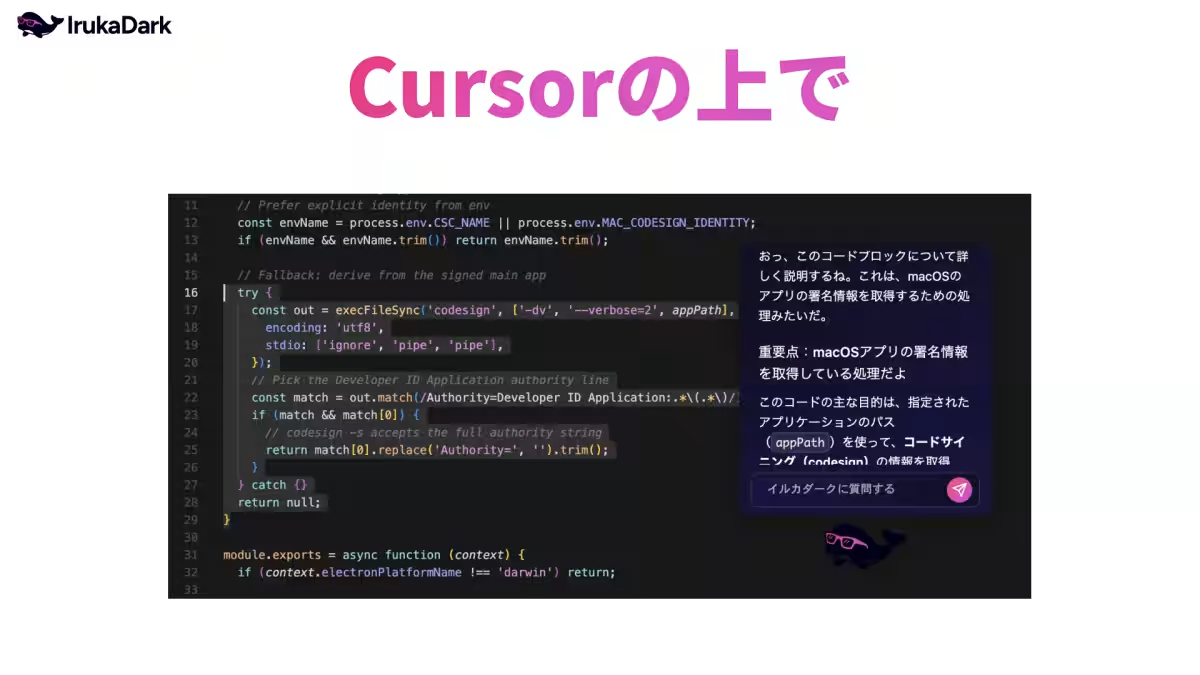
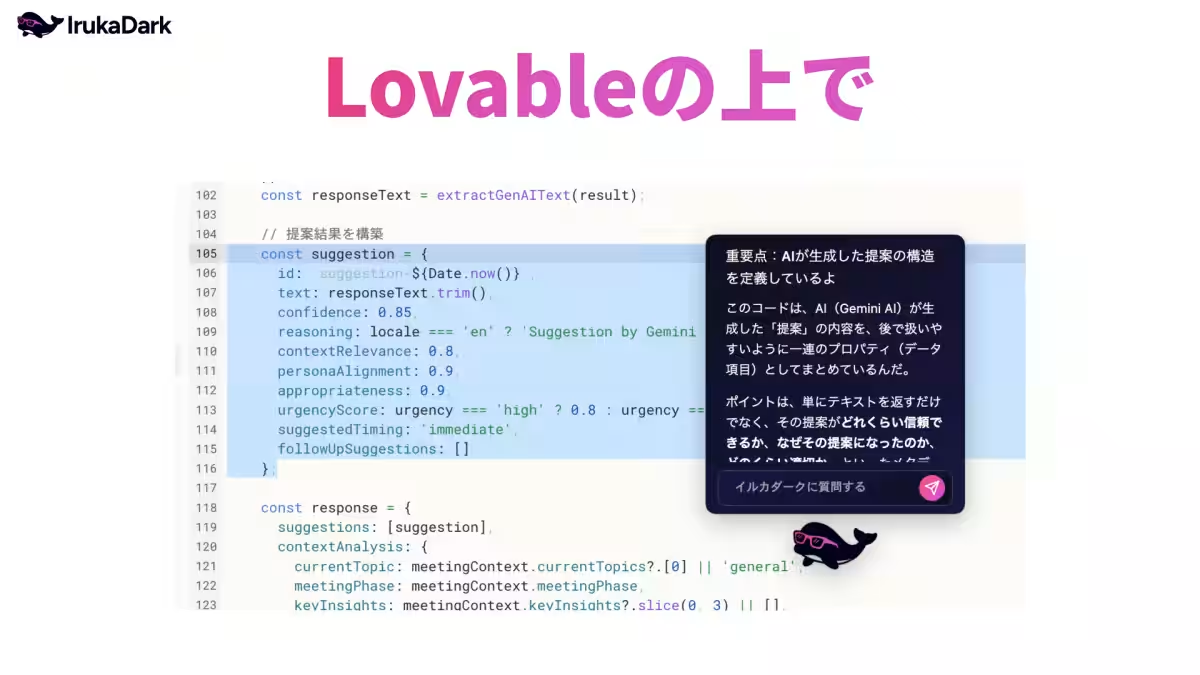
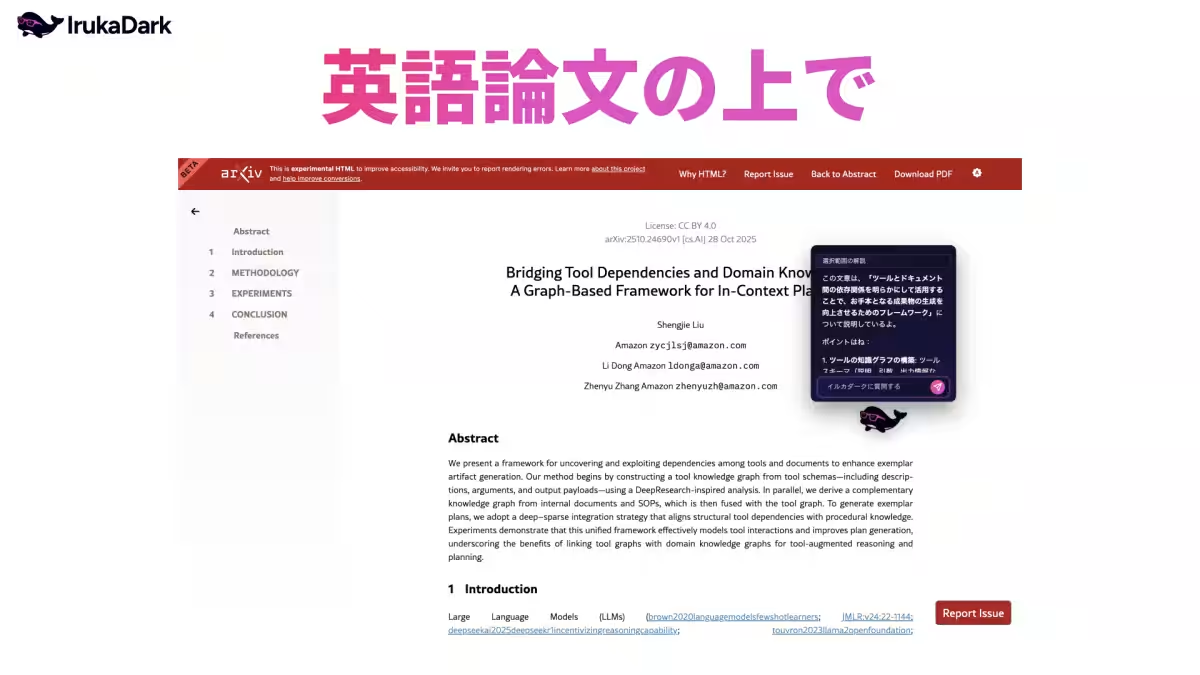
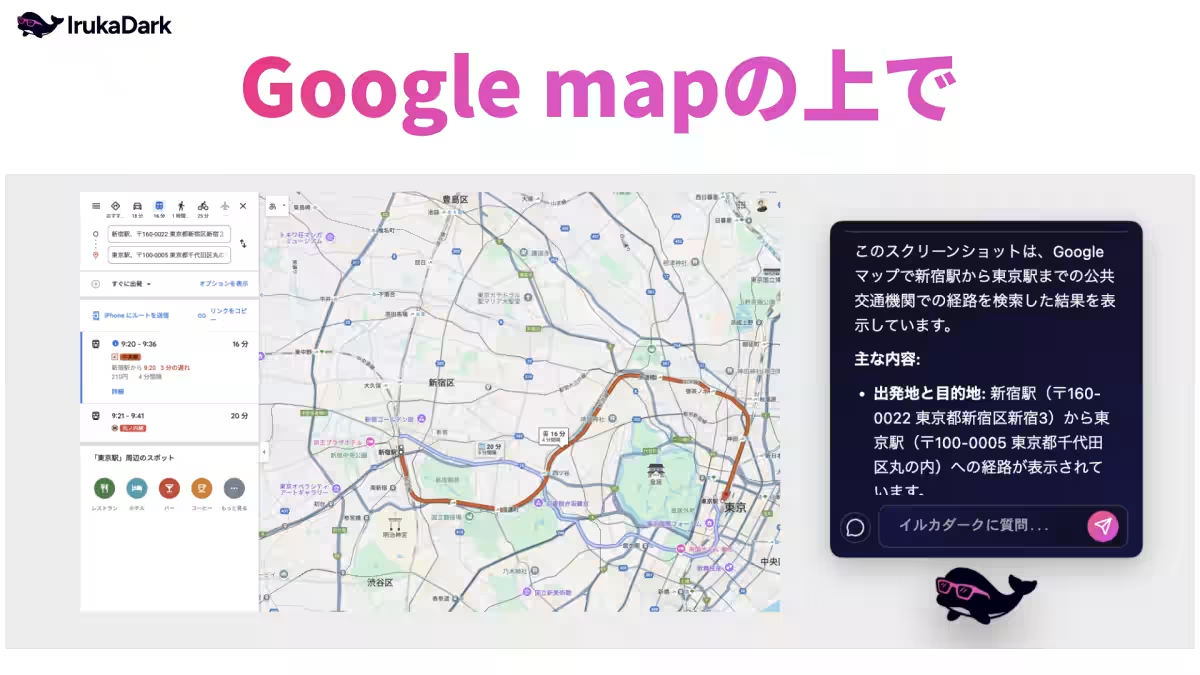
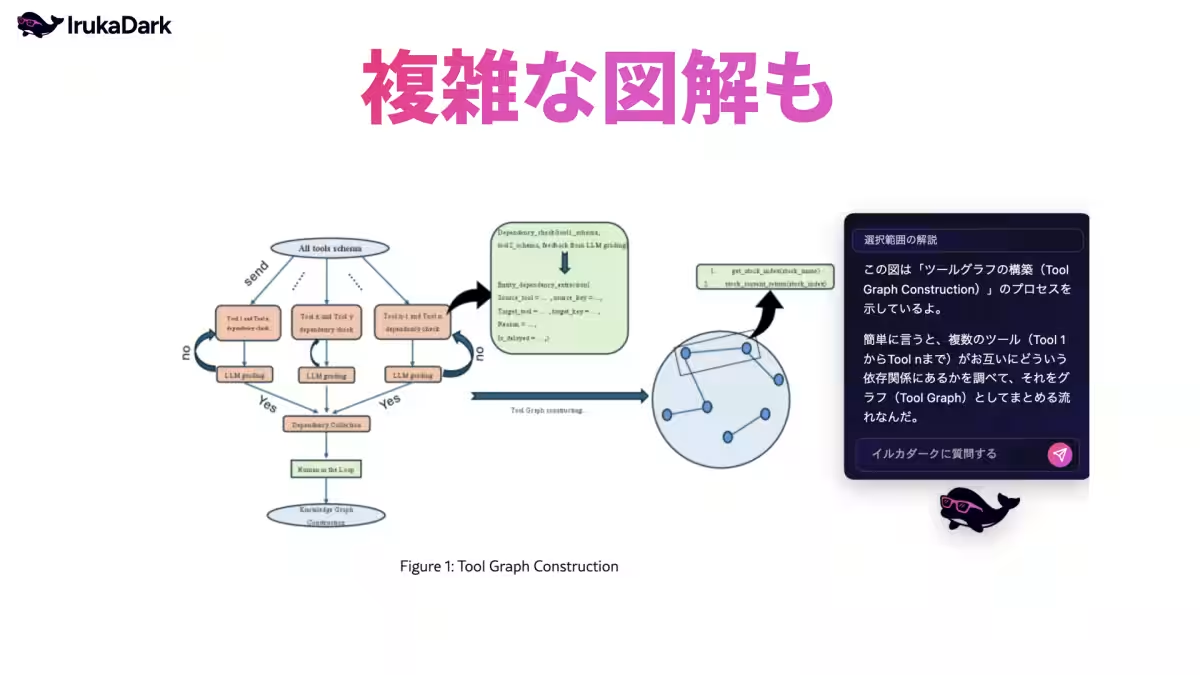
IrukaDark serves as a supportive tool for Vibe Coding, operating atop various applications such as browsers and documents. Users can select any unclear portion from outputs of ChatGPT or Claude, and IrukaDark will provide instant explanations tailored to the context, making comprehension effortless and quick.
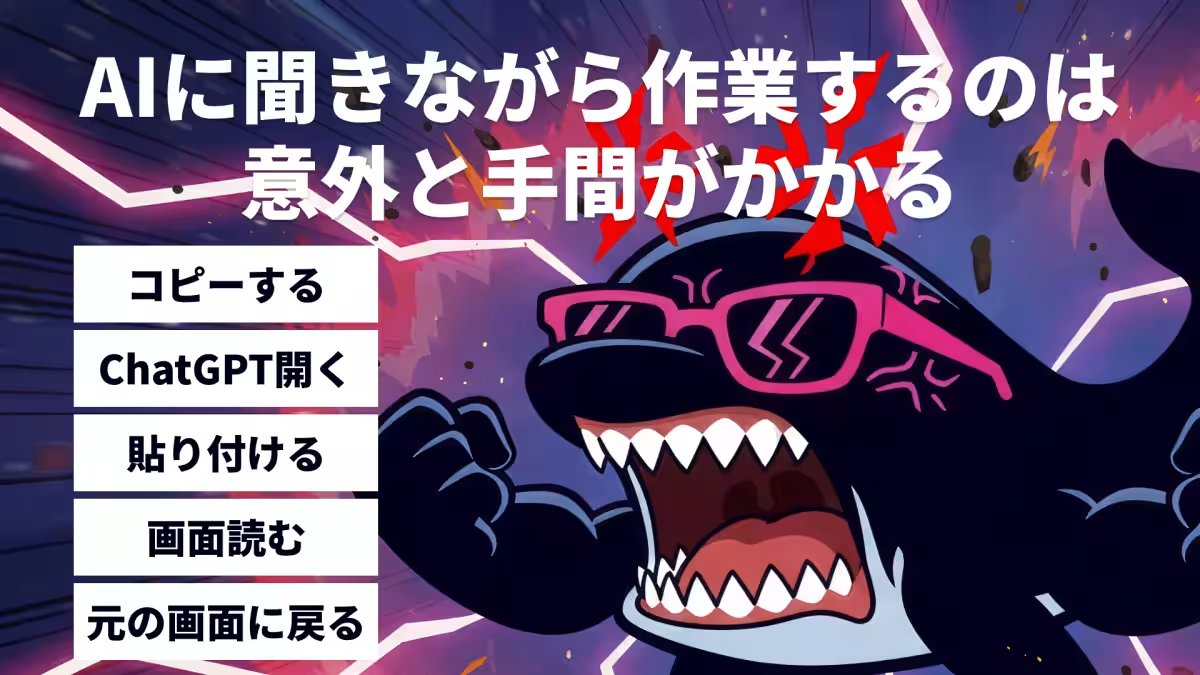
Imagine not having to leave your workflow to gather information. With IrukaDark, all it takes is a simple selection to receive a concise explanation that respects the context and background of the selected text or image. This feature ensures that users remain engaged in their tasks without unnecessary distractions like switching between different web pages or copying text.
How to Use IrukaDark
Getting started with IrukaDark is straightforward:
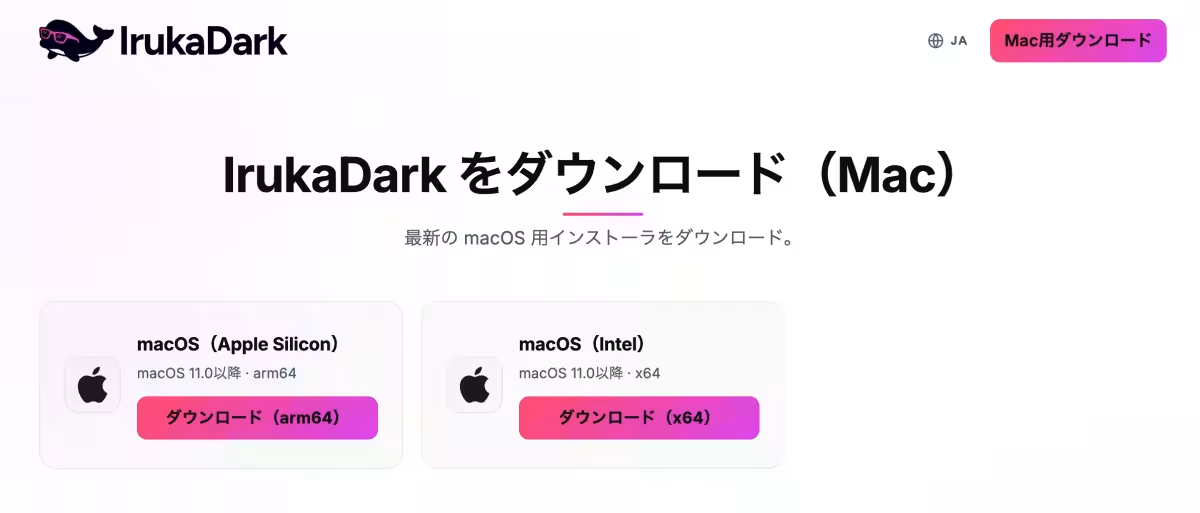
1. Download IrukaDark from the official website.
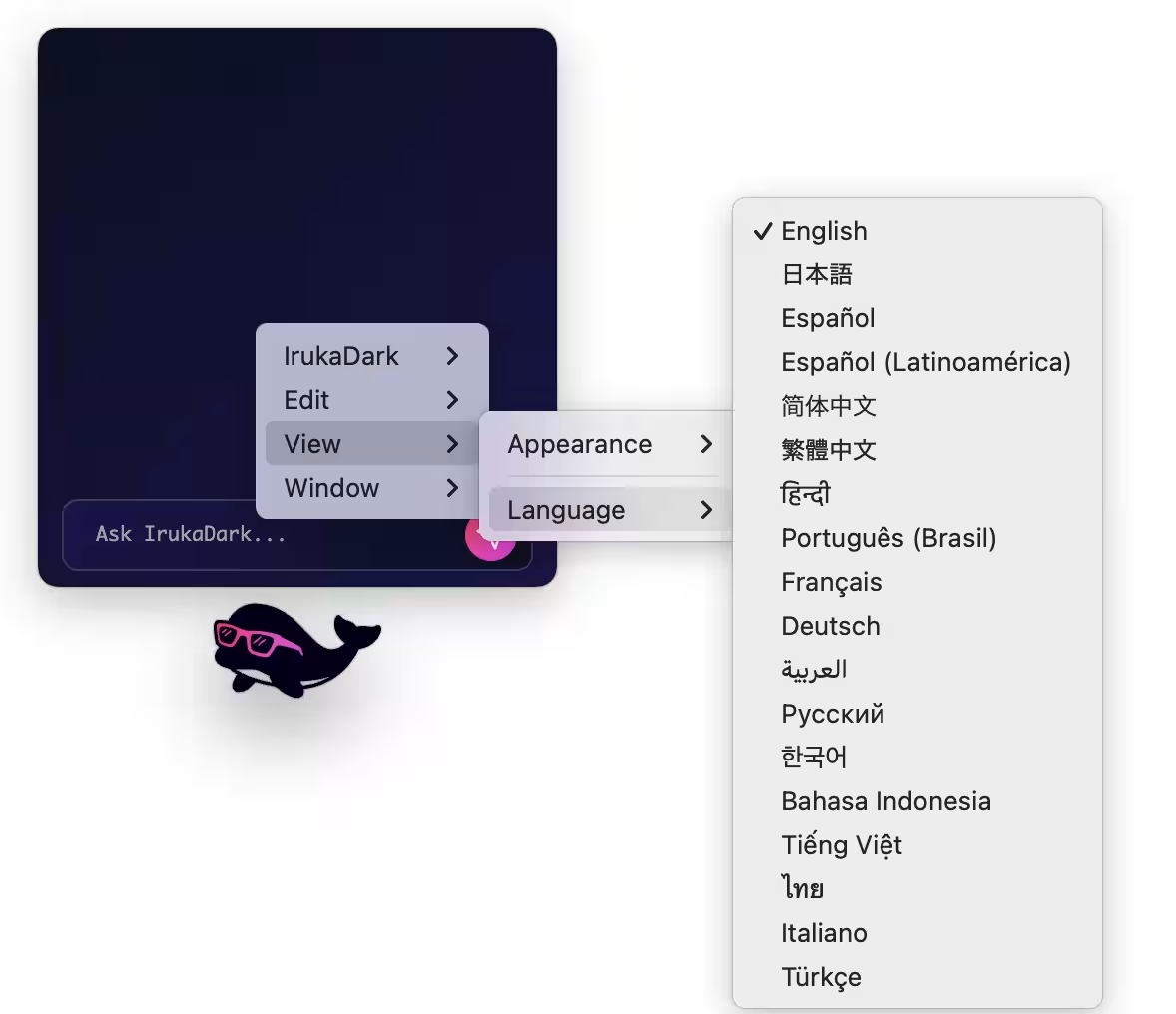
2. Change the default language to Japanese by right-clicking and selecting “View → Language → 日本語.”
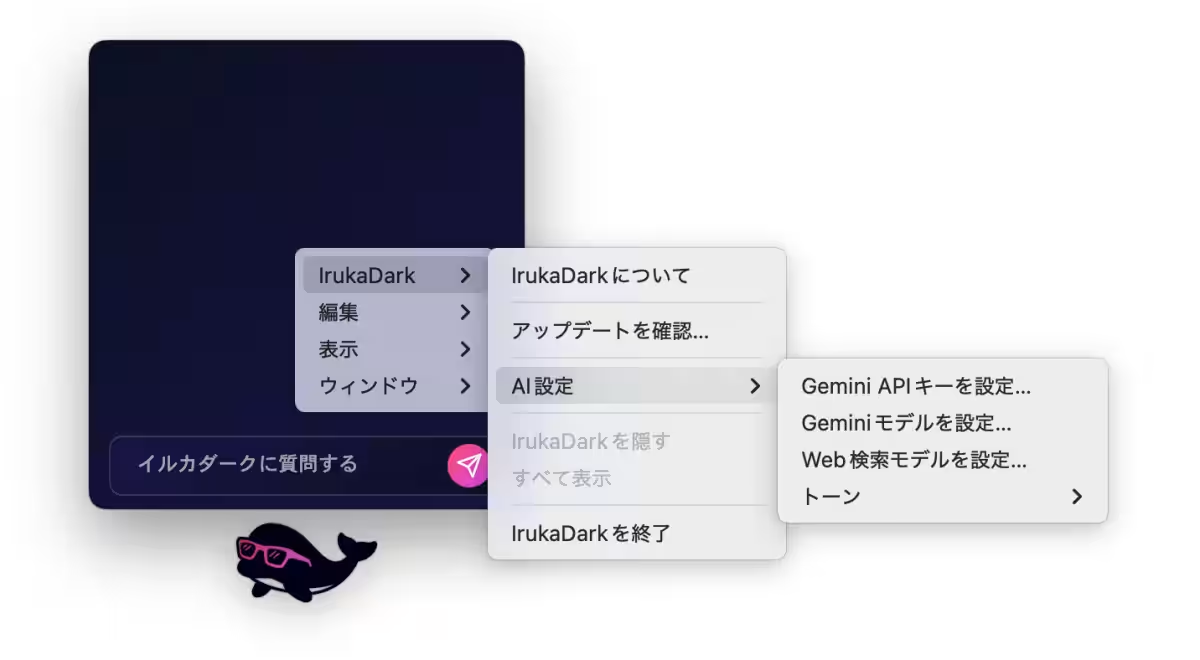
3. Enter your Gemini API key obtained from Google AI Studio via “AI Settings → Set Gemini API Key.”
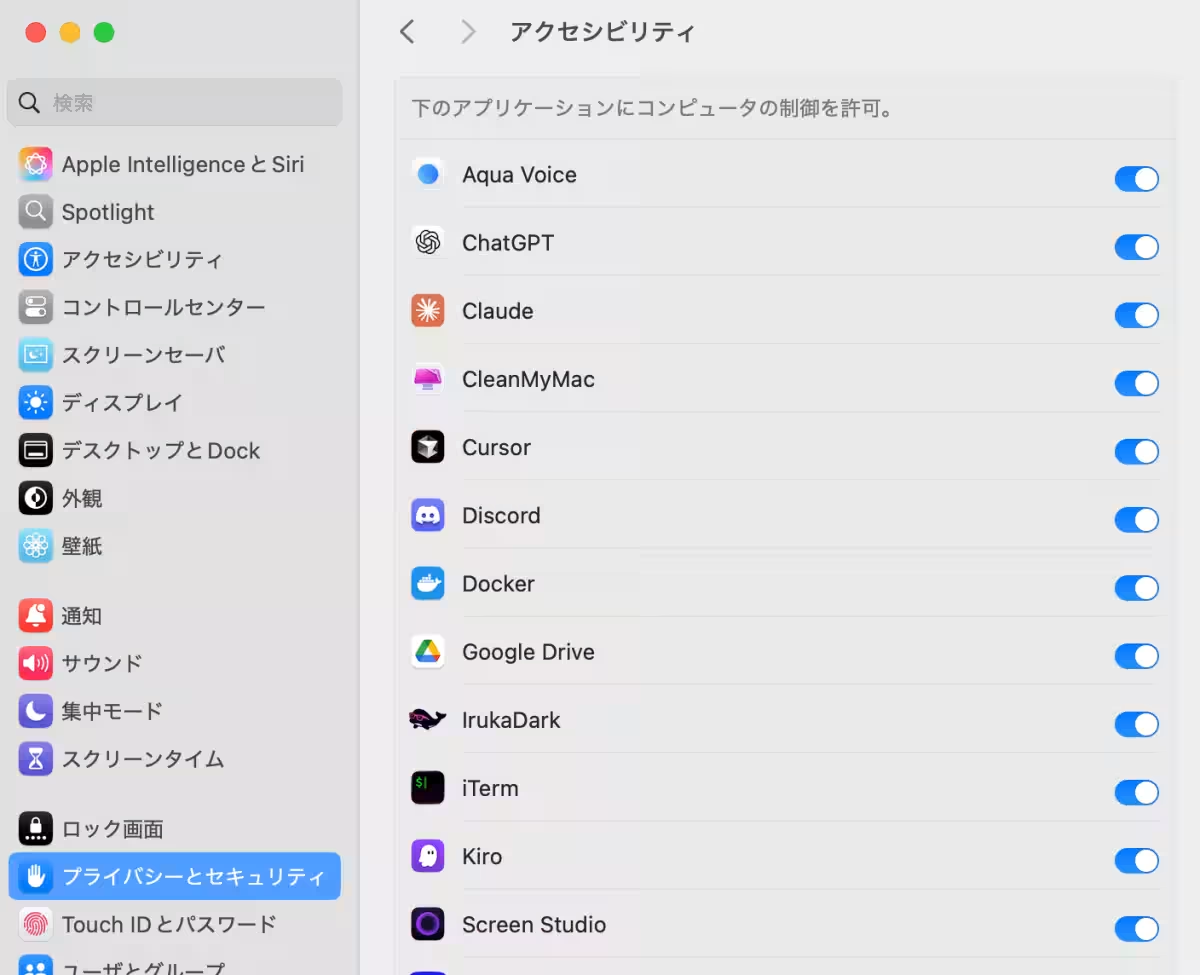
4. Allow screen recording permissions on your Mac.
5. Utilize various shortcuts to access explanations seamlessly:
- Use “Option + A” to get text explanations by selecting text.
- Press “Option + S” for comprehensive explanations, wherever necessary.
- Select a URL and press “Option + 1” for a page summary.
Additionally, there are numerous slash commands available to enrich the user experience.
Pricing and Compatibility
IrukaDark is completely free and designed for the macOS environment, making it an appealing choice for users looking to optimize their productivity.
Visit the Service Sites
Future Endeavors
Co-re Corporation is committed to refining the smart experience that IrukaDark delivers, ensuring any screen can be easily understood by users. As an AI connective company, Co-re aims to bridge the gap between AI and business, focusing on creating superior experiences in the AI realm. The company prioritizes expanding its offerings in international markets, strategically producing AI products that thrive in a global landscape.
About Co-re Corporation
Co-re Corporation represents a visionary approach to integrating AI with business needs. Established in May 2017, the company specializes in delivering comprehensive services, from strategic design and implementation to operational stabilization and talent development.
For further inquiry:
- - Company Name: Co-re Corporation
- - Representative: Masato Okuwaki
- - Location: 4-1-6 Shinjuku, Shinjuku-ku, Tokyo, JR Shinjuku Miraina Tower 18th Floor
- - Website: Co-re Corporation
- - Contact Us: Contact Page

Topics Consumer Technology)
【About Using Articles】
You can freely use the title and article content by linking to the page where the article is posted.
※ Images cannot be used.
【About Links】
Links are free to use.