



LIRIS Introduces New Word Integration Feature for Contract Management Efficiency
Introduction
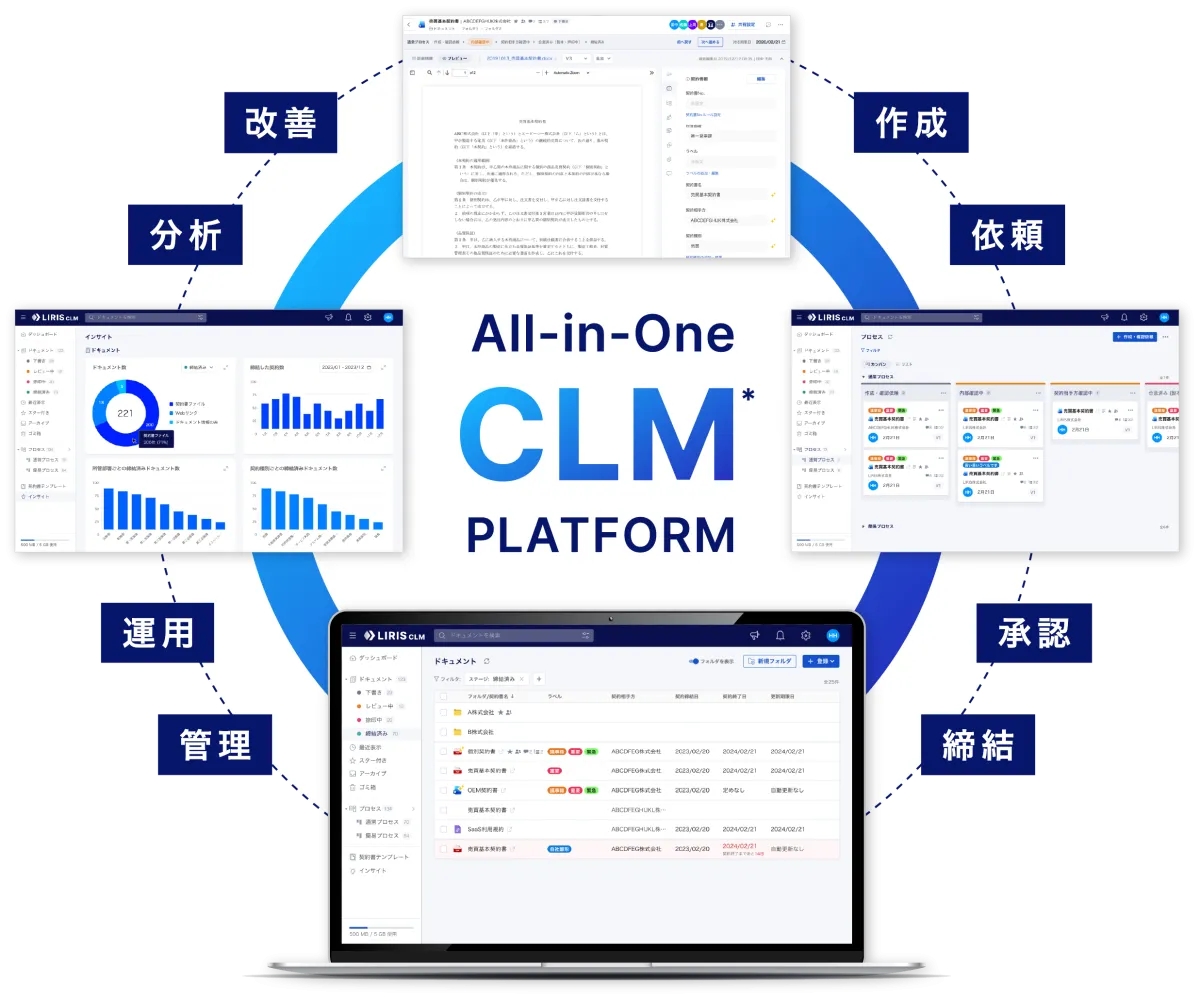
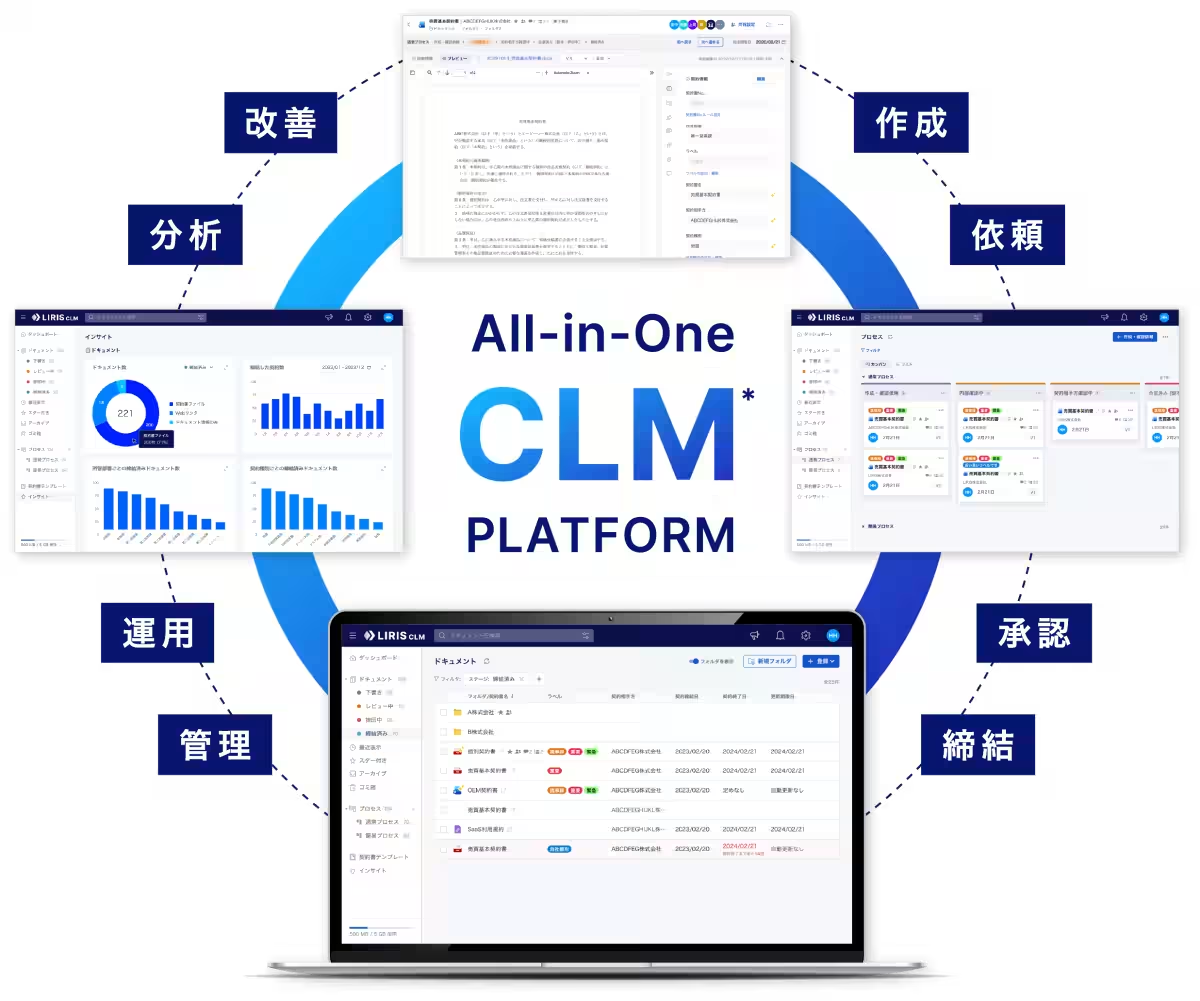
LIRIS Co., Ltd., based in the Minato ward of Tokyo, has launched a new functionality within its contract management platform, "LIRIS Contract Lifecycle Management (LIRIS CLM)." This feature integrates with Microsoft Word, allowing users to review, edit, and save contracts directly from within Word through an add-in called "LIRIS CLM for Word."
This innovative add-in aims to simplify the cumbersome process of toggling between Word and LIRIS CLM, effectively streamlining contract editing workflows and minimizing version control complexities. The motivation behind this advancement stems from numerous customer requests, highlighting the need for a more seamless integration between Word and LIRIS CLM.
The Evolution of Contract Management
In today’s fast-paced business environment, professionals involved in contract creation and review often rely heavily on Microsoft Word. The ability to manage changes in contracts efficiently is pivotal. The addition of the LIRIS CLM for Word add-in is a direct response to feedback from users who wanted a more seamless way to reflect changes made in Word back into LIRIS CLM. This evolution not only improves user experience but also enhances the overall product based on customer input.
Key Features of LIRIS CLM for Word
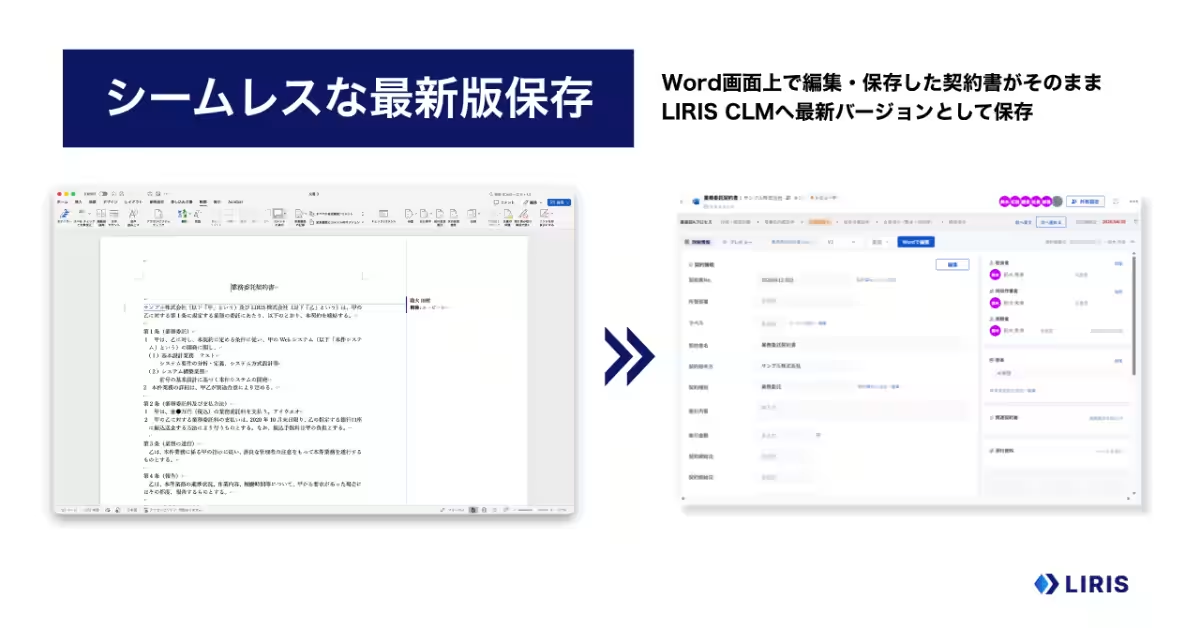
1. Seamless Version Reflection
One of the standout features of this new add-in is its capability to save the latest version of the contract directly into LIRIS CLM with just the click of a save button within Word. This means users no longer need to go through the extra step of uploading the document again to LIRIS CLM after editing, drastically reducing the back-and-forth process and saving valuable time.
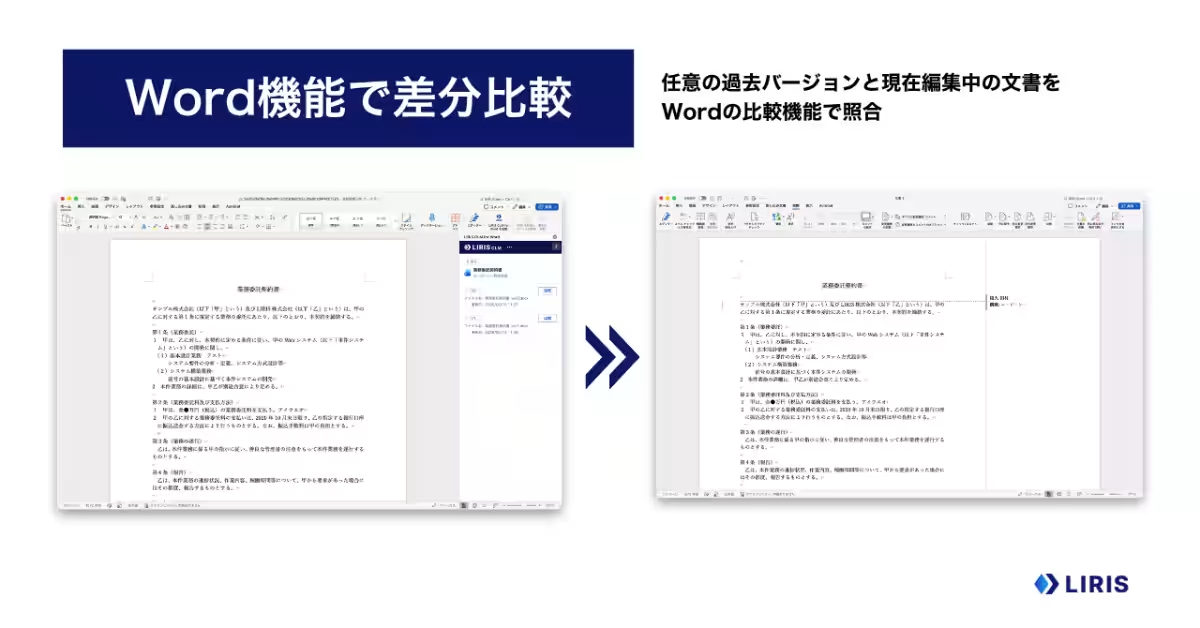
2. Comprehensive Difference Comparison
In addition to effortless version management, the LIRIS CLM for Word add-in allows users to perform differential comparisons of any previous version of the contract stored in LIRIS CLM with the current document being edited. This functionality leverages Word’s comparison feature, enabling users to easily identify changes, even when multiple edits have occurred. By highlighting exactly what has changed, it simplifies the editing process for legal teams and contract managers.
Who Can Benefit?
This feature is particularly advantageous for legal professionals and contract management departments actively using Word for drafting and reviewing contracts. If you find yourself stressed out by the constant back-and-forth between Word and LIRIS CLM, or if you need to efficiently compare and review different versions of contracts, this add-in is designed for you.
Usage Requirements
Accessing the LIRIS CLM for Word add-in requires a contract with and an account for LIRIS CLM, meaning that it cannot be used as a standalone option. This add-in is available as a paid add-on. For more details on pricing, interested parties are encouraged to contact LIRIS directly.
Conclusion
The advancement of contract management tools like the LIRIS CLM for Word integration signifies a substantial leap towards improving efficiency in contract processes. The features aim not only to facilitate a smoother workflow but also to enhance governance within contract management practices. For more information about LIRIS CLM and how this tool can optimize your contract processes, visit LIRIS CLM.
For those interested in learning more about LIRIS Co., Ltd. and its suite of services, check out the official corporate site at LIRIS Corporate.
Topics Consumer Technology)
【About Using Articles】
You can freely use the title and article content by linking to the page where the article is posted.
※ Images cannot be used.
【About Links】
Links are free to use.