



Samsung Galaxy Enhances User Experience with Try Galaxy App Update Featuring New AI Capabilities
Samsung Galaxy Revamps Try Galaxy App
Samsung Electronics Japan has officially launched its new foldable smartphones, the Samsung Galaxy Z Fold7 and Z Flip7, along with the latest AI smartwatch models, the Galaxy Watch8 and Watch8 Classic. Starting from August 1st, this marks an exciting step in Samsung's innovation journey.
In addition to these product launches, Samsung has updated its popular app, Try Galaxy, enabling users to experience the advanced features of the latest Galaxy devices right from their smartphones. This has been made particularly convenient by offering a Japanese version of the app.
What is Try Galaxy?
Try Galaxy is a simulation app where users can experience the latest OS One UI 8 and various AI capabilities associated with Galaxy devices. Since its launch in 2022, the app has seen a staggering 61 million downloads across 125 countries and supports 25 different languages. It is compatible with both Android and iOS devices.
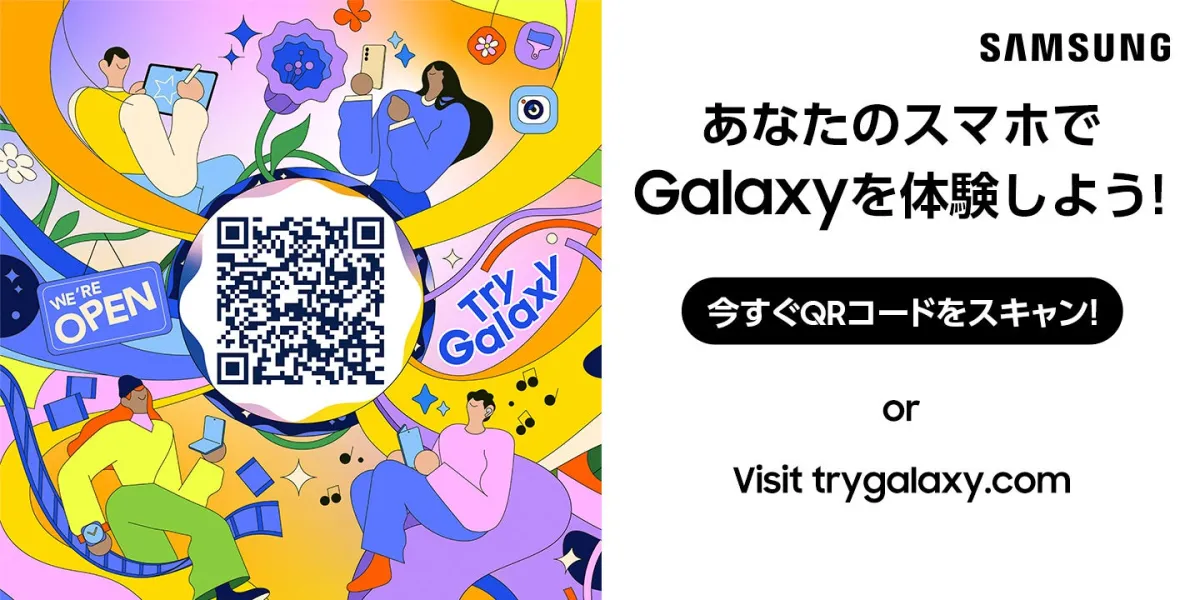
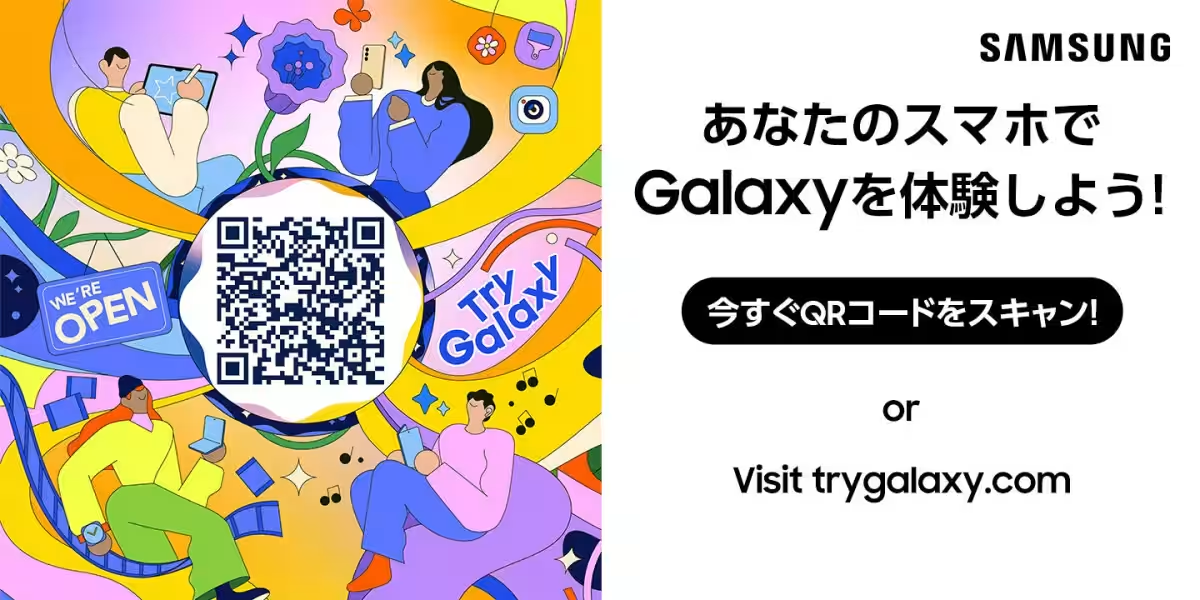
Users can easily install the app by scanning a QR code with their smartphone, allowing them to explore the features of Samsung Galaxy devices without needing to own one. Upon launching the app, users are greeted with a Galaxy-themed home screen. Interacting with the app is straightforward, making it accessible for everyone.
Features of Try Galaxy
One of the most notable new features included in the app is the Gemini Live functionality. This multimodal AI understands what users are looking at, what they are saying, and their actions without needing to switch applications. Users can simply ask questions verbally or by typing, receiving smooth responses in real-time. Additionally, Gemini offers screen and camera sharing features, allowing users to show what they are seeing for immediate feedback.
Explore Gemini Live
To use Gemini Live, tap the respective icon on the home screen and follow the prompts to watch a demonstration video. This feature provides a practical way to consult Gemini about fashion choices based on daily weather, among other inquiries.
Photo Assistant Enhancements
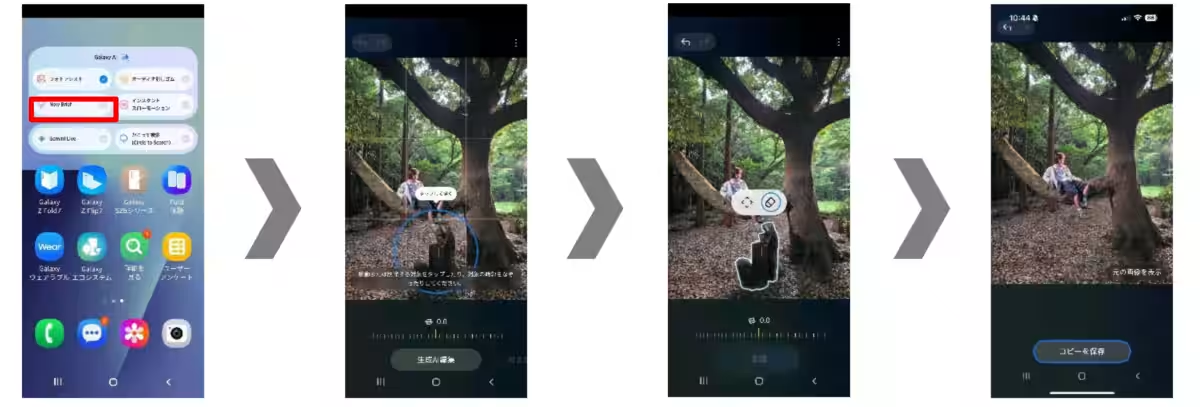
The app also features advanced editing capabilities with the Photo Assistant. Users can easily manipulate images by moving, removing, or enlarging objects within a photo. Background adjustments and corrections are streamlined by AI, making complex editing tasks achievable with just a few taps. Notably, the app now includes an automatic suggestion feature, where AI detects elements for deletion, allowing users to remove unwanted objects effortlessly.
To experience the Photo Assistant, simply choose an image, select what to erase, then watch as the changes are made. The final image can be compared with the original to appreciate the improvements.
3D Interactive Experience
Another exciting addition is the 3D Interactive Experience, which allows users to view the Samsung Galaxy Z Fold7 and Z Flip7 from all angles, creating a tactile experience as if they are holding the devices physically. By tapping the device icons, users can access 3D graphics that showcase available colors, covers, and how the main displays look online.
Furthermore, users can explore other upgraded Galaxy AI features like Audio Eraser, Instant Slow Motion, and AI Sketch, along with experiencing various wearables and the Samsung Health app. This holistic approach to showcasing the Galaxy lineup offers a compelling glimpse into what users can expect from Samsung devices.
For those eager to try the new features, the Try Galaxy app can be downloaded at trygalaxy.com and is fully accessible via any smartphone supporting modern browsers.
Conclusion
With its latest app upgrade, Samsung continues to push the boundaries of technology and user experience, allowing everyone to test drive their innovative features. The Try Galaxy app remains a testament to Samsung's commitment to enhancing consumer technology, making it accessible and engaging for a global audience.




Topics Consumer Products & Retail)
【About Using Articles】
You can freely use the title and article content by linking to the page where the article is posted.
※ Images cannot be used.
【About Links】
Links are free to use.