



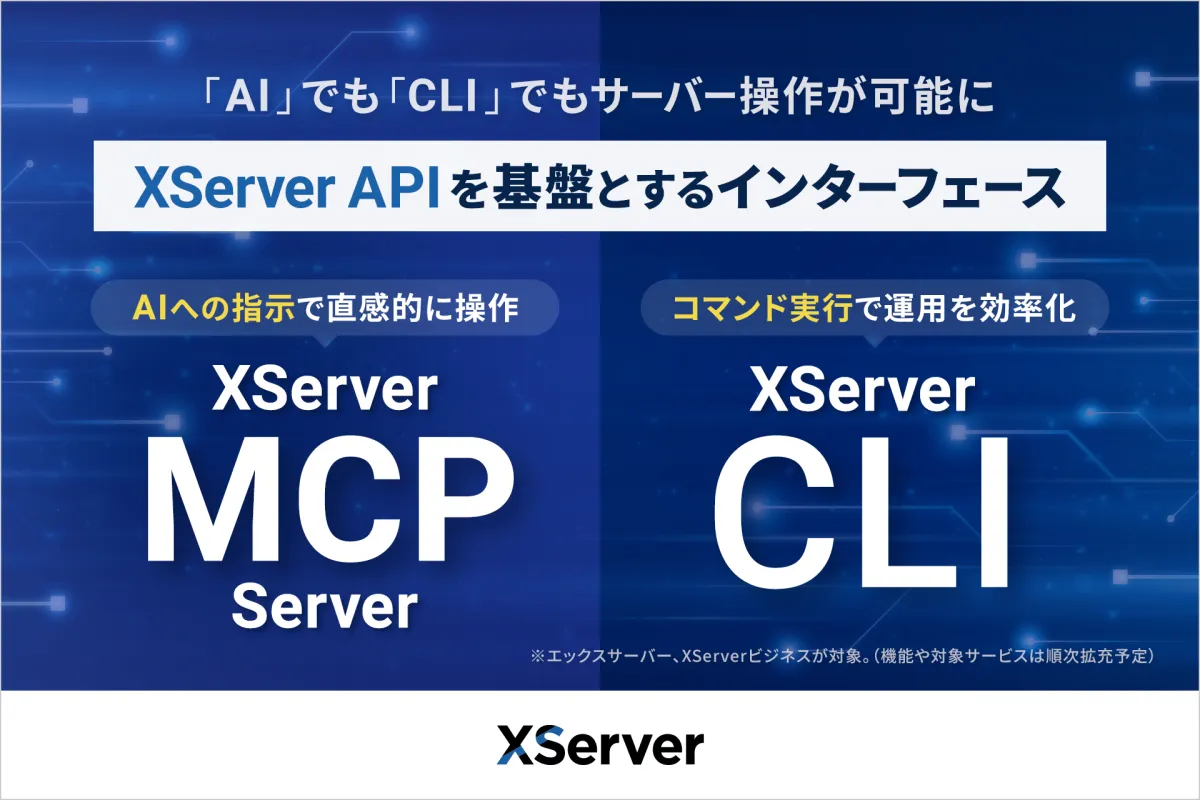
XServer Launches AI Agent and CLI for Easy Server Management
XServer Introduces AI-Powered Server Management Tools
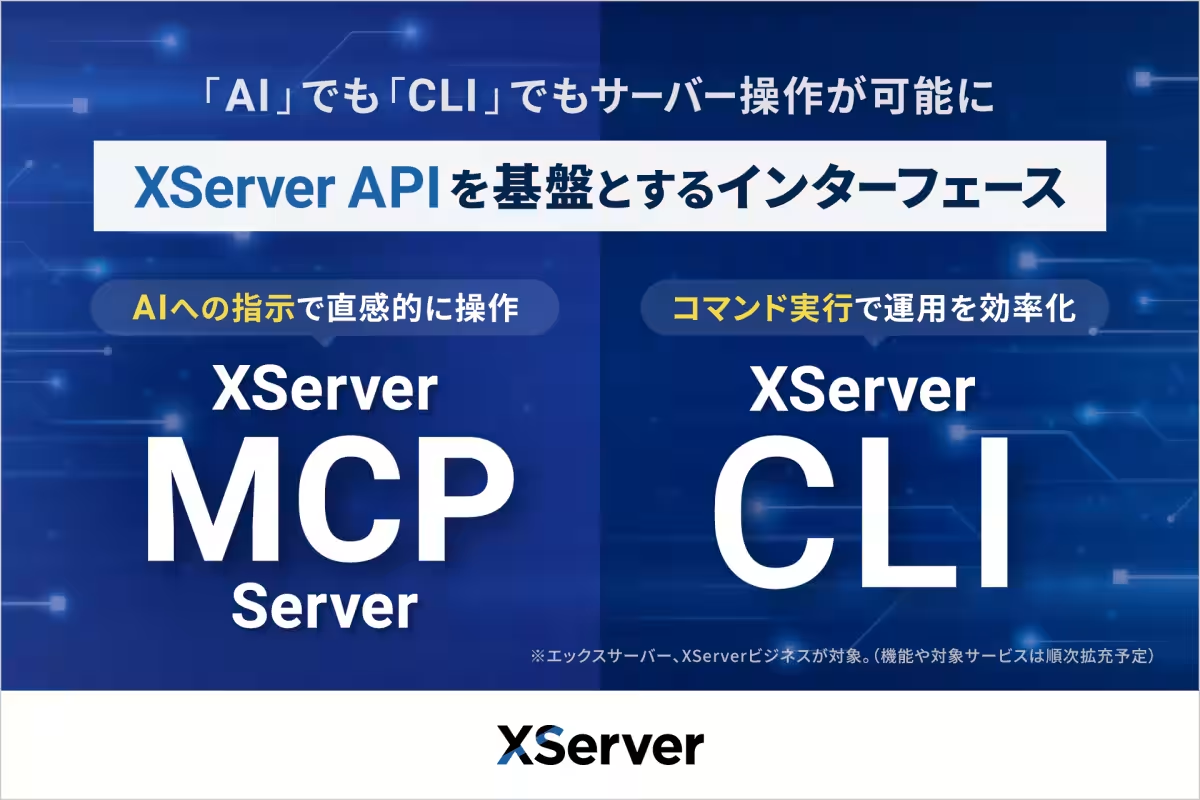
On May 12, 2026, XServer Co., Ltd., headquartered in Osaka, launched two groundbreaking tools: the XServer MCP Server and the XServer CLI. These new services are designed specifically to make server management accessible through the use of AI agents and command-line interfaces. With a foundation built on the XServer API, which was introduced in April 2026, these tools allow users to operate servers seamlessly using natural language or straightforward command-line inputs.
The Need for Automation in Server Management
In recent years, there has been an escalating demand for automation and efficiency in server operations. The rise of AI agents such as Codex CLI and Claude Code has transformed the way users engage with development environments and terminals, enabling commands to be generated and executed autonomously. However, many users face a steep learning curve when it comes to directly using APIs, as they must familiarize themselves with endpoints, authentication, and request formats. Recognizing these challenges, XServer has created a user-friendly interface to bridge this gap, thus empowering users to implement AI-driven server management without delving into API complexities.
Key Features of XServer MCP Server
The XServer MCP Server utilizes the Model Context Protocol (MCP), allowing integration with AI assistants such as Cursor, Claude Desktop, and VS Code with GitHub Copilot. Users can issue natural language commands like, "Install WordPress on example.com" or "Create an email account," and the AI assistant will determine the necessary operations, execute them through the XServer API, and deliver results efficiently. This innovation transforms server management from a complex chore into a straightforward task that can be performed intuitively, making it accessible even for users who may not be proficient in API or command-line operations.
Details regarding the usage of the XServer MCP Server can be found in the official manual: XServer MCP Server Manual.
XServer CLI: Simplifying Command-Line Operations
The XServer CLI, on the other hand, is a command-line tool enabling server operations for the XServer and XServer Business services. Users can execute commands without worrying about constructing API requests, allowing for easy retrieval of server information and configuration adjustments. The CLI format lends itself well to automation through shell scripts, cron jobs, and CI/CD pipelines, thereby streamlining repetitive tasks. When used alongside AI agents capable of executing commands, managing servers becomes even more straightforward, allowing for interactive command generation and execution.
The official manual for XServer CLI can be accessed here: XServer CLI Manual.
Available Services
Both XServer MCP Server and XServer CLI are available to customers currently subscribed to the following services at no additional cost:
XServer
- - Recognized as Japan's leading rental server with a strong emphasis on speed and stability. More information can be found at XServer Official Site.
XServer Business
- - Tailored for corporations and businesses, this rental server service is equipped with features suitable for enterprise needs, including security, support, and user management. Visit the XServer Business Official Site for more details.
About XServer Co., Ltd.
Founded on January 23, 2004, XServer Co., Ltd. operates from the Grand Front Osaka, Tower A, 32F, Osaka. Under the leadership of CEO Naoki Kobayashi, the company specializes in cloud infrastructure, web application systems development, and various internet-related services. The company boasts a capital of 100 million yen, including capital reserves. For further company insights, visit XServer Company Profile.
Topics Consumer Technology)
【About Using Articles】
You can freely use the title and article content by linking to the page where the article is posted.
※ Images cannot be used.
【About Links】
Links are free to use.