



Understanding Splashtop Premium: Your Remote Desktop Solution from Anywhere
Splashtop Premium: The Future of Remote Desktop Access
On July 22, 2023, SourceNext Corporation in partnership with Splashtop Inc. announced the launch of their upgraded remote desktop service, Splashtop Premium. This service allows users to access their home computers from anywhere in the world. Priced competitively at ¥3,850 for a one-year edition and up to ¥11,550 for a five-year subscription, this offering is designed for individuals who seek a reliable means of remote access while on the go.
What is Splashtop Premium?
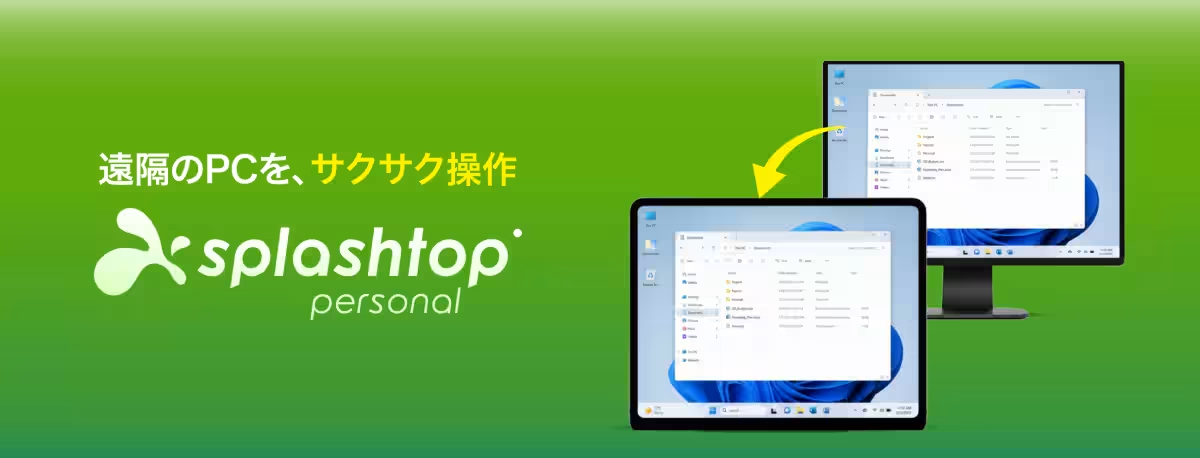
Splashtop Premium builds upon the features of its free counterpart, Splashtop Personal, by providing functionality that allows users to operate their home PCs from locations such as cafes, hotels, or other realms outside their local network. This enhanced version includes additional tools like Annotation, making it easier for users to interact with their computers remotely. Unlike the free version, which is limited to the same network, Splashtop Premium liberates users through the potential for out-of-network access, inviting a new atmosphere for productivity and ease.
The Power of Remote Access
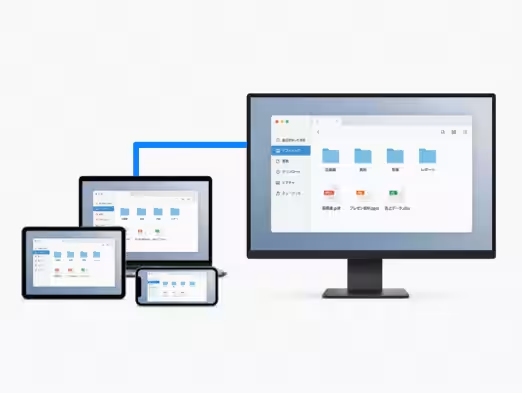
Splashtop Premium allows registration of up to two computers per account. It embraces cross-platform functionality, enabling access to Windows and Mac operating systems without issue. With over 30 million registered users worldwide, Splashtop continues to be a leader in the remote access service sector, with the highest market share in Japan for two consecutive years, according to industry research by Fujikimera Trends. Additionally, the service has received the ITreview Grid Award for remote access tools for five straight years, highlighting its user satisfaction and reliability.
Getting Started in Just Two Steps
To use Splashtop Premium for remote access, simply follow these two steps:
1. Install the Splashtop App: Get started by installing the Splashtop app on your smartphone, tablet, or PC and create an account.
2. Setup Your Computer: Download the Streamer from Splashtop’s website on your desired computer and log into your account. Just like that, you will have remote access!
Use Cases for Splashtop Premium
Splashtop Premium caters to various needs:
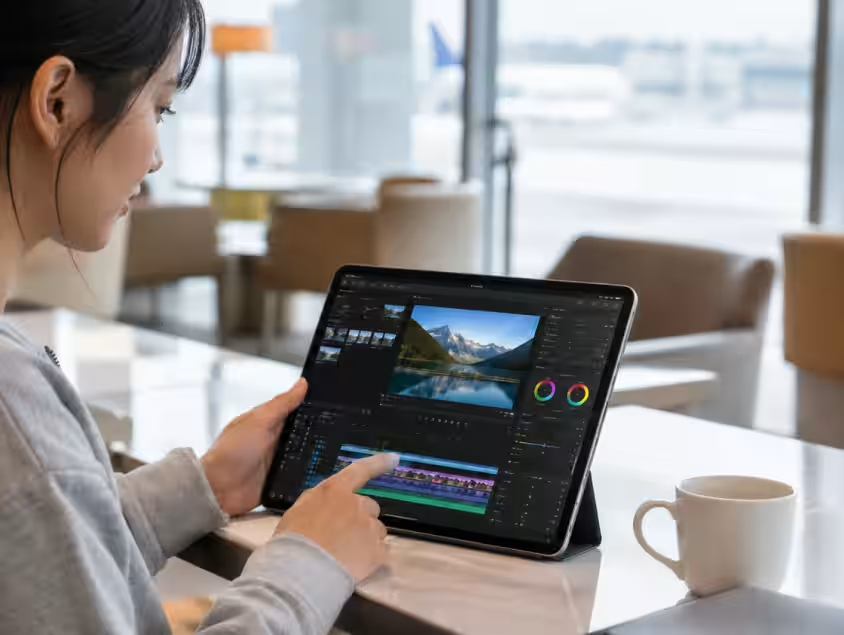
- - Editing Files on the Go: Users can conveniently edit files saved on their home PCs using laptops or tablets while on business trips or vacations.
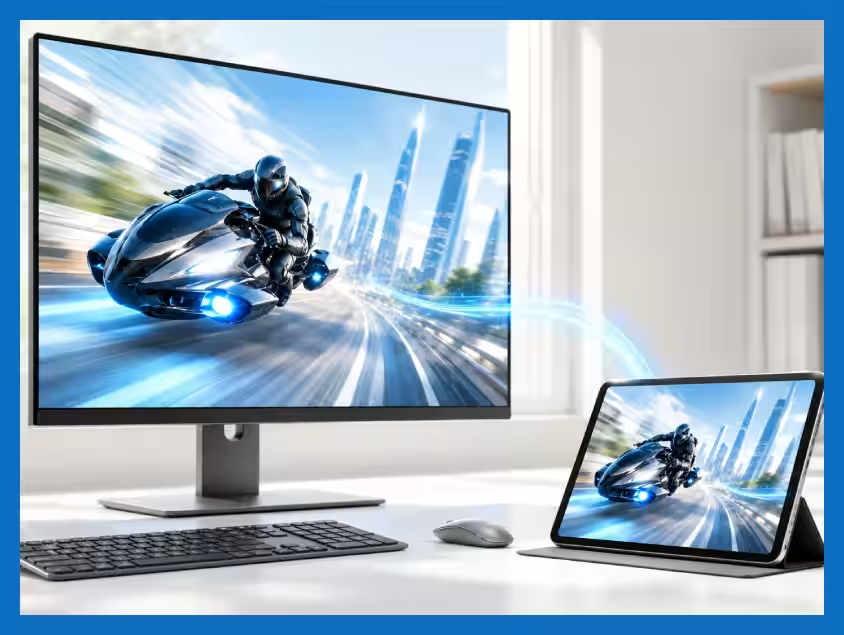
- - Accessing High-Performance Games Remotely: Gamers can control demanding game applications or heavy video editing software from lightweight devices, harnessing the full power of their home systems.
- - Providing Technical Support to Family: Whether it's helping parents with their computer issues or guiding children through setup processes, Splashtop allows for seamless remote support.
What Sets Splashtop Premium Apart?
Splashtop Premium’s distinctive features include:
- - High-Quality Streaming with Low Latency: Thanks to proprietary technology, video and gaming content can be operated smoothly.
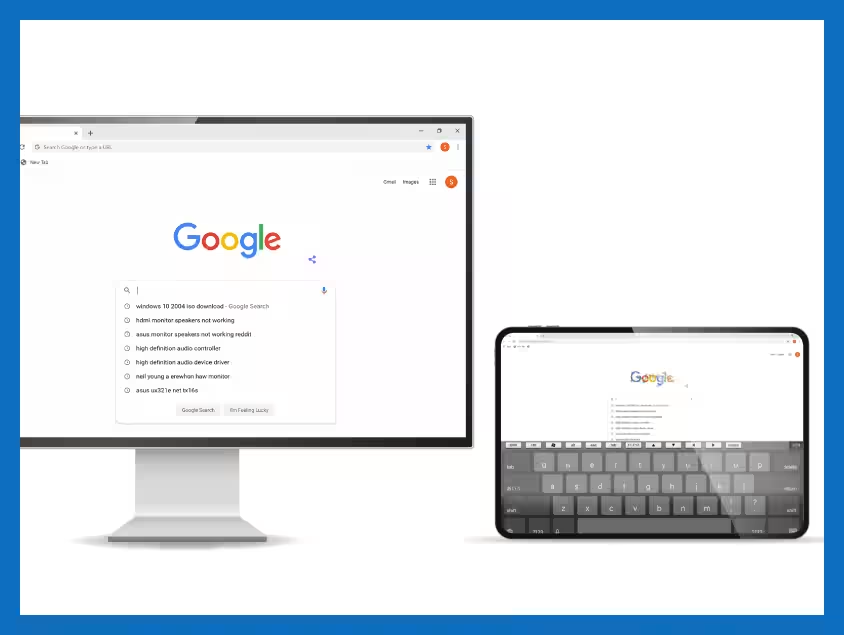
- - Optimized for Mobile Usage: The interface is customized for mobile devices, ensuring a user-friendly experience even on smaller screens. For example, a larger software keyboard can facilitate easier navigation.
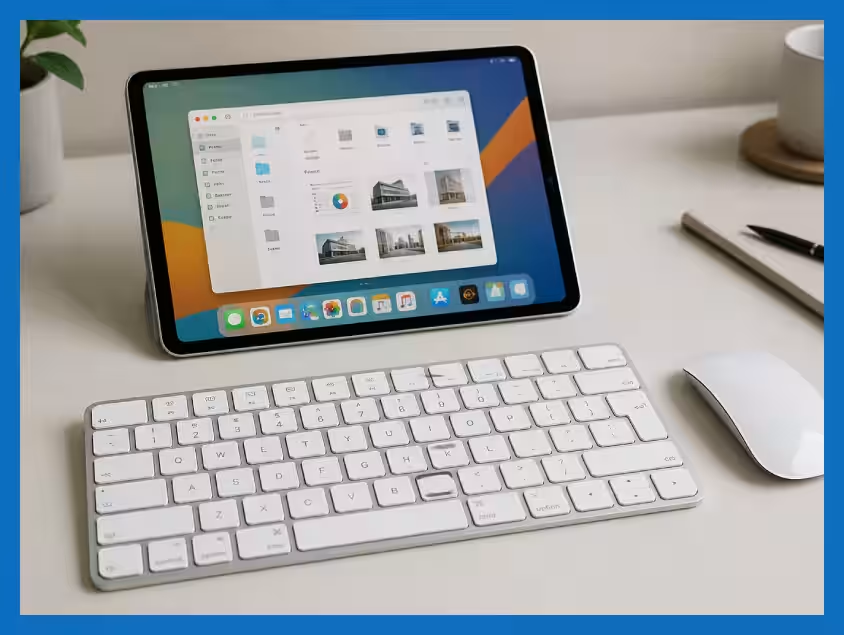
- - Support for iOS Devices: Users can enhance their experience by connecting external mice and keyboards to iPads and other iOS devices.
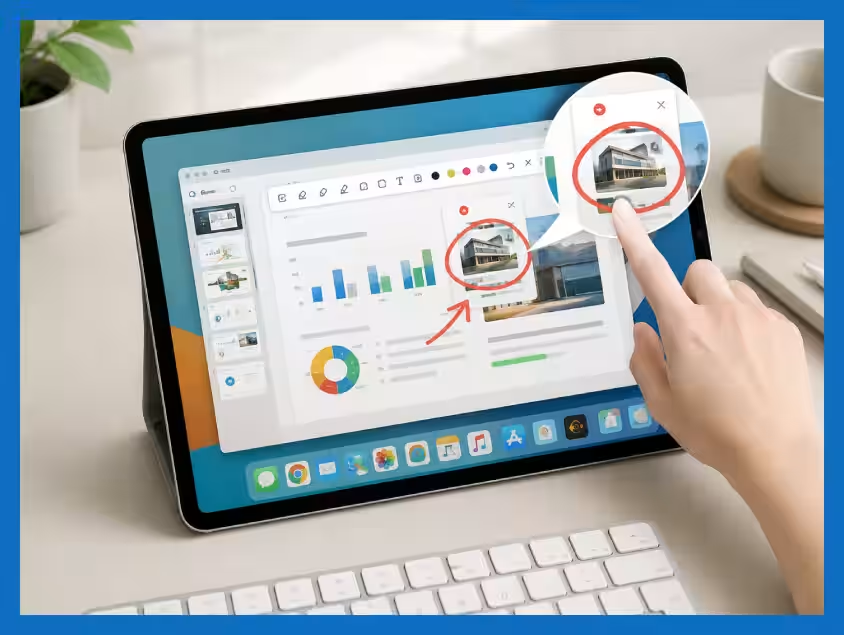
- - Annotation Tool: This feature enables users to mark screens, making instructional methods more efficient and clear.
Security Measures
Splashtop Premium guarantees safety with compliance certifications:
- - ISO/IEC 27001
- - SOC 2 compliance
- - GDPR compliance
- - SSL/TLS and AES 256-bit encryption
Conclusion
Splashtop Premium is a comprehensive, user-focused remote desktop solution designed for today’s dynamic lifestyle. Whether you need to work on the go, play high-powered games, or support loved ones remotely, Splashtop Premium equips users with state-of-the-art technology to keep you connected anywhere you have internet access. For more details on pricing and features, you can visit their official website.



Topics Consumer Technology)
【About Using Articles】
You can freely use the title and article content by linking to the page where the article is posted.
※ Images cannot be used.
【About Links】
Links are free to use.