



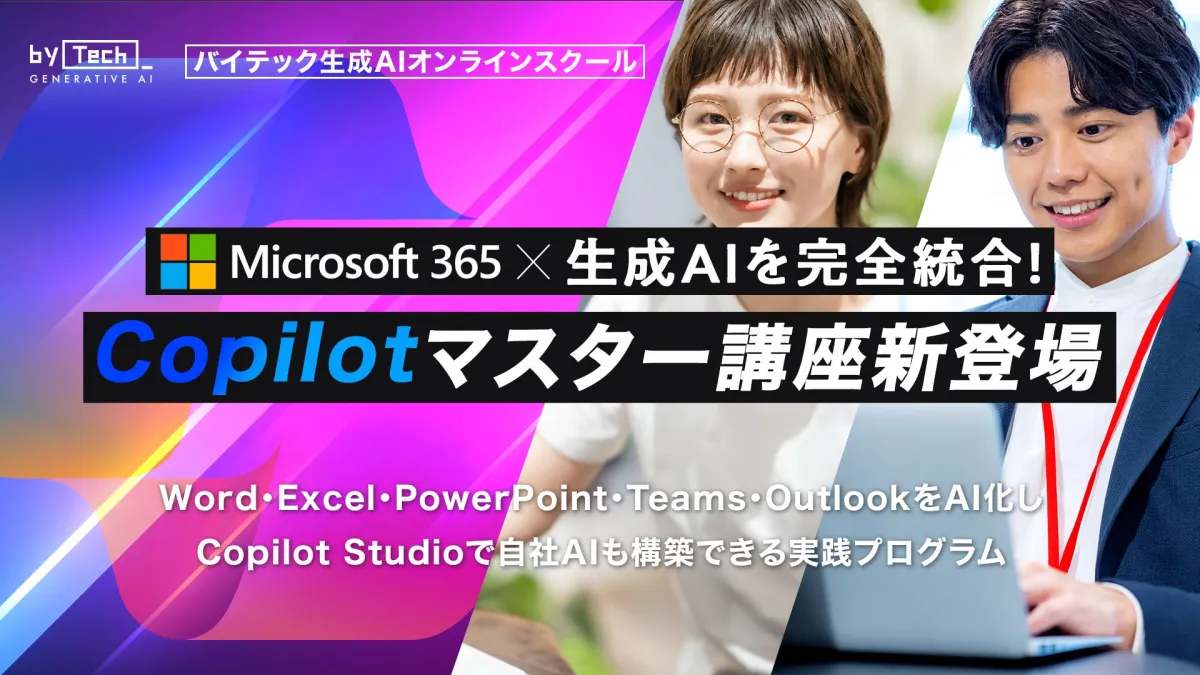
Unlocking AI Potential: The New Microsoft 365 Copilot Master Course
Introducing the Copilot Master Course
In a groundbreaking development, Librex, based in Shibuya, Tokyo, has launched an innovative online course that seamlessly integrates Microsoft 365 with Generative AI. The Copilot Master Course focuses on utilizing Microsoft Copilot to enhance productivity across various Office applications such as Word, Excel, PowerPoint, Outlook, and Teams. This comprehensive course aims to teach participants how to effectively automate tasks related to document creation, meeting management, and data analysis.
Background and Purpose
With the rapid advancement of Generative AI, Microsoft Copilot is revolutionizing how businesses approach their daily tasks by embedding AI into the core of operations. However, many professionals still lack a systematic understanding of how to leverage these tools effectively. In response, the Copilot Master Course has been designed to equip learners with a strong foundation in AI literacy—ranging from the basics to the in-depth capabilities of Copilot Studio for custom AI development.
Objectives
The course primarily seeks to foster skilled professionals who can thrive in a landscape where the synergy between productivity and creativity is paramount. By incorporating AI into Microsoft Office, learners are prepared to become immediate contributors in their workplaces.
Course Features
The Copilot Master Course covers a wide array of topics designed to cater to everyone from beginners to experienced users:
A. Unified Curriculum for AI Integration
Participants will learn how to implement Copilot across all major Microsoft applications. From document creation to data analytics, students engage in practical exercises that automate their daily workflows. The training includes:
- - Automating document creation in Word
- - Data analysis in Excel
- - Meeting management in Teams
- - Generating graphs and summaries
- - Web searching and creating meeting minutes
B. Practical Use Cases Tailored to Business Challenges
The course delves into 20 real-world use cases that combine various applications like Teams, Word, and SharePoint. These examples are meticulously selected to illustrate how AI can resolve practical business challenges, providing learners with applicable skills.
- - Advanced Professional Tasks: Drafting contracts and conducting interviews.
- - Planning and Strategy: Creating presentations and developing web and social media strategies.
- - Automation and Development: Designing FAQ chatbots and streamlining technical tasks.
C. Understanding and Implementing Security and Data Protection
In today’s digital landscape, data security is non-negotiable. The course also covers essential practices for data access management, information leakage prevention, and overall security measures necessary for corporate settings.
D. Custom AI Development with Copilot Studio
Learners will explore how to develop unique custom Copilot solutions that harness their organization’s internal data. This includes setting up automated responses and workflows tailored to enhance organizational productivity.
Personalized Free Counseling
For those interested in this transformative learning experience, Librex offers personalized free counseling sessions to propose optimal learning plans tailored to each participant's needs. Don’t miss the opportunity to unlock your potential with the Copilot Master Course!
Contact Information
For press inquiries and more information, please reach out to Librex:
- - Public Relations Contact: Takashima
- - Phone: 03-4400-6693
- - Email: [email protected]
- - Website: Librex
This course represents a significant advancement in the field of AI integration within business applications, making it a must for professionals aiming to excel in a tech-driven world.

Topics Consumer Technology)
【About Using Articles】
You can freely use the title and article content by linking to the page where the article is posted.
※ Images cannot be used.
【About Links】
Links are free to use.