




Enhancing Productivity and Collaboration with Party on Slack AI App
Introducing 'Party on Slack': Revolutionizing Business Communication
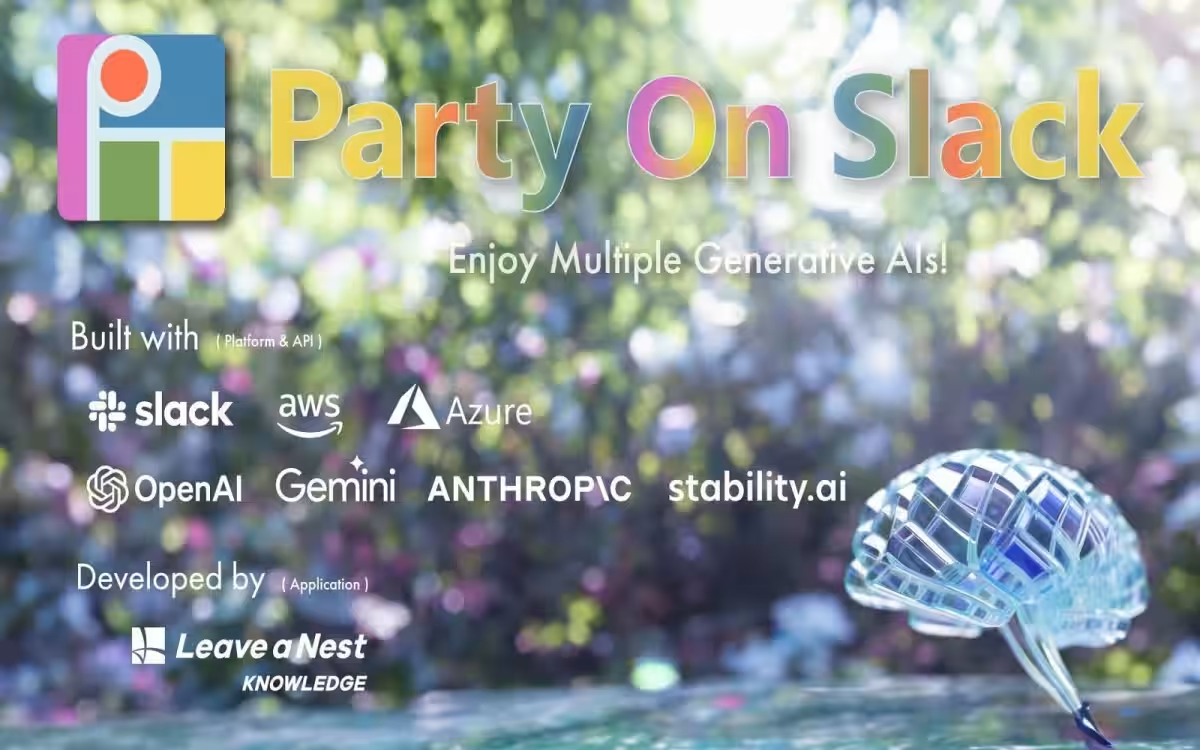
The demand for efficient collaboration tools in workplaces has led to the launch of an innovative application called "Party on Slack," developed by RIVERNES Knowledge, a Tokyo-based company. This free application allows Slack users to seamlessly engage with various generative AI models, including OpenAI's ChatGPT, Anthropic's Claude, and Google's Gemini, thus enhancing their productivity within the Slack environment.
What is 'Party on Slack'?
Party on Slack provides users with a unique AI integration experience by simply mentioning "@Party on Slack" in Slack channels. This action opens up a myriad of functionalities, including:
- - Initiating conversations with AI directly within Slack channels.
- - Sharing not just text but also files (PDFs, Word documents), images, audio, and URLs for summarization, analysis, or generation tasks.
- - Utilizing the "Ask Slack" feature to summarize and search conversation logs or channel content.
- - Switching between multiple AI models (e.g., ChatGPT, Claude, Gemini) using personalized API keys for tailored user experiences.
- - Ensuring security by not storing user inputs or logs on corporate servers, allowing for a secure operation.
Note: To use certain AI models, users will need their respective API keys. The application ensures that no input data is used for training purposes.
Benefits and Use Cases
For companies and teams already using Slack for their operations, integrating Party on Slack can yield significant benefits, such as:
- - Efficiency Improvement: Facilitating the creation and summarization of meeting minutes, reports, and emails directly in Slack.
- - Accelerated Information Sharing: Users can easily tap into internal knowledge by questioning the AI, providing a gateway for knowledge extraction.
- - Cultural Transformation: Fostering a culture of inquiry where users are encouraged to pose questions to AI, merging chat capabilities with AI utilization.
- - Security and Privacy: Utilizing API connections ensures that user data is not included in training datasets, building a safe environment.
A stellar example is Fujitec Co., Ltd., which reported a cultural shift towards an AI-inquiry approach, resulting in an estimated time-saving benefit of around 30,000 hours annually since introducing Party on Slack.
Simple Implementation Steps
Getting started with Party on Slack is straightforward:
1. Search for "Party on Slack" in the Slack Marketplace and install it.
2. Configure your necessary AI model API keys.
3. Start conversing by mentioning "@Party on Slack" in a channel or sending a direct message.
4. Share usage purposes with your team (e.g., summarization, transcription, translation, proofreading, brainstorming).
5. Prepare a usage guide and FAQ to assist team members in overcoming any uncertainties about the app's functionalities.
Support Plans
RIVERNES Knowledge also offers various applications under the banner "Functions from L,” mainly free to use but with optional paid support for customization, NDAs, and more.
With paid support, companies can consult without data usage concerns, enabling more substantive business assistance. Explore their support options for tailored business needs.
Explore Support Plans Here
Additional Resources
For those interested in installing Party on Slack and discovering its capabilities:
- - Slack Marketplace - Party on Slack
- - Learn more about RIVERNES Knowledge and their mission Here
About RIVERNES Knowledge
Founded in August 2022, RIVERNES Knowledge addresses the goal of maximizing human-driven knowledge creation time, leveraging technology to foster Japanese science and technology innovation. The company specializes in consulting, custom system development, SaaS/Apps, and talent development.
Contact: For inquiries, please visit Contact Us or reach out to the PR team at [email protected].

Topics Business Technology)
【About Using Articles】
You can freely use the title and article content by linking to the page where the article is posted.
※ Images cannot be used.
【About Links】
Links are free to use.