



New Edition of 'Self-Study Photoshop' Book Includes AI Insights!
Exciting Updates in the New Edition of 'Self-Study Photoshop'
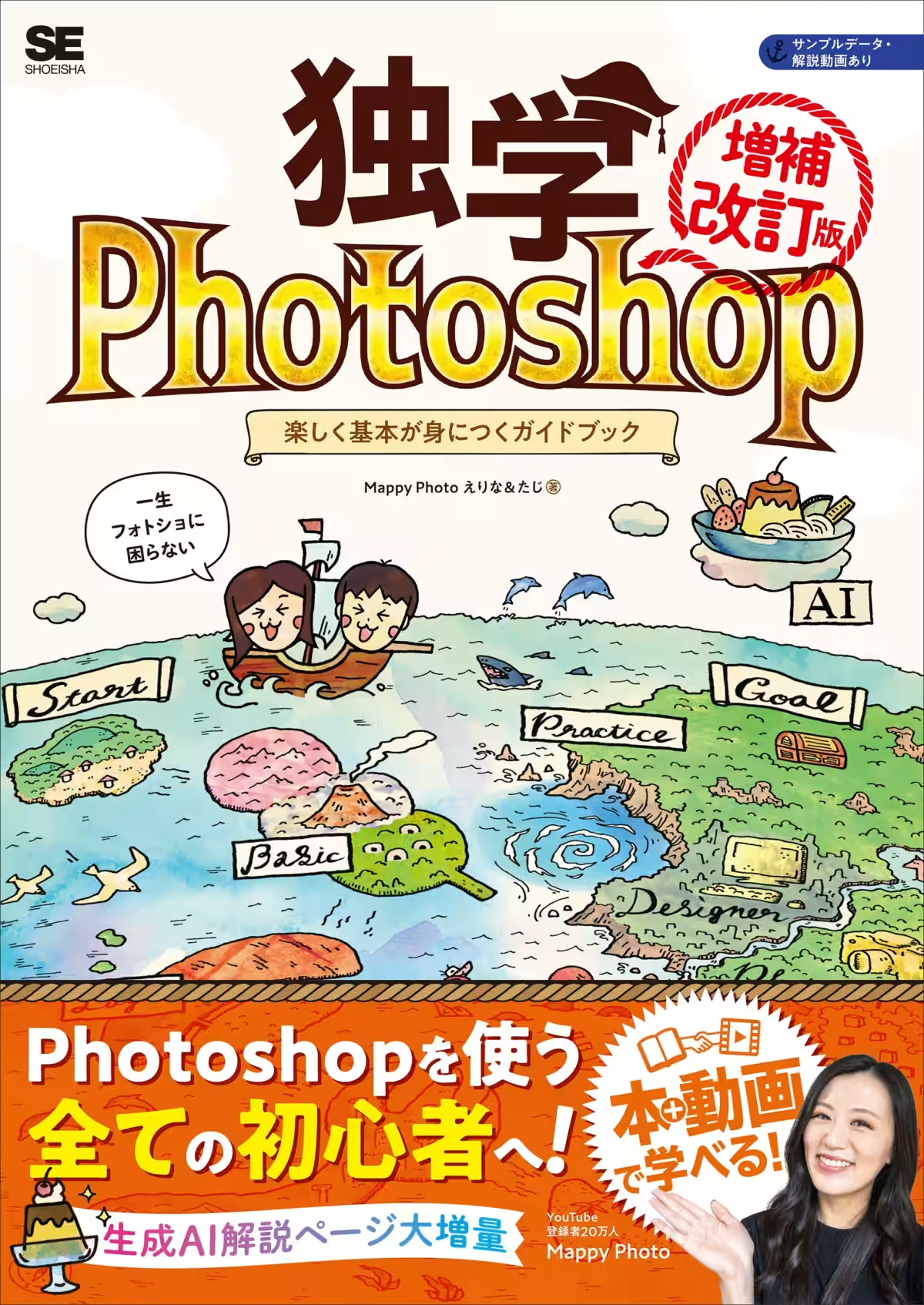
A well-loved guide, "Self-Study Photoshop: A Fun Guide to Mastering the Basics [Revised Edition]," is set to release on December 15, 2025, by Shoei-sha, a Tokyo-based publisher. This updated edition not only revisits core Photoshop skills but also extensively adds information on generative AI functionalities that are reshaping the creative landscape.
Written by the popular educational YouTube duo, Mappy Photo—Erina and Taji, whose channel has attracted over 200,000 subscribers—this book aims to make learning both engaging and comprehensive. Focusing on the crucial concepts of “Layers,” “Tools,” and “Filters,” each section breaks down the technicalities for beginners while also offering advanced insights for seasoned users looking to refine their skills.
Fundamental Skills to Master
Step 1: Understanding the Basics
In the first part of the book, readers are introduced to the fundamental elements that are essential for navigating Photoshop. This framework is further expanded in subsequent chapters where specific skills are taught through practical application, ensuring that newcomers and those revisiting the software can grasp the essentials without feeling overwhelmed.
Step 2-4: The Three Powers to Acquire
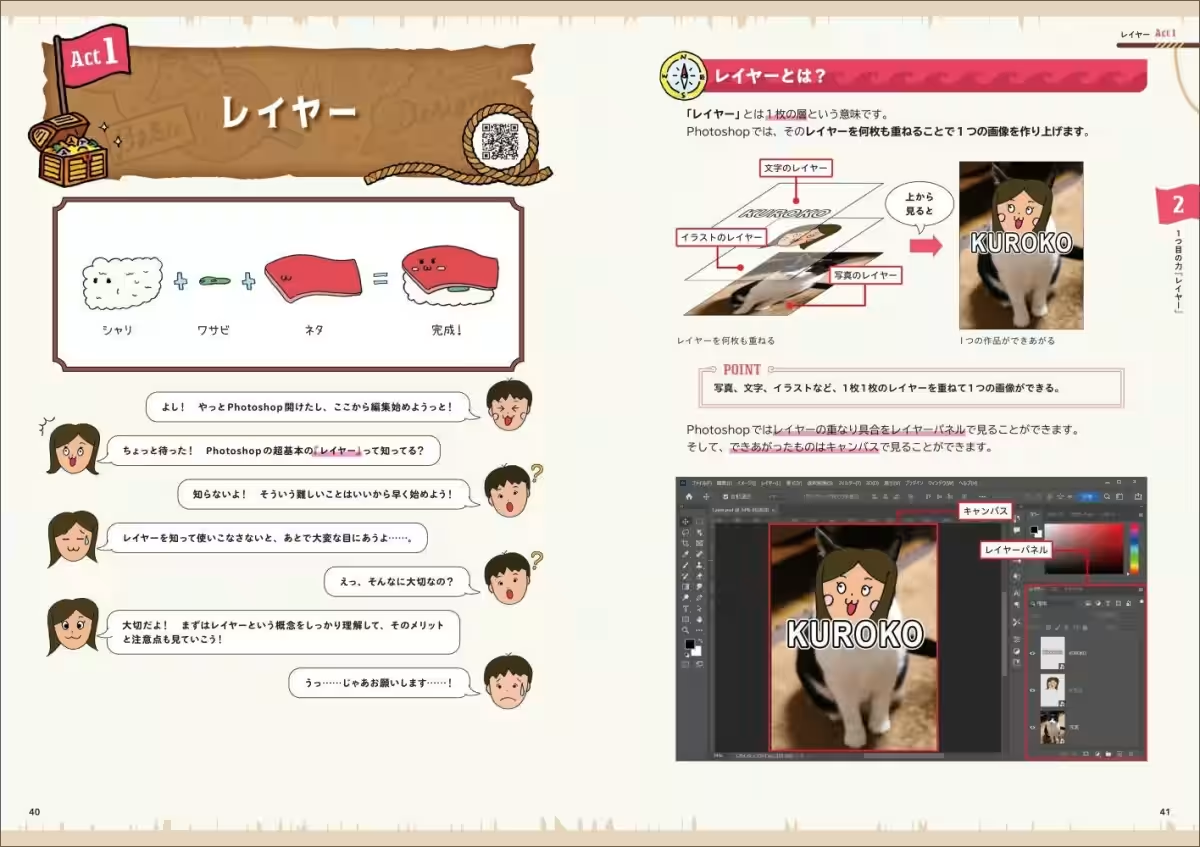
- - Power 1: Layers
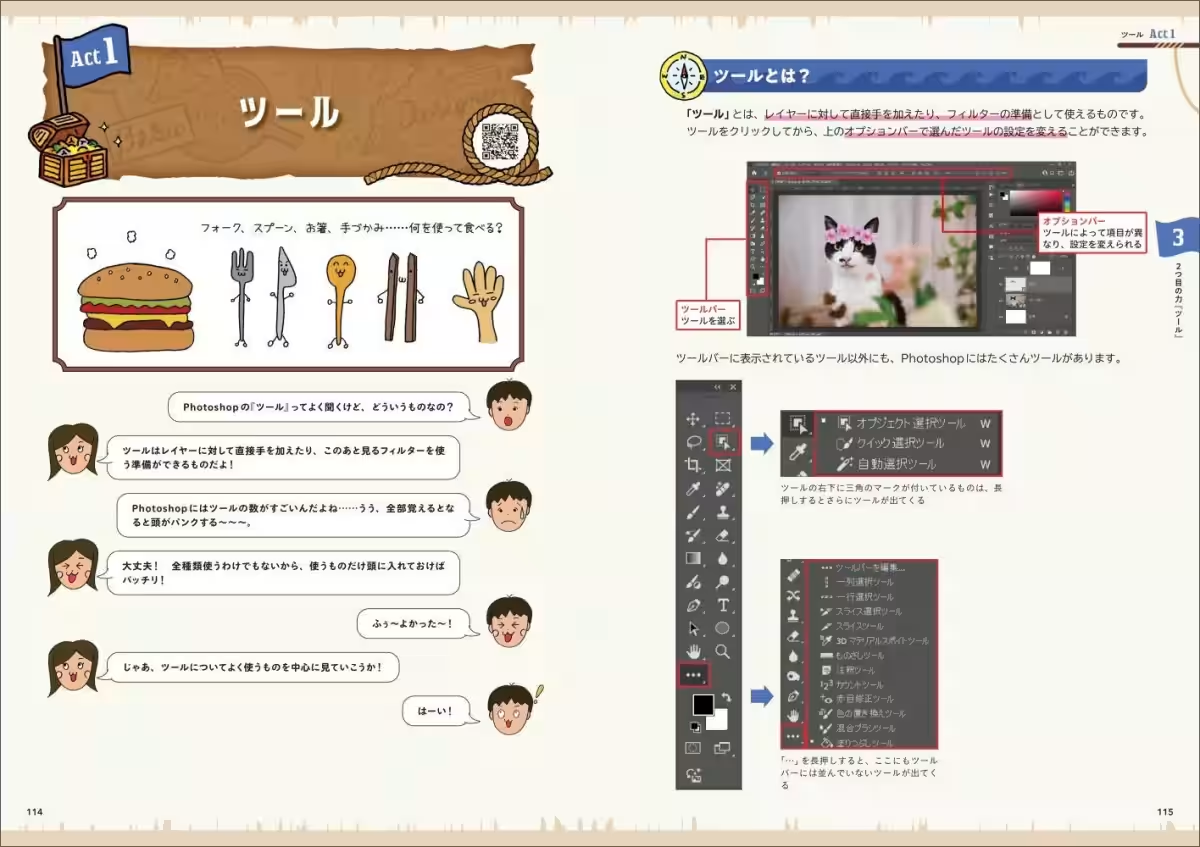
- - Power 2: Tools
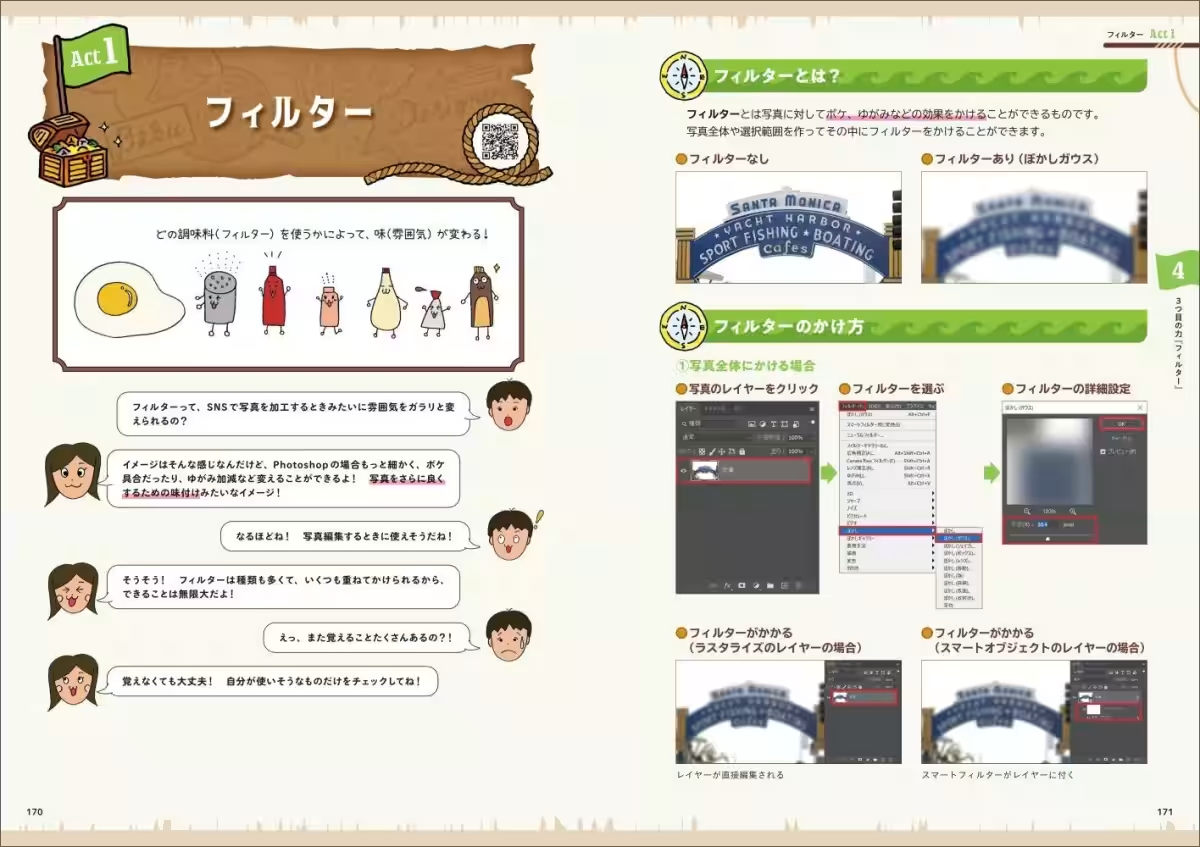
- - Power 3: Filters
Expanded Sections on Generative AI
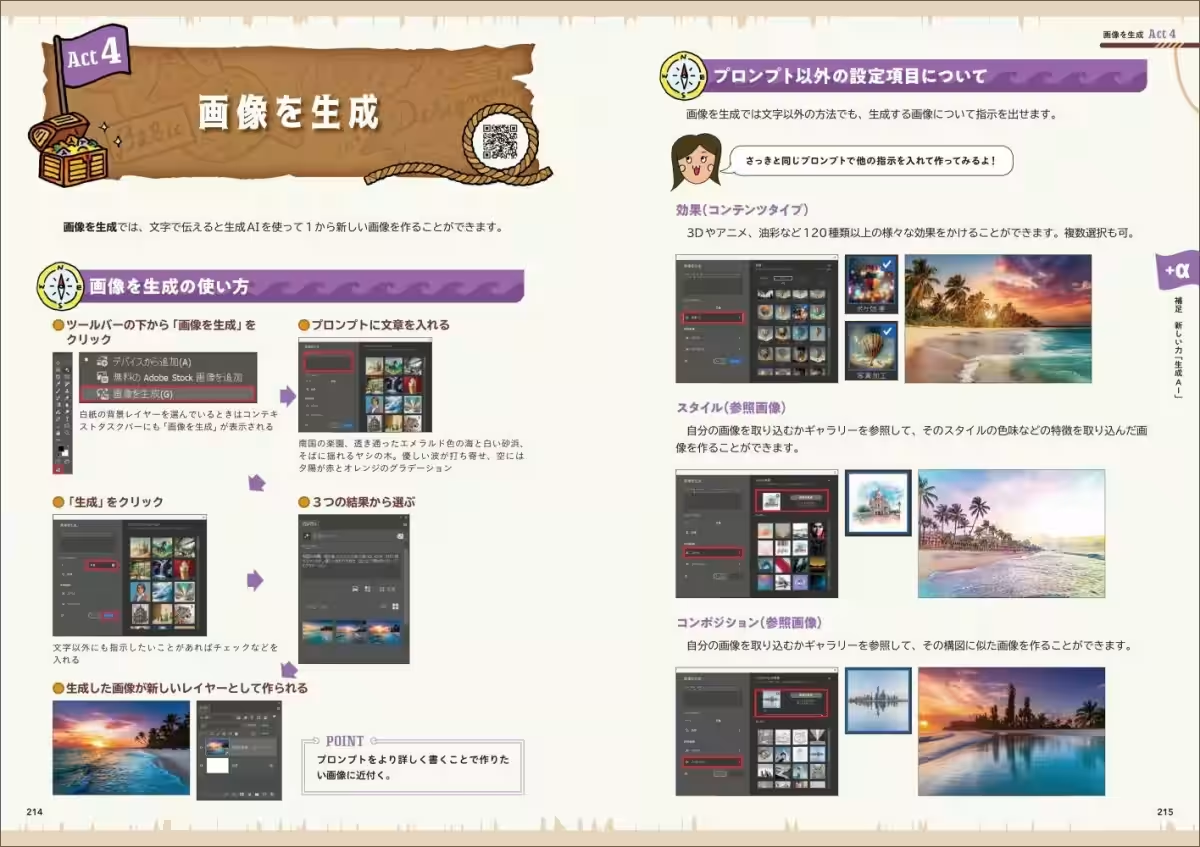
The highlight of the revised edition is the significantly expanded section on generative AI features, specifically Adobe Firefly. Readers eager to learn how to implement these new capabilities can look forward to detailed insights and hands-on exercises, driving a comprehensive understanding of this technology.
Discovering New Opportunities
Beginners who feel lost when approaching Photoshop will find this revised guide their perfect ally, while those already familiar with Photoshop will benefit from the updates that reinforce their existing knowledge and introduce them to cutting-edge techniques.
Major Changes in the Revised Edition
- - Inclusion of new features in the foundational steps (Step 1-4).
- - Expanded description and usage of generative AI functions.
- - Deletions of outdated features have streamlined reading.
- - Addition of practical exercises in Steps 5-6 utilizing new features.
- - Numerous replacements of images and texts for a modern touch.
Book Overview
- - Title: Self-Study Photoshop: A Fun Guide to Mastering the Basics Revised Edition]
- - Authors: Mappy Photo (Erina & Taji)
- - Release Date: December 15, 2025
- - Price: ¥2,970 (Base price ¥2,700 + 10% tax)
- - Specifications: B5 size, 344 pages
- - Buy it at bookstores, online retailers, or through Shoei-sha's online shop. Links: [Shoei-sha Shop, Amazon
Table of Contents
- - Step 1: The Ultra Basics of Photoshop
- - Step 2: Acquire Your First Power - Layers
- - Step 3: Acquire Your Second Power - Tools
- - Step 4: Acquire Your Third Power - Filters
- - Step α: Bonus Section - New Power: Generative AI
- - Step 5: Practical Exercises for Photographers
- - Step 6: Practical Exercises for Designers
Author Profiles
Erina and Taji, the dynamic duo behind Mappy Photo, deliver easy-to-follow Photoshop tutorials specifically designed for beginners. With a combined experience of over 20 million video views, they aim to guide learners through the complexities of the software, ensuring that even those who have previously faced challenges can enjoy the creative process.
They are recognized for their contributions as Adobe Japan Prerelease Advisors and have participated in leading events and educational initiatives, further solidifying their role in the Photoshop community. Follow their journey and explore their resources on their website and YouTube channel.
Topics Consumer Products & Retail)
【About Using Articles】
You can freely use the title and article content by linking to the page where the article is posted.
※ Images cannot be used.
【About Links】
Links are free to use.