



BenQ Launches RD270Q Programming Monitor with Outstanding Eye Care and Visibility
BenQ Introduces the RD270Q Programming Monitor
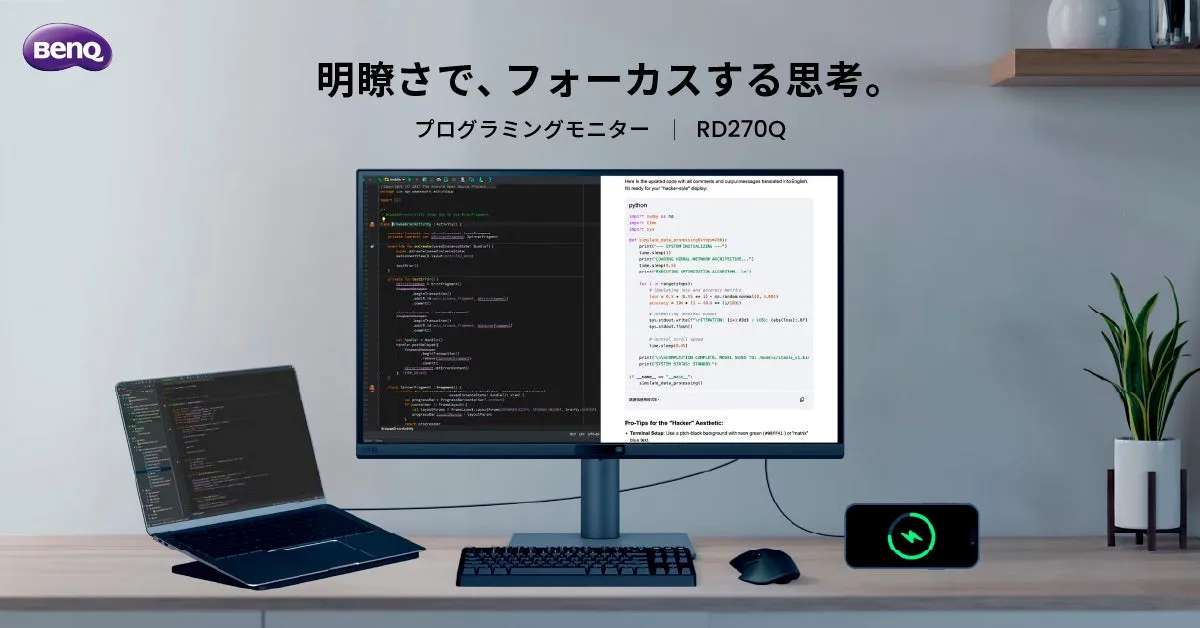
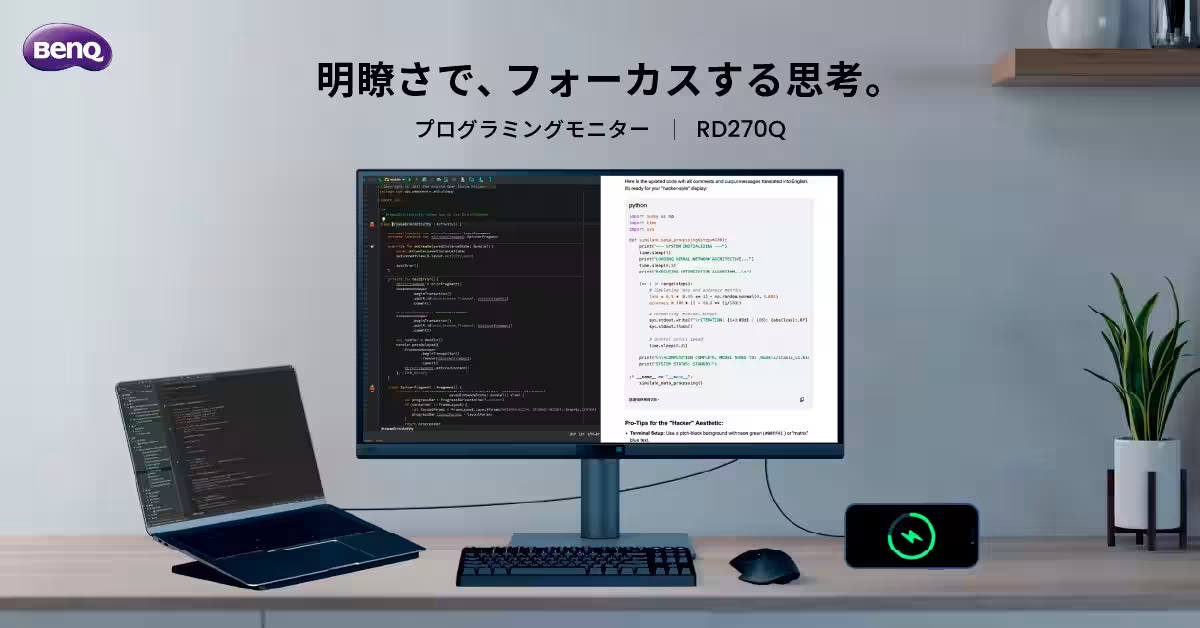
On June 3, 2026, BenQ Japan will release the RD270Q, a 27-inch WQHD monitor designed for programming tasks. This latest addition to their RD series focuses on providing both visibility and usability, making it perfect for engineers and developers alike.
Exceptional Display Quality
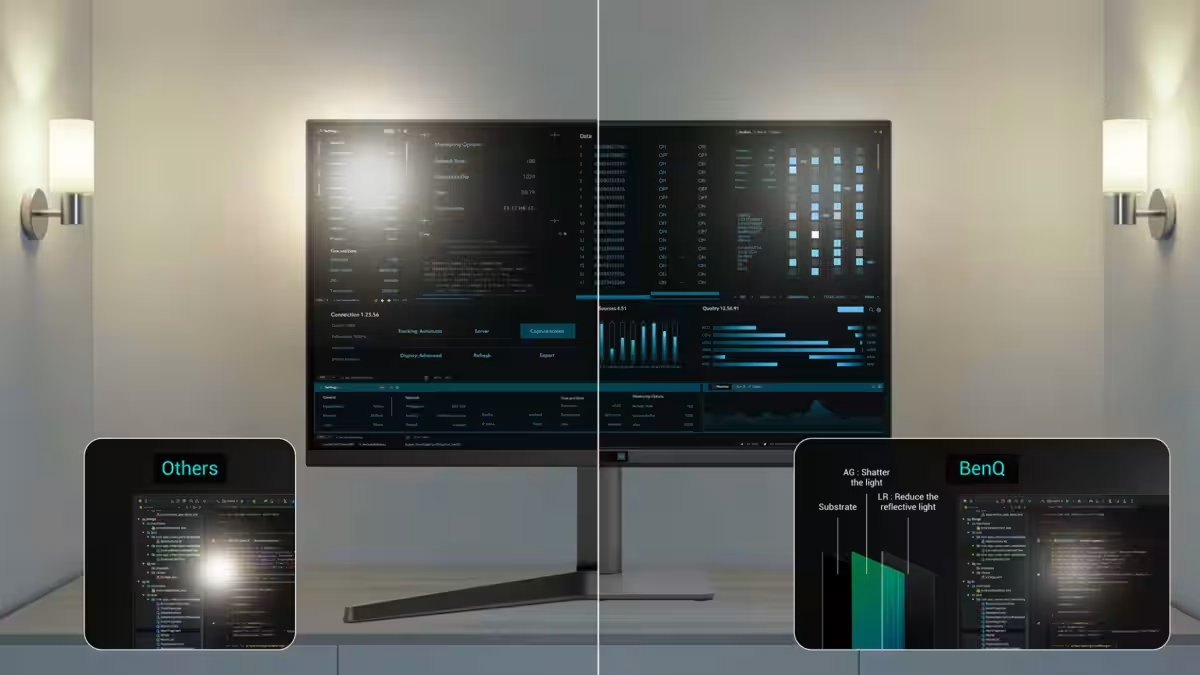
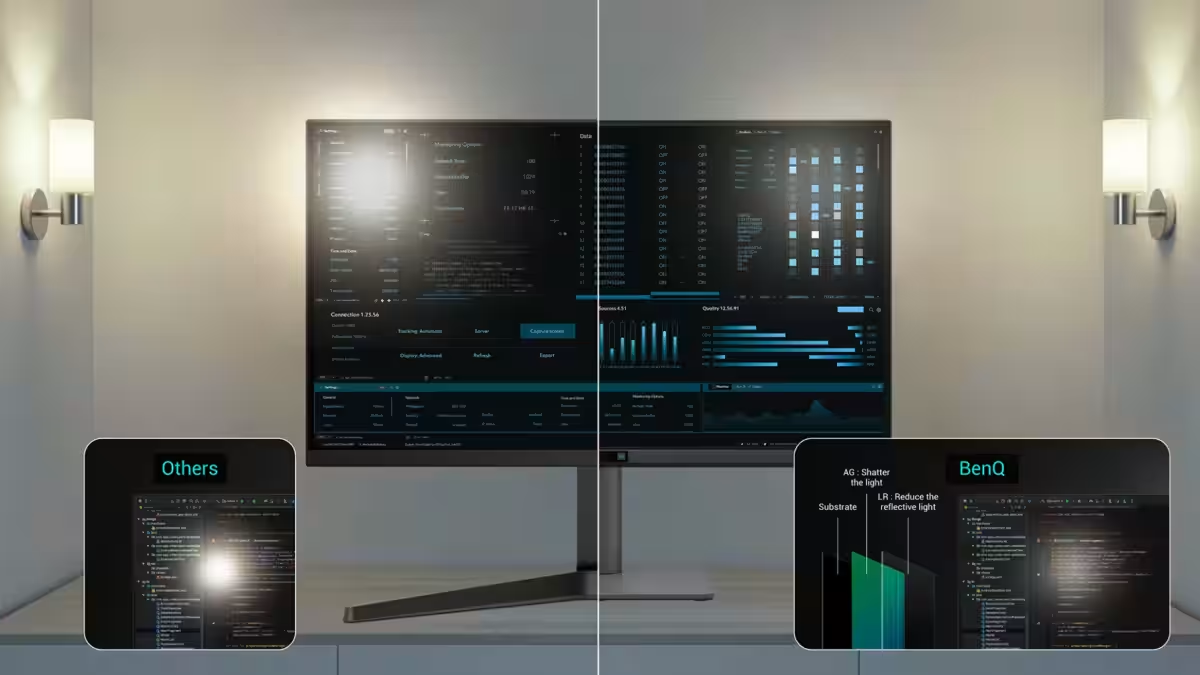
The RD270Q features a high-resolution WQHD display (2560×1440), equipped with eye-care technology aimed at reducing eye strain during extended use. The monitor utilizes BenQ's unique Nano Matte technology, which minimizes screen reflections, ensuring crystal-clear visibility without the fatigue typically associated with glare. This means that users can focus on their work, whether it involves checking long lines of code or navigating through several open windows comfortably.
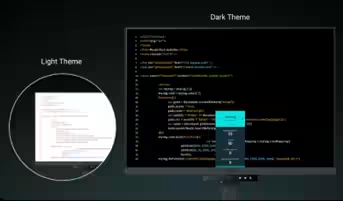
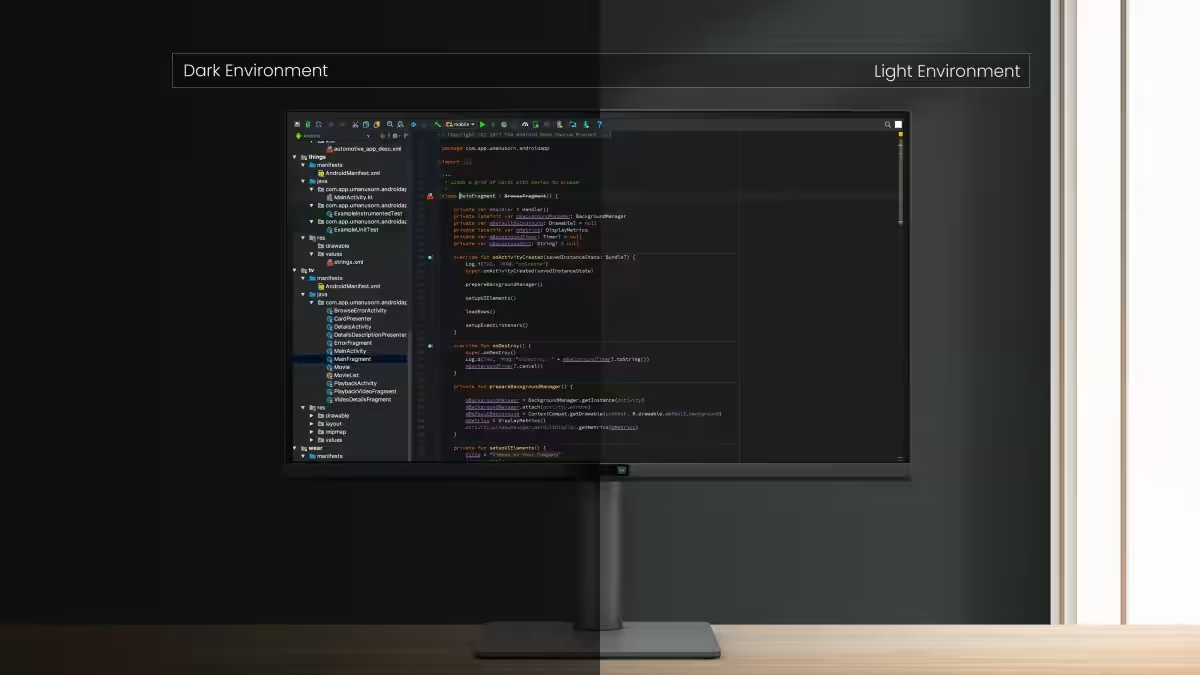
Moreover, it includes three dedicated color modes tailored for programming environments: Light Theme, Dark Theme, and a special Paper-like mode designed to reduce eye strain, making reading text more accessible. It also melds seamlessly with MacBook color profiles through its M-book mode, while the ePaper (monochrome) mode is ideal for document reading. All these features contribute to creating an optimal visual environment for engineers undertaking a variety of tasks.
Enhanced Eye Care Technology
The RD270Q doesn't stop with just visual clarity; it incorporates advanced eye-care features that adjust the screen's brightness and color temperature based on ambient lighting. One of the flagship features is the Visual Optimizer, which automatically calibrates these settings to provide comfort in different lighting conditions. Additionally, the monitor includes a Night Protection mode that allows for finer adjustments in low-light settings, protecting the eyes during late-night debugging sessions.
BenQ has rigorously tested the RD270Q to meet safety standards set by TUV Rheinland. As a result, it boasts various certifications, including Eye Comfort 2.0 and EyeSafe 2.0, coupled with flicker-free performance and reduced blue light emission, all designed to combat digital eye strain effectively.
Advanced Features and Ergonomics
Besides its impressive display and eye-care technologies, the RD270Q is designed with user ergonomics in mind. It features a flexible ergonomic stand with height adjustment and pivot rotation capabilities, allowing users to customize their workspace to suit their needs perfectly. Additionally, the monitor comes with a 65W USB Type-C port for convenient charging and connectivity.
Moreover, BenQ provides the Display Pilot 2 software, enabling users to easily switch between color modes and eye-care settings directly from their screen, improving accessibility and user experience.
In conclusion, the RD270Q is crafted to enhance engineers' productivity and comfort during long coding sessions, striking the perfect balance between high visibility and eye protection. The innovative features make it a must-have tool for anyone serious about programming.
Key Specifications:
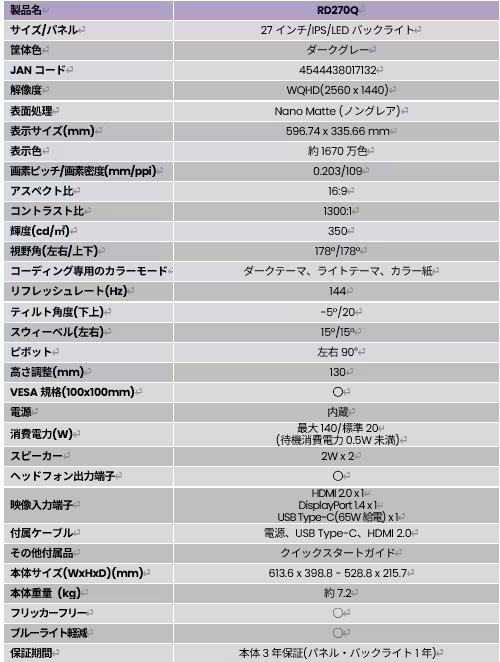
- - Model: RD270Q
- - Size: 27 inches
- - Refresh Rate: 144Hz
- - Release Date: June 3, 2026
- - Suggested Retail Price: Open category pricing
About BenQ
Founded in 1984, BenQ Corporation’s corporate vision has been "Bringing Enjoyment and Quality to Life." The company focuses on creating unique products that combine the latest technology with lifestyle needs across sectors such as lifestyle, business, healthcare, and education. Their mission is to enhance customers' lives by providing valuable solutions that stand out in various situations.
For more information, visit the RD270Q product page or explore the BenQ website.
For customer inquiries, please reach out to the BenQ Japan Technical Support Center at 0570-015-533, operating Monday through Friday from 9:30 AM to 5:00 PM, excluding weekends and specified holidays.

Topics Consumer Products & Retail)
【About Using Articles】
You can freely use the title and article content by linking to the page where the article is posted.
※ Images cannot be used.
【About Links】
Links are free to use.