



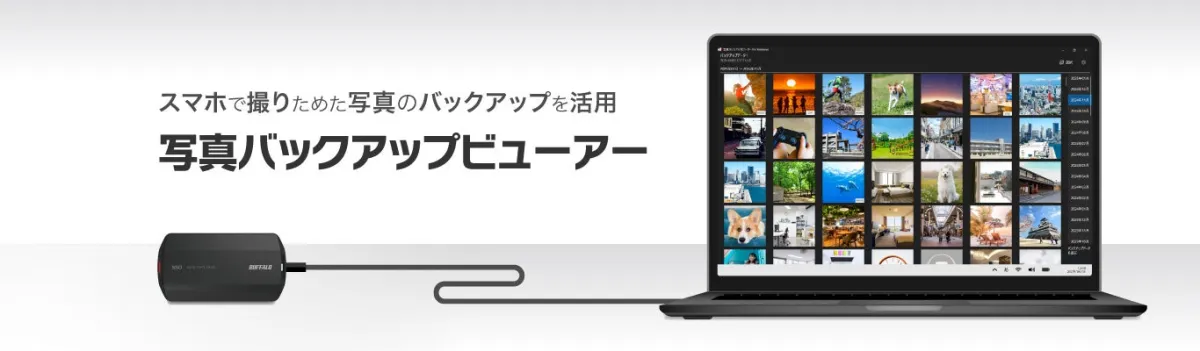
Revolutionizing Photo Management: Buffalo's New Backup Viewer for Windows
Buffalo Launches Revolutionary Photo Backup Viewer for Windows
In today’s digital era, capturing memorable moments through smartphones has become second nature for many. However, managing the vast number of photos and videos can be a daunting task. Buffalo Inc., a leading technology company based in Tokyo, Japan, aims to simplify this process with its innovative new application: the Photo Backup Viewer for Windows.
Simplifying Photo Management
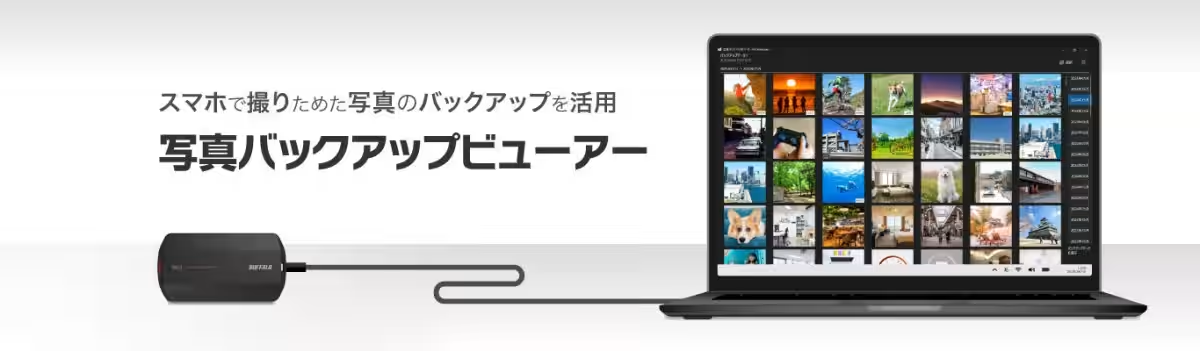
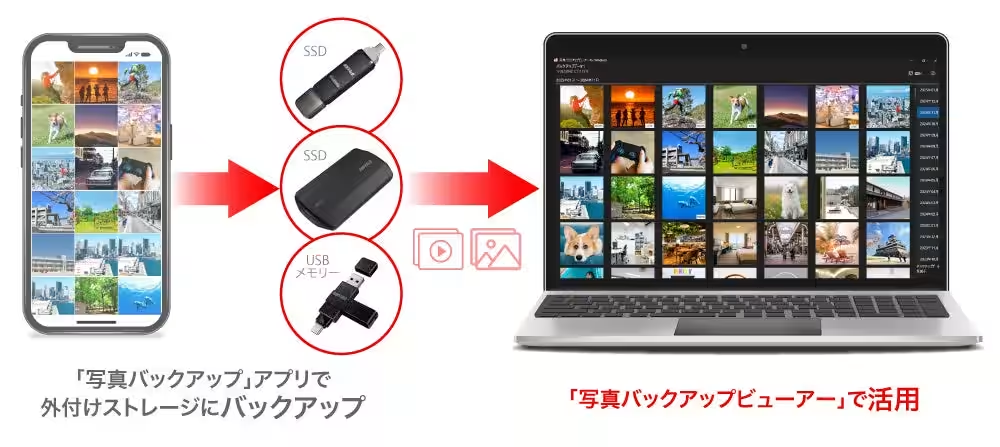
Buffalo’s latest offering allows users to easily access and manage their smartphone-backed-up photos and videos directly from their Windows PCs. The Photo Backup Viewer for Windows works seamlessly with Buffalo's existing Photo Backup app that supports both iOS and Android devices. This combination allows for straightforward backup of media files onto external USB storage devices such as SSDs or USB flash drives.
User-Friendly Features
The Photo Backup app is designed with user-friendliness in mind, enabling users to connect any external USB storage to their smartphones. Through an intuitive interface, backing up photos and videos becomes a breeze, eliminating the complexities often associated with digital media management.
Once the data is transferred, the Photo Backup Viewer for Windows offers a straightforward way to view and extract files using a Windows PC. Users can appreciate their media on a larger screen, which really enhances the viewing experience. Additionally, the app supports Live Photos from iPhones and iPads, allowing for a richer multimedia interaction.
A Shift from Cloud Services to Local Storage
With the growing concerns regarding privacy and online storage fees, Buffalo presents external USB storage as a fresh alternative to traditional cloud services. The idea is to provide users with robust data management capabilities while ensuring their photos and videos are stored securely and privately. By utilizing external storage options, users not only save on cloud subscription costs but also gain quicker access to their media files at any time.
Accessibility and Compatibility
The Photo Backup Viewer for Windows is available for free, making it an accessible tool for anyone looking to optimize their media management practices. Compatible with Windows 10 (H2 update or later) and Windows 11 (H2 24Z update or later), the app ensures that users with modern operating systems can benefit from its functionality.
How to Download
To get started, interested users can download the Photo Backup Viewer for Windows directly from the Microsoft Store. Once installed, they can easily utilize the backed-up data created through the Photo Backup app for an enriched experience.
For smartphone users, the Photo Backup app is available as a free download on both the App Store and Google Play. It supports a range of devices, including those with USB-C connectors, though it's worth noting that older iPhone models with a Lightning connector are not currently compatible.
Recommended USB Storage Options
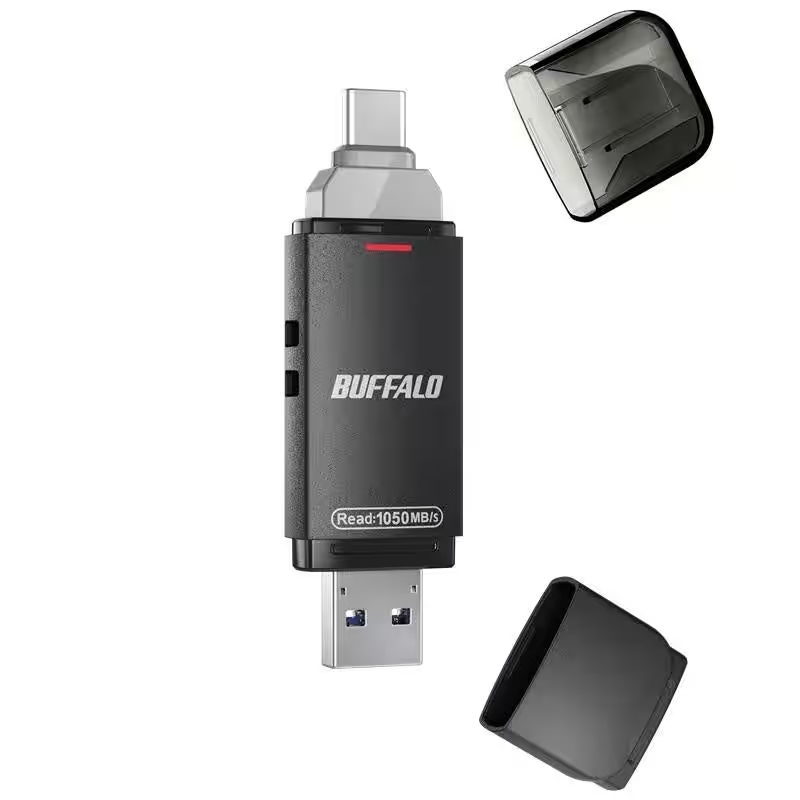
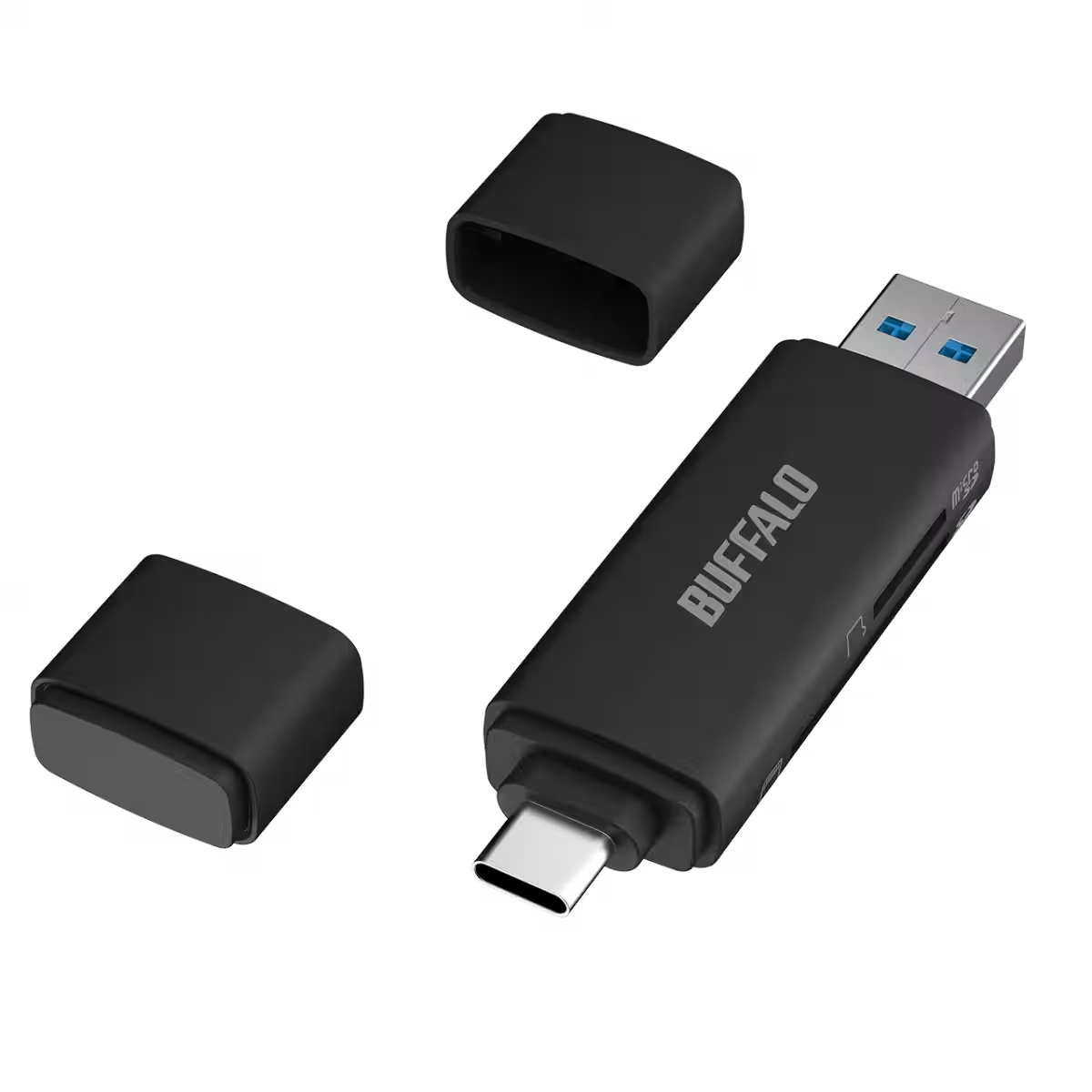
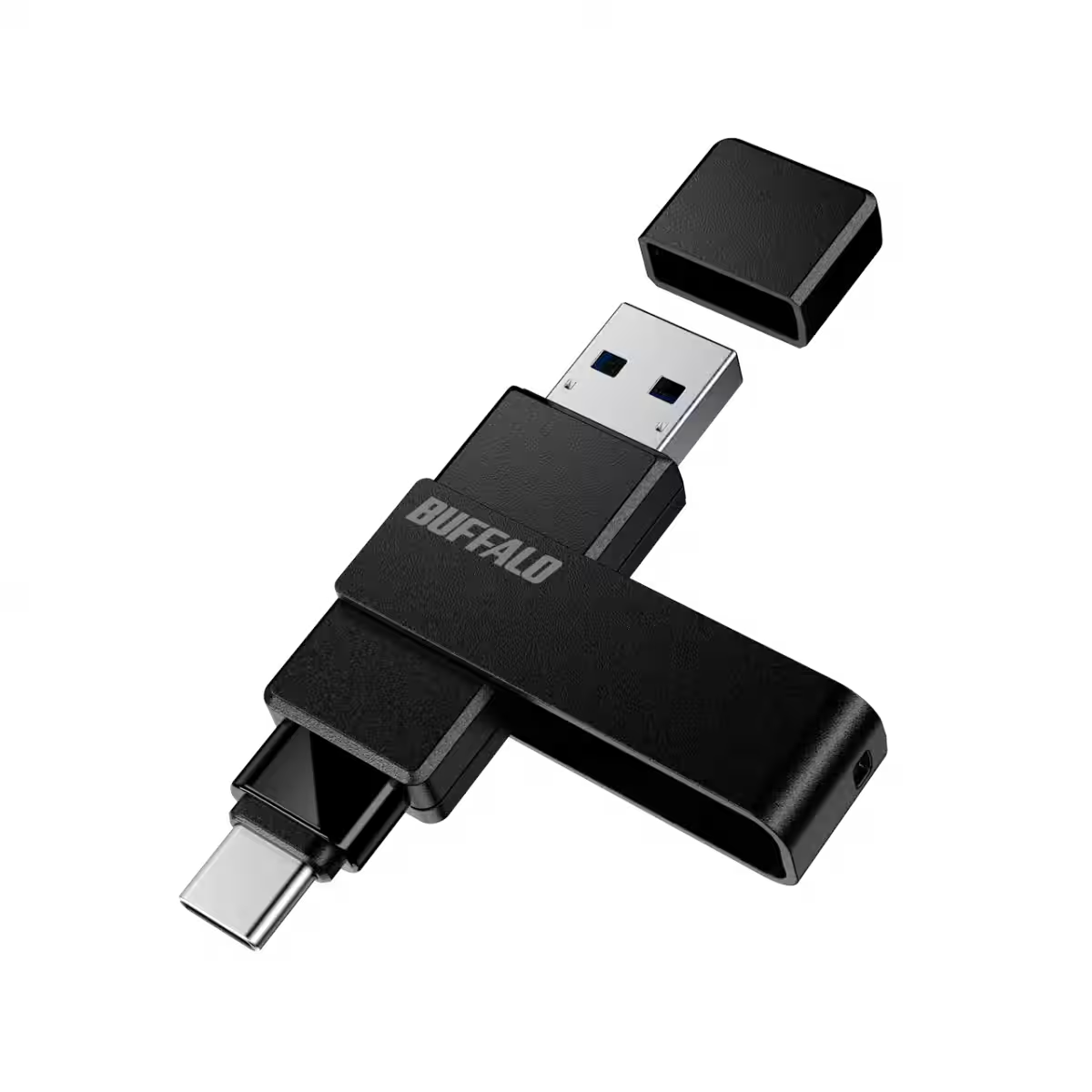
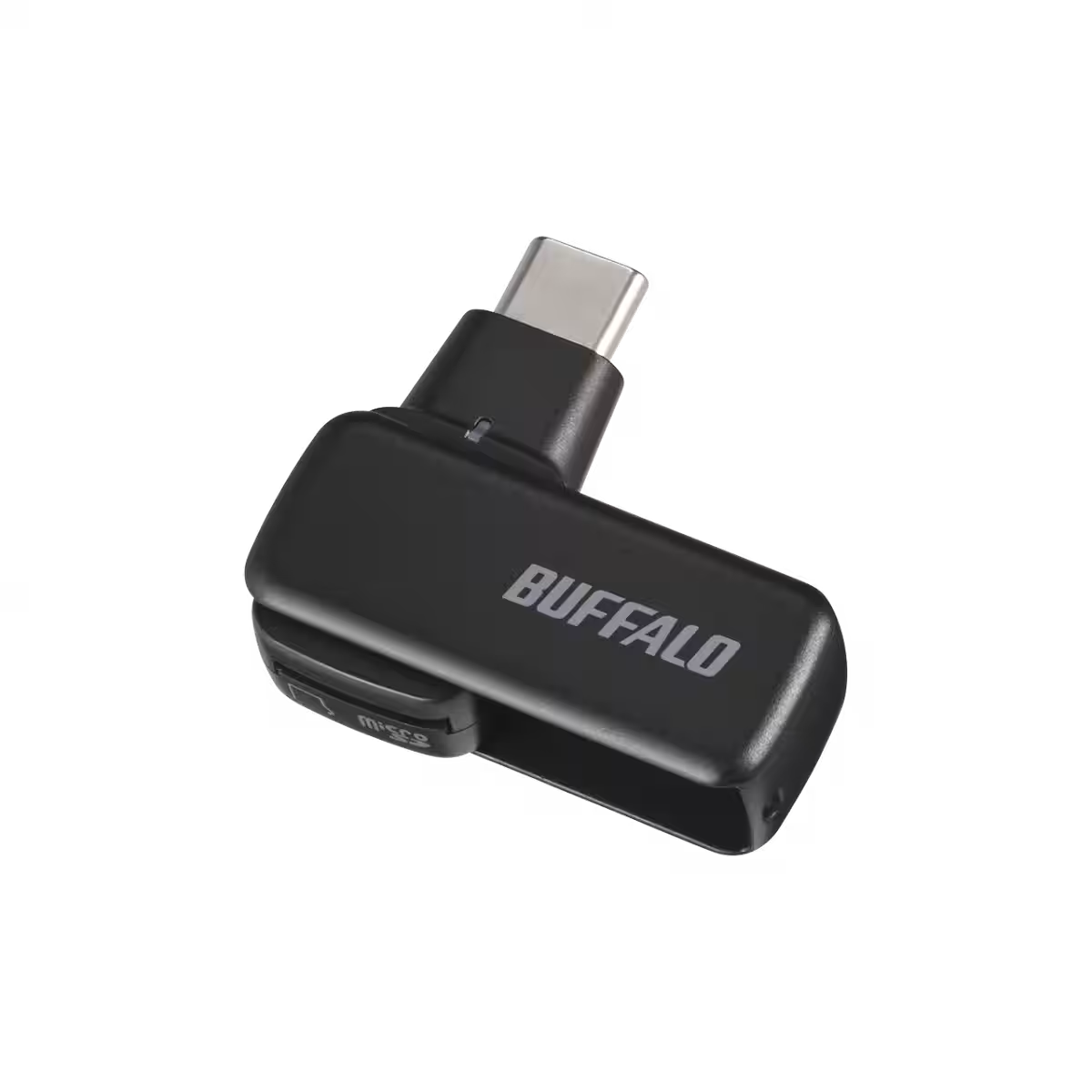
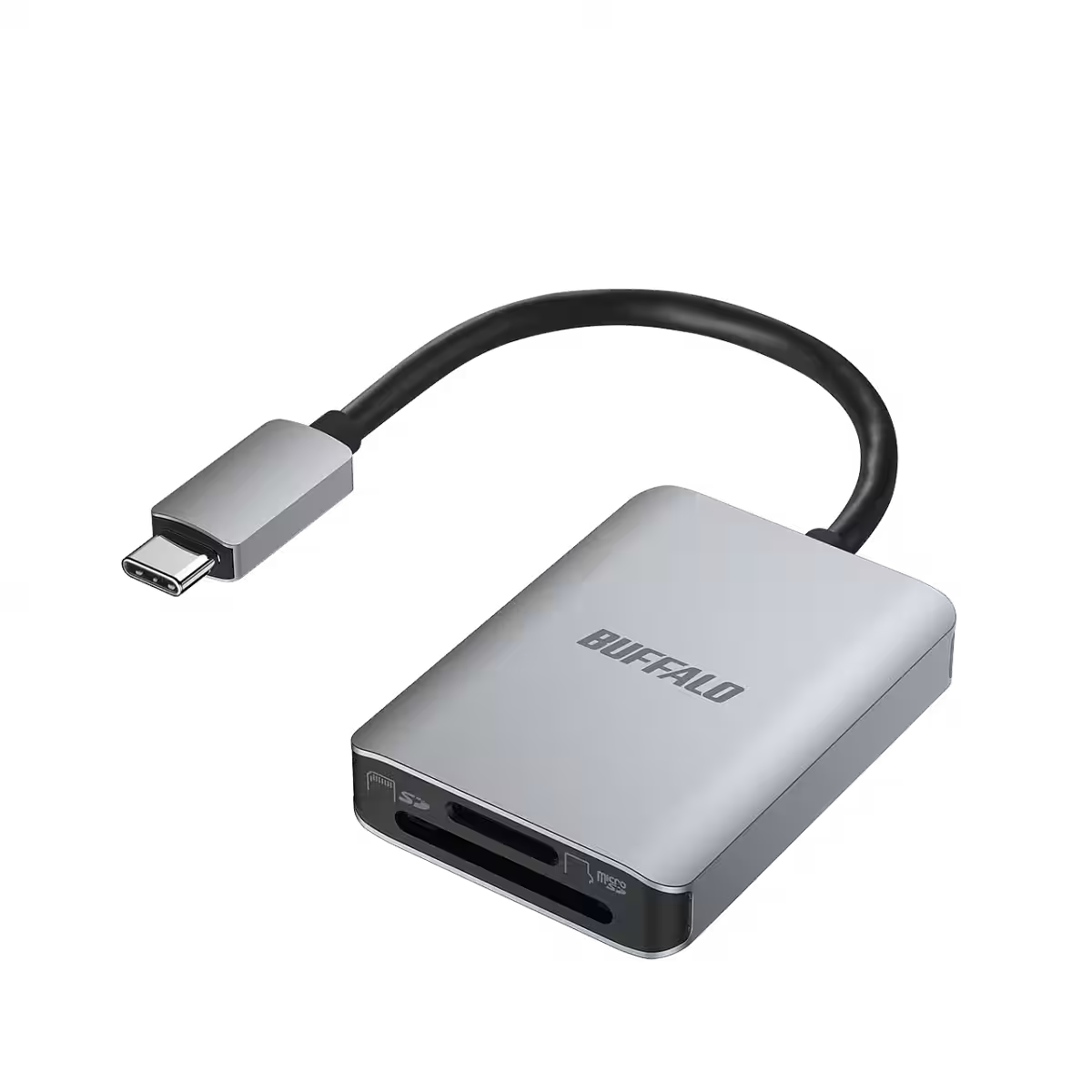
Buffalo offers various external USB storage products that are compatible with the new application. Some examples include:
- - High-speed External SSDs (SSD-SDHU3A, SSD-SDU3A series)
- - USB Flash Drives (RUF3-ACR series)
- - Card Readers (BSCR510U3C, BSCRM100U3C, and BSCR130U3C series)
Conclusion
Buffalo continues to innovate in the tech space, making smartphones even more effective tools for personal and professional life. The Photo Backup Viewer for Windows not only enhances the management of photos and videos but also embraces the shift towards securing personal data through local storage. With this new application, users can finally enjoy an organized and efficient way to access their media—right on their PCs.





Topics Consumer Products & Retail)
【About Using Articles】
You can freely use the title and article content by linking to the page where the article is posted.
※ Images cannot be used.
【About Links】
Links are free to use.