



Revolutionary AI Voice Changer Now Available on Niconico Live for iOS Users
Experience Live Streaming Like Never Before with AI Technology
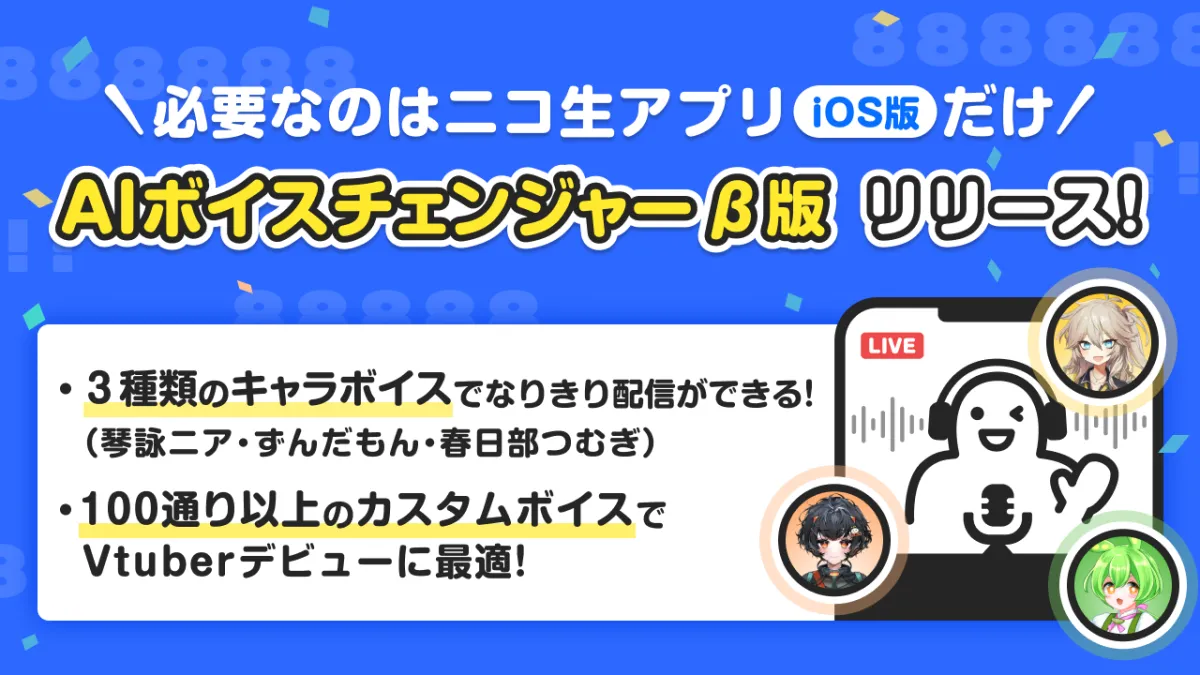
In a groundbreaking development for live broadcasting, Dwango has officially launched the beta version of its AI Voice Changer on the iOS app for Niconico Live. Starting on July 28, users can now easily transform their real-time voice into that of popular characters, enhancing their live streaming experience without the need for sophisticated equipment. This innovative feature, previously available only on the desktop version through the N Air software, brings live streaming to a more personal and engaging level, directly from an iPhone or iPad.
What is the AI Voice Changer?
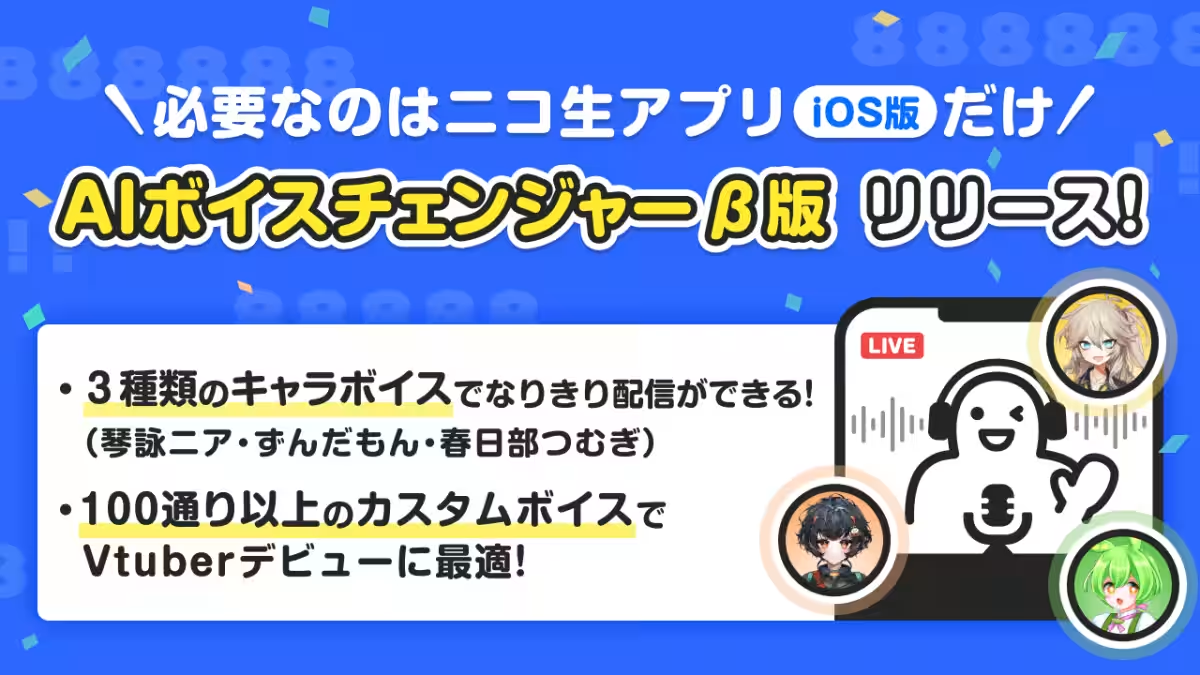
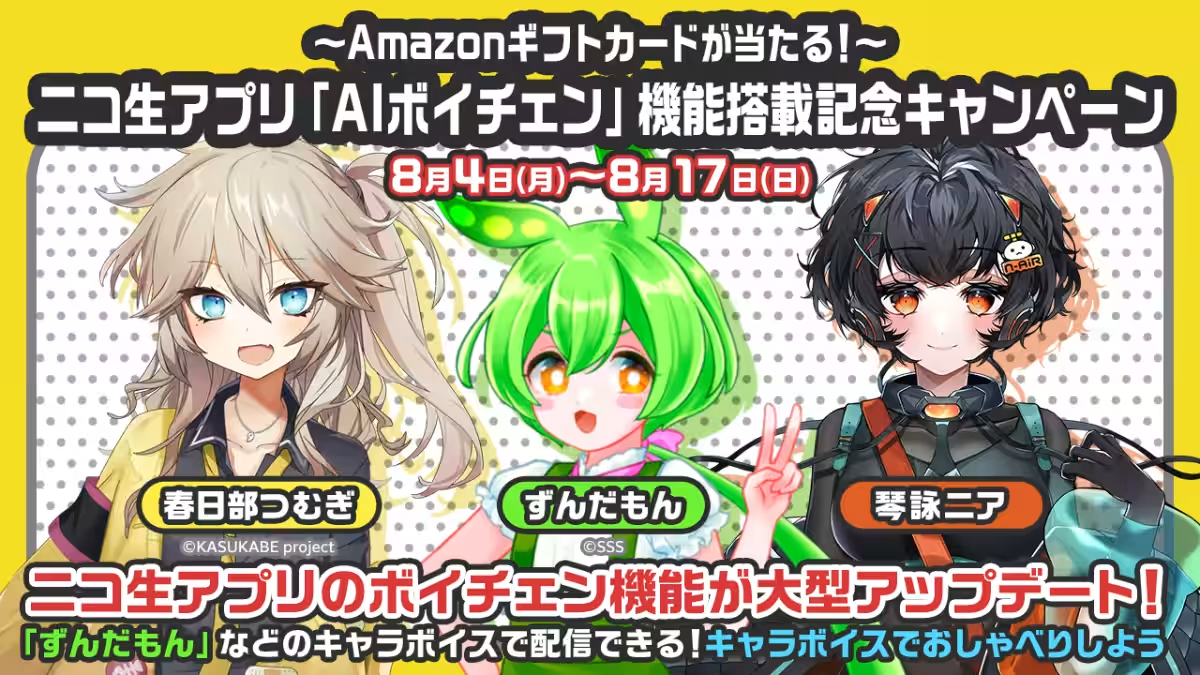
The AI Voice Changer leverages Dwango's proprietary AI voice transformation engine. With this feature, users can convert their spoken voice into recognizable character voices such as 'Zundamon,' 'Kasugabe Tsumugi,' and 'Kotoyomi Nia.' It provides over 100 customizable original voices for users to explore, enhancing their ability to connect with their audience in a fun and interactive way. Whether you're looking to stream your gaming sessions, talk shows, or simply share stories in character, the AI Voice Changer offers a seamless way to express creativity.
Campaign Celebrations for the Launch
To celebrate the introduction of this exciting feature, several promotional activities are being held:
1. Follow & Repost Campaign (August 4 - August 17): Users can participate by following Niconico’s official X account (@nico_nico_info) and reposting the campaign post. By replying with the character name they want to use with the voice-change feature, they increase their chance of winning an Amazon gift card worth 1,000 yen.
2. VTuber Model Contest (July 28 - August 24): Users can compete to win an original VTuber model design by participating in this contest. To enter, users must achieve user level 15 and use the AI Voice Changer feature at least once during the event. Prizes include the production rights for a VTuber model and mobile coolers for the top participants.
How to Use the AI Voice Changer
Using the AI Voice Changer is simple and user-friendly:
1. Select either 'Radio Mode' or 'Virtual Live Streaming' in the broadcast mode menu. Please note that the voice changer is not available in camera mode.
2. Go to the settings and select 'Microphone Settings'; turn on the 'N Air Voice Changer Beta.'
3. Choose your favorite preset character or original voice to start broadcasting.
Technical Requirements
- - Radio Streaming: Requires iOS version 16.4 or later with an A15 CPU or higher. Noise cancellation features will be activated automatically.
- - Virtual Live Streaming: Requires iOS version 16.4 or later with an A16 CPU or higher.
Why This Matters
The introduction of an AI voice changer in mobile live streaming represents a significant leap in how users create and engage with content. It resonates with those who may feel reluctant to share their natural voices or those who aspire to embody their favorite characters in a more immersive way. Whether a casual user or an aspiring VTuber, the barrier to entry for producing captivating content has never been lower, allowing for unique expressions of creativity and personality.
For more details, visit Niconico or Niconico Live.

Topics Entertainment & Media)
【About Using Articles】
You can freely use the title and article content by linking to the page where the article is posted.
※ Images cannot be used.
【About Links】
Links are free to use.