



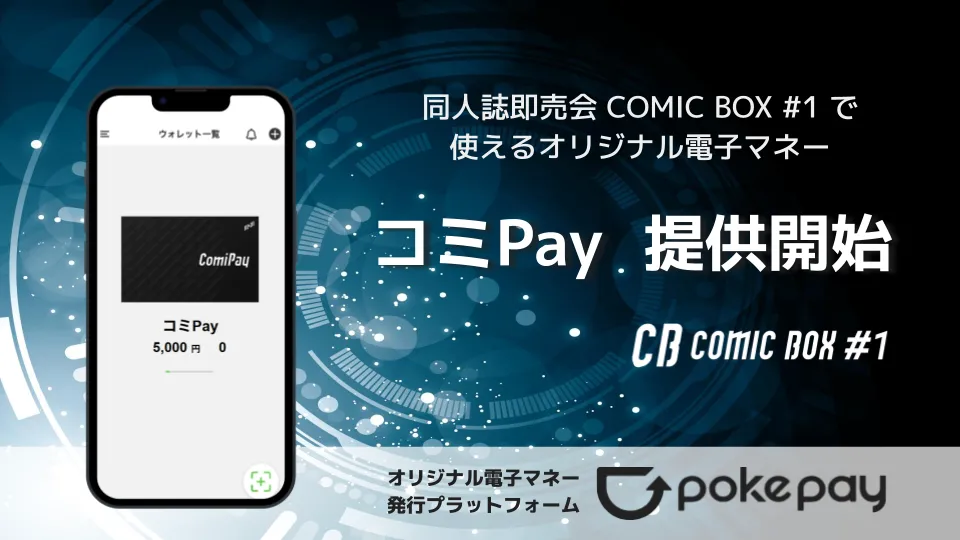
COMIC BOX Launches Exclusive ComiPay Electronic Money for Events
Exciting New Launch at COMIC BOX
The upcoming event, COMIC BOX #1, scheduled for September 15, 2025, promises to be more exciting than ever with the launch of an exclusive electronic payment system, ComiPay. Hosted by the N-Point group and facilitated by PocketChange, this initiative is aimed at revolutionizing how attendees engage in the doujinshi sales environment.
What is ComiPay?
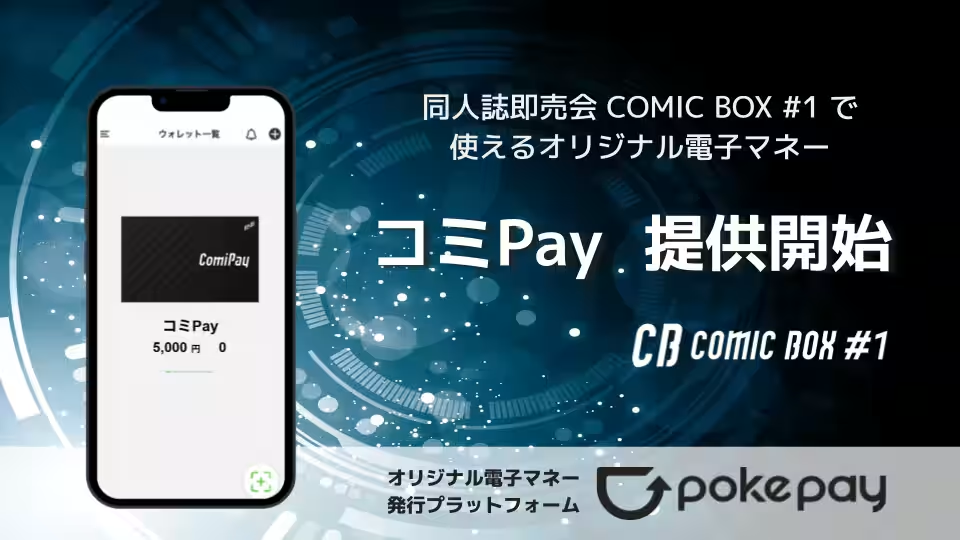
ComiPay is a unique electronic currency designed specifically for the COMIC BOX event held at the Kawasaki City Industrial Promotion Hall in Kanagawa. The event’s objective, encapsulated in the phrase “A new form of the doujinshi fair,” highlights the innovation behind ComiPay, which is set to streamline payment processes and alleviate the burdens of handling cash during the event. Users will be able to transact with amounts as low as 1 yen, ensuring that small purchases and quick transactions are simple and efficient.
While ComiPay will enhance convenience, it is essential to note that it won't hinder other payment methods; attendees who prefer cash or other digital payment options will still have the freedom to use them at their discretion.
Special Charging Campaigns
In addition to its innovative offerings, ComiPay will feature a charging campaign whereby users who load cash onto their ComiPay balance through PocketChange charging stations will enter a draw for exclusive merchandise. This initiative is designed to not only encourage the use of ComiPay but also to make the event more engaging and rewarding for participants.
ComiPay Details
- - Utilization: Participants of COMIC BOX #1
- - Available Circles: Registered booths at the event
- - Charging Locations: Designated areas within COMIC BOX #1 venue
- - Charging Limit: A maximum of 20,000 yen per user
- - Active Date: September 15, 2025 (Holiday)
- - Expiration: Must be used on the same day
How to Use ComiPay
1. Download the Pokepay Wallet App and register ComiPay.
2. Load your ComiPay balance either at the charging booth or using PocketChange machines.
3. When making a payment at participating booths, notify the seller that you wish to pay with ComiPay.
4. Use your smartphone to scan the payment QR code from the app and enter your payment amount.
What is Pokepay?
Pokepay is an innovative electronic money platform that allows businesses to create and manage their own digital currency with ease. As a Software as a Service (SaaS) solution, it is designed to help companies enhance customer engagement through features such as QR code payments, loyalty points, and coupon distribution. Real-time customer data acquisition and transaction history management can significantly reduce operational burdens associated with cash transactions.
The flexibility of Pokepay positions it as a favorite choice among various sectors, including retail, dining, and local currency initiatives, driving promotional strategies and operational efficiency effectively.
For more detailed information about Pokepay, visit Pokepay Enterprise. If you have questions or would like to inquire about services, please head to Contact Us.
About PocketChange
- - Company Name: PocketChange, Inc.
- - Website: PocketChange
- - Location: 4-3-5 Shiba, Minato-ku, Tokyo, 3rd Floor, First Okada Building
- - CEO: Aoyama Shin
- - Founded: December 2015
- - Business Overview: PocketChange specializes in converting cash into existing or new electronic currencies, developing and operating the Pokepay platform, and supporting the transition to a cashless society through innovative hardware and software solutions.
About N-Point
- - Organization Name: N-Point
- - Website: N-Point
- - Representative: Nakagomi Riku
- - Established: April 2018
- - Activities: N-Point manages and orchestrates events focused on IT, FinTech, gaming, and doujinshi sales, including live streaming operations during events.
Topics Entertainment & Media)
【About Using Articles】
You can freely use the title and article content by linking to the page where the article is posted.
※ Images cannot be used.
【About Links】
Links are free to use.