



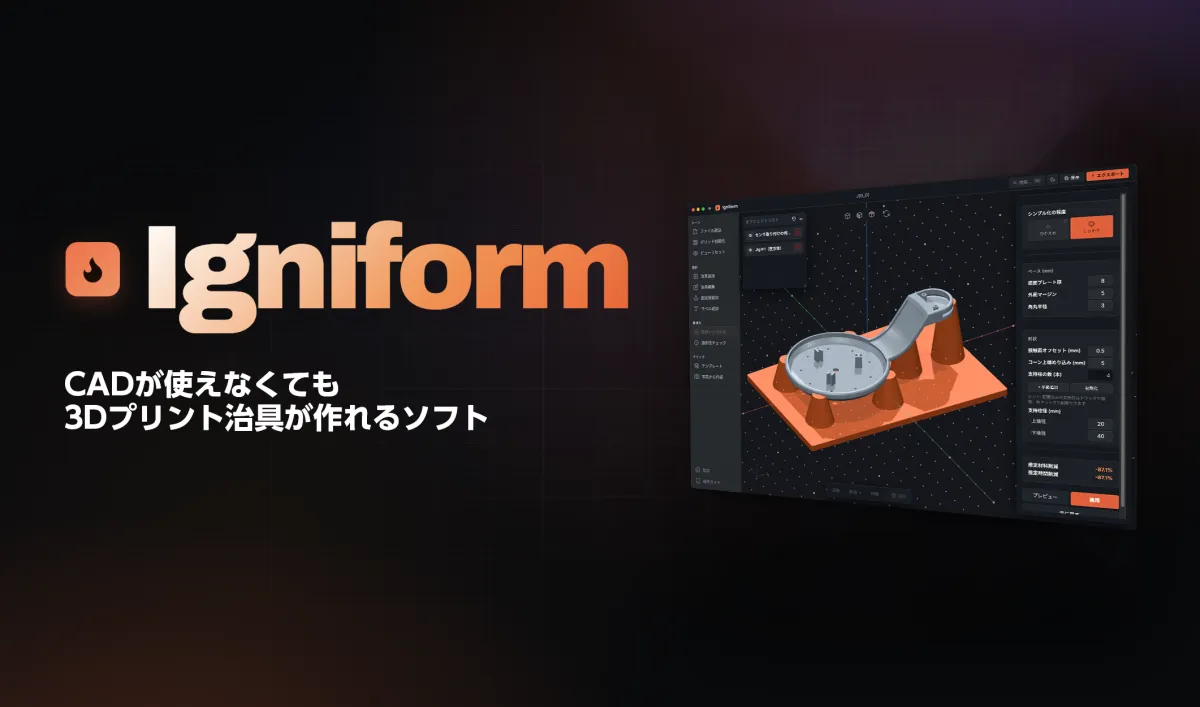
Introducing Igniform: A Game-Changing Tool for Jig Design Without CAD Expertise
The Launch of Igniform by Japan 3D Printer Co.
Japan 3D Printer Co., based in Chuo, Tokyo, has announced its forthcoming launch of a groundbreaking software called Igniform on July 1, 2026. This innovative jig design tool, developed in collaboration with FabriAI, aims to revolutionize how jigs are created in manufacturing settings by eliminating the need for CAD expertise.
Understanding Igniform
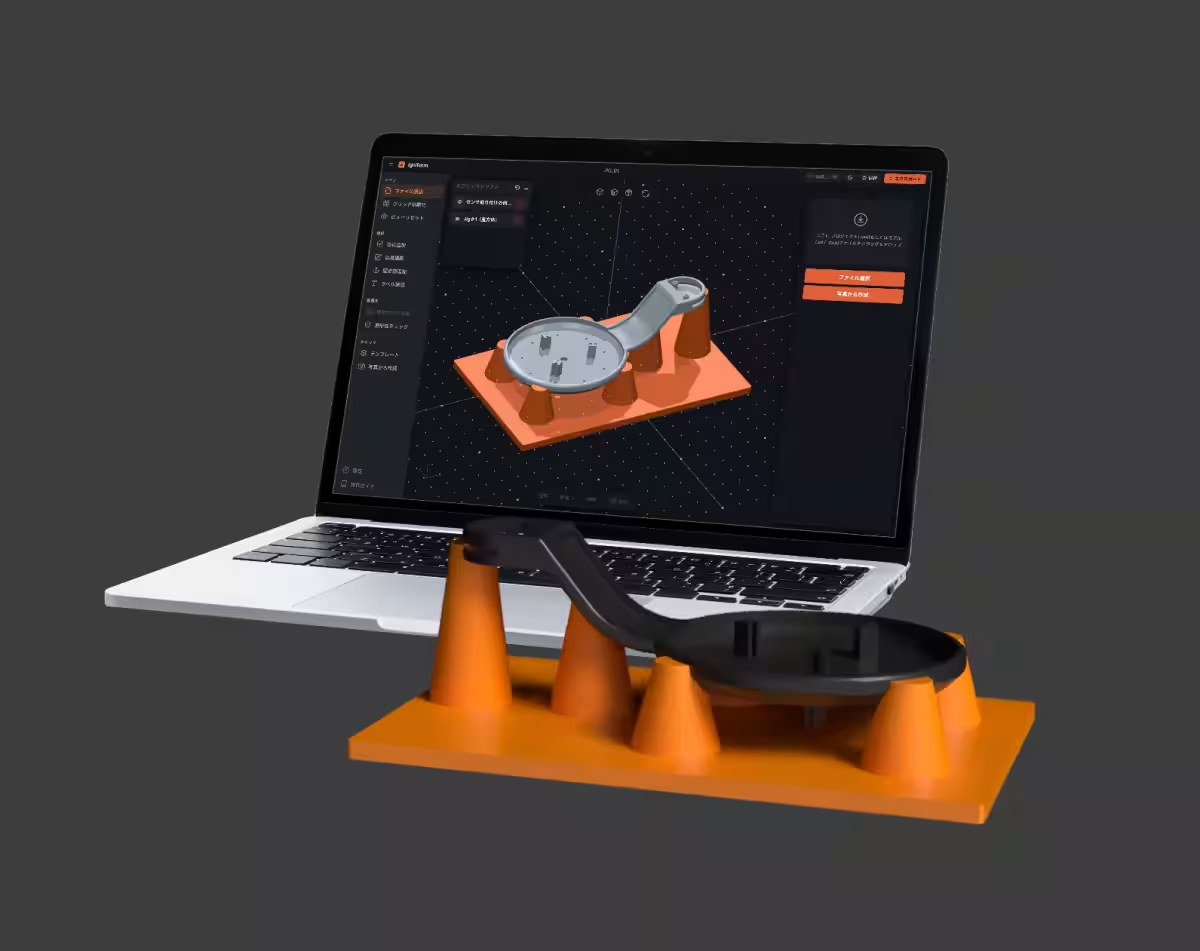
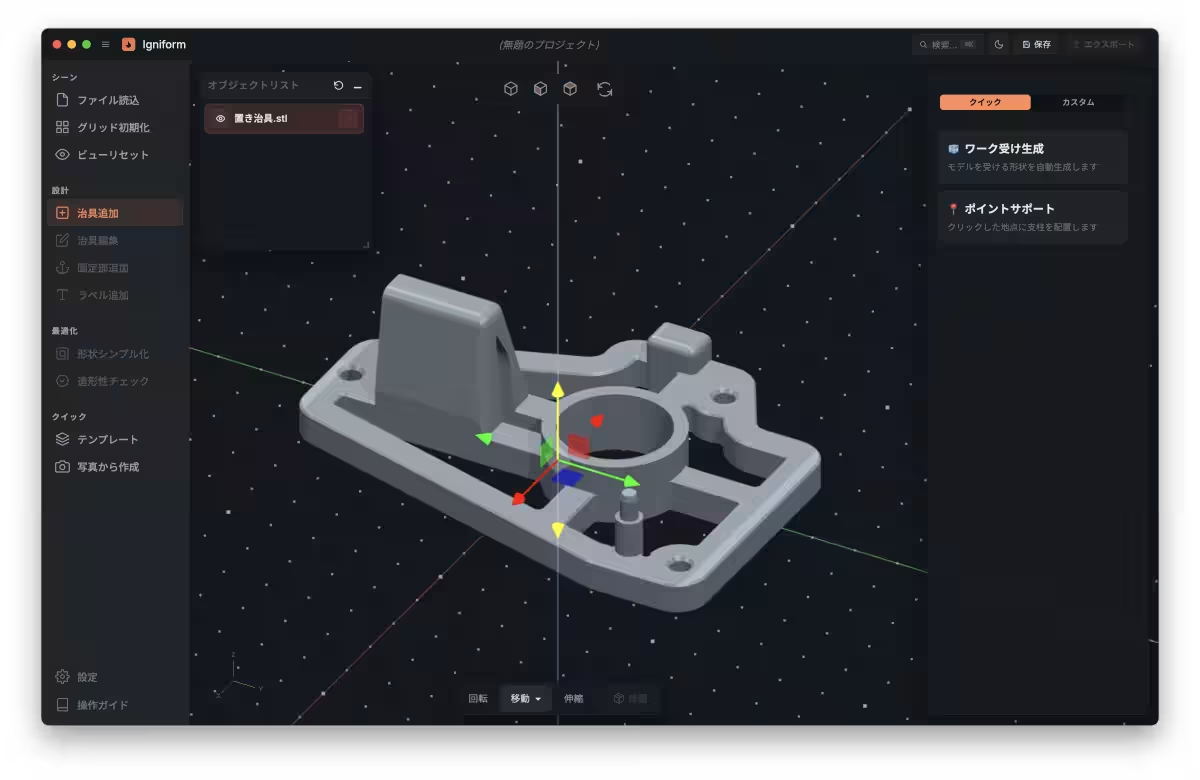
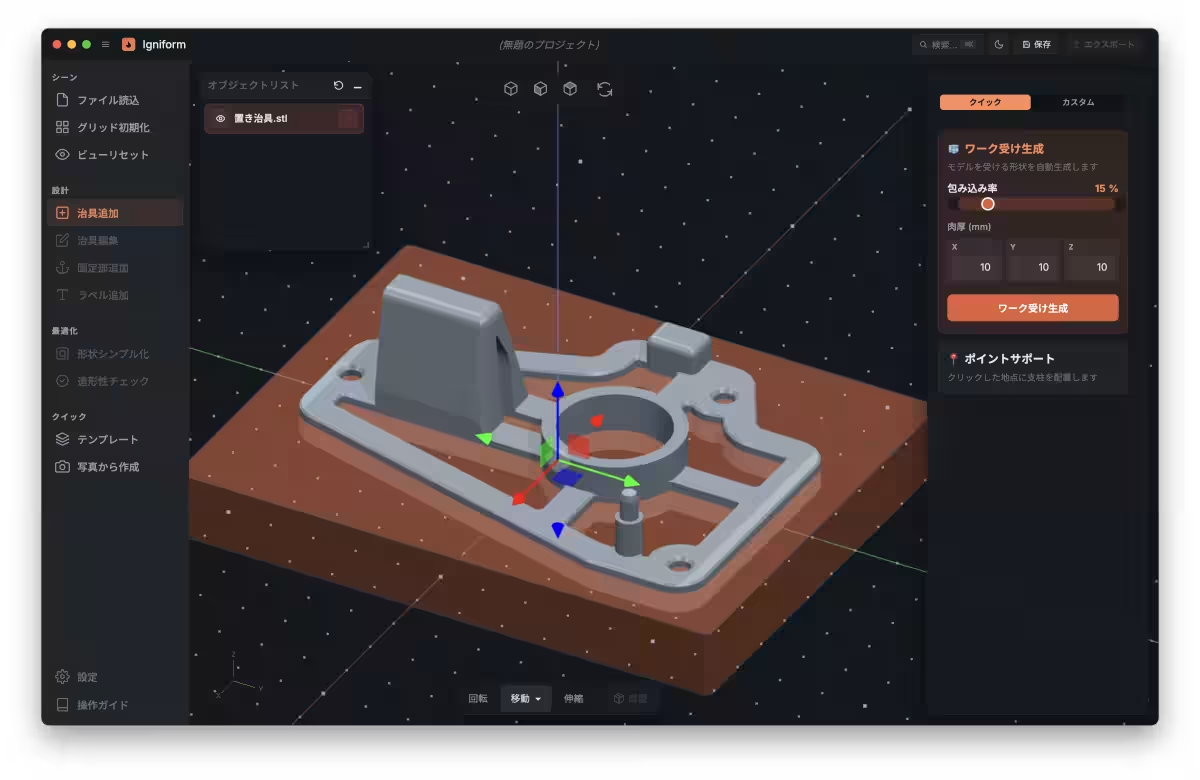
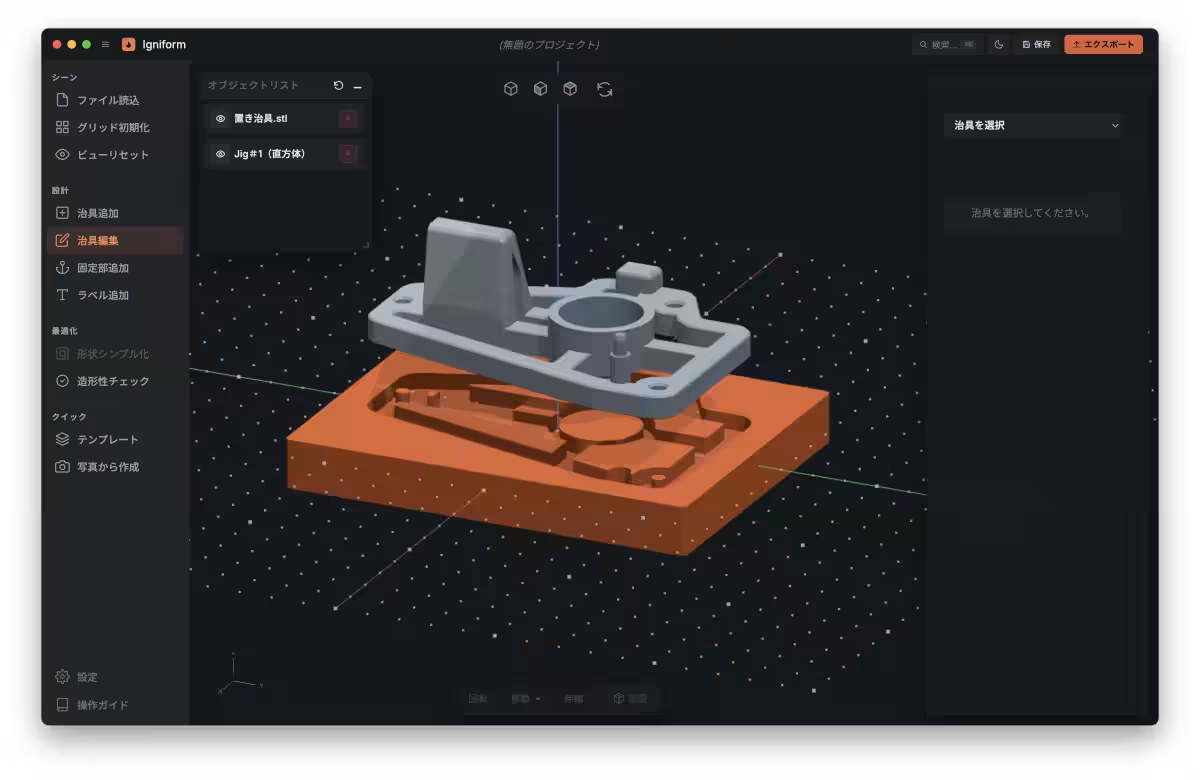
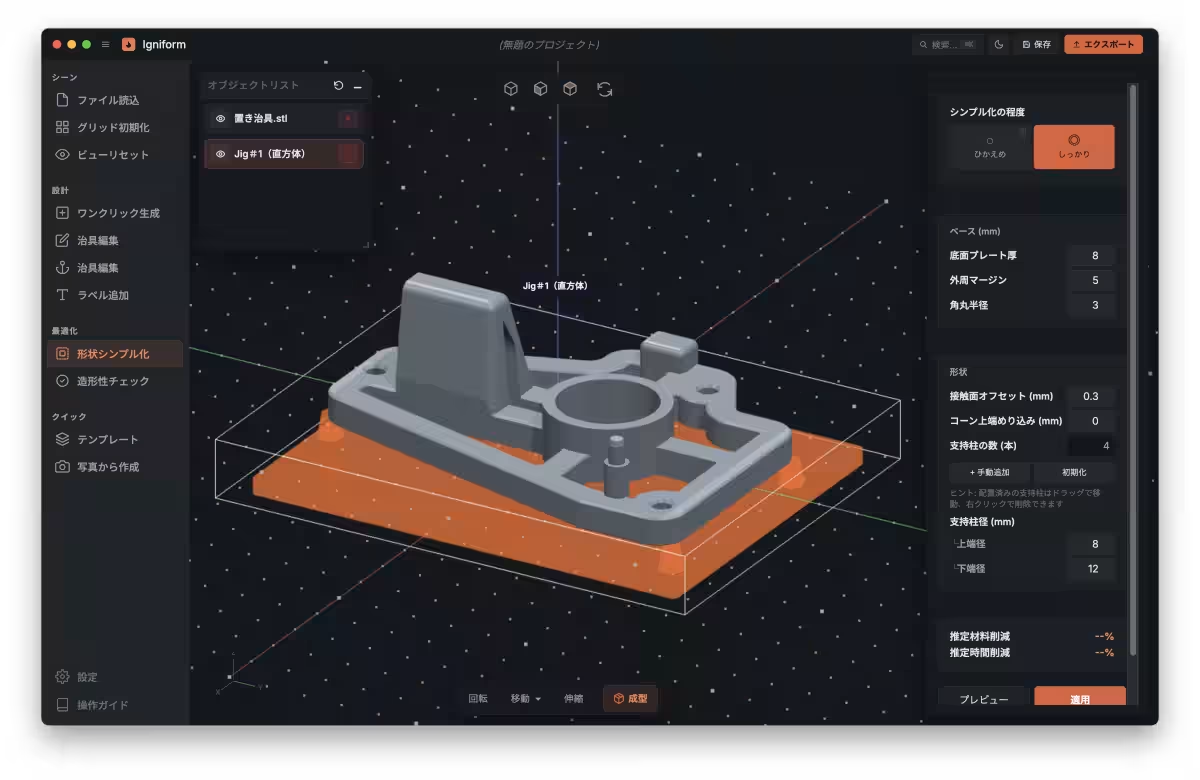
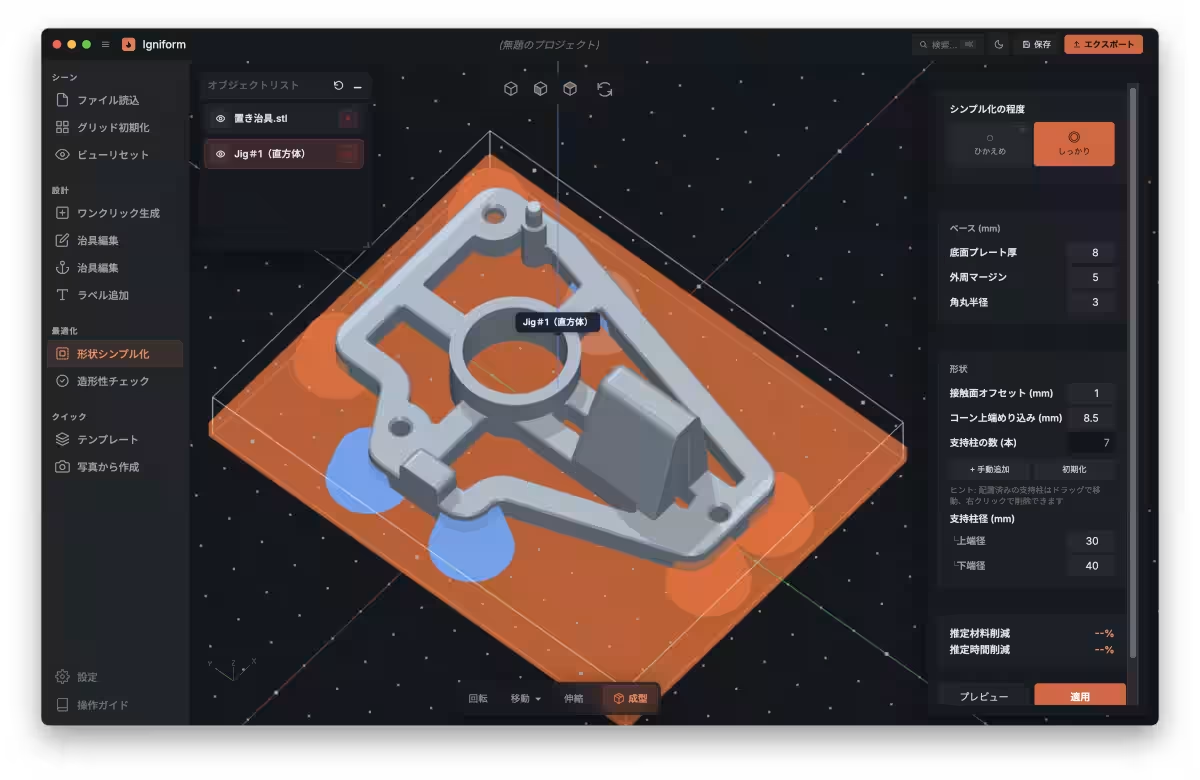
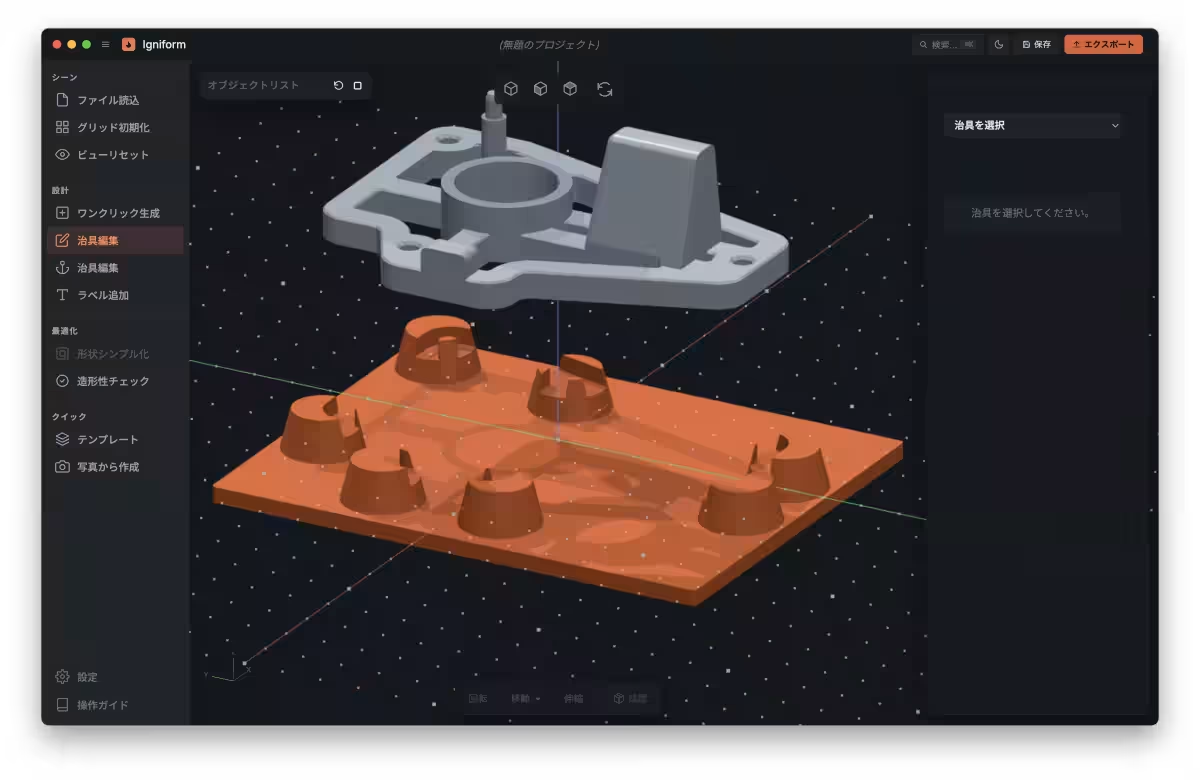
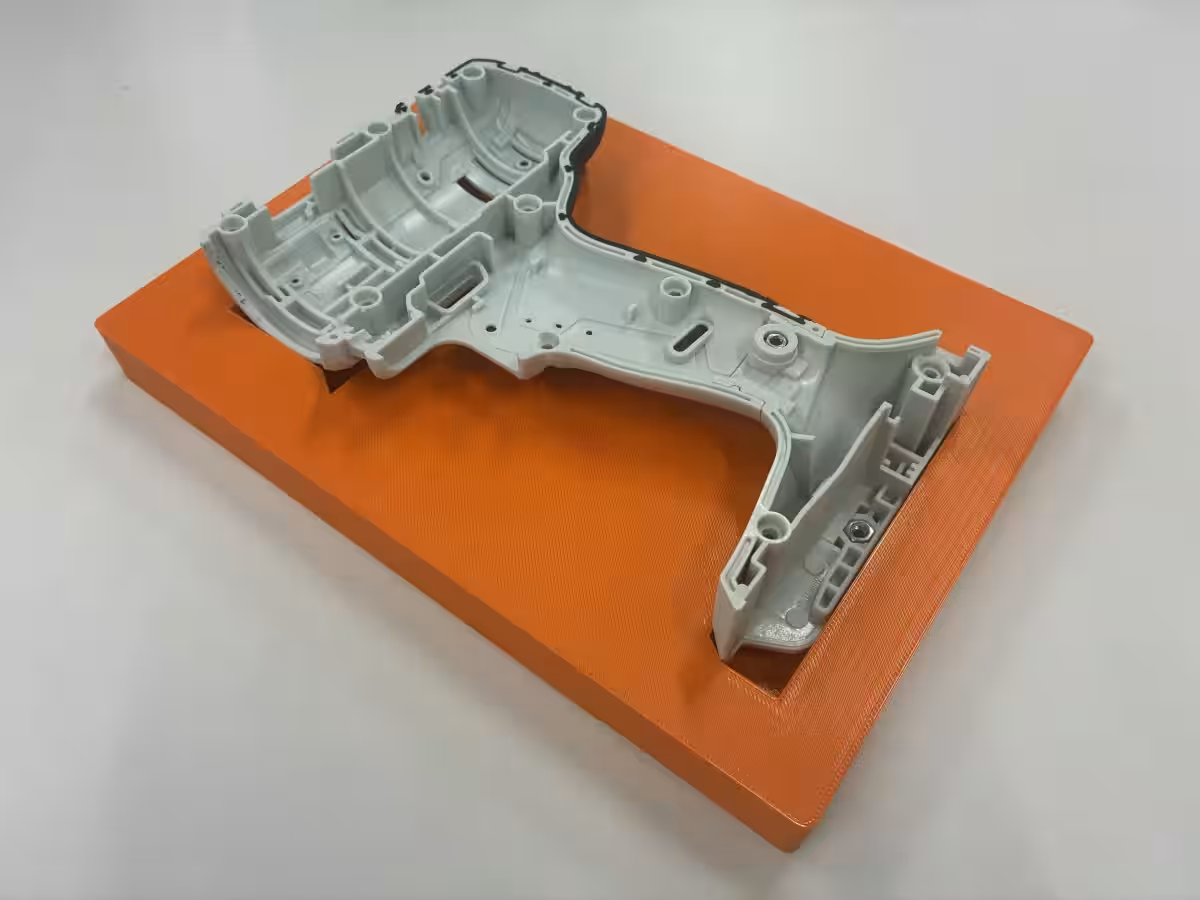
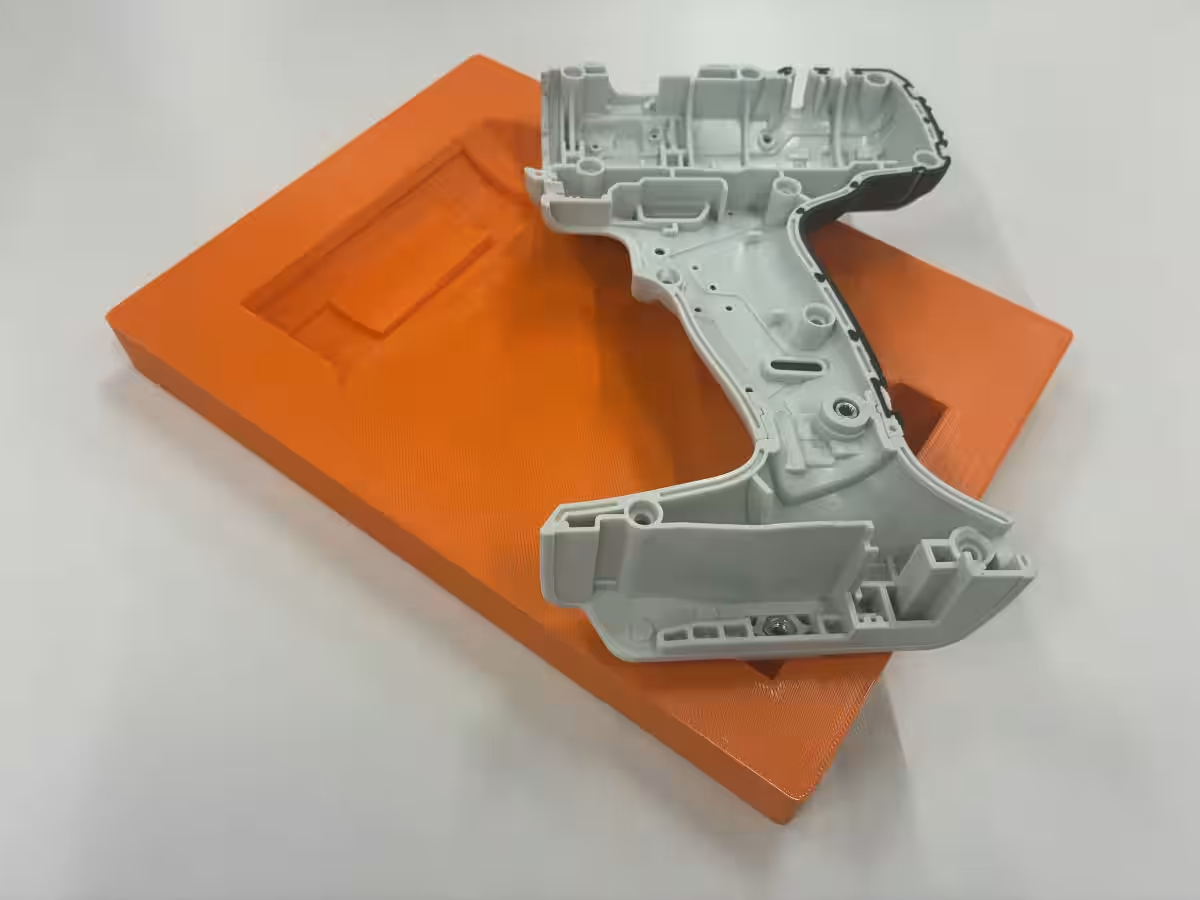
Igniform is a desktop application designed for both Windows and macOS platforms, allowing workshop operators to intuitively design jigs and fixtures without any CAD background. Users need only to select a template and specify STL data, generating the necessary files for 3D printing efficiently. This functionality supports the in-house production of jigs directly at manufacturing sites.
Development Background
In recent years, there has been a growing demand for jigs in manufacturing environments to assist in component positioning, holding, inspection, and tool management. The rising trend of in-house jig manufacturing using 3D printers has presented challenges, primarily due to the requirement of specialized CAD skills. The dependency on specific personnel for design tasks has posed a significant barrier to advancing in-house solutions. Moreover, concerns about data privacy hinder some manufacturers from utilizing cloud-based design services.
To address these issues, Igniform was developed with a focus on usability for those lacking CAD skills and ensures complete offline operation, providing peace of mind regarding data security.
Key Features of Igniform
Igniform includes various features designed to simplify the jig design process:
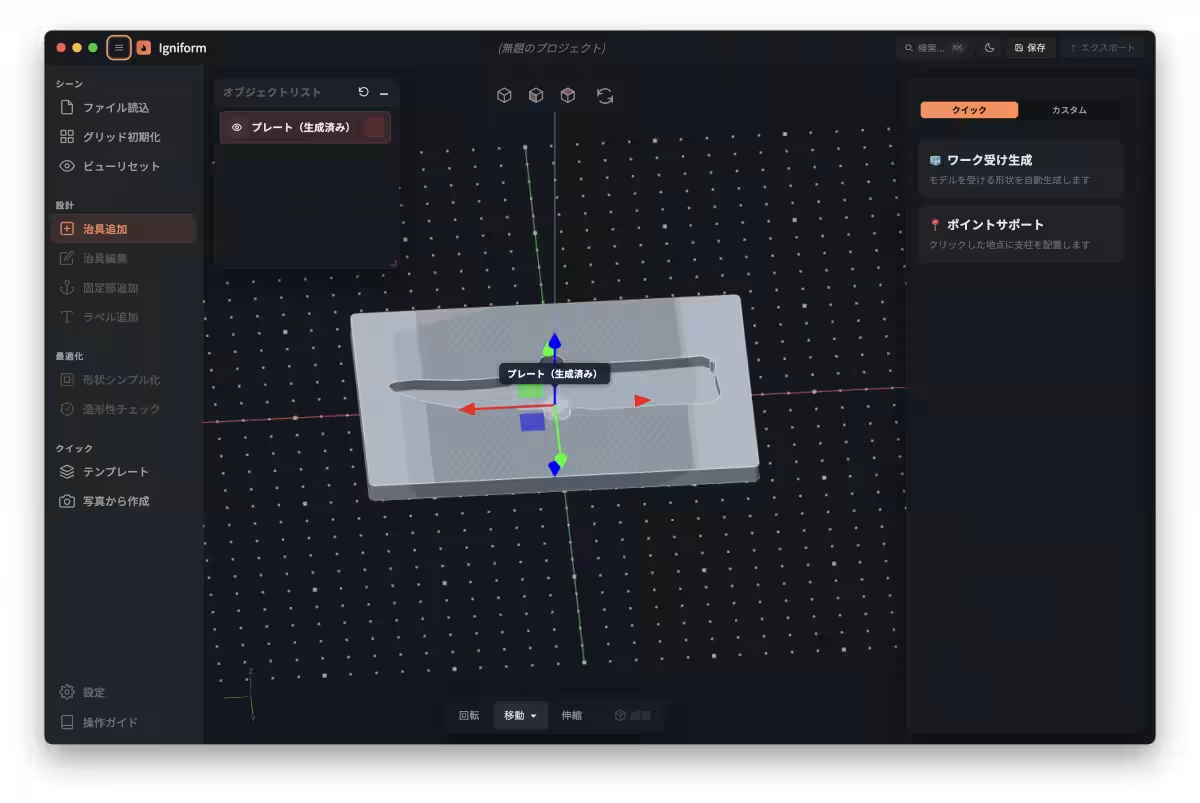
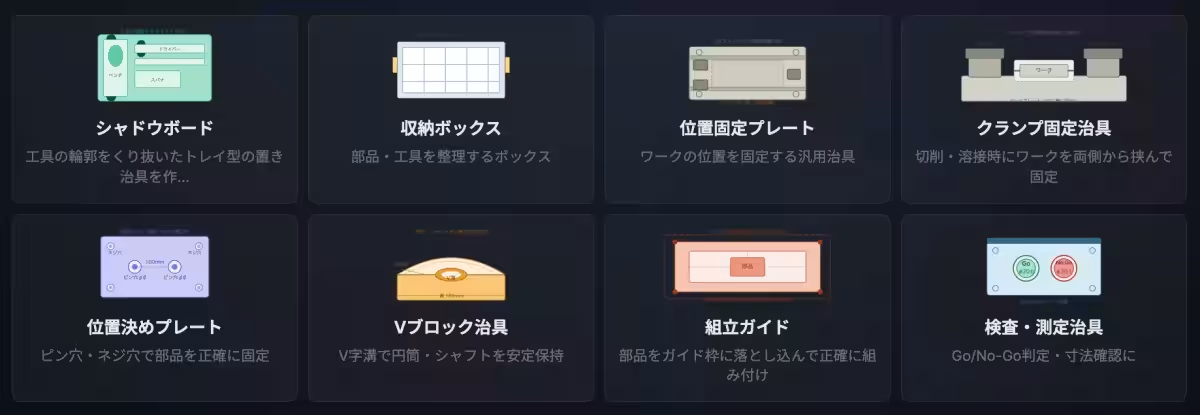
- - No CAD Required: Eight different templates are available, including shadow boards, positioning plates, and various types of clamps, enabling users to create complex jigs effortlessly.
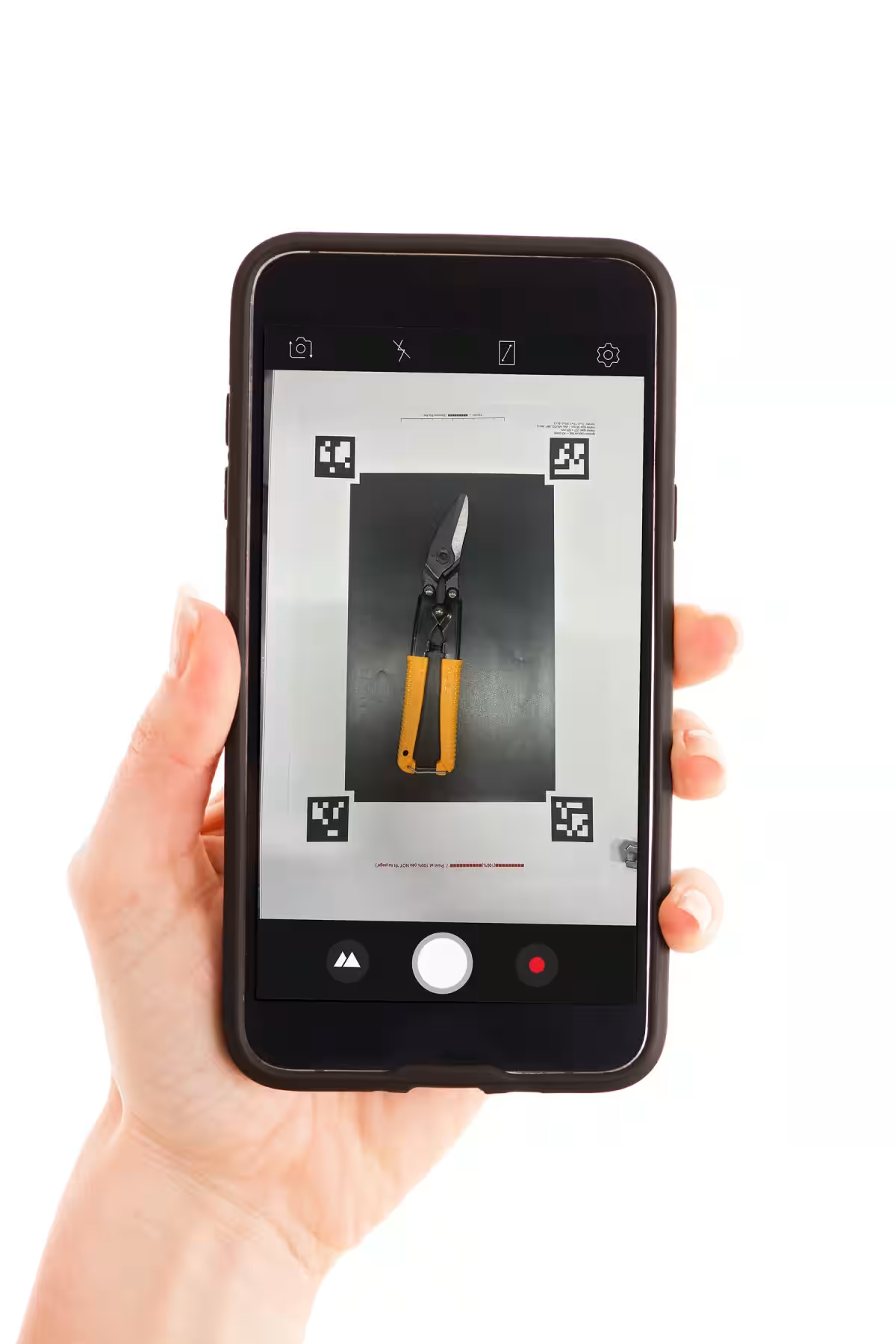
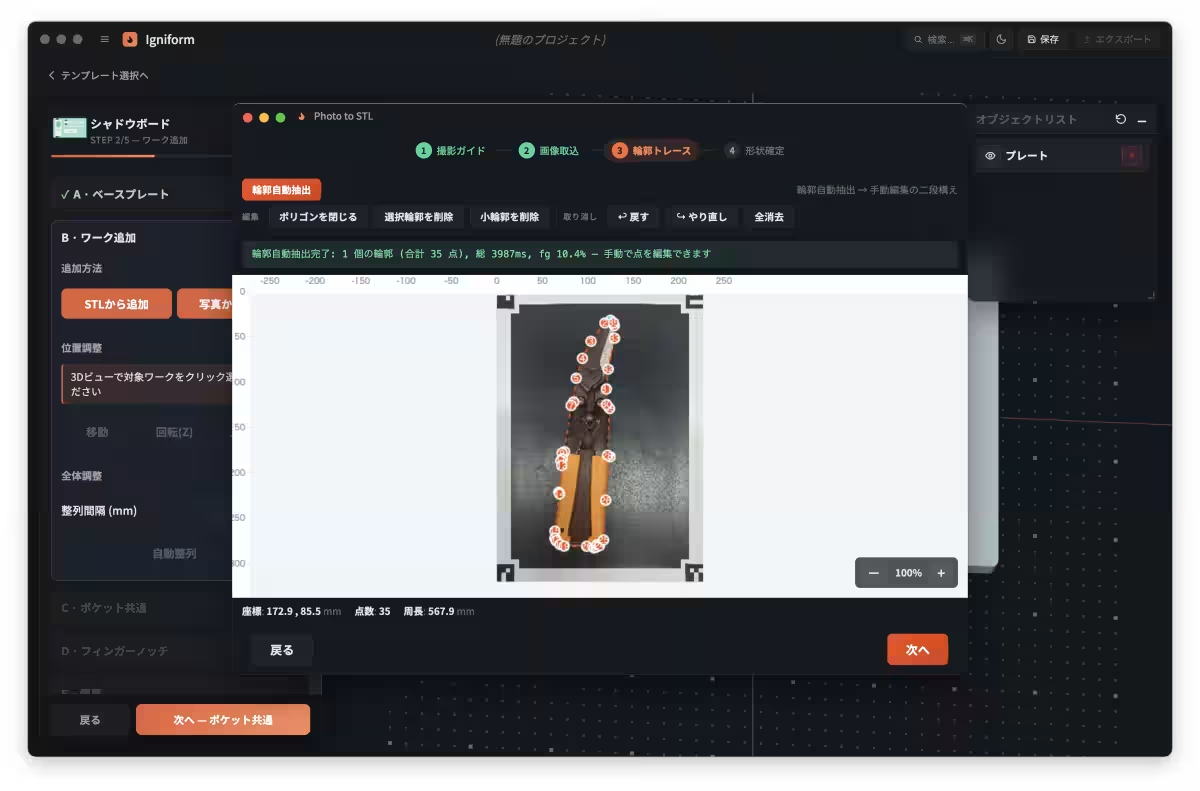
- - Photo-to-STL Functionality: Users can generate jig designs simply by photographing workpieces placed on designated trays, with the software automatically extracting contours and creating 2.5D shapes.
- - Japanese Interface and Labeling: The application features a user-friendly Japanese interface, with a labeling function to easily mark jigs for identification purposes.
- - Printability Checks: The software checks the integrity of designs for 3D printing and suggests solutions for any potential issues. It also estimates printing costs based on preset parameters.
Benefits of Igniform
Igniform not only streamlines the jig manufacturing process but also drastically reduces the steps required to produce design data. With an emphasis on low learning costs, workshop operators can quickly adapt to the software using its straightforward Japanese UI.
The name Igniform is derived from combining “ignite” and “form,” symbolizing the software's purpose to help users rapidly bring their ideas to life and ignite productivity in manufacturing processes. By providing rich templates and features that cover a wide array of applications, Igniform transforms jig design into a task accessible to all workers, regardless of their previous experience.
Upcoming Events Featuring Igniform
Japan 3D Printer Co. will showcase Igniform at several industry events:
- - 2nd JP3DP User Forum in Osaka: Scheduled for June 19, 2026, this event will include a seminar introducing Igniform.
- - Next Generation 3D Printer Exhibition in Tokyo: From July 1-3, 2026, the exhibition will feature live demonstrations of Igniform.
Conclusion
Igniform represents a significant step forward in the manufacturing sector's journey toward efficient, in-house jig production. By offering a platform where anyone can participate in the design process, Japan 3D Printer Co. is poised to enhance productivity across various industries. For inquiries about Igniform or its upcoming launch, please reach out to Japan 3D Printer Co.'s Product Strategy Department.
Topics Consumer Technology)
【About Using Articles】
You can freely use the title and article content by linking to the page where the article is posted.
※ Images cannot be used.
【About Links】
Links are free to use.