



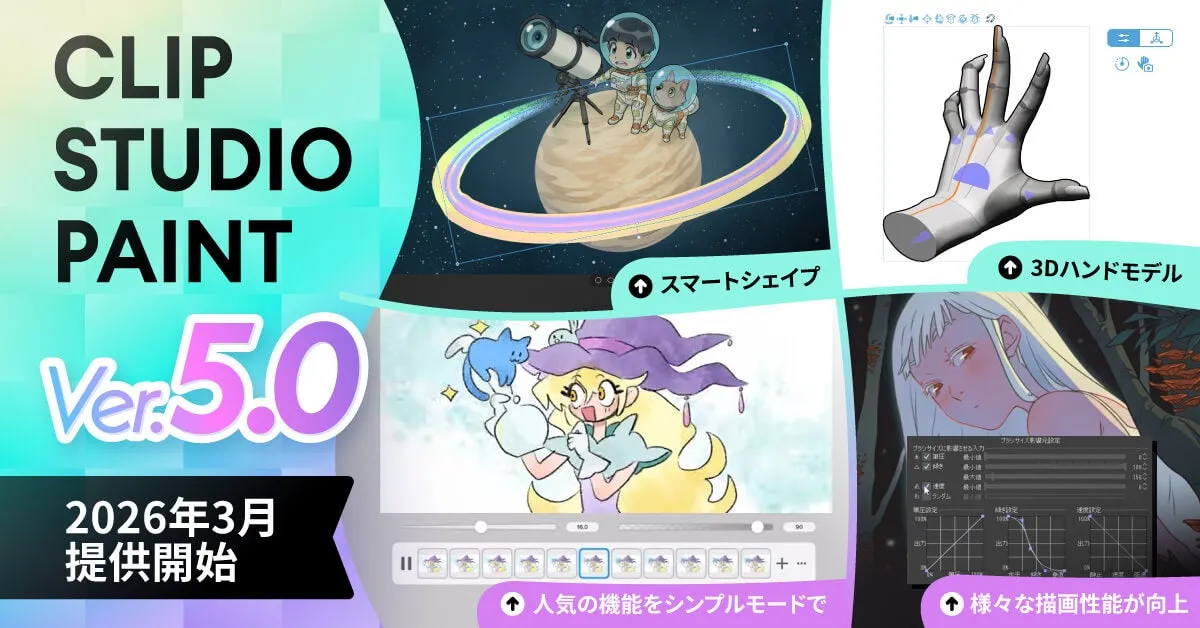
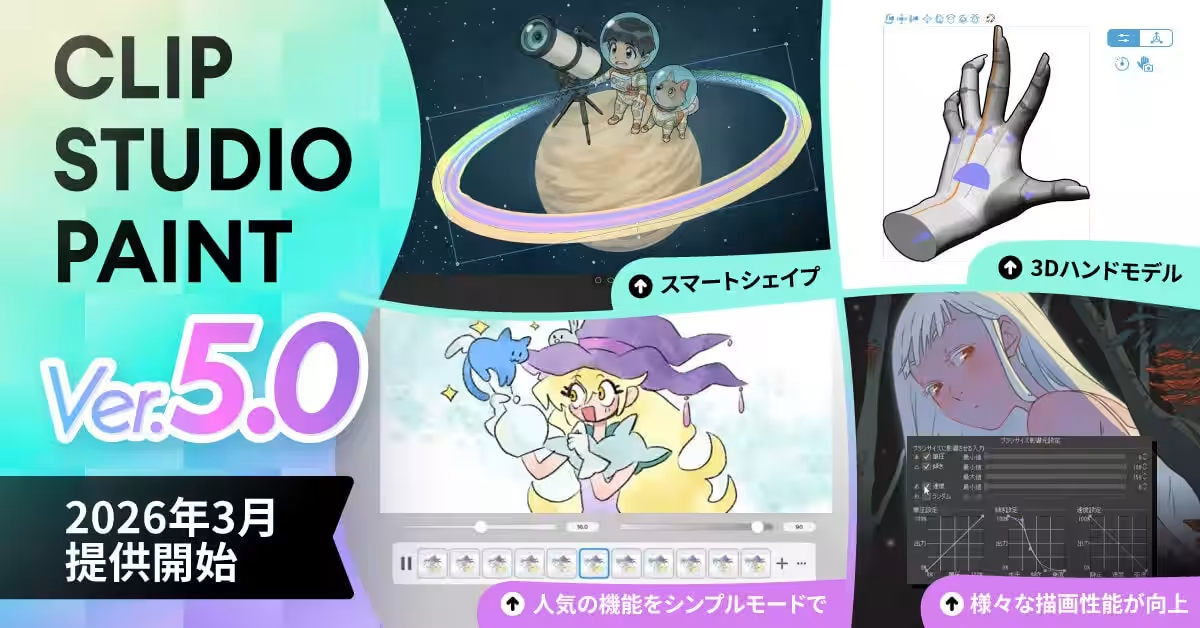
CLIP STUDIO PAINT Version 5.0 Set to Launch in March 2026 with Exciting New Features
Exciting Launch of CLIP STUDIO PAINT Version 5.0
CelSys, a leading name in creative software, is gearing up to launch CLIP STUDIO PAINT Version 5.0 in March 2026, which promises to be a game-changer for artists, illustrators, and animators alike. With a suite of new features alongside performance enhancements, this update aims to elevate the digital creation experience significantly.
Key Features of Version 5.0
The 5.0 version boasts a wide array of new functionalities and improvements that cater to both seasoned professionals and upcoming creators. Below are some highlights of what users can expect:
Enhanced Drawing Functions
Smart Shape Tool
A revolutionary addition, the Smart Shape Tool allows artists to effortlessly create perfect lines, curves, and shapes without switching tools. This not only streamlines the workflow but also keeps the pen and brush texture intact, enhancing the overall drawing speed and quality.
Upgraded 3D Functions
3D Hand Models
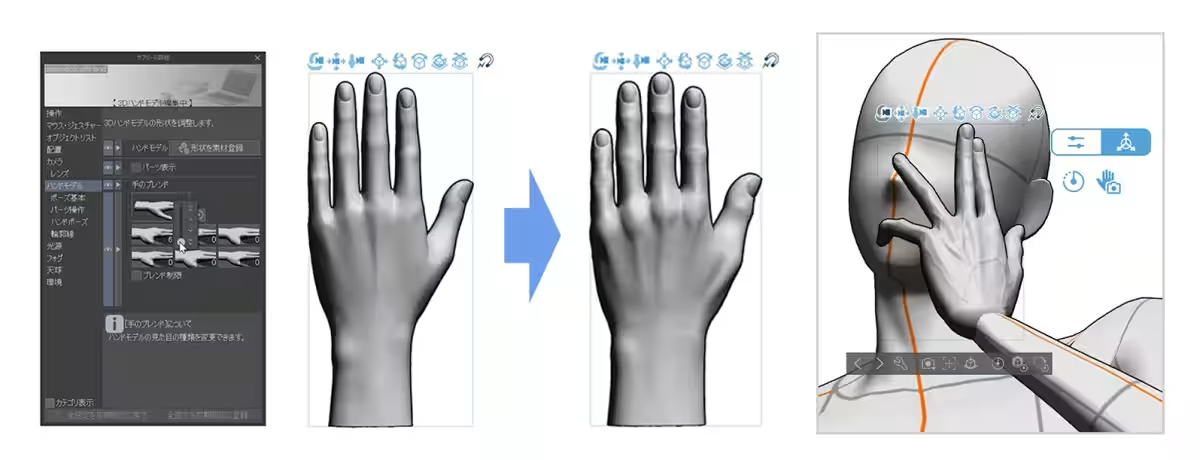
This version introduces high-quality 3D hand models that artists can refer to for creating realistic hand illustrations. The intuitive controls facilitate easy manipulation, allowing characters to adapt their hand shapes easily. Additionally, users can quickly pose their characters using hand pose materials or the hand scanner for efficient workflow.
Improved Interface and Usability
Workspace & Palette Enhancements
The interface has undergone significant improvements, such as integrating sub-tools into the main tool menu, simplifying the user experience by reducing complexity. Users can now select tool icons to automatically expand related palettes, making navigation smoother than ever.
Performance and Creative Experience
Sequential Clip File Saving
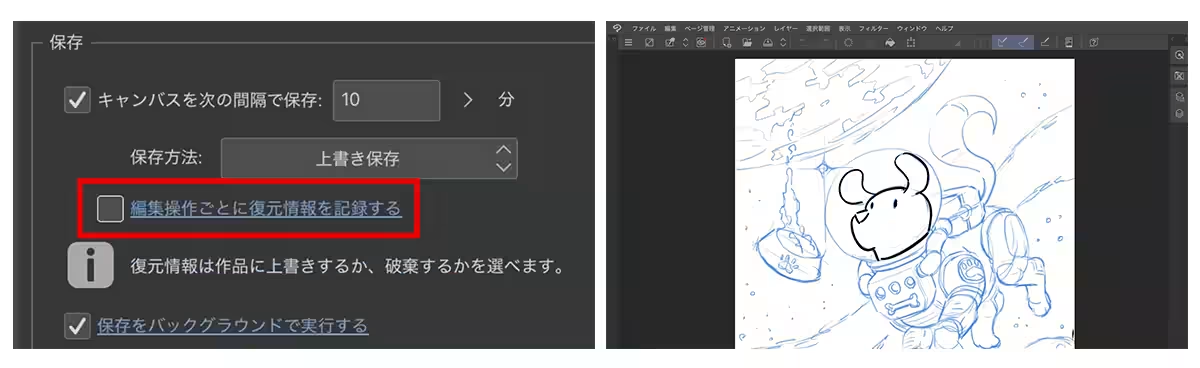
A key feature is the sequential saving of clip files, which ensures users do not lose their work. If the application unexpectedly closes, users can resume right from where they left off upon restarting.
Moreover, enhancements that were previously provided in 2025 updates, like improved blur quality and faster fill capabilities, continue to reflect a commitment to enhancing drawing performance. Additional features include 3D model grouping, transformation functions improvements, and optimized color profile settings.
How to Access Version 5.0
Access to CLIP STUDIO PAINT Version 5.0 varies based on your current usage:
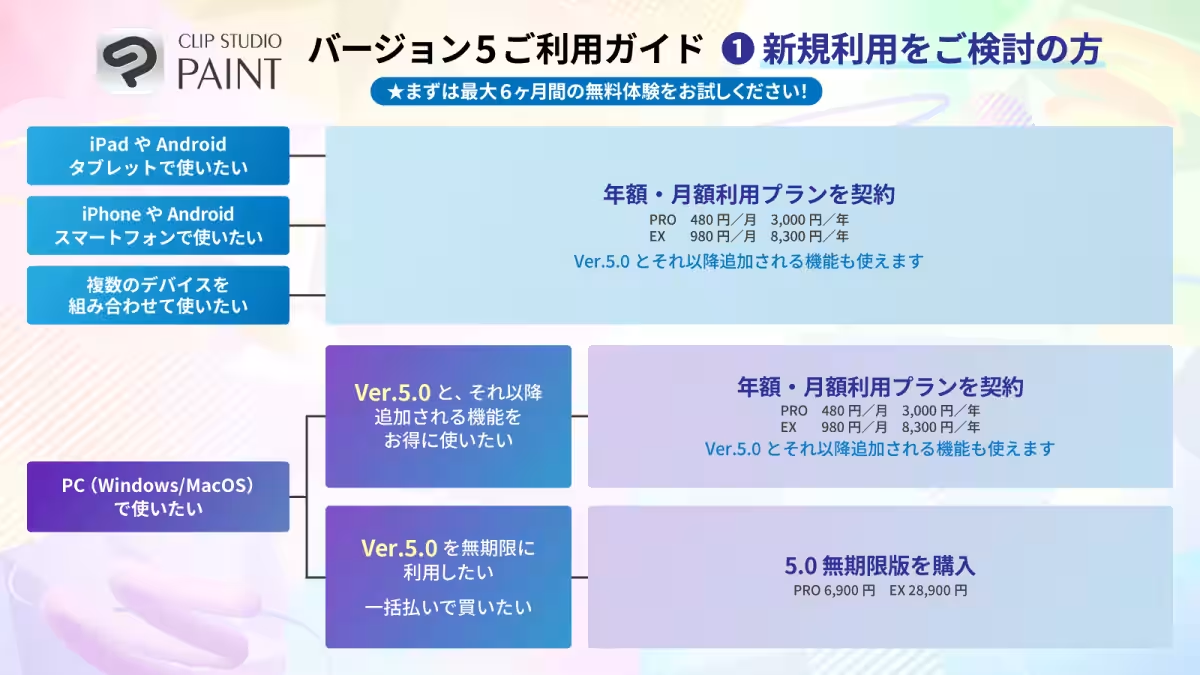
- - For New Users: New subscribers can opt for an annual or monthly subscription plan or purchase the permanent version of 5.0.
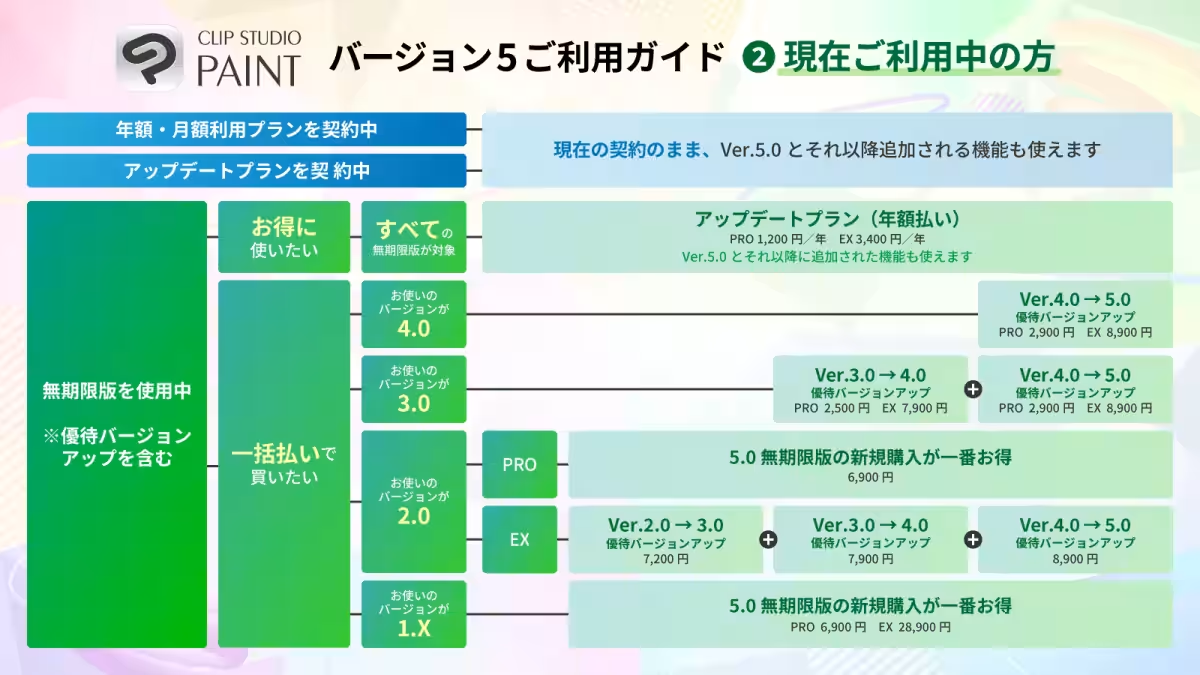
- - Current Users: Existing users on annual or monthly plans will receive the new features automatically. Those using version 4.0 will need to upgrade to access 5.0. Other upgrade options are also available.
Please refer here for more details on access methods.
Pricing Information
With the release of CLIP STUDIO PAINT 5.0, the following pricing is established:
- - CLIP STUDIO PAINT PRO:
- Boxed version: ¥9,240
- Upgrade from Version 4.0 to 5.0: ¥2,900
- - CLIP STUDIO PAINT EX:
- Boxed version: ¥38,720
- Upgrade from EX Version 4.0 to 5.0: ¥8,900
- Upgrade from PRO Version 4.0 to 5.0: ¥24,900
CLIP STUDIO PAINT is utilized by over 60 million users worldwide, from entry-level creators to professional manga artists, illustrators, and animators. Compatible across devices like iPad, Android, Windows, macOS, and iPhone, it offers a delightful drawing experience with robust capabilities.
About CelSys
CelSys is dedicated to providing tools that empower creators within the expanding creator economy. The company plans to support various activities on the CREATOR JOURNEY, aiming to connect diverse dreams and visions into a more colorful world. For more information on CelSys, visit our corporate site.
For inquiries, contact:
CelSys Public Relations: [email protected]
- ---

Topics Entertainment & Media)



【About Using Articles】
You can freely use the title and article content by linking to the page where the article is posted.
※ Images cannot be used.
【About Links】
Links are free to use.