



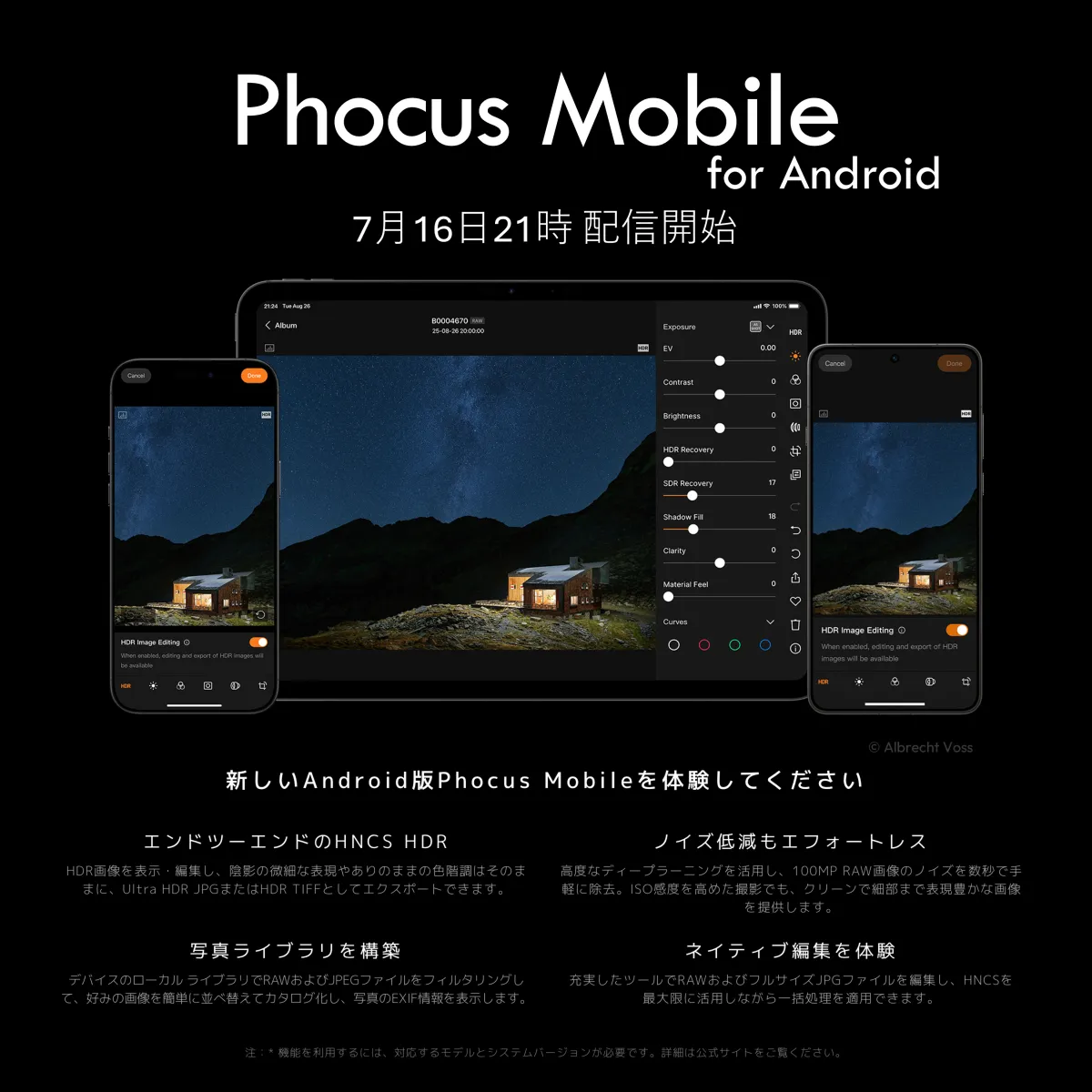
Hasselblad Launches Android-Compatible Phocus Mobile App for Image Editing and Management
Hasselblad's Phocus Mobile for Android: A New Era for Mobile Photography
On July 16, 2026, Hasselblad, renowned for its high-end cameras, officially launched the Android version of its image editing and management app, Phocus Mobile. Previously available only for iOS devices, this app now brings powerful features to Android users, allowing for seamless editing and management of images captured with Hasselblad cameras.
Unveiling Phocus Mobile on Android
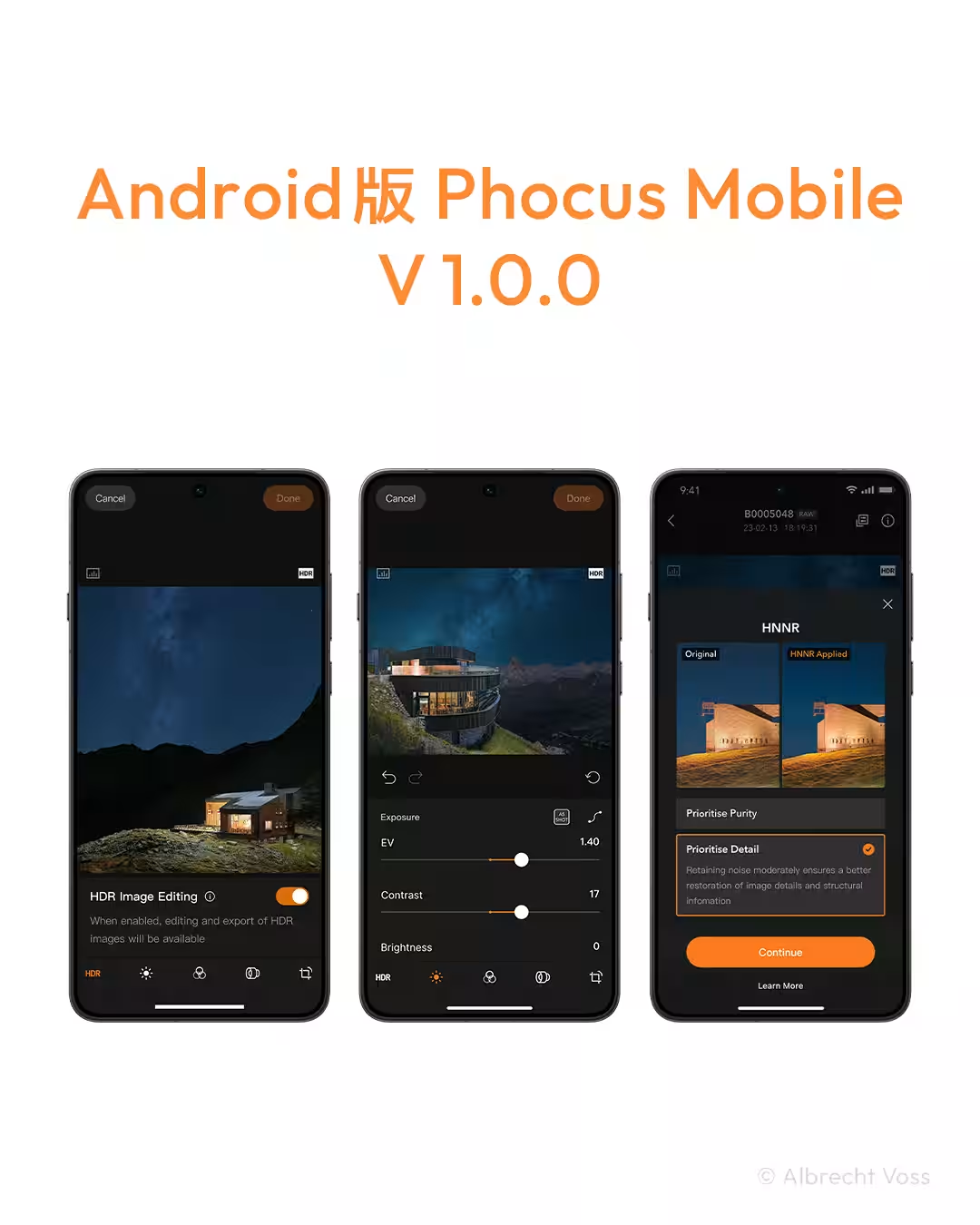
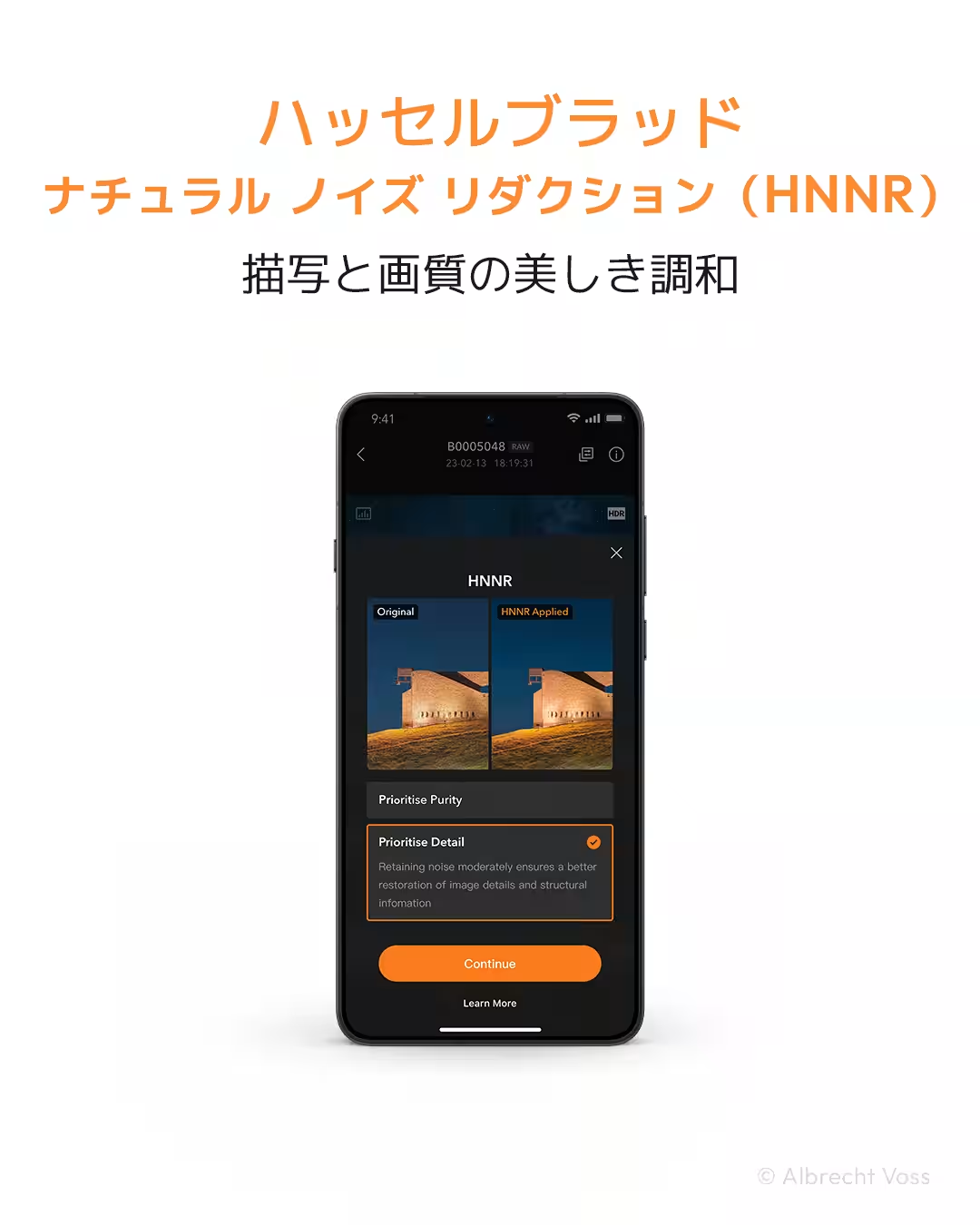
Developed by Sekido, Hasselblad's exclusive dealer in Japan, the Android version of Phocus Mobile unlocks a suite of advanced functionalities previously only accessible to iOS users. This includes the ability to process RAW files, edit images, and efficiently manage shooting data. A standout feature of the app is the incorporation of the Hasselblad Natural Noise Reduction (HNNR) based on deep learning technology, which helps to reduce noise in images while preserving critical details.
Exploring Key Features
Phocus Mobile for Android is engineered for users to effortlessly edit and manage images directly from their mobile devices. A highlight of this app is its compatibility with an end-to-end Hasselblad Natural Color Solution (HNCS) HDR workflow. This enables users to leverage Hasselblad's exceptional color reproduction capabilities even in mobile environments.
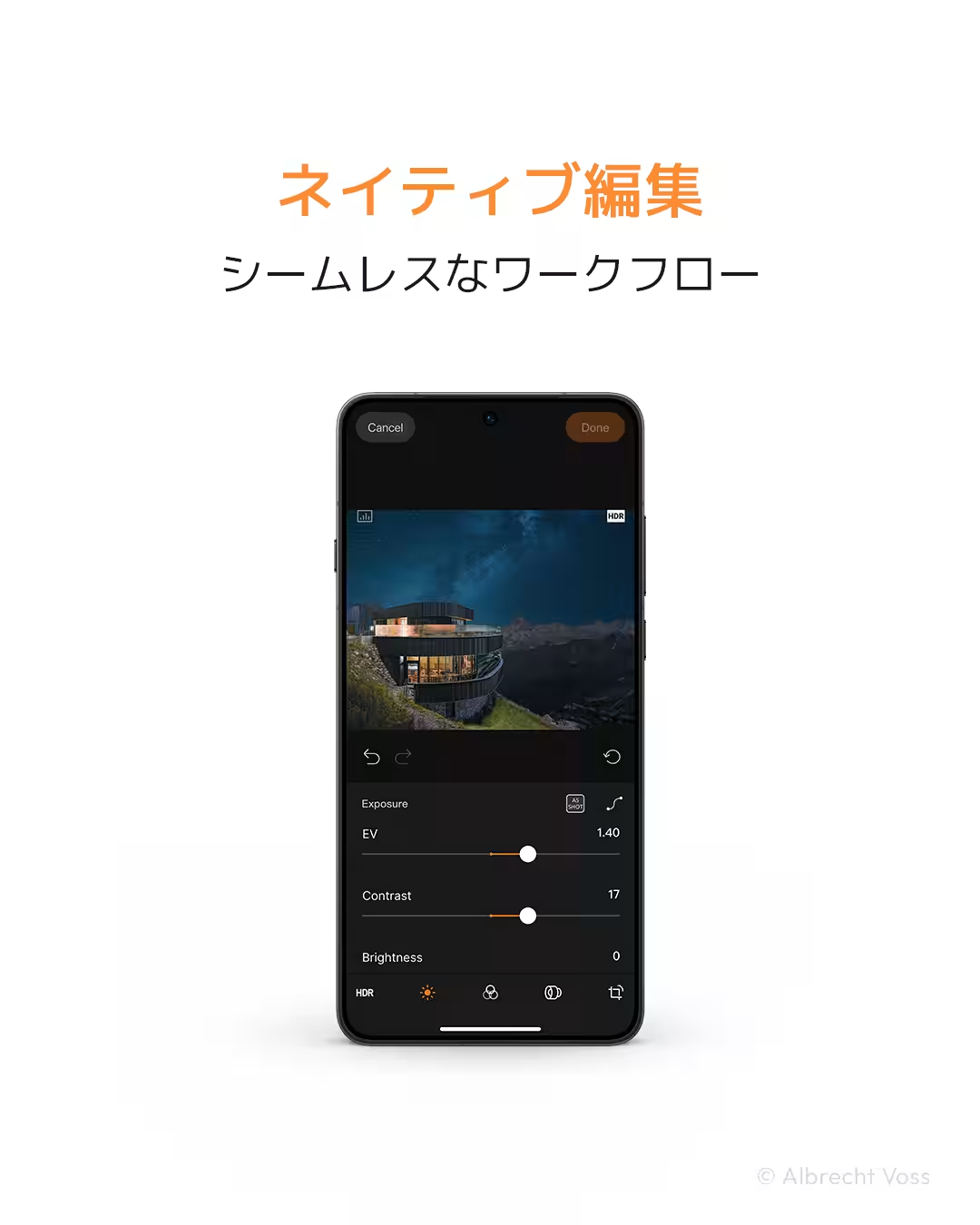
In addition to editing capabilities, photographers can import and manage various image formats such as RAW, HEIF, and full-sized JPG files. Essential editing features such as exposure adjustment, white balance correction, lens correction, and cropping are at users’ fingertips. Hasselblad’s unique image processing technology ensures that natural color tones and smooth gradients are retained, creating stunning visuals that tell impactful stories.
Advanced Noise Reduction with HNNR
Hasselblad's Natural Noise Reduction (HNNR) is a cutting-edge AI-driven feature tailor-made for medium-format cameras. This technology excels at reducing noise while maintaining the image's natural texture and details. Impressively, it processes 100-megapixel RAW images in approximately 15 seconds. Users can select from two modes—'Purity' for quality-focused results and 'Detail' for enhanced depiction—allowing for tailored processing based on desired outcomes.
Seamless Workflow with Hasselblad Library
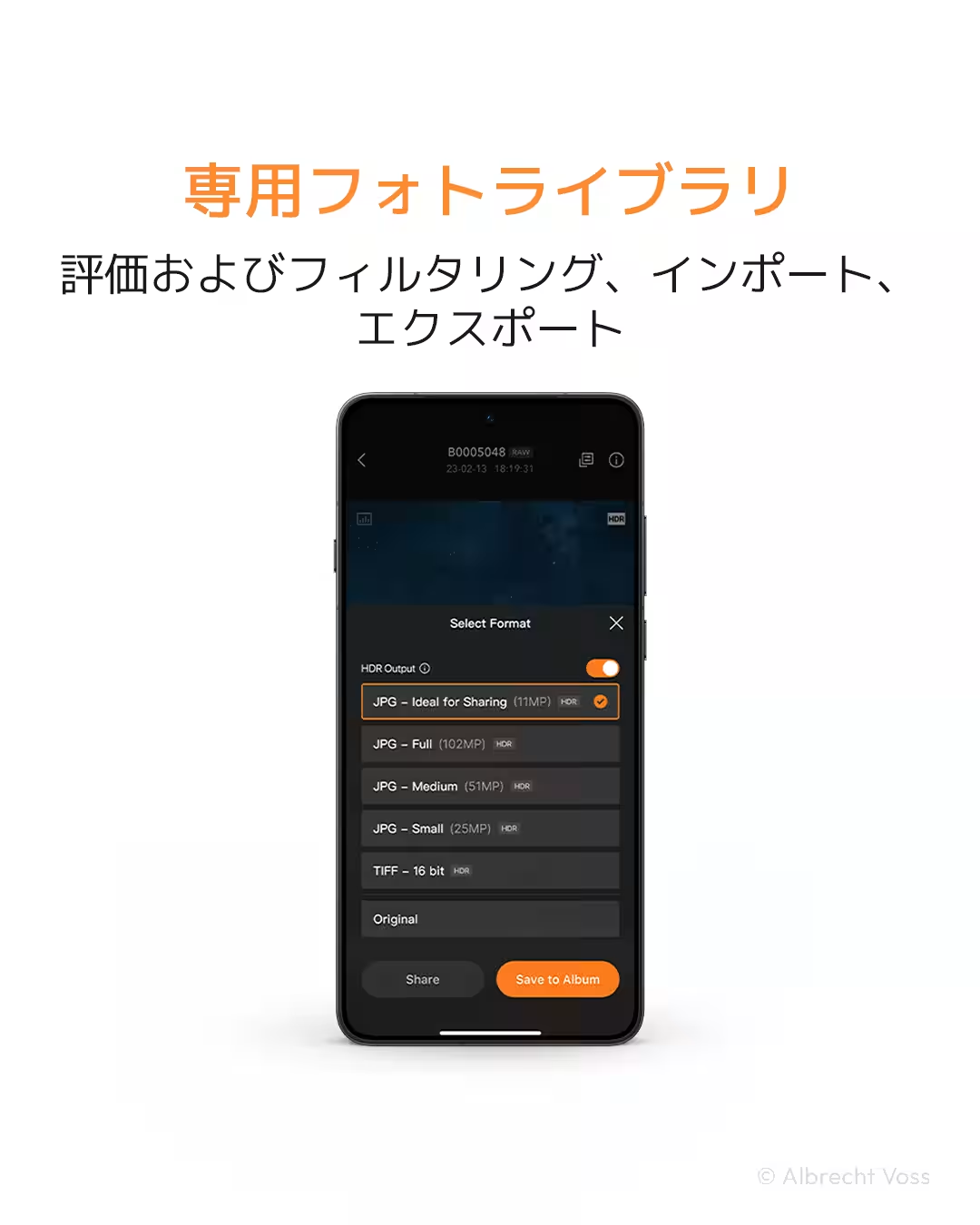
The app also includes a dedicated photo library feature, enabling users to import images captured by their cameras via Wi-Fi or wired connections. The output formats supported include JPG, TIFF, HEIF, and 3FR RAW, ensuring flexibility in how images are exported. Additionally, capabilities like HDR JPG output, art frame additions, and signature applications are integrated within the app. Photographers can also evaluate and filter their images along with accessing EXIF information directly from their devices.
Firmware Update for Hasselblad X2D II 100C
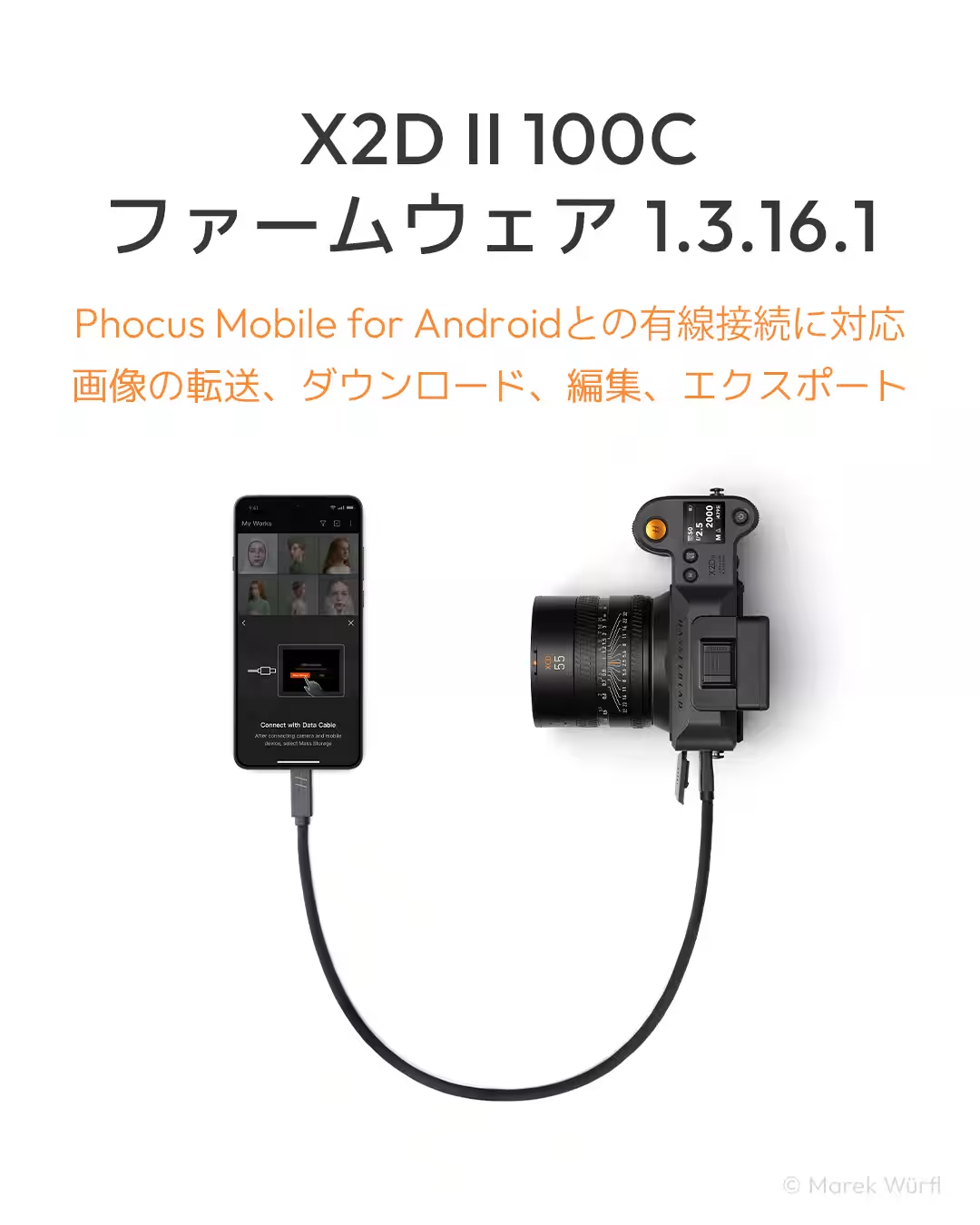
Coinciding with the launch of Phocus Mobile for Android, Hasselblad has rolled out an important firmware update (Version 1.3.16.1) for the X2D II 100C camera. This update introduces wired connectivity support for seamless data transfers, enabling image downloads, editing, and exports via a data cable—enhancing the overall user experience and productivity.
About Hasselblad
Headquartered in Sweden, Hasselblad has been a hallmark in the world of photography since 1941, inspiring photographers with high-quality cameras that capture iconic images throughout history—most notably documenting humanity's first lunar landing. With over 80 years of innovation, Hasselblad continues to expand the boundaries of storytelling through imagery, driven by superior image quality, exquisite Scandinavian design, and precise technology.
For more details about Phocus Mobile, visit Hasselblad's website.

Topics Consumer Technology)
【About Using Articles】
You can freely use the title and article content by linking to the page where the article is posted.
※ Images cannot be used.
【About Links】
Links are free to use.