



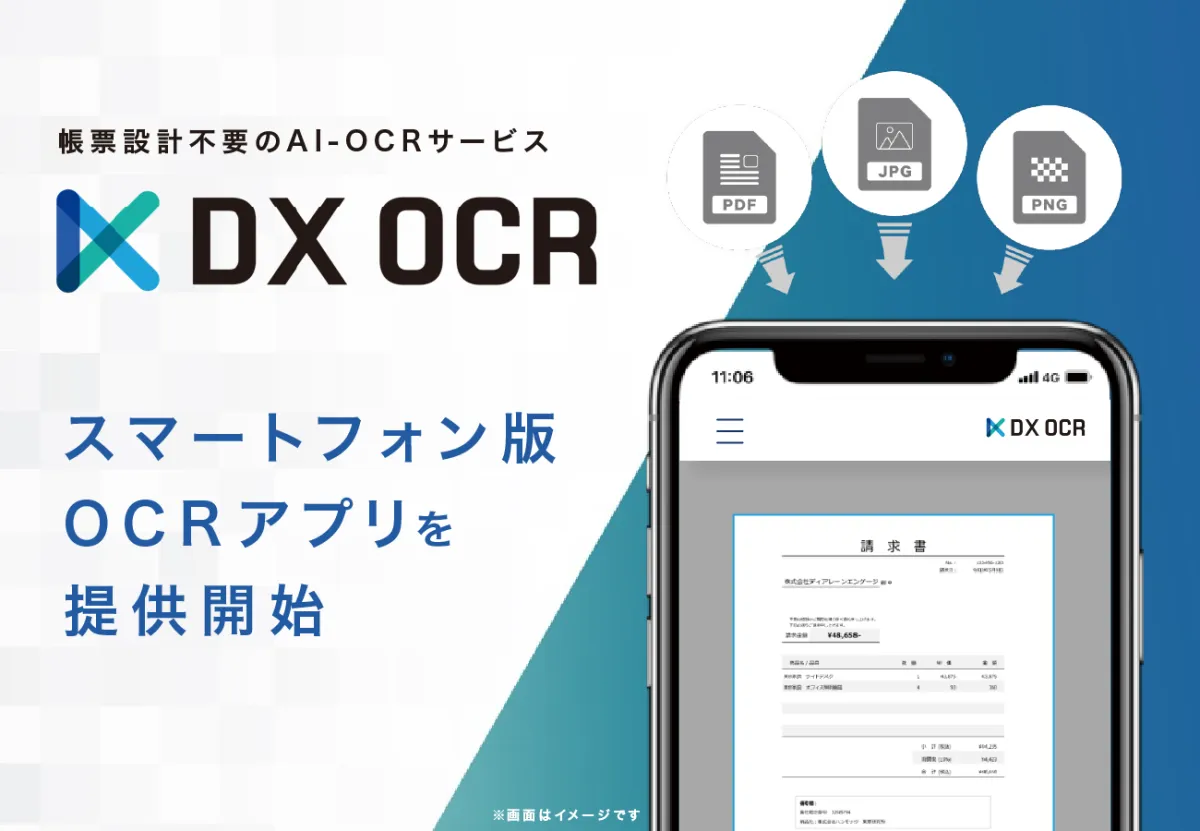
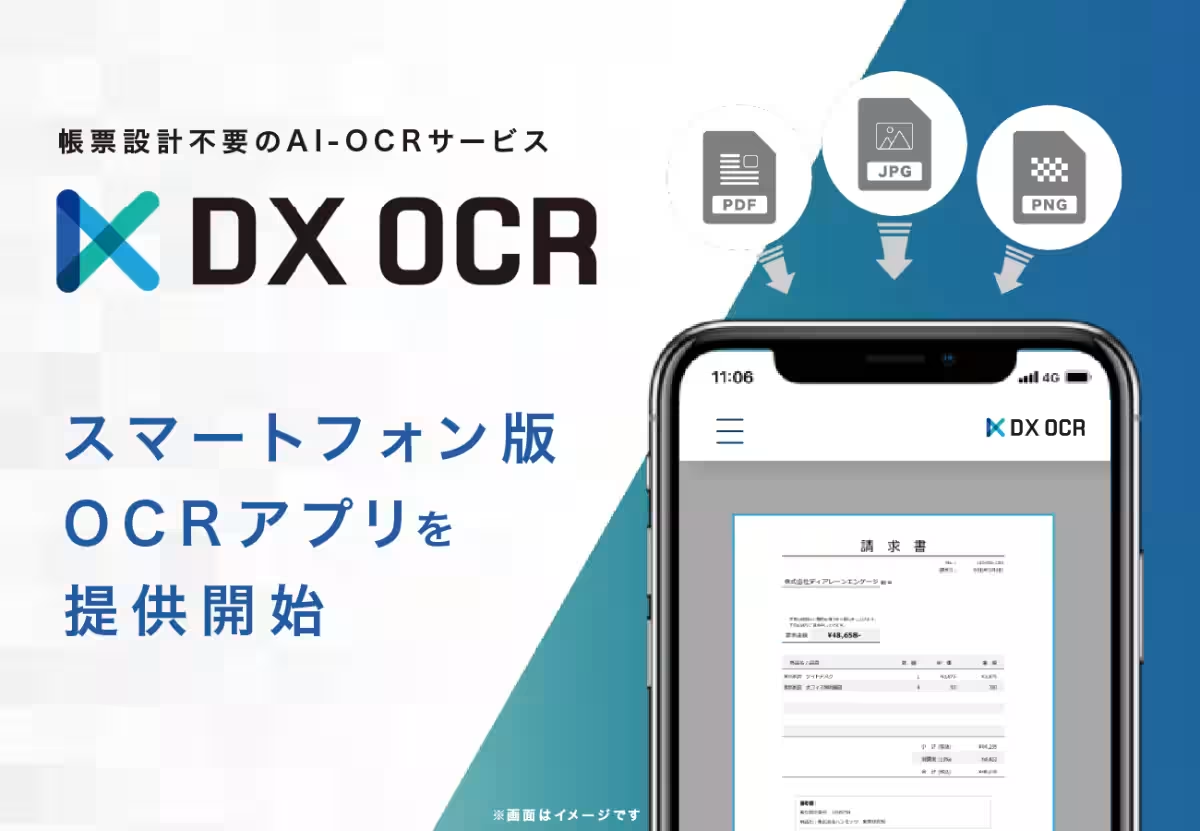
Hammock Launches Smartphone App for Its No-Design AI-OCR Service DX OCR
Introducing the DX OCR Smartphone App
In an age where digital transformation is paramount, Hammock Inc. has taken a significant leap forward with the launch of its smartphone app for the AI-OCR service, DX OCR. The app is designed to eliminate the need for document design, making the process of digitizing paper documents as simple as capturing a photo. This user-friendly approach enables individuals to utilize OCR technology anytime and anywhere, ultimately enhancing the productivity of data entry tasks.
Background of the Launch
The DX OCR service was developed to streamline manual data entry, a task often riddled with inefficiencies. Traditionally, users were required to use multi-functional devices or scanners to convert paper documents into digital formats, limiting their capability to work only in specific locations – typically where the devices were set up. This posed challenges in various scenarios, including remote working or fieldwork, often delaying the needed conversion of documents. Consequently, the burden on data entry personnel increased significantly, hampering overall productivity. The limitations of needing to share folders and conduct intermediary processes to link scanned data to OCR further complicated the workflow, impacting the efficiency of operations across industries.
In response to these challenges, Hammock launched the smartphone version of its OCR application. This innovation enables users to snap images of documents directly with their smartphones, thus facilitating seamless OCR processing that is not restricted by the location of hardware like scanners.
Key Features of the Smartphone App
The new app allows users to instantly convert paper documents into digital data by simply taking a photo with their smartphones. This breakthrough ensures that users are no longer tied to a specific work environment; whether at home or out in the field, the ability to digitize documents flexibly is a game-changer.
Moreover, images captured using the app are automatically uploaded to the cloud, triggering the OCR process without requiring any cumbersome settings that were previously necessary for scanning tasks or data linking. This advancement not only accelerates the workflow but also enhances practicality, making it highly suitable for various on-site uses.
Since the original release of DX OCR, which boasted the latest AI-driven OCR engine technology in October 2024, the service has already seen significant adoption. The launch of the smartphone app further expands the potential applications of OCR, ensuring that users can utilize this tool across more diverse operational contexts, ultimately enhancing productivity in data entry.
About DX OCR
DX OCR is a cutting-edge AI-OCR service that transforms images of all kinds, including handwritten text, into structured data without the need for document design or intricate setups. As part of their commitment to digital transformation, the service provides the ability to extract vast amounts of information buried in paperwork and images, thus achieving efficiency and automation in organizational processes. Compatible with a wide array of multi-functional devices and scanners, DX OCR serves a broad clientele, meeting diverse operational needs with ease and effectiveness.
About Hammock Inc.
Hammock Inc., a corporate software manufacturer based in Shinjuku, Tokyo, envisions creating new experiences through the power of technology, with a commitment to foster a society where every individual can shine. By addressing challenges and needs through IT solutions, Hammock aims to deliver unique functionalities in high quality, speed, and at fair prices.
- - Company Website: Hammock Official
- - Location: Shinjuku, Tokyo, Japan
- - President: Daisuke Wakayama
- - Founded: April 1, 1994
- - Capital: ¥83,860,000
For more information on their services, including DX OCR, visit here.


Topics Consumer Technology)
【About Using Articles】
You can freely use the title and article content by linking to the page where the article is posted.
※ Images cannot be used.
【About Links】
Links are free to use.