



Revolutionizing Document Scanning with the New A3 Monitor Scanner from Sanwa Direct
Transform Your Document Scanning Experience with the New A3 Scanner
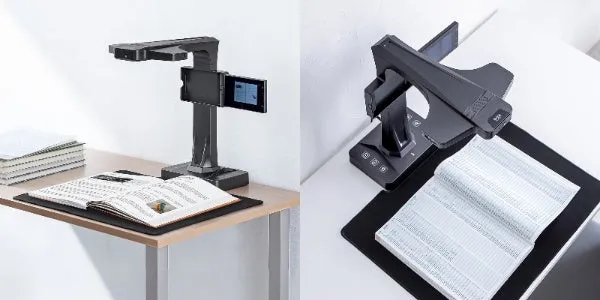
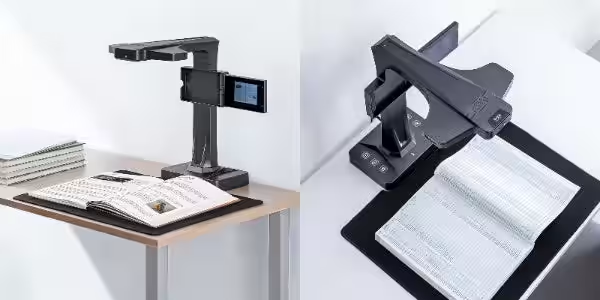
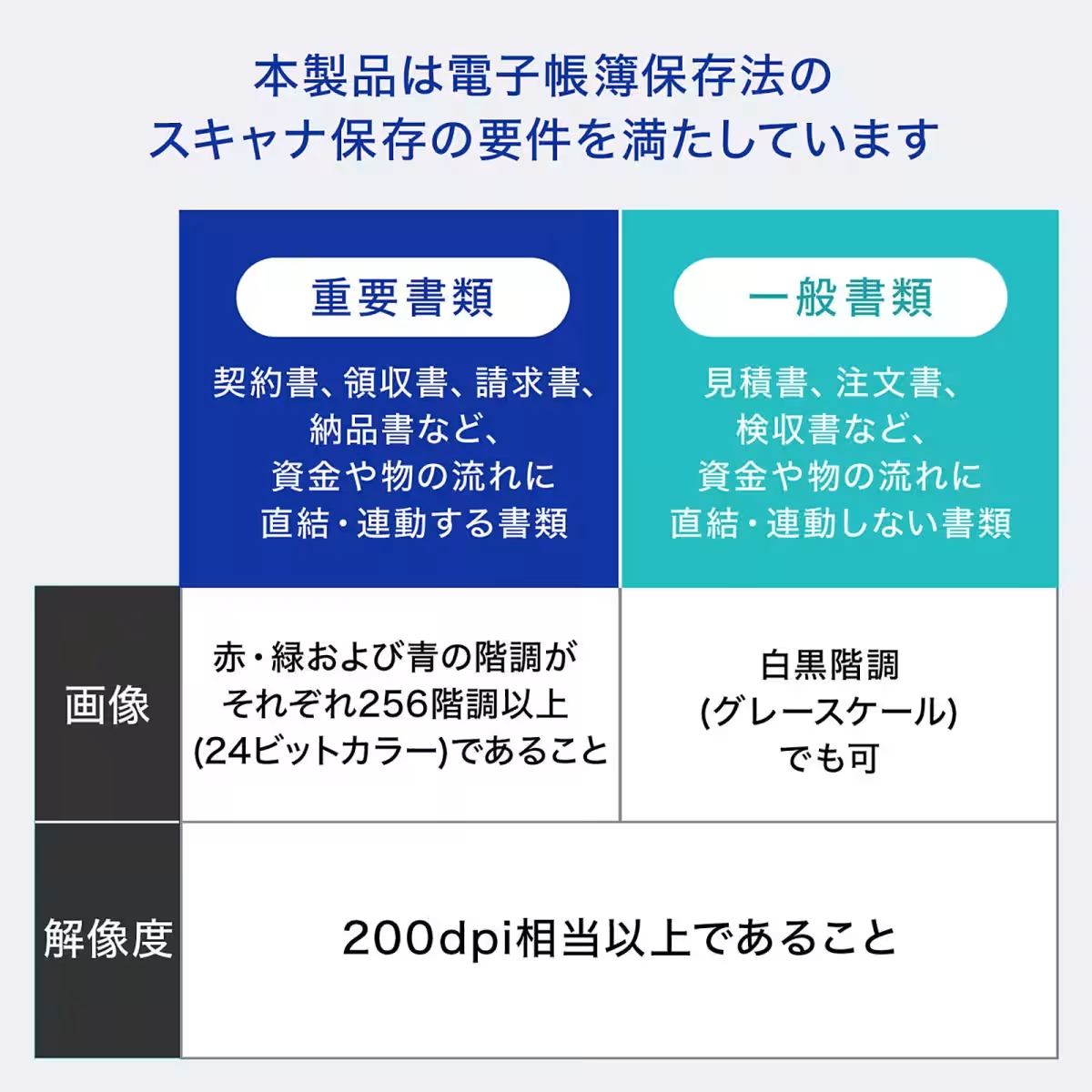
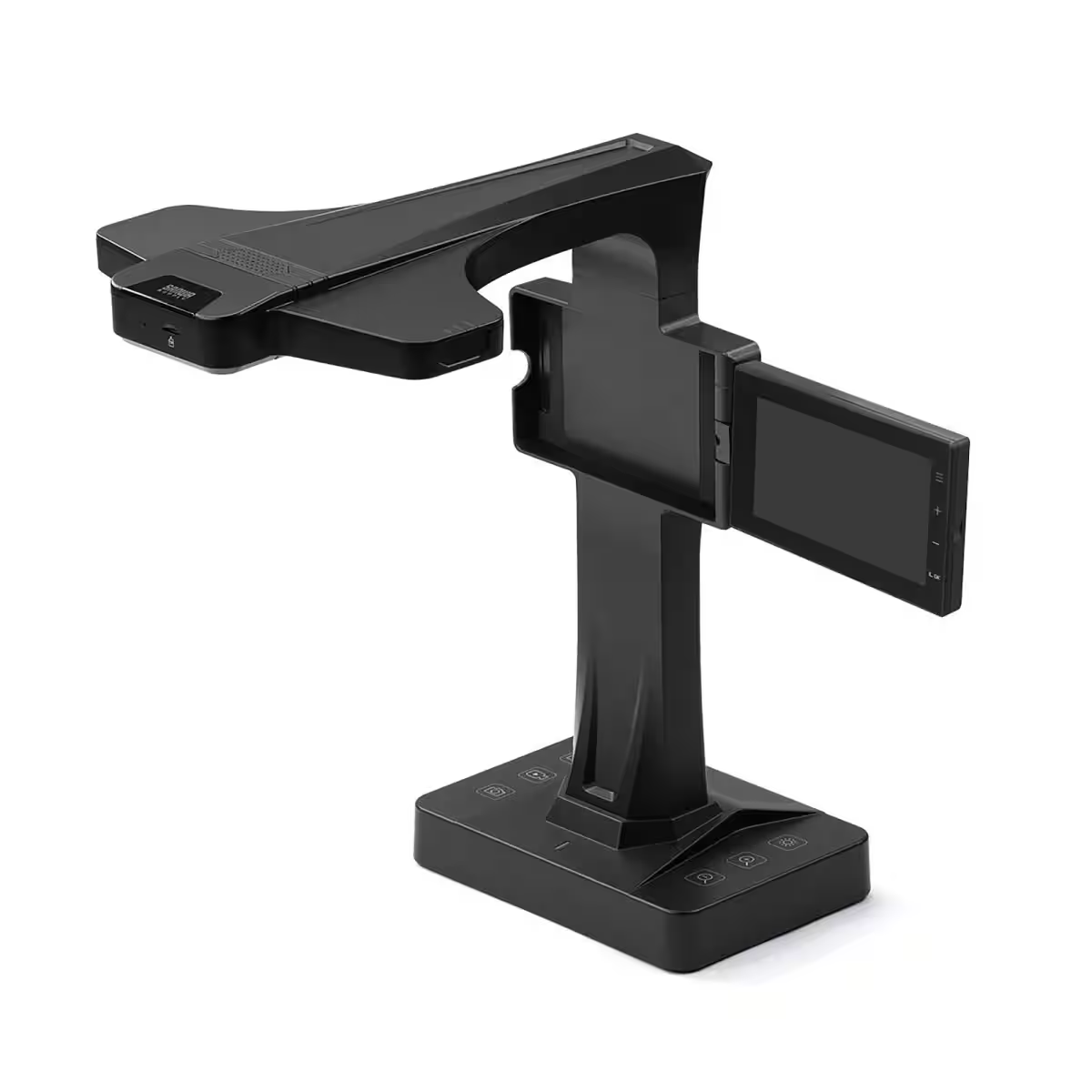
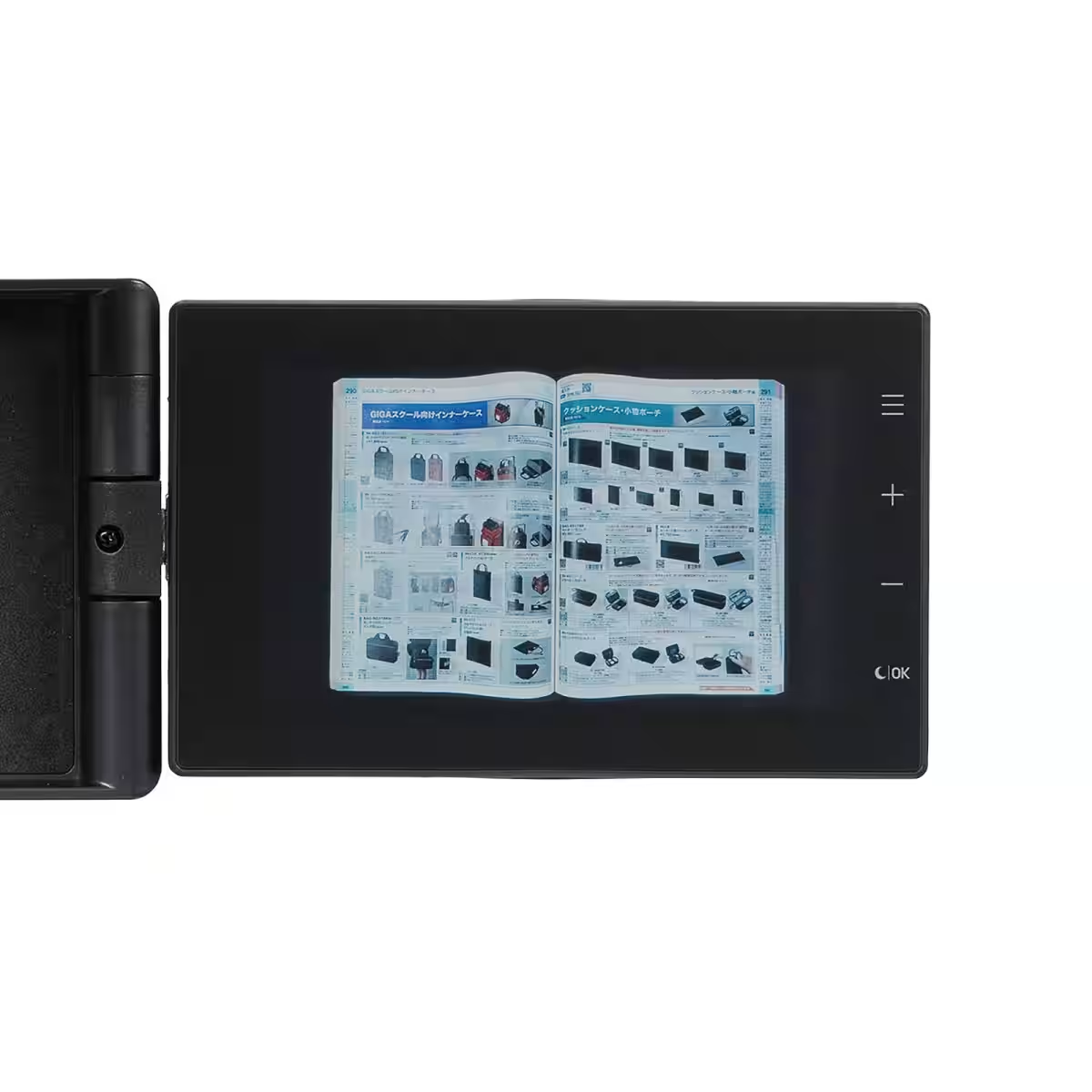
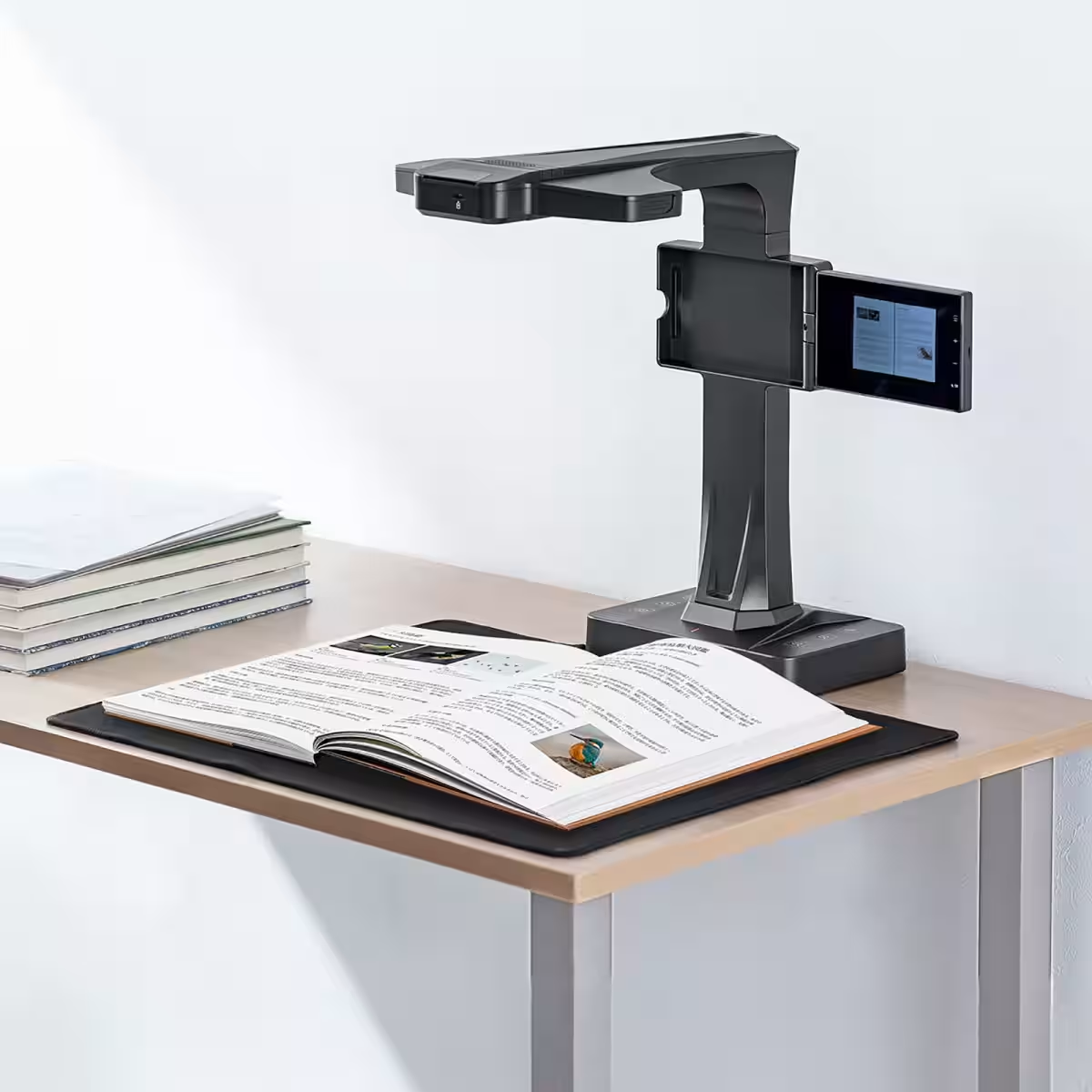
Sanwa Supply, a prominent name in document solutions based in Okayama, Japan, has recently launched an innovative product— the 400-SCN070 document scanner. This cutting-edge device revolutionizes how we approach scanning tasks, eliminating the need for a computer with its integrated monitor and versatile A3 size capacity.
Key Features
The new scanner boasts an impressive array of features designed to enhance usability and efficiency. Here’s what sets it apart:
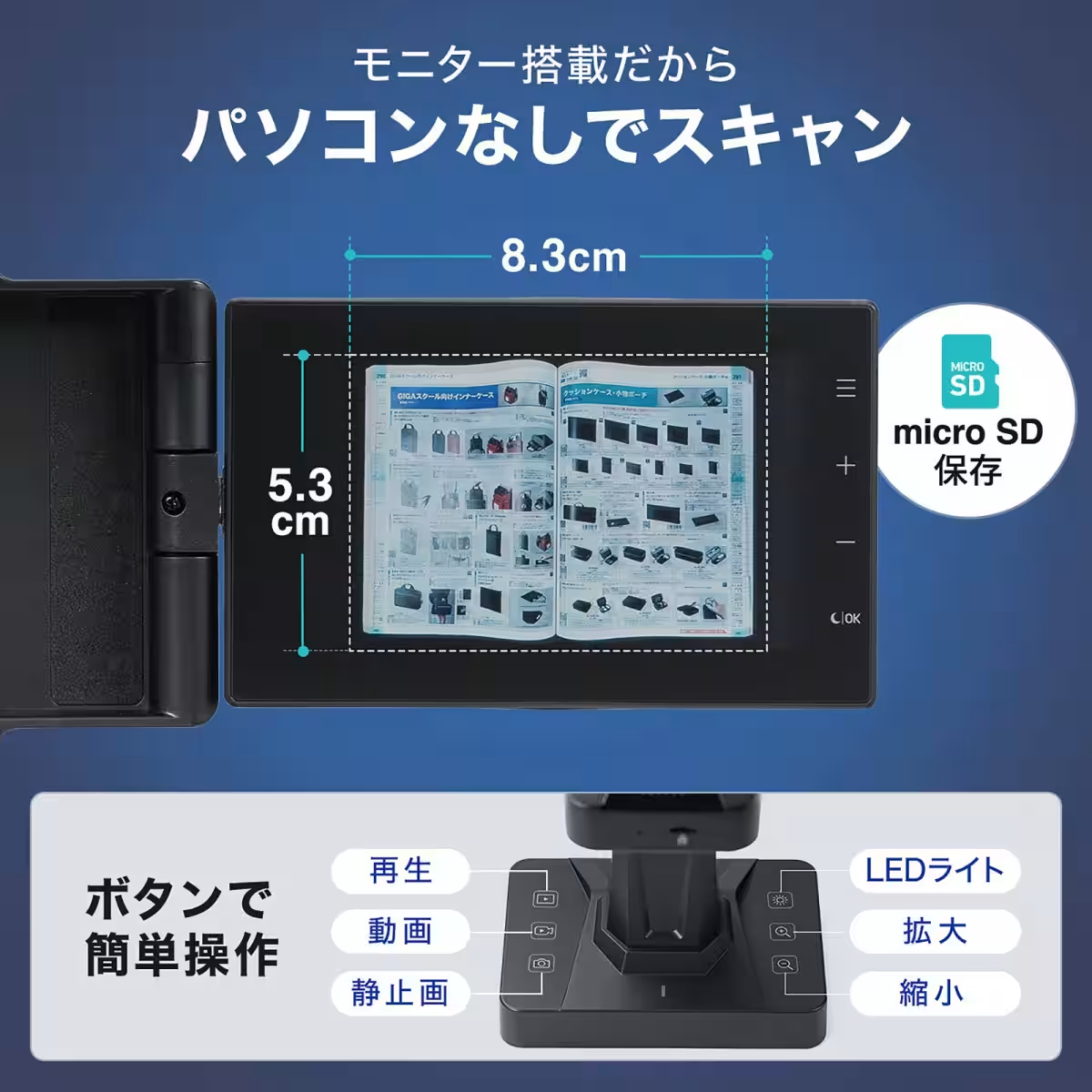
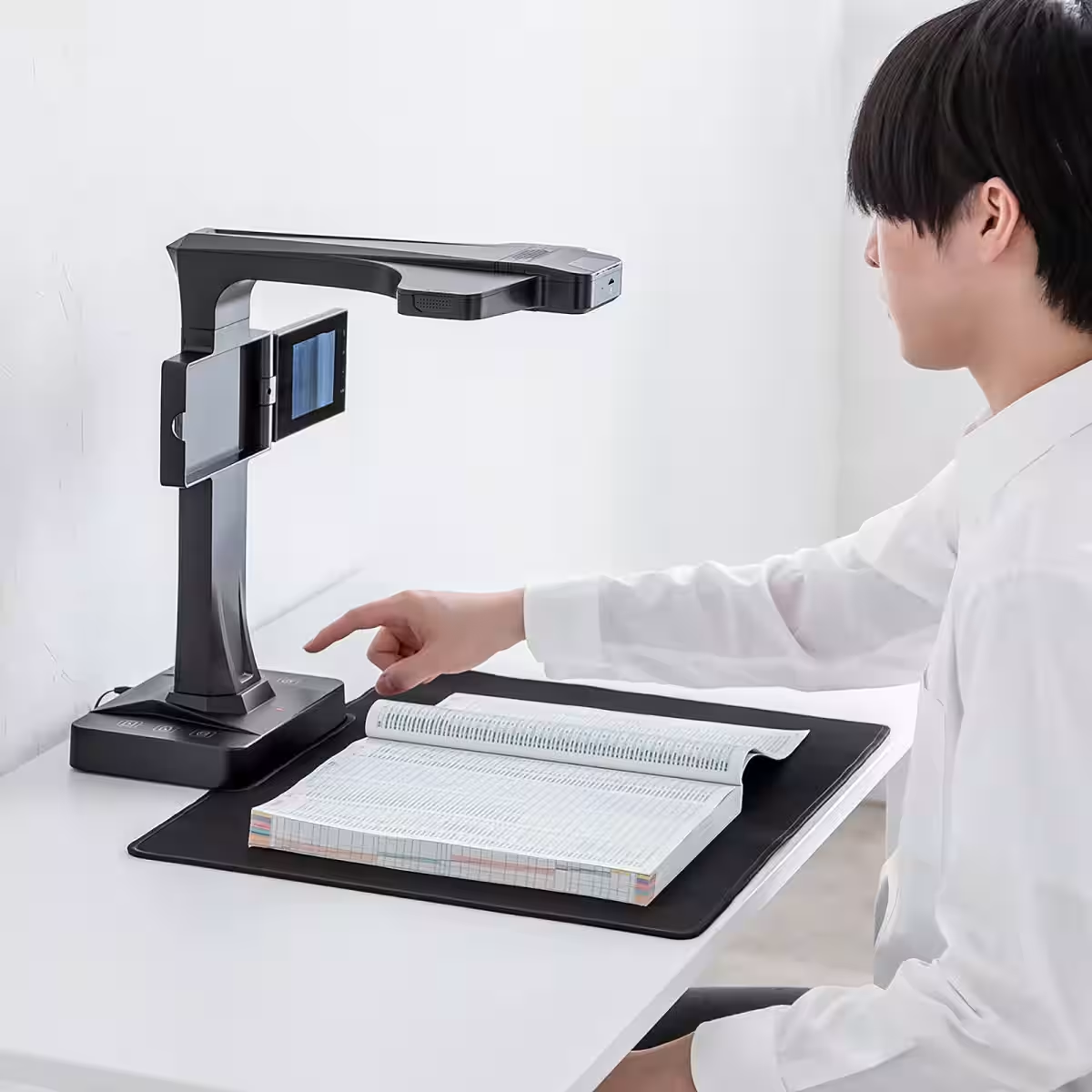
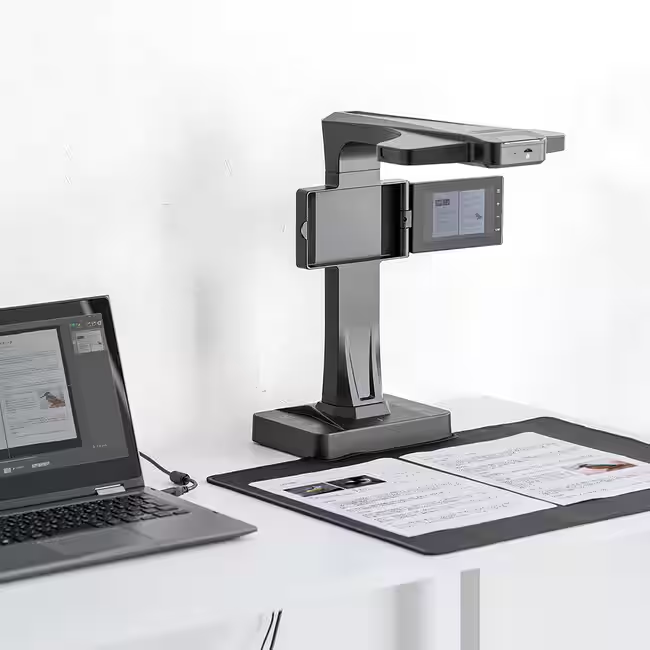
- - No Computer Required: The integrated LCD monitor allows users to complete scanning and data saving operations without the need for an external computer. This makes it not only convenient but also greatly efficient for everyday tasks. Just scan, save, and share!
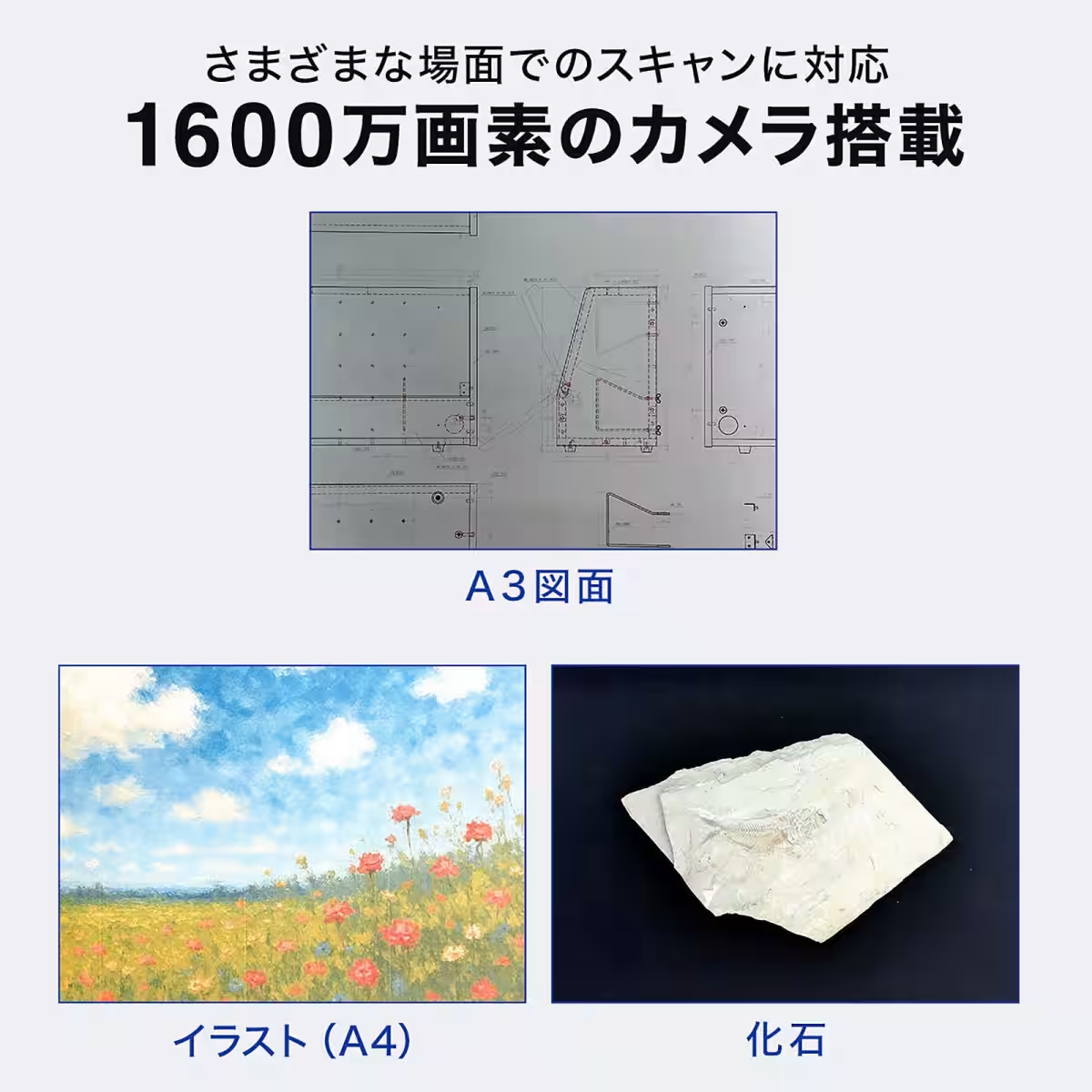
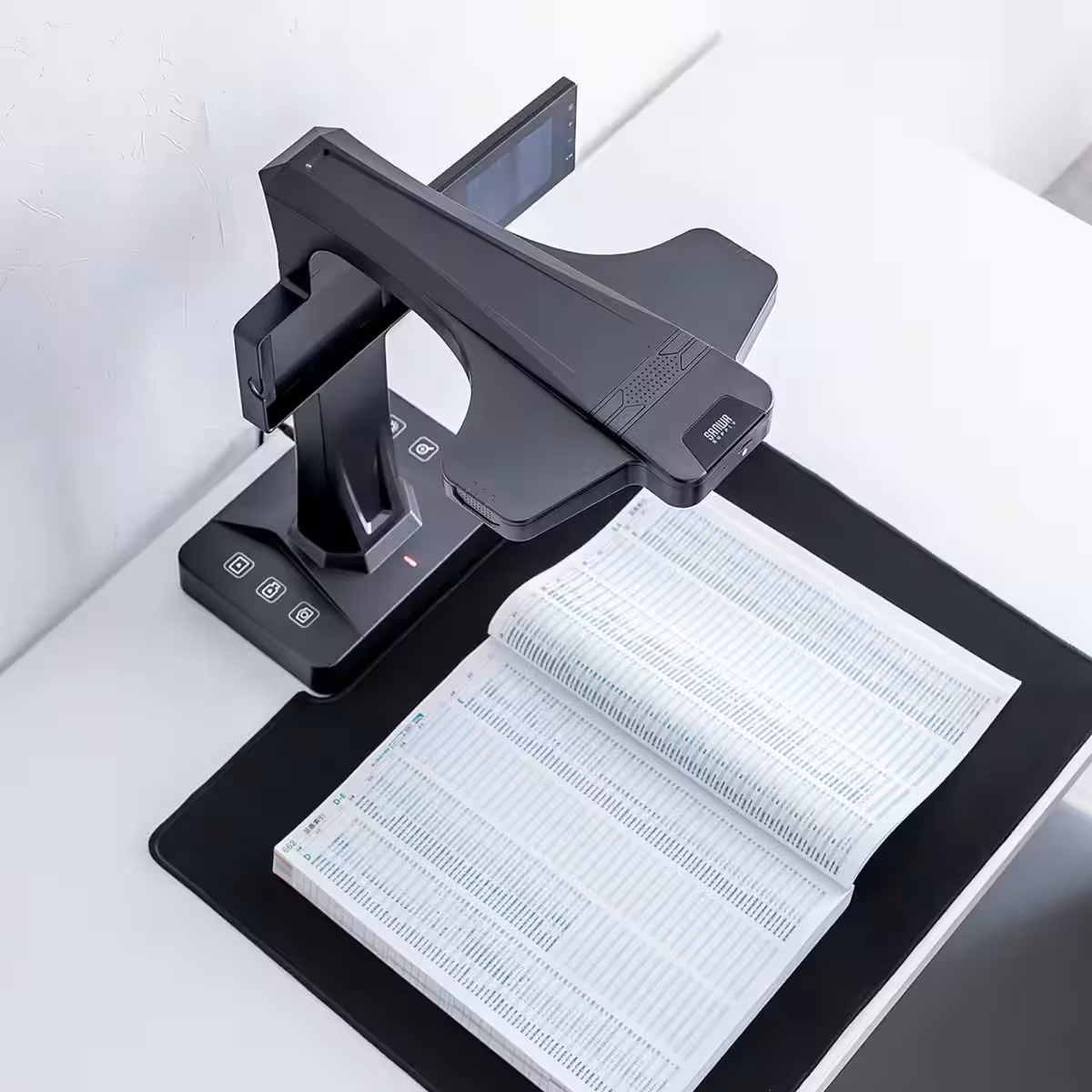
- - High Image Quality: With a 16-megapixel camera integrated into the scanner, users can achieve sharper and clearer images. This high-resolution capability ensures that every document, whether it’s text or intricate graphics, is digitized with precision and clarity.
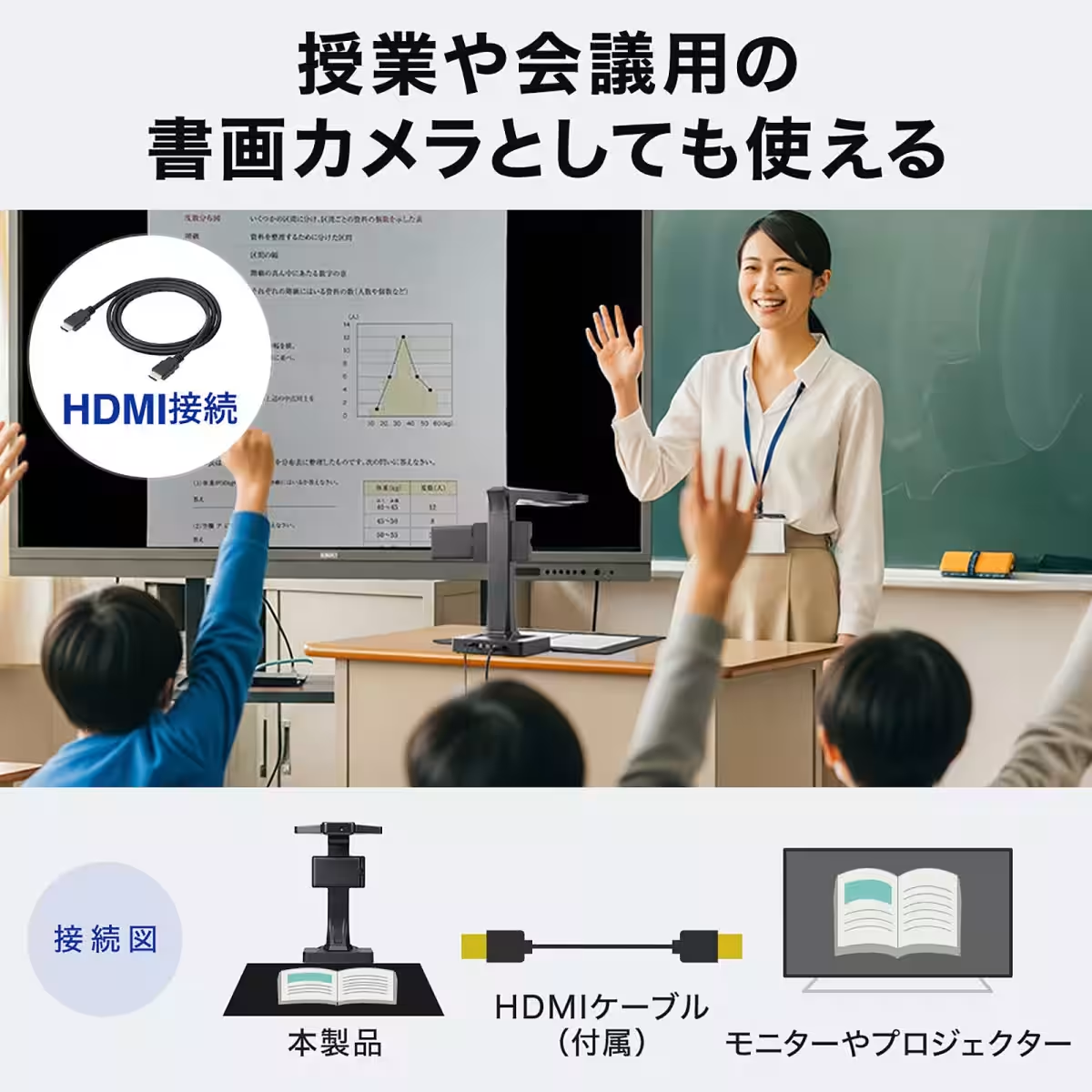
- - Multi-purpose Usage: This device isn't limited to simple document scanning. It can be utilized as a visual presenter or document camera during meetings and classroom sessions, making it a versatile tool for various settings.
For more details about the product, check out Sanwa Direct's official page: Document Scanner A3 Monitor 16MP priced at ¥77,091.
Comprehensive Specification
Convenient Scanning Features
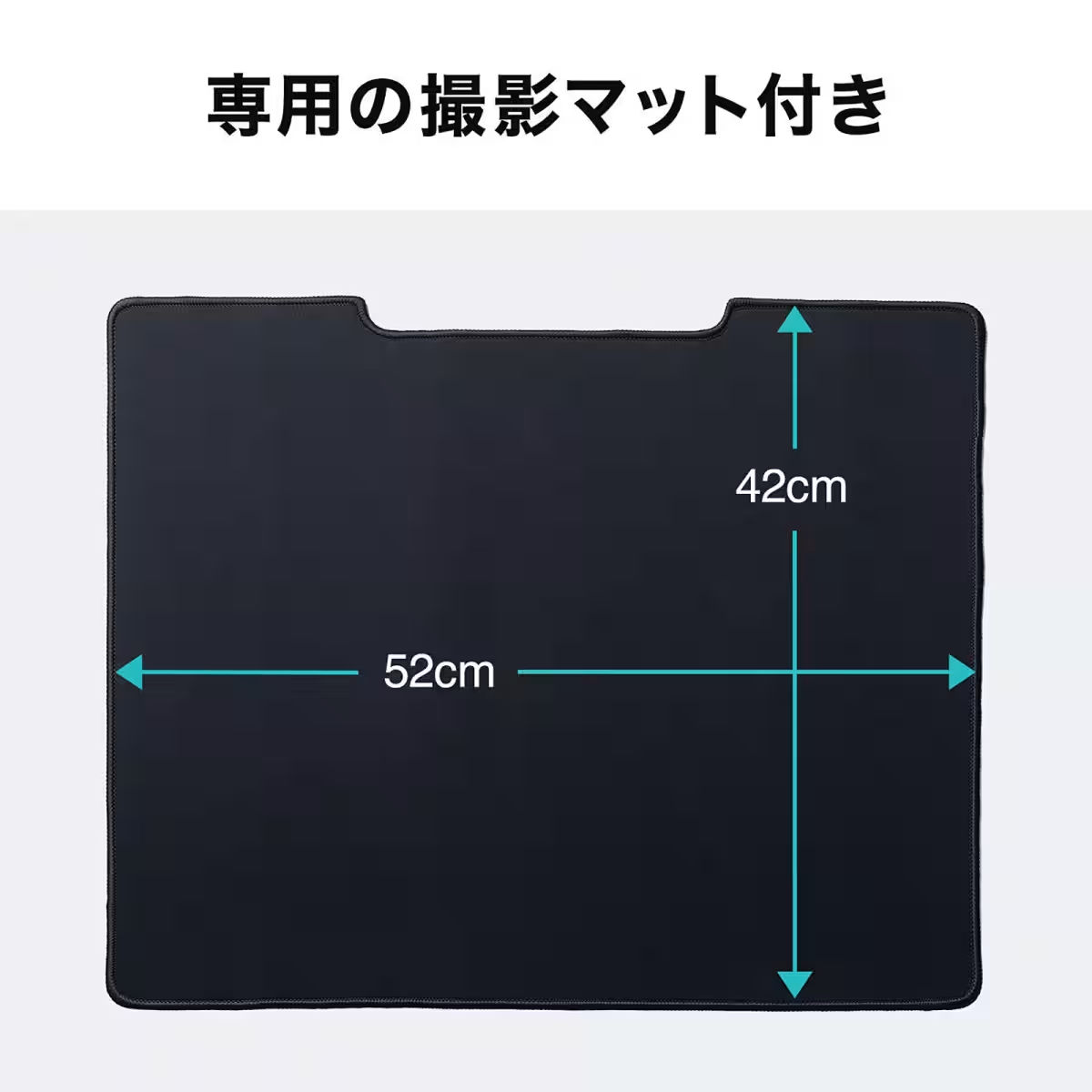
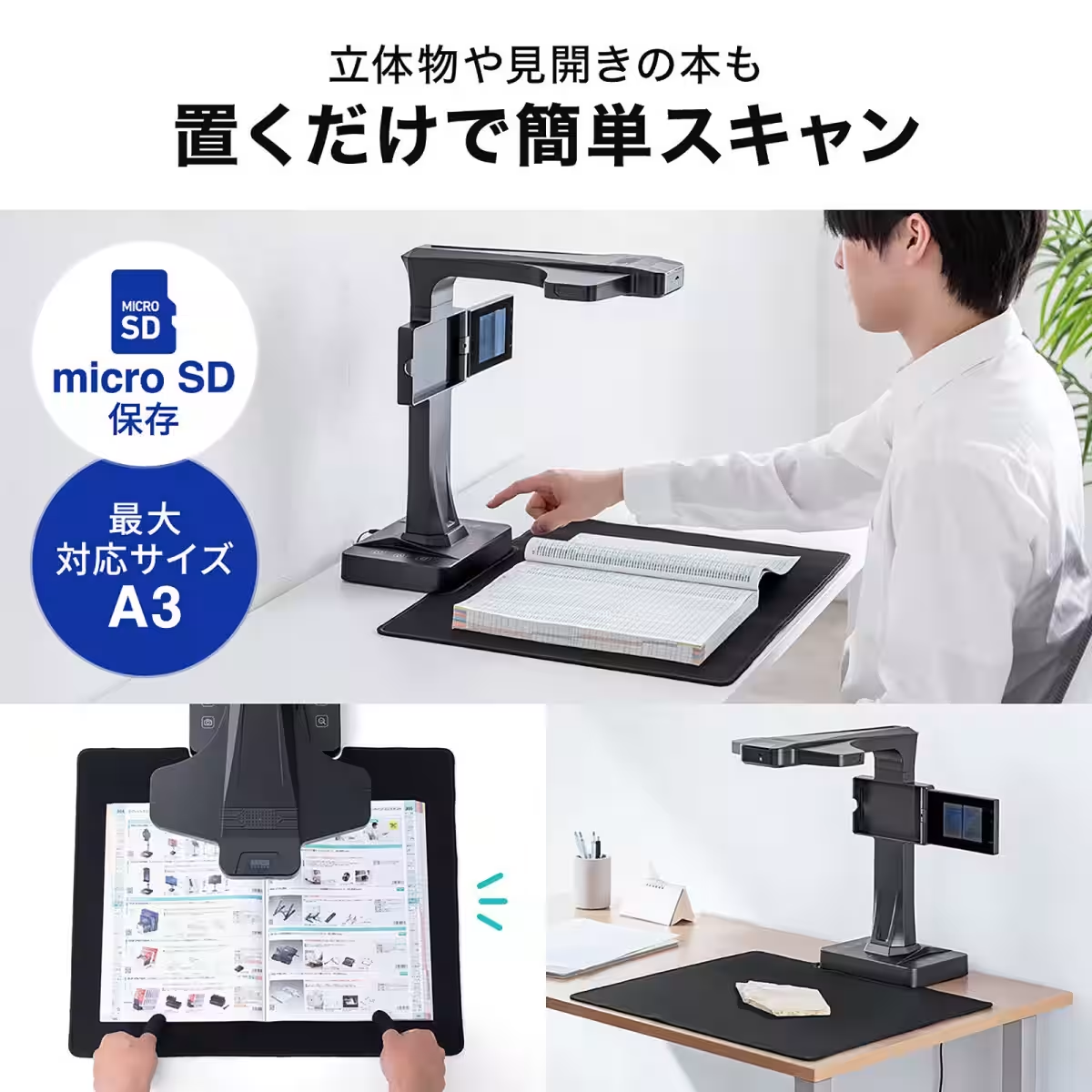
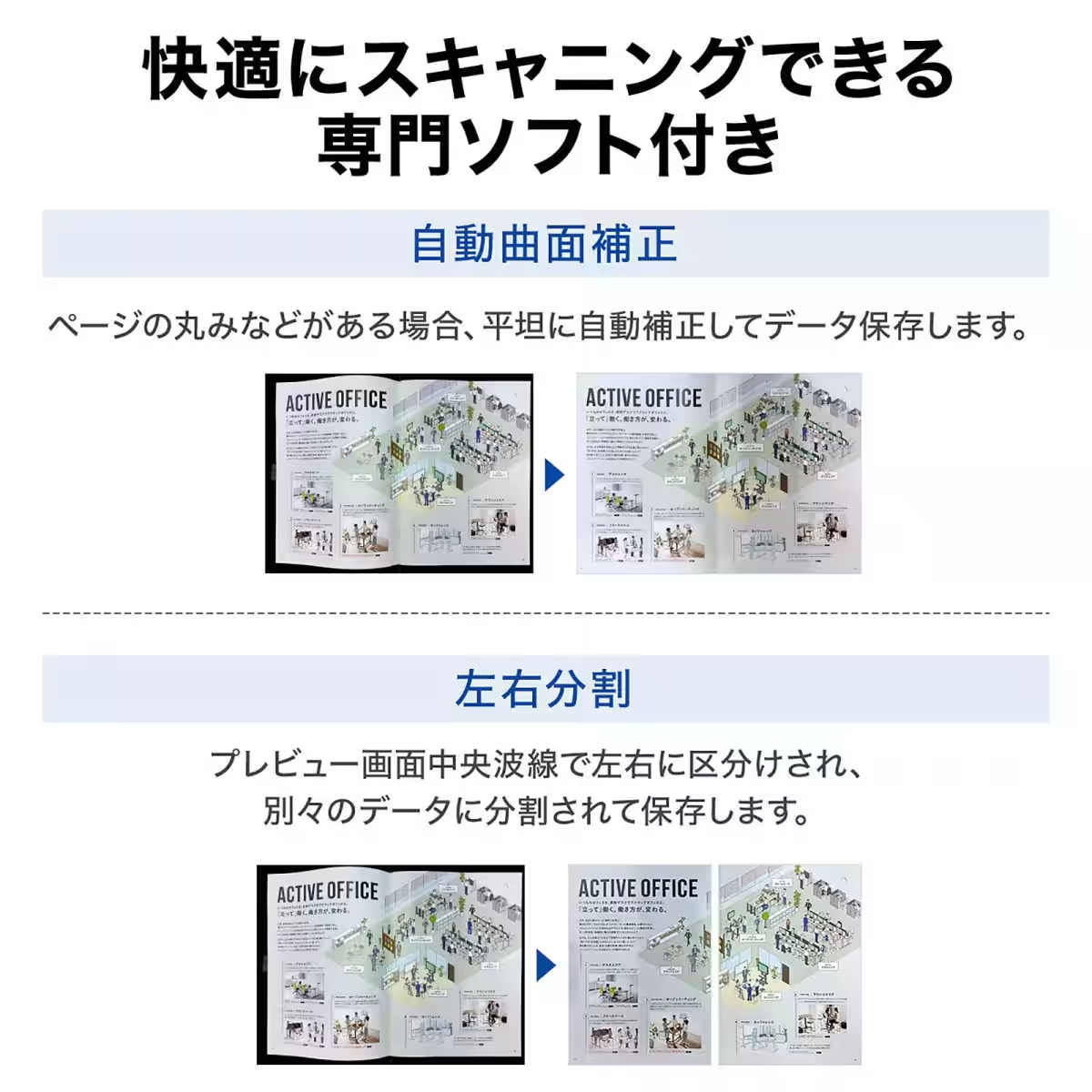
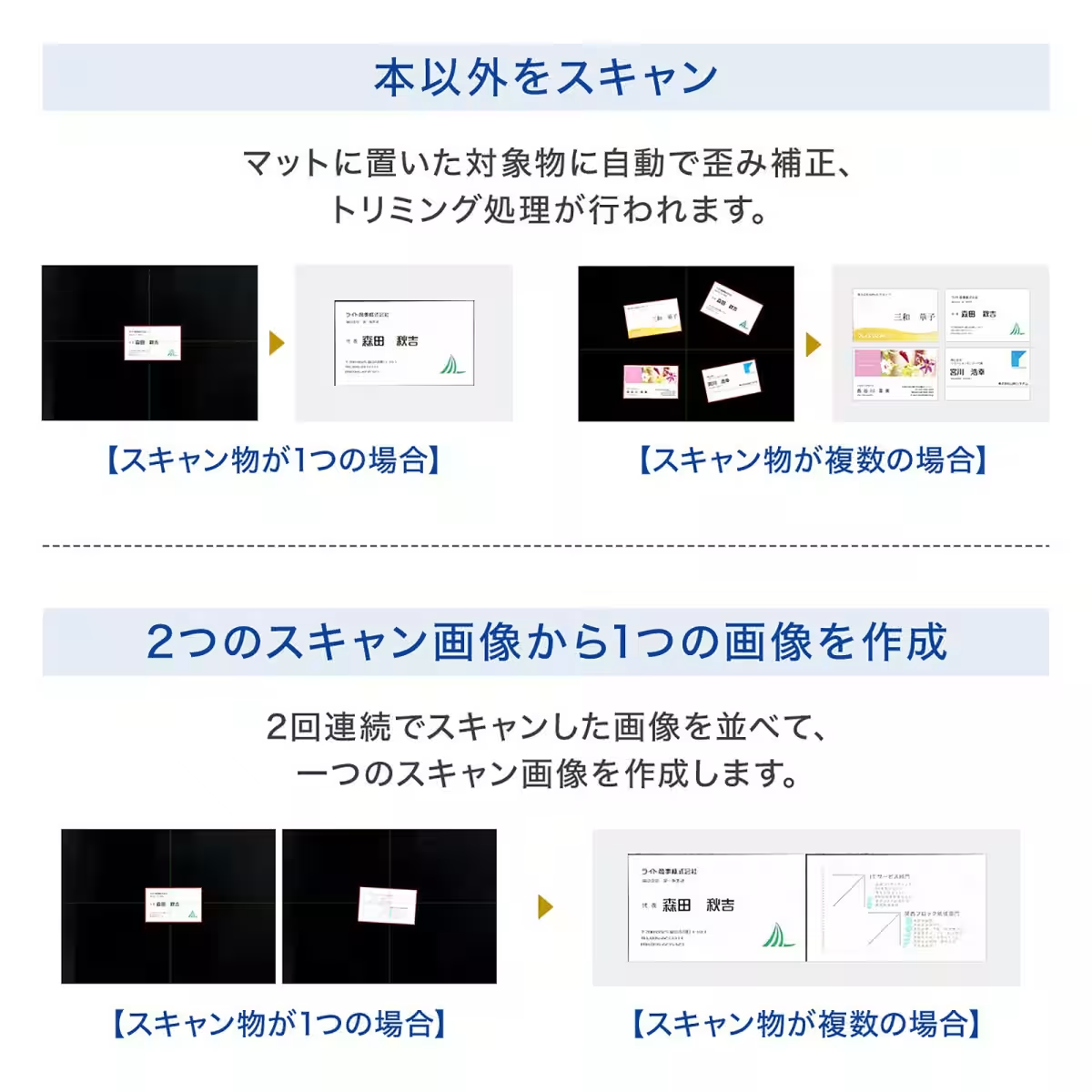
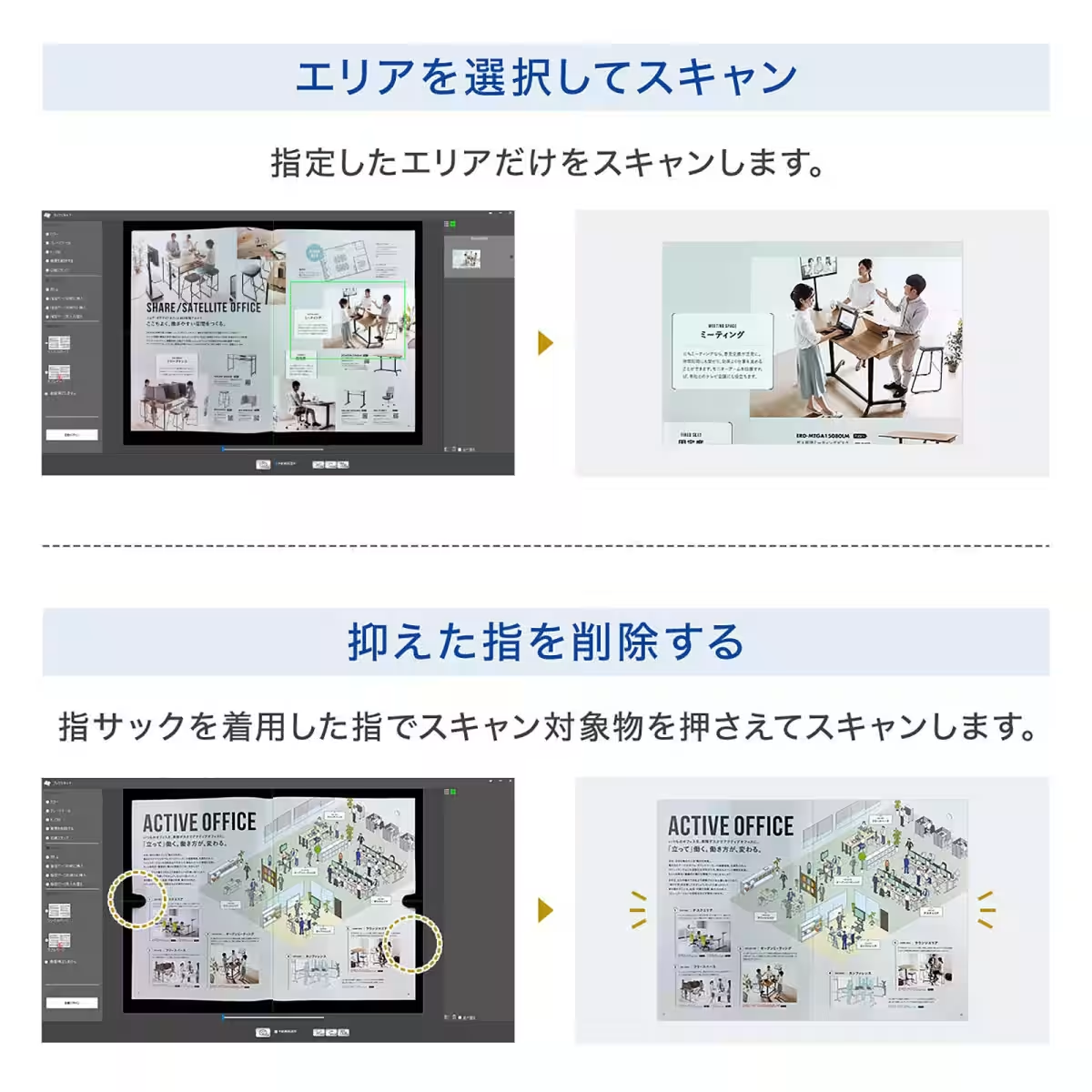
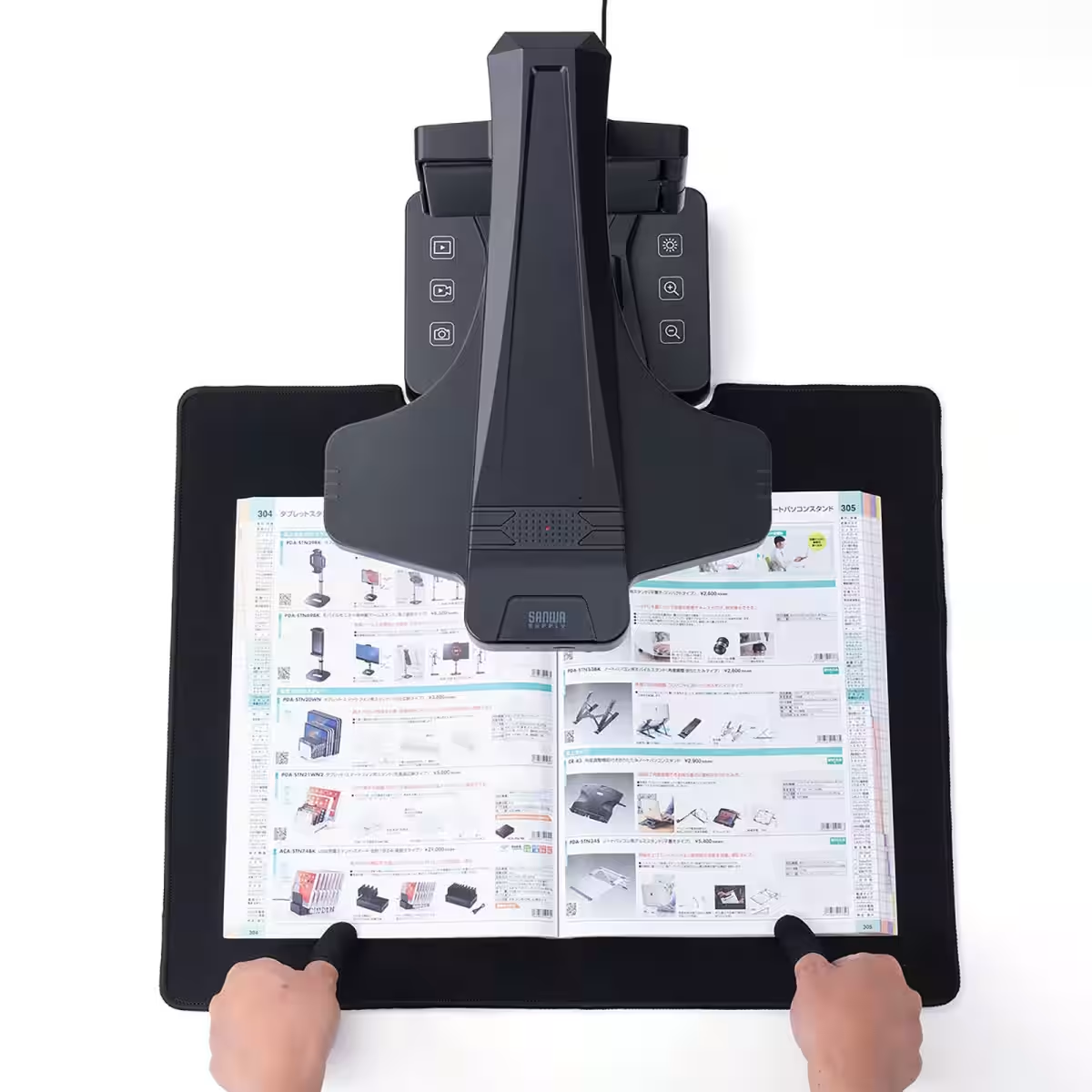
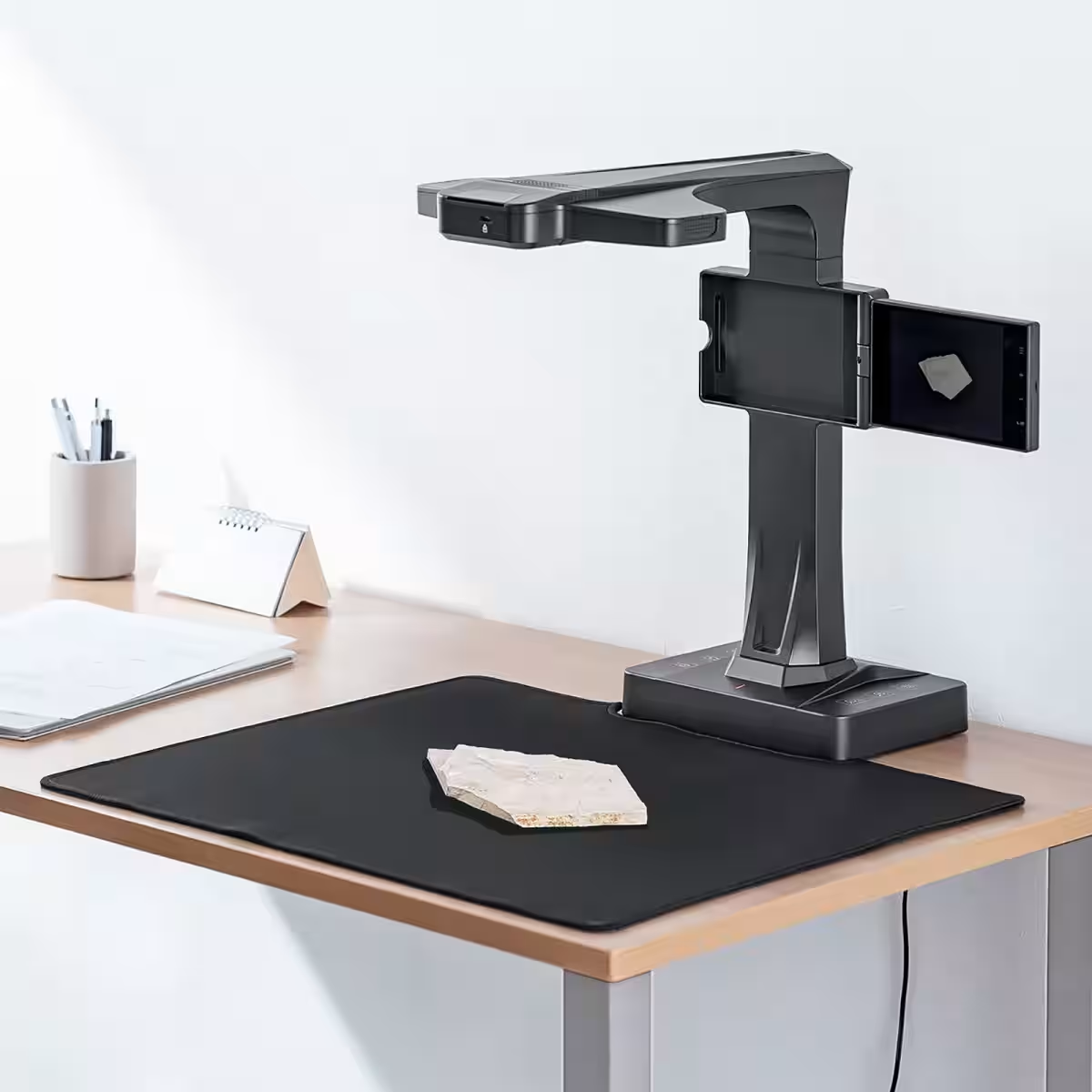
The 400-SCN070 shines with its ability to handle documents up to A3 size. Users can effortlessly scan open book pages, large diagrams, or even three-dimensional objects. Simply placing them on the specified mat area allows the scanner to capture images with minimal distortion, making it ideal for everything from business documentation to educational materials.
Exceptional Scanning Quality
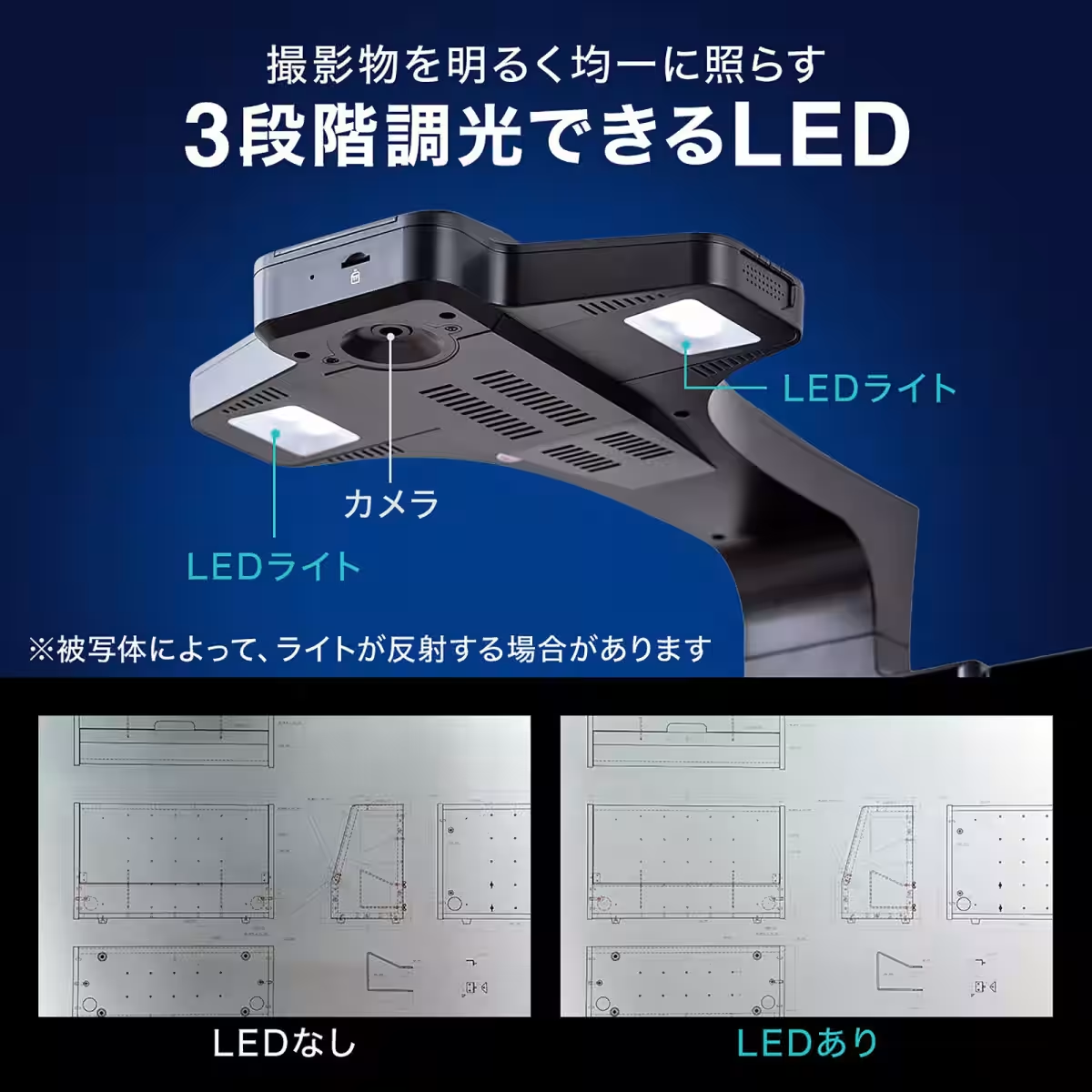
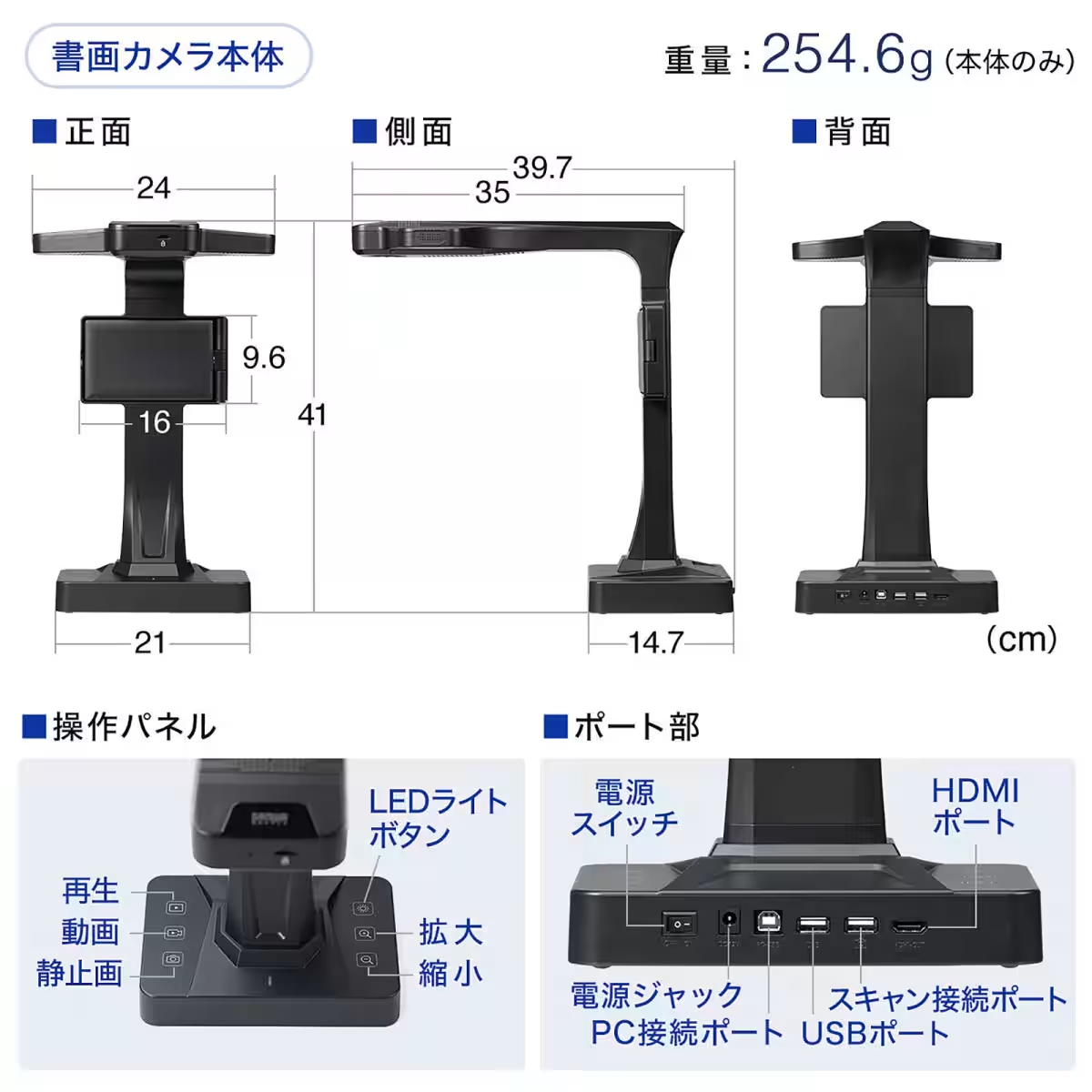
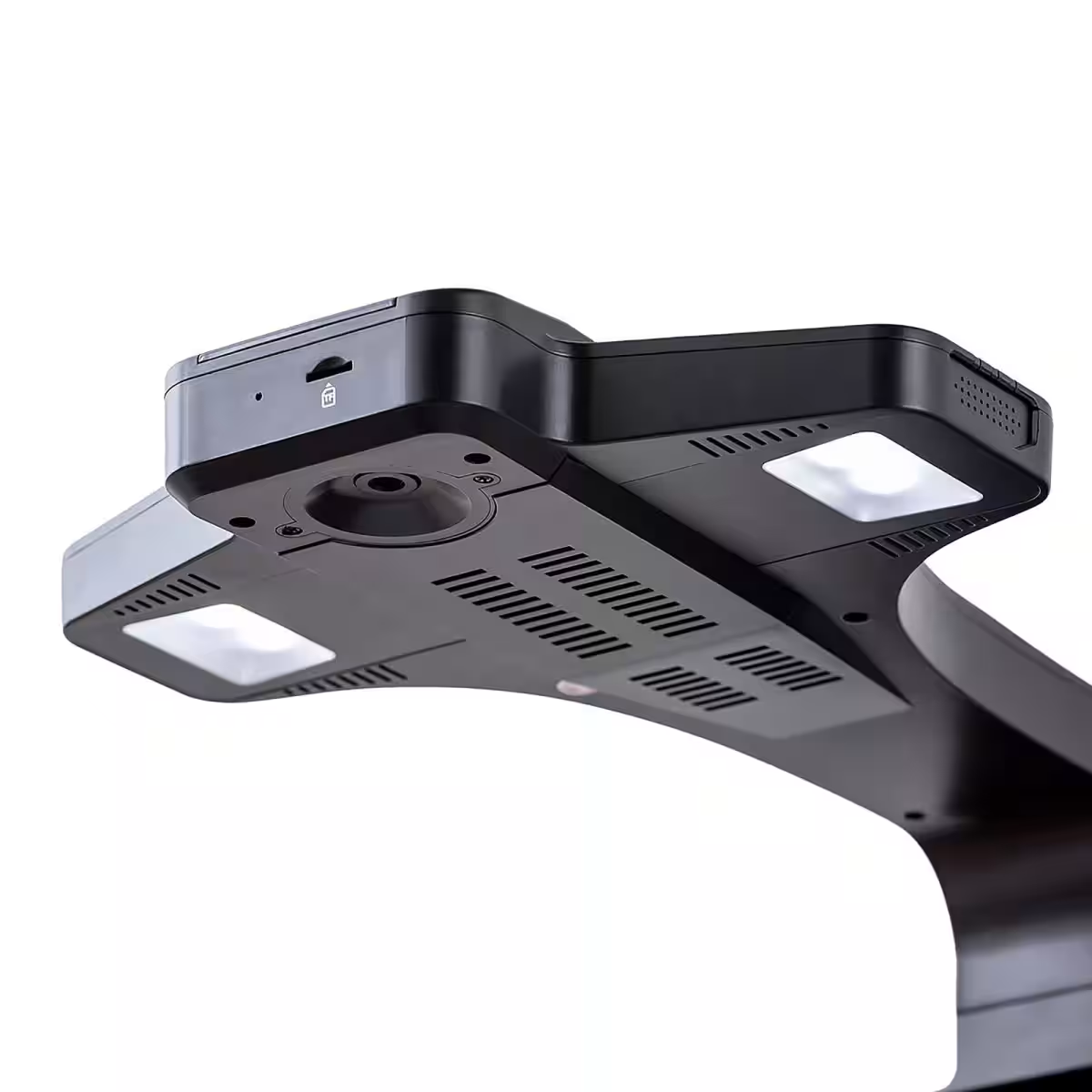
Equipped with a 16-megapixel CMOS sensor, this device ensures high-quality scans, capturing intricate details perfectly. The inclusion of a three-level adjustable LED light helps recreate optimal brightness depending on the environment, enhancing the overall scanning experience.
Ideal for Presentations
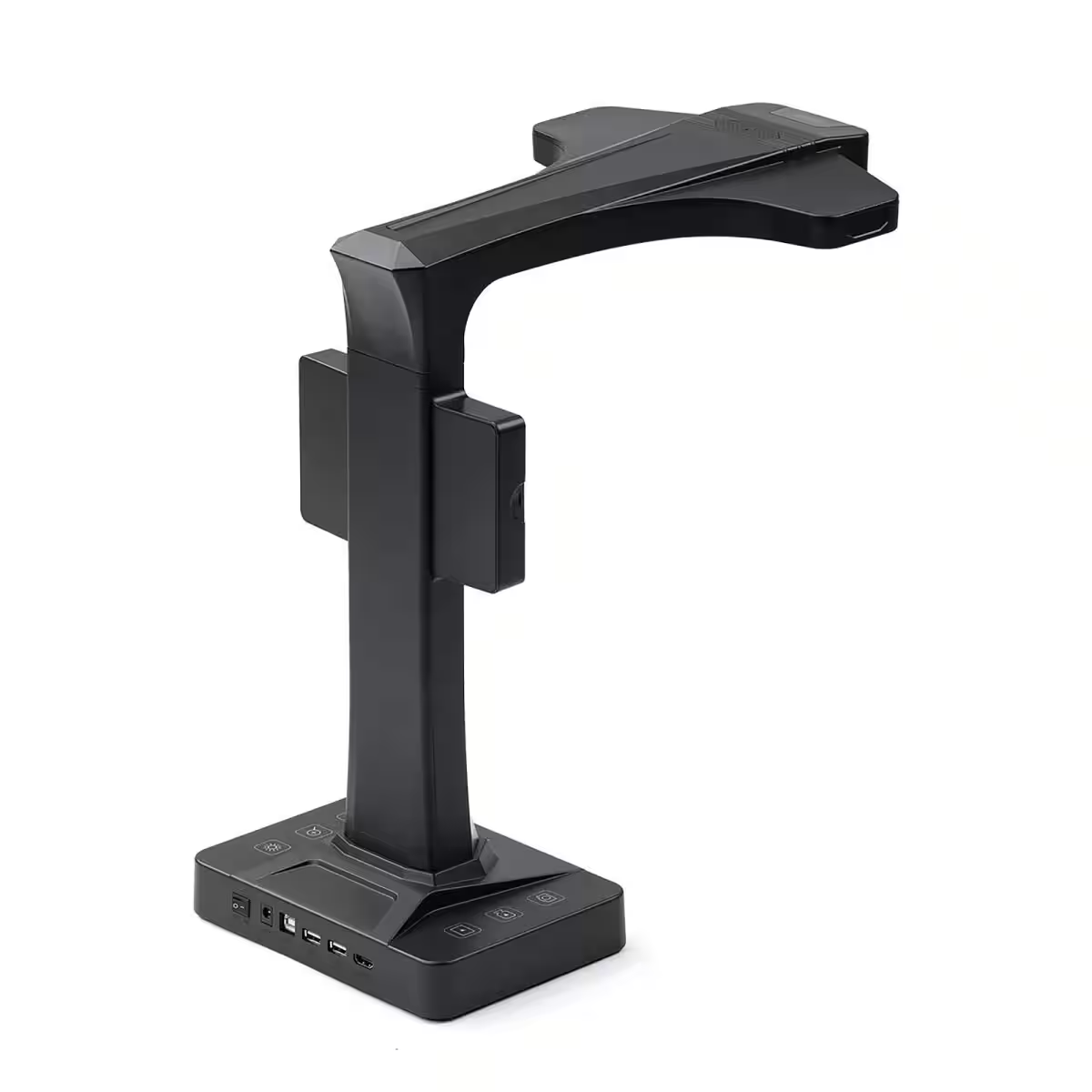
With the capability to output directly to HDMI, the scanner can be connected to projectors or large displays, making it an excellent choice for presentations in educational or professional environments. This feature allows real-time sharing of scanned materials, boosting engagement and interactivity during lectures and meetings.
User-Friendly Design
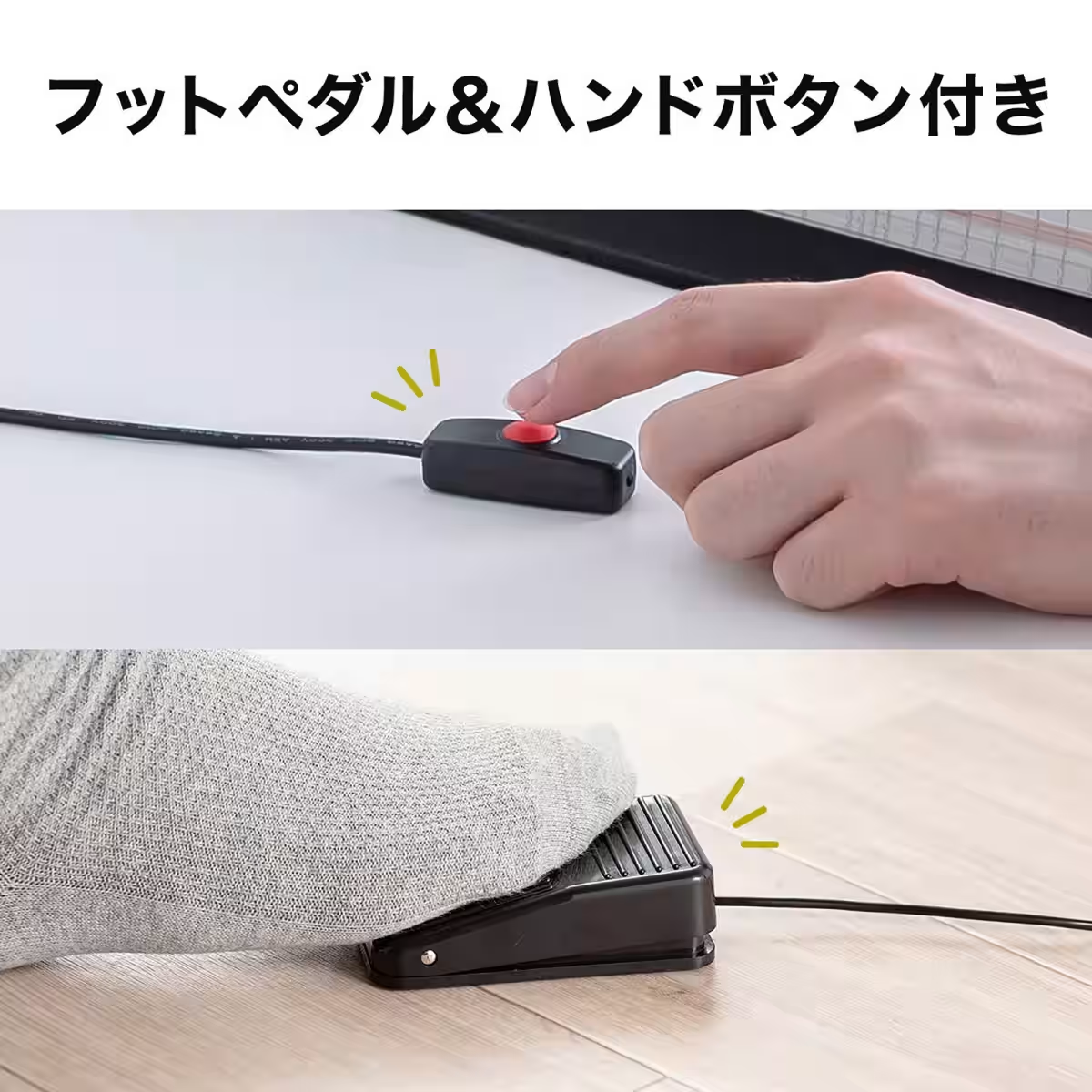
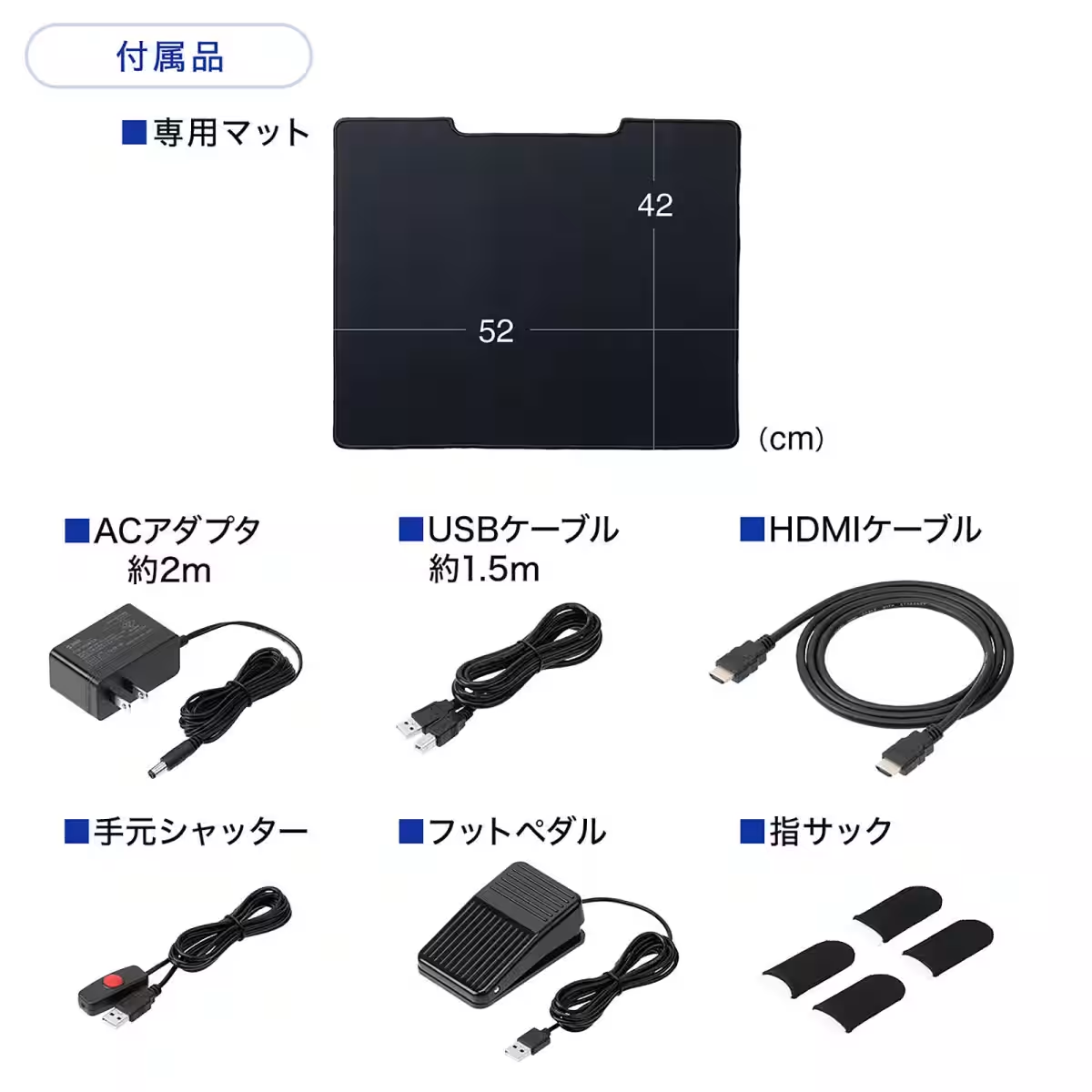
Designed with user convenience in mind, it comes with an intuitive operation panel. Users can easily switch between still images and videos, adjust zoom levels, and utilize handy accessories such as a foot pedal or hand shutter for hassle-free operation. This thoughtful design enables users to engage their hands while operating the scanner, ensuring a seamless experience.
Conclusion
Sanwa Supply continues to innovate with products that bridge technology and accessibility. The 400-SCN070 document scanner is a prime example, providing a comprehensive, user-friendly solution for anyone looking to simplify their document management processes. Whether for personal use, education, or professional settings, this scanner promises to deliver quality and convenience.
To explore more products and features from Sanwa Direct, visit their official website or connect with them on social media platforms to stay updated on their latest offerings.
For those interested in improving their scanning capabilities, the 400-SCN070 is certainly worth the investment, paving the way for a more efficient way to handle documents in today's fast-paced environment.
Topics Consumer Products & Retail)
【About Using Articles】
You can freely use the title and article content by linking to the page where the article is posted.
※ Images cannot be used.
【About Links】
Links are free to use.