



Introducing Pitarishikaku 9: A Revolutionary Photo Correction Software
Pitarishikaku 9: The Future of Photo Correction
On February 19, SourceNext Corporation, headquartered in Chiyoda, Tokyo, is set to launch its innovative photo correction software, Pitarishikaku 9. This new software, priced at ¥2,970 (including tax), alongside its advanced version Pitarishikaku 9+OCR at ¥4,980, brings cutting-edge AI capabilities to the forefront of photo editing.
What is Pitarishikaku 9?
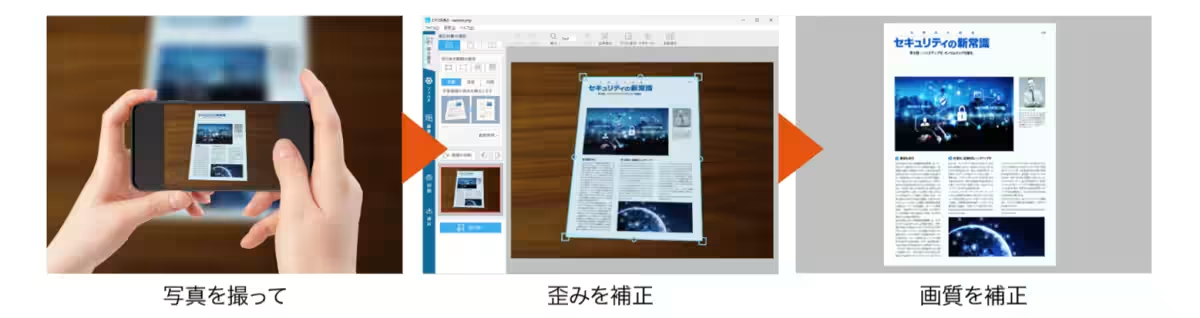
Pitarishikaku 9 is designed to eliminate distortions from images taken of documents, signs, paintings, and whiteboards, presenting them in a perfectly squared format. This tool is particularly beneficial for capturing large or curved items that cannot be scanned traditionally. With just a photograph, users can generate images that resemble those taken directly from a scanner, all thanks to the software's impressive auto-correction technology.
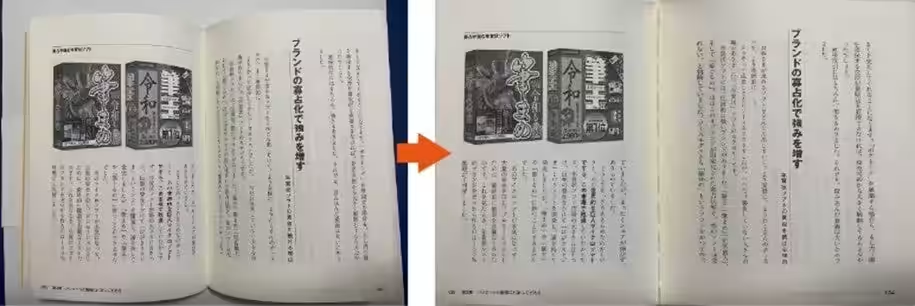
The standout feature of this version is its ability to easily handle curved images, such as labels on bottles and open books. Users will find an upgraded one-click auto-correction feature that selects the correction area seamlessly, thereby enhancing the user experience significantly.
Enhanced Features with AI
Automatic Area Detection
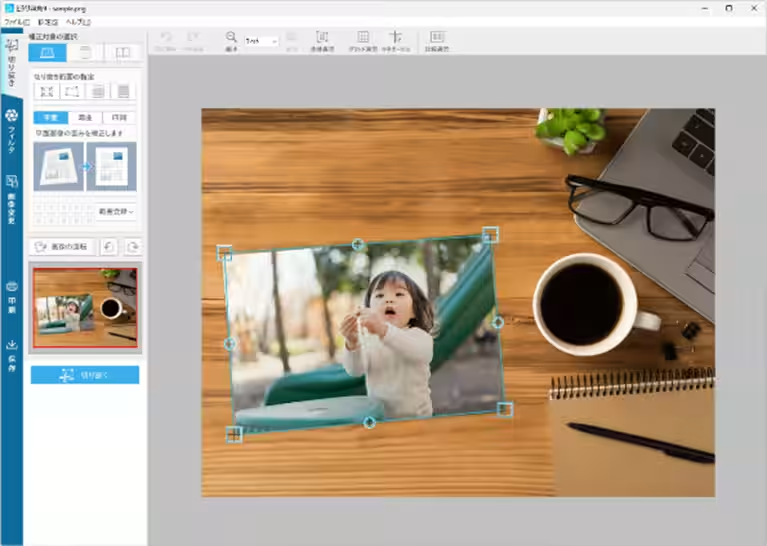
Pitarishikaku 9 incorporates a dedicated AI engine that excels in detecting the four corners of images. It does not require a high-performance PC to function effectively, making it accessible to all users. The software adeptly applies to various types of images:
- - Flat Images: Easily corrects distorted images of documents or photos taken at an angle.
- - Curved Images: The AI simplifies the process of selecting correction areas, previously done manually in older versions.
- - Open Books: The software automatically detects the areas requiring correction, without the need for intricate adjustments.
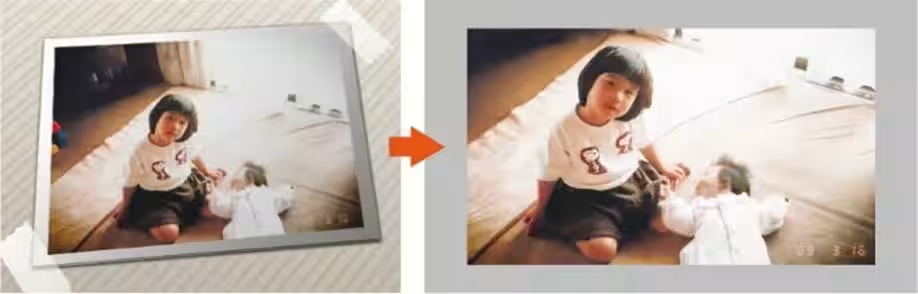
- - Polaroid Photos: It detects and corrects the subject of Polaroid images that typically have a white border.
Super Resolution Technology
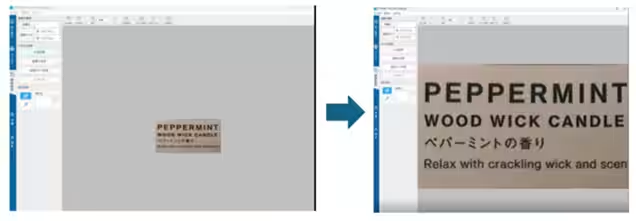
Additionally, Pitarishikaku 9 offers a new Super Resolution feature, allowing users to upscale images up to 8 times their original quality, enhancing detail significantly.
Introducing Pitarishikaku 9+OCR
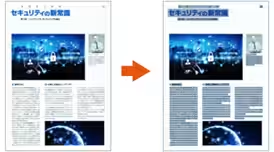
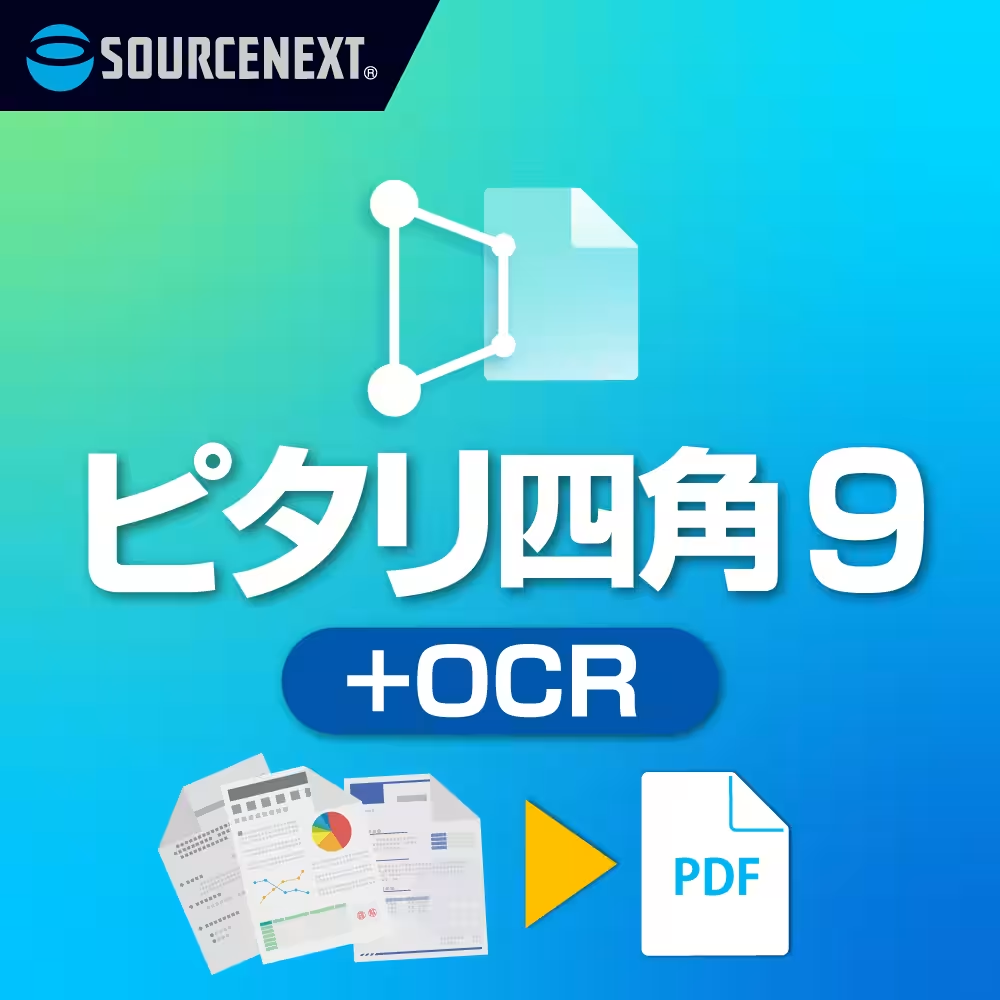
The premium version, Pitarishikaku 9+OCR, includes all the features of the standard version, plus innovative text recognition capabilities. It allows users to convert text within corrected images into reusable text data and create transparent text PDFs, enabling effortless text searches and copy-pasting. This is especially useful for those looking to digitize and organize books without a traditional book scanner.
Mixed Page Processing
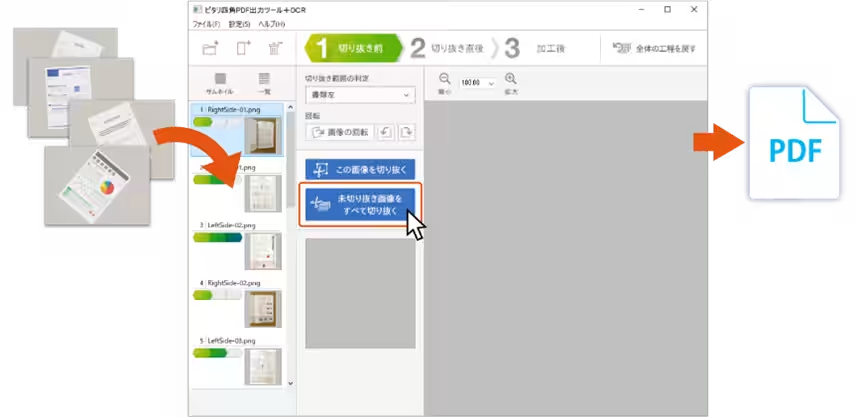
Another exciting feature is batch processing, where multiple images can be edited and saved as a single PDF, simplifying the management of large photo collections, akin to organizing a library.
Additional Functionality
- - Color Correction Filters: Adjusts hues to minimize whiteout and black areas, leading to artistically enhanced images.
- - Cropping Options: Ideal for clipping newspaper or magazine articles, allowing users to hide unnecessary portions with a white frame.
- - Grid Display: Helps with precision placement during corrections by displaying a grid overlay.
- - Crosshair Cursor: Displays a crosshair for quick identification of level alignment.
- - Natural Touch Repair: Corrects footage inadvertently captured, like fingers obscured in the corners of images.
- - Easy Smartphone Transfer: Connect your smartphone and PC on the same LAN/Wi-Fi network for effortless image transfer via a scannable QR code displayed on the software.
Product Information
- - Software Name: Pitarishikaku 9
- - Price: ¥2,970 (tax included)
- - Advanced Version: Pitarishikaku 9+OCR - ¥4,980 (tax included)
- - Developer & Distributor: SourceNext Corporation
- - Website: SourceNext
System Requirements
- - Compatible OS: Windows 11, Windows 10/8.1 (64-bit only)
- - Installation Space: Approximately 200MB required
- - License Activation: Internet connection required for license verification. One license allows installation on up to three computers.
Copyright Notice
© Fanfare Corporation
Customer Support
For inquiries, please reach out to SourceNext Customer Center through their form.


Topics Consumer Technology)
【About Using Articles】
You can freely use the title and article content by linking to the page where the article is posted.
※ Images cannot be used.
【About Links】
Links are free to use.