



Unlocking Efficiency: Essential Microsoft Teams Features You Need Now
Introduction
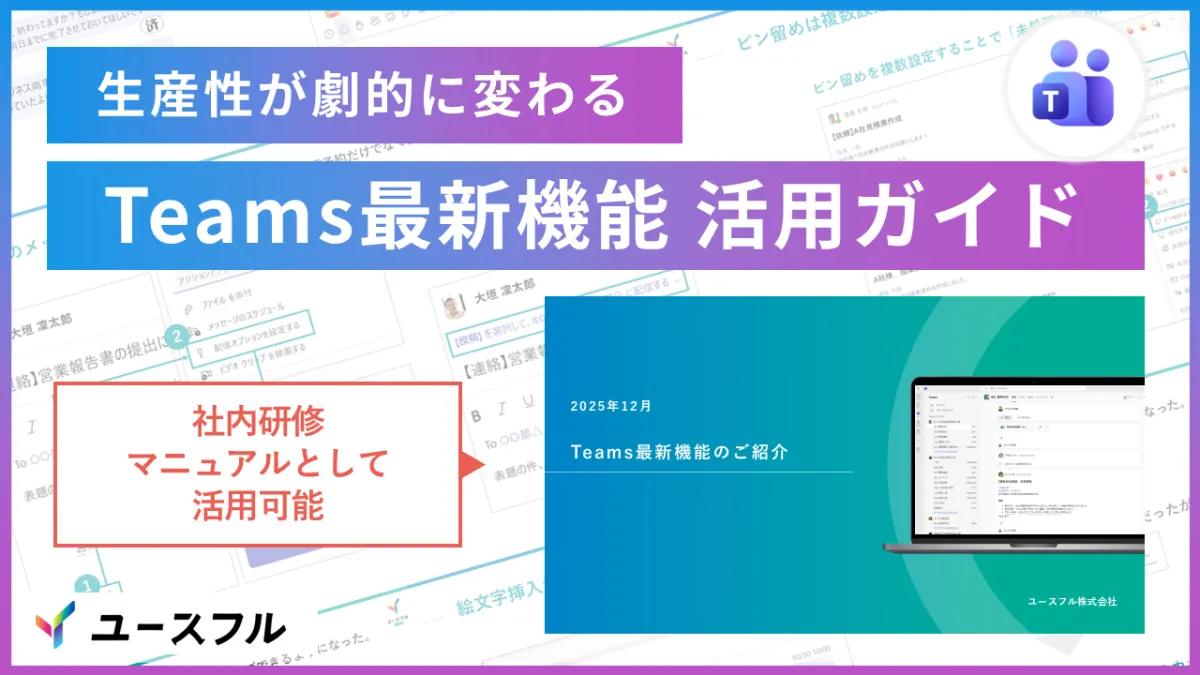
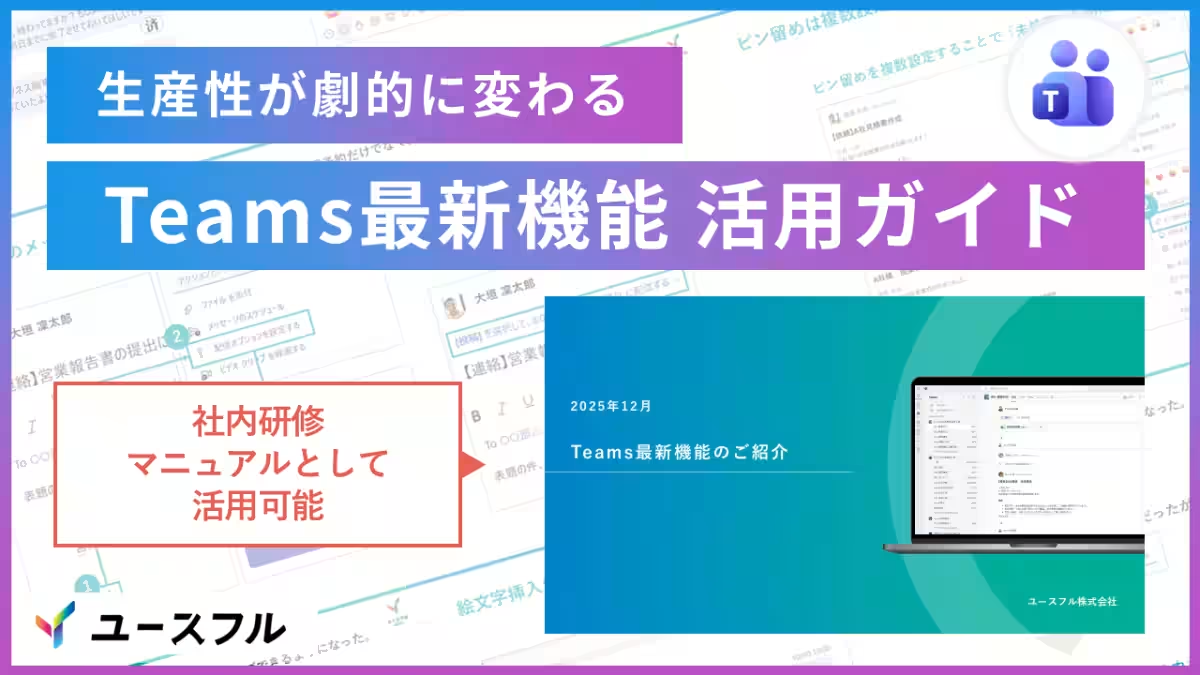
Microsoft Teams is constantly evolving with new features aimed at improving productivity. However, many users find it challenging to keep up with these updates, often resulting in inefficient work practices. To address this issue, Youseful Co., Ltd., based in Chiyoda, Tokyo, officially launched a free guidebook on December 18th, titled 'Latest Teams Function Guide: December 2025 Edition.' This guide focuses exclusively on time-saving features that can be applied immediately in professional settings.
The Importance of Knowing Features
Many users stick to the initial functionalities with which they are familiar. Tasks that could be completed swiftly via new features often take longer than necessary: for example, posting links might currently require multiple steps, or composing messages late at night could involve drafting in a notepad for next-morning sending. Learning just a few quick functionality changes can significantly reduce time spent on these mundane tasks. Thus, this guide was created to empower users to learn efficiently, achieving immediate time-saving results in their daily work.
Key Features of the Guide
The guide contains a selection of the most practical techniques that require no complex settings or advanced IT knowledge. Here are the three defining features of this new resource:
1. Time-Saving Techniques: Each technique included is designed to be quick and easy to implement, featuring shortcuts like 'Insert link with Ctrl+V' and 'Scheduled posts in channels' that enable immediate application for anyone who reads them.
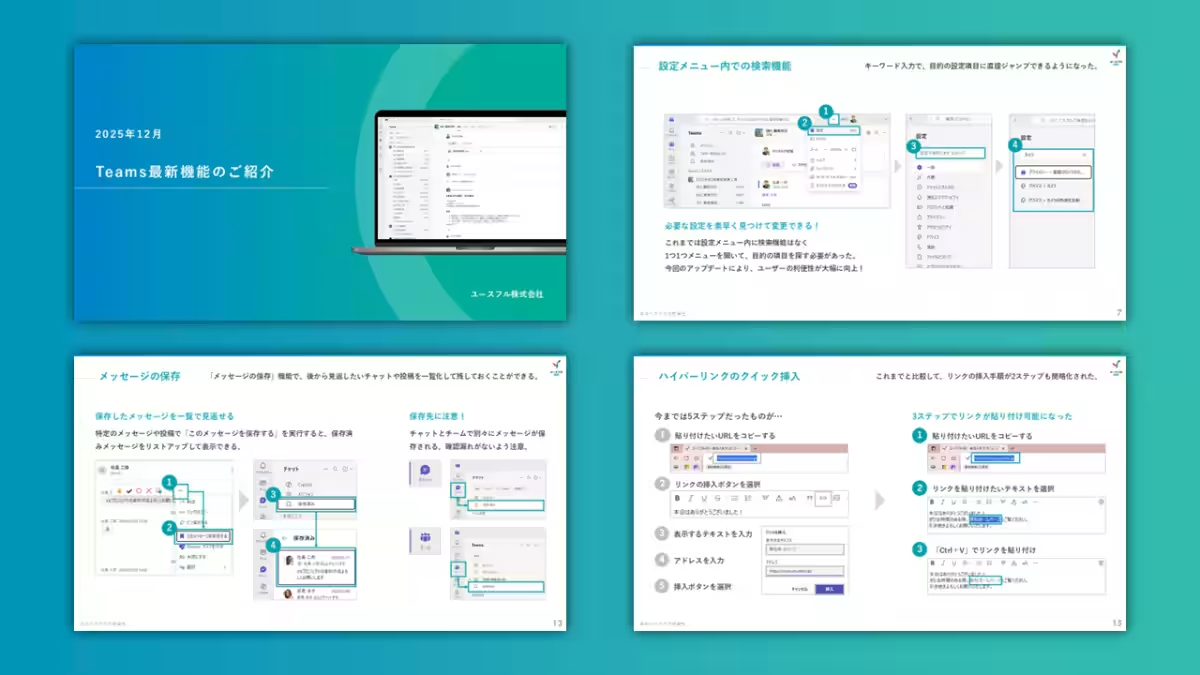
2. Visual Guidance: Understanding how to use these features is made straightforward through comprehensive, full-color diagrams. Each diagram illustrates the actual interface and steps needed to execute specific functions, making it easy for busy professionals to grasp instantly.
3. AI Integration: The guide also incorporates ways to utilize Copilot, Microsoft’s AI feature. For instance, users can learn how to summarize shared files without opening them, optimizing productivity for companies that leverage AI resources.
Featured Techniques Include
Here are a few noteworthy examples from the guide:
- - Quick Link Insertion in Chat: This new operation allows users to insert hyperlinks seamlessly. From the previous five steps involved in accessing the link insertion menu, it has now been condensed to just three steps, facilitating smoother information sharing.
- - AI Summarization of Shared Files: Instead of opening attached files in chat, users can now get instant summaries from the Copilot in the sidebar. This enhances efficiency during transit or while managing gaps in time.
- - Scheduled Messaging in Channels: Previously limited to chat, the ability to schedule messages is now available in channels. For example, users can draft important announcements overnight, which will be automatically sent out in the morning, returning focus to efficiency while being considerate of colleagues’ time.
- - Search Function in Settings: This new feature within the settings menu allows users to locate specific adjustments, such as camera or notification settings, with a simple keyword search, revolutionizing accessibility.
Looking Ahead
Youseful’s mission is to cultivate creativity by empowering 'Creators.' As we strive to support practical transformation through Microsoft 365 and AI, we continue to confront workplace challenges where users feel overwhelmed by the abundance of features they can’t utilize effectively. Through our learning platform, 'Youseful Pro,' and corporate training services called 'Youseful Business,' we aim to enhance business professionals' reskilling journeys. This guide marks a step toward ensuring workers can utilize tools effectively, promoting a creative work environment that drives productivity growth across Japanese companies.
Conclusion
Embracing the latest enhancements in Microsoft Teams can transform how you work. By maximizing your use of these quick techniques outlined in the guide, you'll not only save time but also elevate your overall productivity. To access the guide for free, simply click below and start transforming your day-to-day operations.
[Download the Free Guide Here]
Related Information
Additionally, Youseful has compiled a collection of prompts designed for generative AI optimization. This includes efficient prompts to assist with everything from meeting minutes to crafting Excel functions in daily AI applications. Download our 'Selected Generative AI Prompts' for free for more ways to enhance your productivity!
[Download Generative AI Prompts Here]
Company Information
- - Mission: Building Creators
- - Business Area: Corporate training leveraging Microsoft 365 and Generative AI
- - CEO: Rintaro Ohgaki
- - Location: 1-6-5 Kudanminami, Chiyoda, Tokyo
- - Establishment: August 2018
- - Website: Youseful Official Site
Topics Business Technology)
【About Using Articles】
You can freely use the title and article content by linking to the page where the article is posted.
※ Images cannot be used.
【About Links】
Links are free to use.