



HitPaw VikPea V5.0.0: Elevating Video Quality to Studio Standards
HitPaw VikPea V5.0.0 Released!
On September 12, 2025, in Tokyo, Japan, HitPaw, a company specializing in AI-driven multimedia solutions, unveiled its latest iteration of the AI video enhancement tool, HitPaw VikPea V5.0.0. This new version boasts a comprehensive upgrade, enhancing its capabilities in three key areas: model improvements, feature upgrades, and advanced cloud functionalities. Below are the highlights of the new features within HitPaw VikPea V5.0.0.
Key Features of HitPaw VikPea V5.0.0
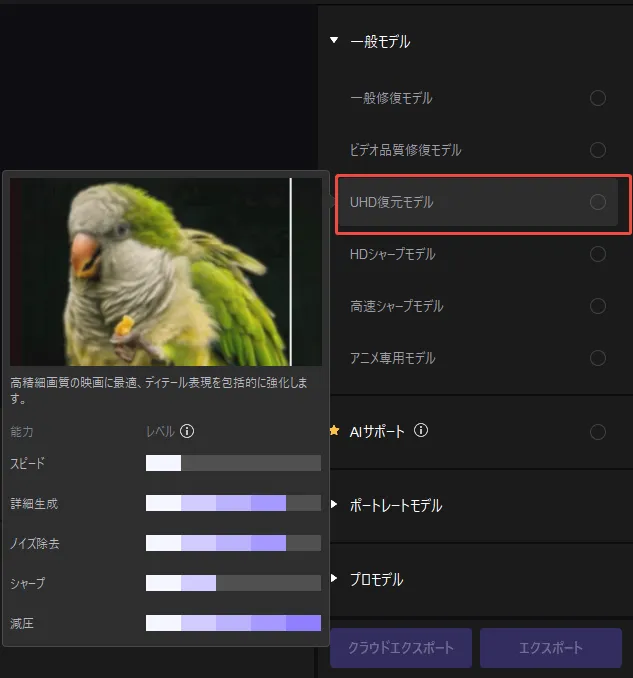
- - New UHD Restoration Model: Optimized for high-resolution video enhancement.
- - Professional Series Models: Including De-noise, Compression Correction, and Sharpness models.
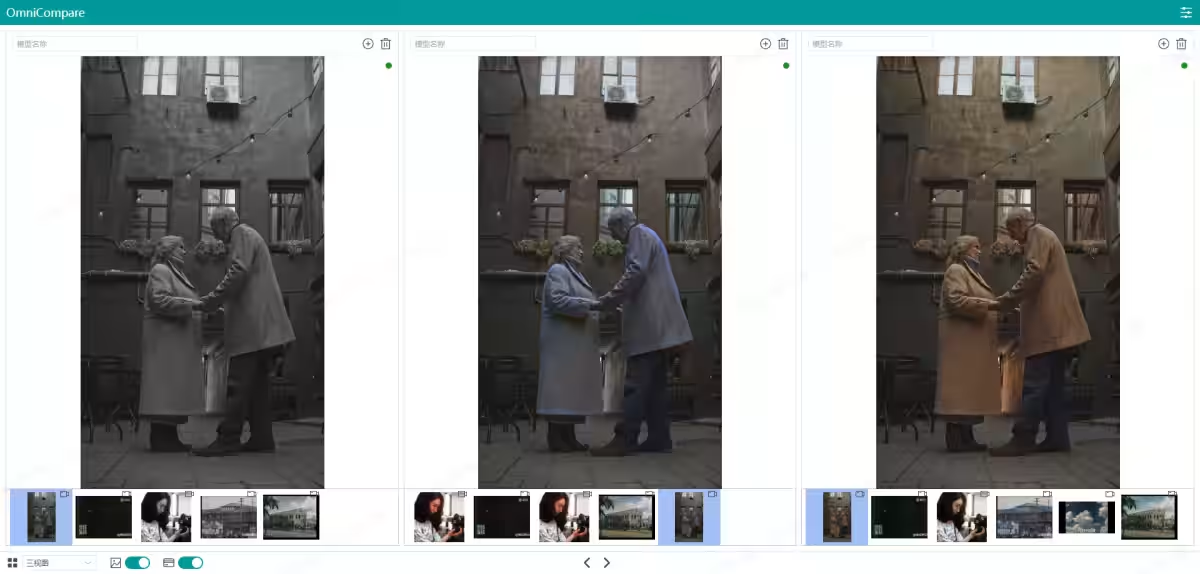
- - AI Colorist: Provides consistent and precise colorization for archival and monochrome footage.
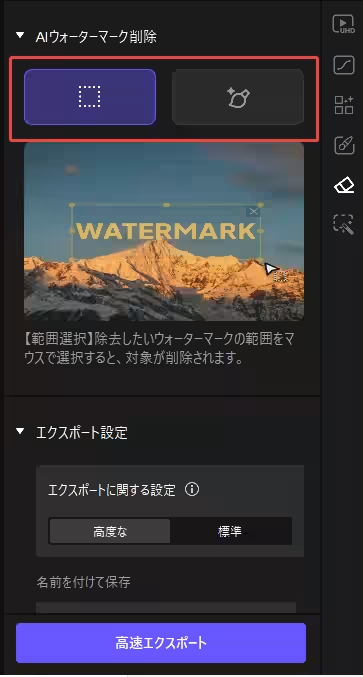
- - Redesigned Watermark Removal: Features point selection masking that supports subtitles and translucent markers.
- - Cloud Export Support: Enables 100% cloud-based processing, minimizing local resource usage and enhancing rendering reliability.
Details on the Latest Features
1. UHD Restoration Model
The UHD restoration model is specifically designed for high-resolution footage (720P and above). It merges the attributes of standard models and quality restoration models, allowing for superior detail recovery, natural sharpening, and precise facial restoration.
2. Professional Model Suite
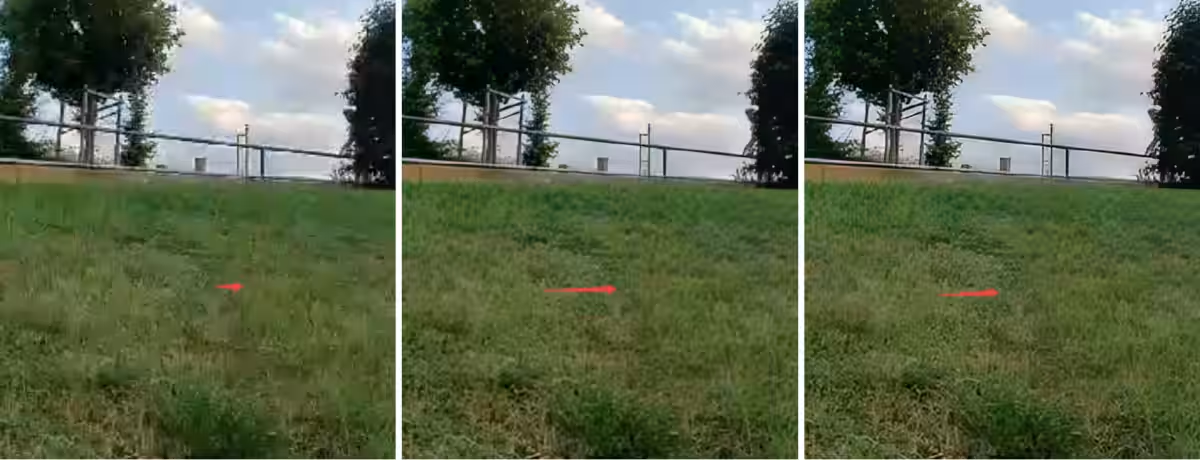
- - De-noise Model: This model focuses on reducing noise in low-light or nighttime footage, maintaining the detail and texture while eliminating graininess, resulting in clean and professional output.
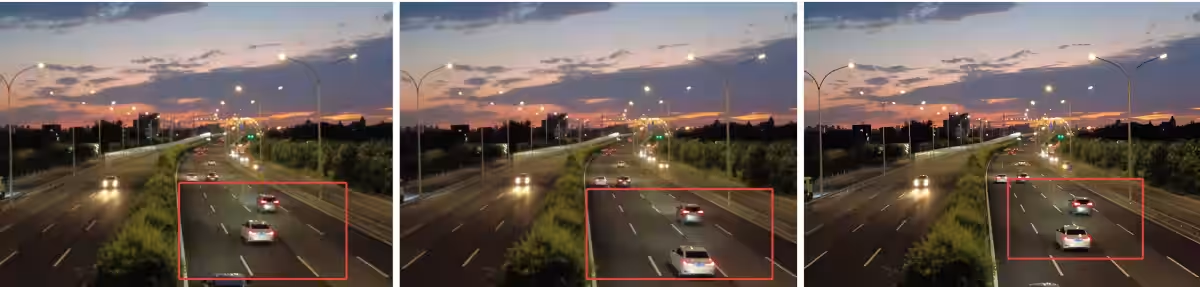
- - Compression Correction Model: Targets videos that have deteriorated from repetitive compression, specifically correcting mosaics, compression noise, and blurriness. This model is ideal for creators handling resusable assets or user-generated content, bringing footage back to near-original high quality.
- - Sharpness Model: Enhances edges and details, making textures and outlines clearer. This model is especially effective for product videos, travel, and lifestyle content.
3. AI Colorist
The improved AI Colorist model enhances traditional colorization methods, significantly boosting consistency, frame-by-frame continuity, and recognition accuracy. It maintains the original video's integrity while achieving an even more natural appearance.
4. Upgraded Watermark Removal Model
Two selection methods have been introduced: area selection and click selection. By simply clicking on the watermark, users can automatically estimate the mask coordinates, enabling more precise watermark removal.
5. 100% Cloud Processing for Export
This upgrade updates the client processing capabilities, enabling all stages from processing to export to be completed entirely through the cloud. This significantly reduces the burden on local systems, allowing smoother processing even on lower-spec devices.
How to Use HitPaw VikPea V5.0.0
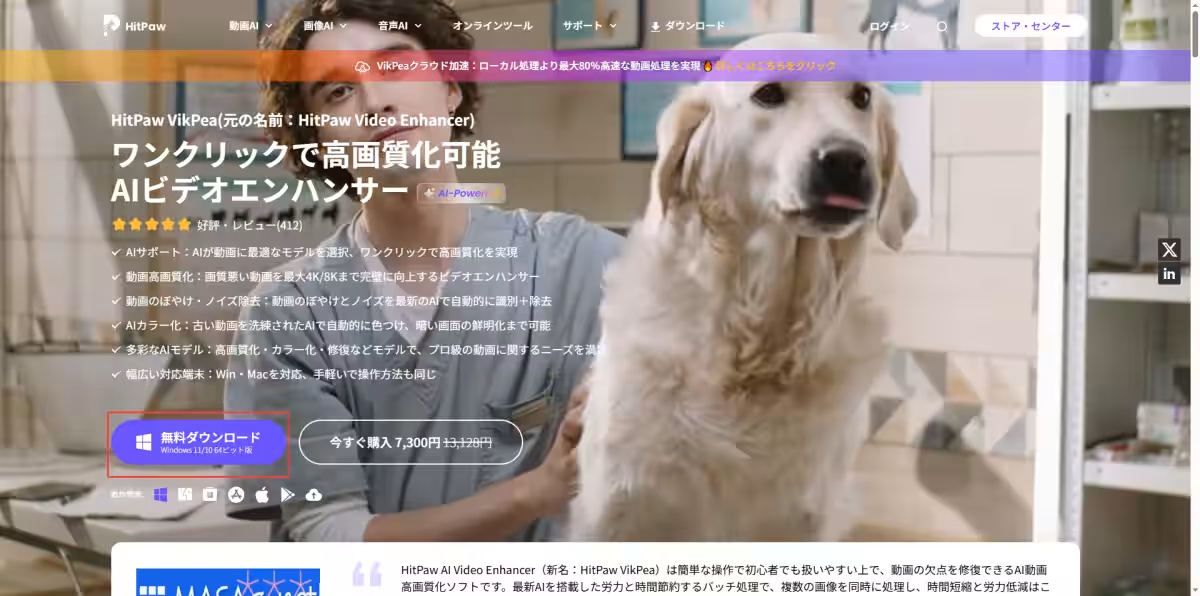
Method 1: Download from the Official Website
Users can easily download the latest version directly from the HitPaw website.
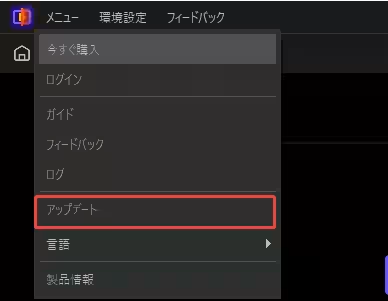
Method 2: Use the Software Update Function
Users of earlier versions can update their software through the built-in update feature.
Conclusion
Don’t miss out on the chance to experience the enhanced capabilities of HitPaw VikPea. Upgrade today and take advantage of these innovative features!
Download Here: HitPaw VikPea - The Ultimate AI Video Enhancement Tool
Inquiries
For any questions regarding HitPaw VikPea, feel free to reach out through the official channels:
- - Official Website: HitPaw
- - Official X (formerly Twitter): HitPaw Japan
- - Official YouTube Channel: HitPaw Japan


Topics Consumer Technology)
【About Using Articles】
You can freely use the title and article content by linking to the page where the article is posted.
※ Images cannot be used.
【About Links】
Links are free to use.