



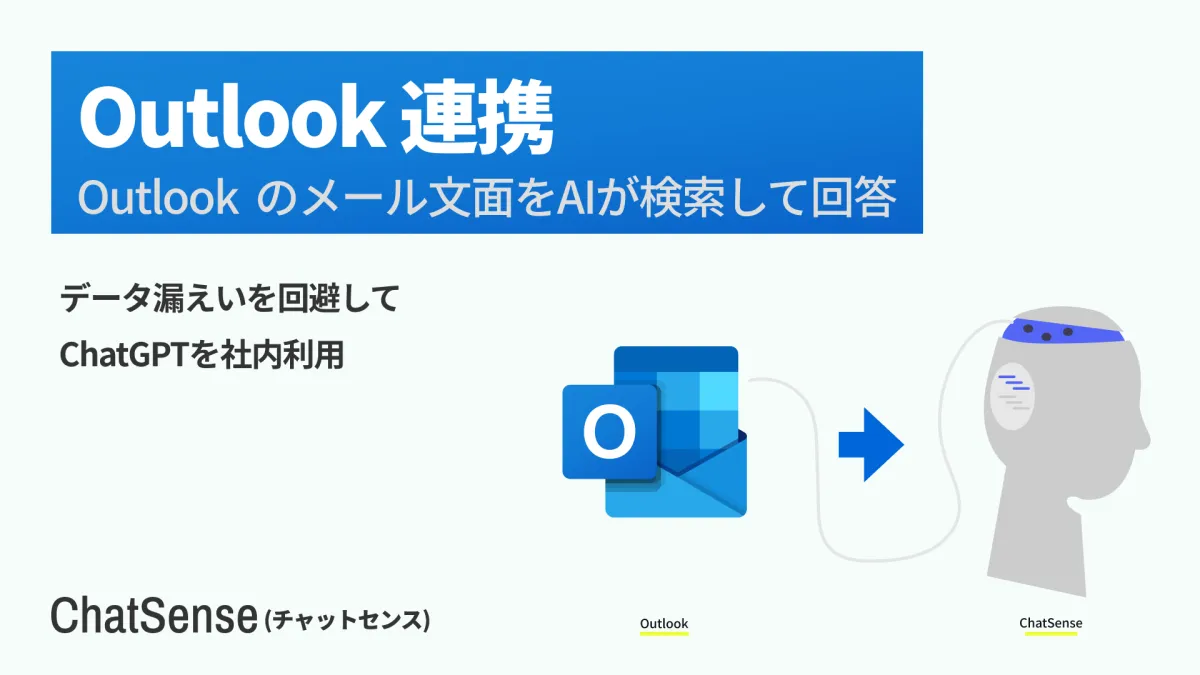
KnowledgeSense Releases Enhanced ChatSense with Outlook Integration for AI Learning
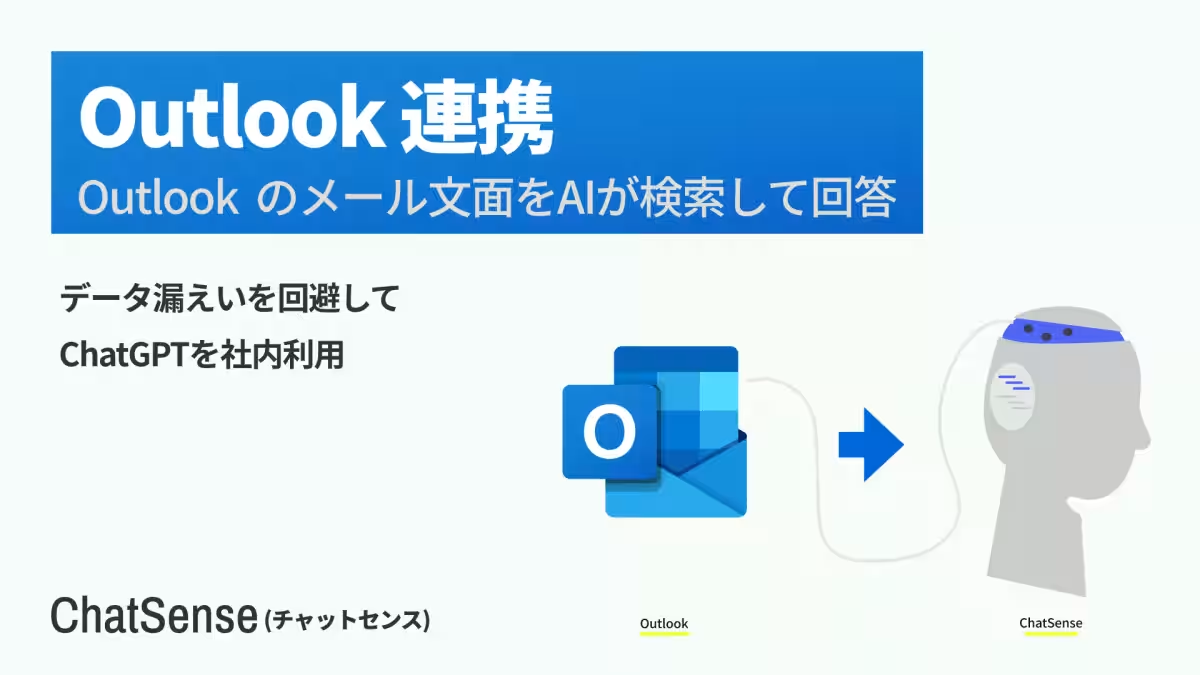
KnowledgeSense Launches Outlook Integration for ChatSense
In a groundbreaking move for corporate technology, KnowledgeSense, based in Minato, Tokyo, has officially launched new features for its AI service, ChatSense. This latest addition allows corporate users to seamlessly integrate their Outlook data into the ChatSense platform. This means that employees can now leverage the AI's capabilities backed by the most up-to-date internal communications and information.
The rollout of this Outlook integration feature is part of the ‘Additional Learning’ functionality that enables users to enhance AI learning by adding unique corporate data to the ChatGPT model developed by OpenAI. The implementation of this feature began on October 22, 2025, initially for select customers who have been utilizing the beta version. Current users on the beta will experience automatic transitions to the official release. New users interested in the Outlook integration can reach out through the KnowledgeSense website.
Background — The Shift Towards AI in Corporate Knowledge Management
As the corporate landscape experiences an increasing degree of digitization, tools like ChatGPT are being adopted widely for improving productivity. ChatSense stands out in this sector, especially given its security features tailored for corporate needs. The service has already been implemented in over 500 leading firms, including those listed on the Tokyo Stock Exchange.
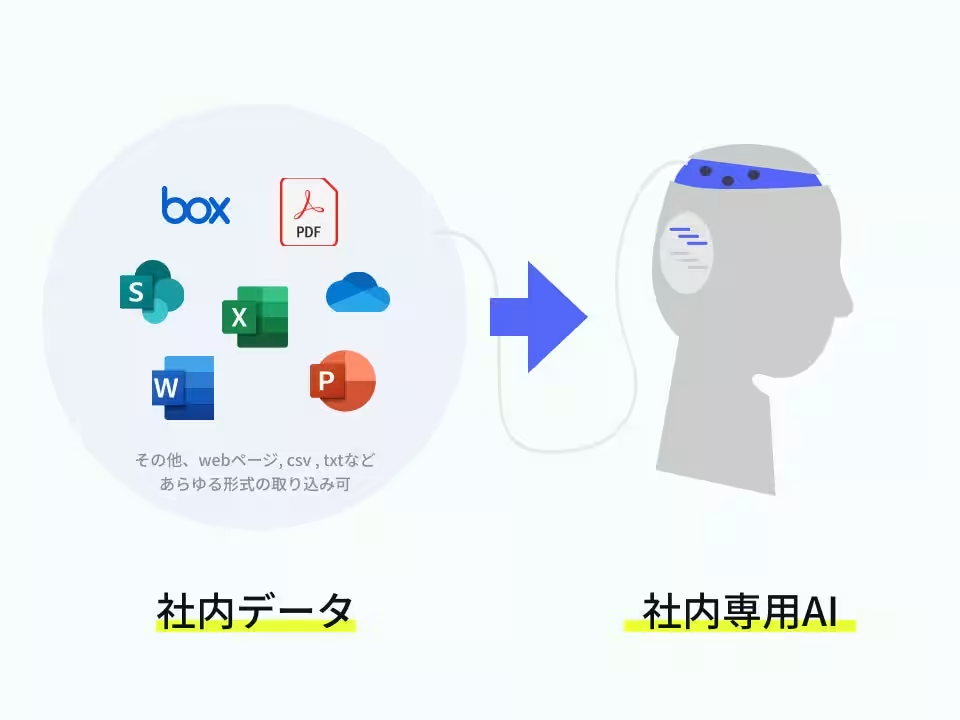
A critical aspect that ChatSense aims to address is the challenge of knowledge management in large enterprises. Aging workforces and high employee turnover rate contribute to significant knowledge loss. The newly released Outlook integration makes it substantially easier for organizations to have their data recognized and utilized by an AI agent. This advancement allows companies to implement AI chatbots capable of responding accurately based on their internal data, ensuring more efficient information retrieval.
Key Features of the Outlook Integration
1. Seamless Data Linking: The function allows users to easily connect their email correspondence from Outlook as learning sources for ChatSense’s AI.
2. Automatic Updates: Once integration is established, ChatSense continuously provides responses based on the most current Outlook data, ensuring that the information is always up-to-date.
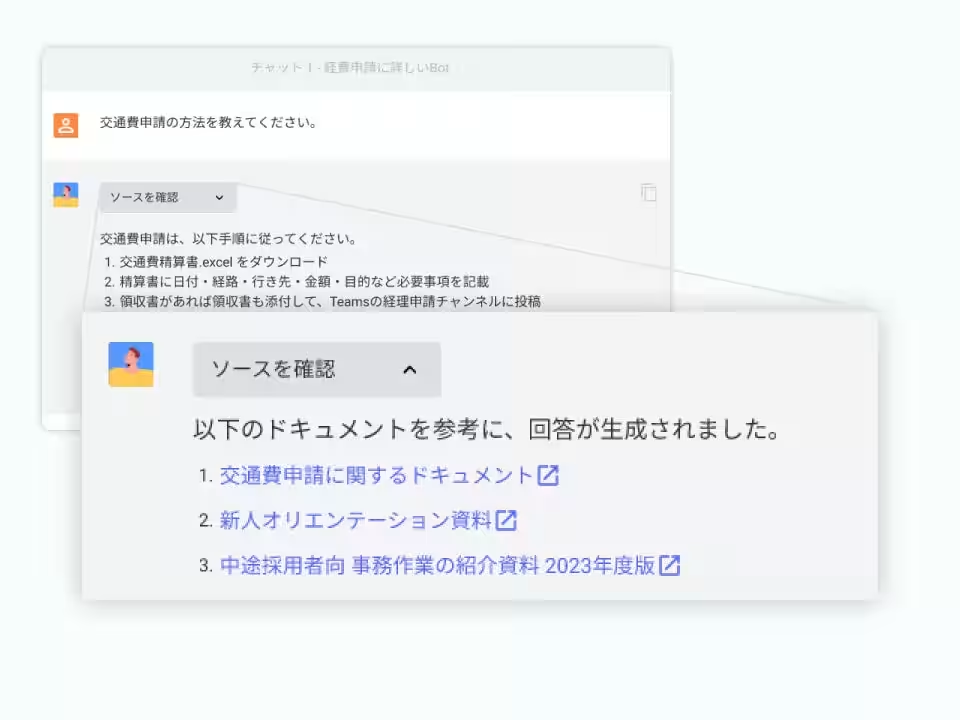
3. Source Attribution: Whenever ChatGPT utilizes corporate data to formulate responses, it cites the source, mitigating the risk of inaccuracies often referred to as hallucinations in AI outputs.
4. Integration with Multiple Data Sources: In addition to Outlook, ChatSense can connect with other internal data sources like Box, SharePoint, OneDrive, Teams, Slack, and Google Drive. This compatibility allows for a comprehensive approach to knowledge gathering and AI training.
Introducing ChatSense - A Corporate ChatGPT Service
ChatSense is a specialized chatbot service designed for enterprises, leveraging OpenAI’s GPT technologies. It promises enhanced security robust enough for corporate applications while balancing cost-effectiveness.
With unique features such as data protection during AI learning, the ability to share prompts internally, and no upfront charges, ChatSense is removing barriers for organizations interested in implementing AI.
Companies interested in elevating their operational efficiency through AI can easily contact KnowledgeSense for initiation and further information on the service.
Conclusion
KnowledgeSense paves the way for digital transformation through innovative AI solutions. With the rollout of the Outlook integration feature, ChatSense not only offers businesses a sophisticated tool for enhancing productivity but also ensures that valuable internal knowledge is preserved and utilized effectively, ultimately driving efficiency and success.
For more information on the ChatSense service and its features, visit ChatSense Official.
Topics Business Technology)
【About Using Articles】
You can freely use the title and article content by linking to the page where the article is posted.
※ Images cannot be used.
【About Links】
Links are free to use.